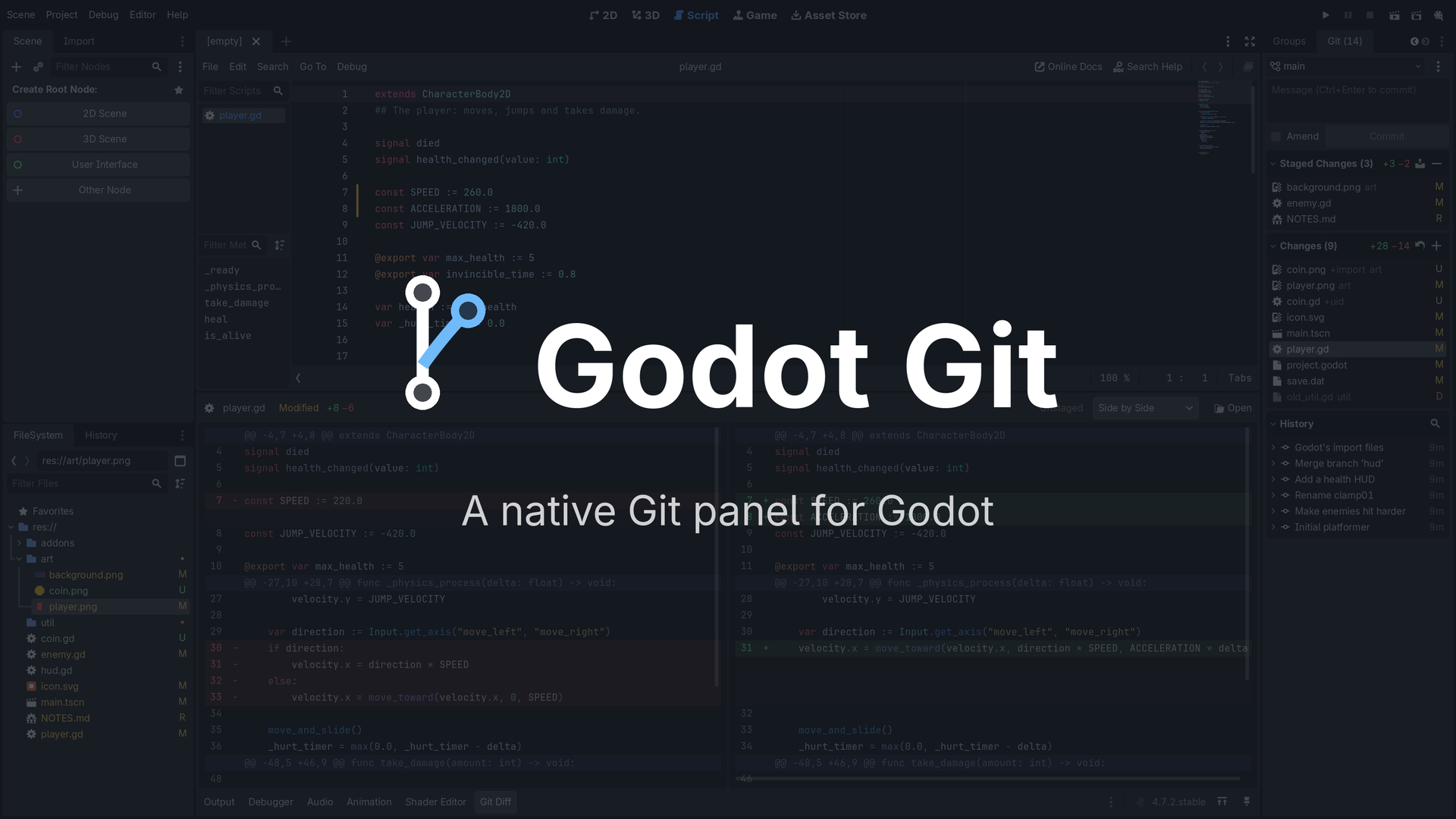
Godot Git
 2
2
by Markus Steen | MIT
A fast, native Git panel for Godot. Stage, commit, pull and push, with your changes marked right in the editor
A fast, native Git panel for the Godot editor: a Git dock next to the Inspector, and a Git Diff panel at the bottom. What it brings Pulls that can't wreck your work. Your uncommitted edits survive a pull: merged into your teammate's version when the lines
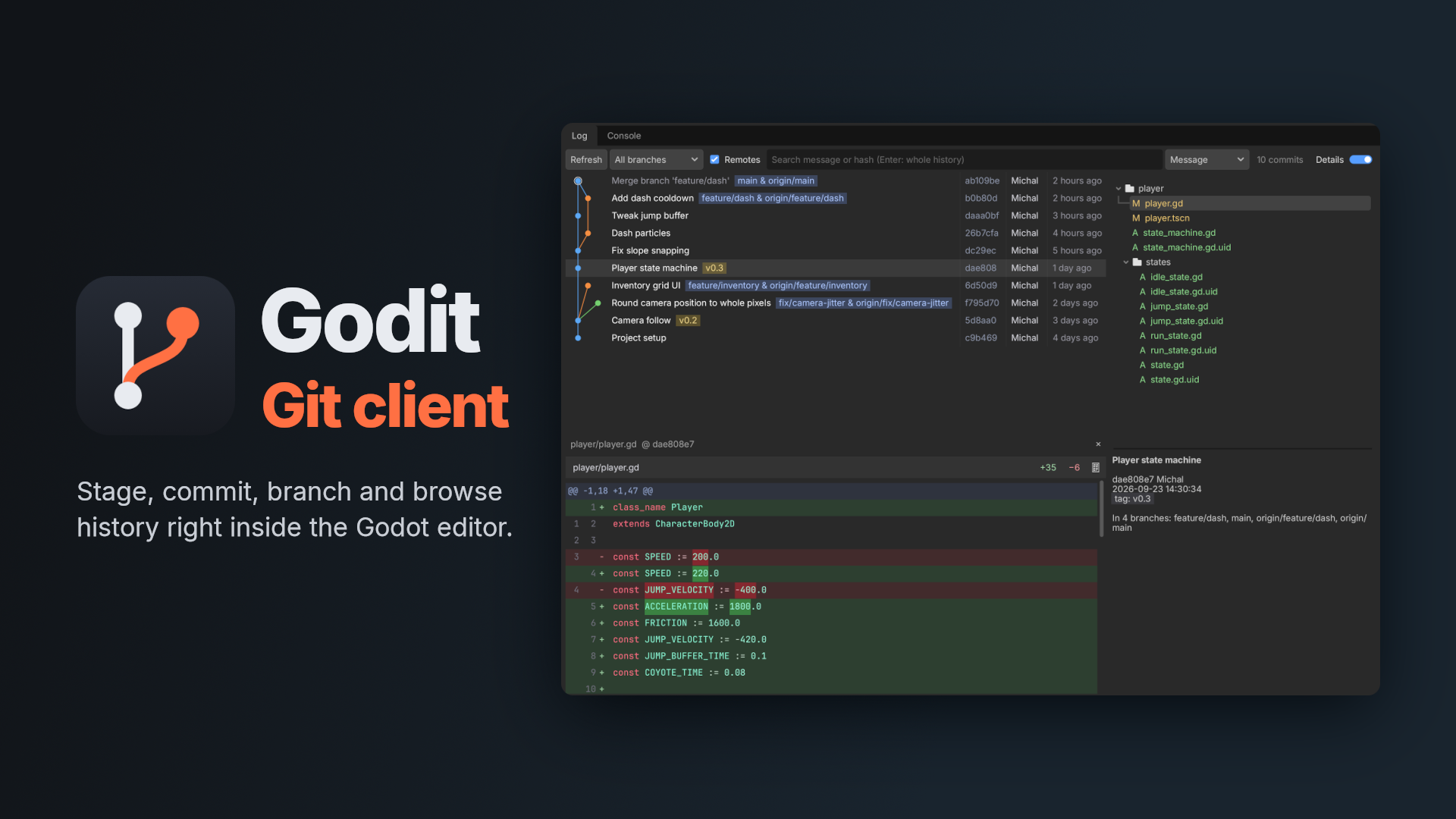
Godit
2
by Rumys | MIT
A git client inside the Godot editor: stage and commit, switch branches, resolve conflicts and browse history as a commit graph
Godit A git client inside the Godot editor. Stage, commit, switch branches and browse history without leaving the editor. Features Changes panel: stage files, folders or single lines with a checkbox, then commit or push. Changelists: group changes and
Gitot - Godot Git Tool
2
by SigK | MIT
A full Git workflow inside the Godot 4 editor (stage/unstage, commit, stash/pop, fetch/push/pull), inline diff gutter, full diff viewer, and issue tracker without leaving the editor
Gitot - Godot Git Tool Gitot is a lightweight Git workflow plugin for the Godot 4 editor intended for solo developers who want fast, reliable Git operations (stage/unstage, commit, stash/pop, fetch/push/pull), inline diff gutter, full diff viewer, and
Plugin Updater
1
by Maaack | MIT
A plugin for updating plugins. Works with public GitHub repos that use releases
A plugin update wizard for plugins hosted on public GitHub repositories. This plugin checks current plugin versions against latest releases in the respective repositories, and offers to update any that are out-of-date. Supports plugins for Godot 4.4
Backstitch
1
by Ink & Switch | MIT
Real-time version control for Godot! Backstitch enables fast collaboration for dev teams, game jams, and classrooms
Backstitch provides real-time version control for the Godot game engine. Join our Discord to connect with the Backstitch community! With Backstitch, you can: Sync your changes in real-time with collaborators Branch, merge, and revert change history
Git Status
1
by Matt Giuca | MIT
Gets information about the project's git repo (the git hash) at runtime
This simple addon lets you embed the git hash of your project in your Godot game and display it somewhere. This is extremely handy for testing and reporting bugs, as you can see the exact version of the project that is being used. Once the plugin is
Godot Git Describe
0
by zibetnu | MIT
Seamlessly display in-game versions based on your Git tags
Documentation What is Git describe? Git's describe command is a convenient way to get a human-readable label for your repository's state. Examples # If the latest commit is tagged, then you simply get that tag. Perfect for version numbers. $ git describe

loading more results...