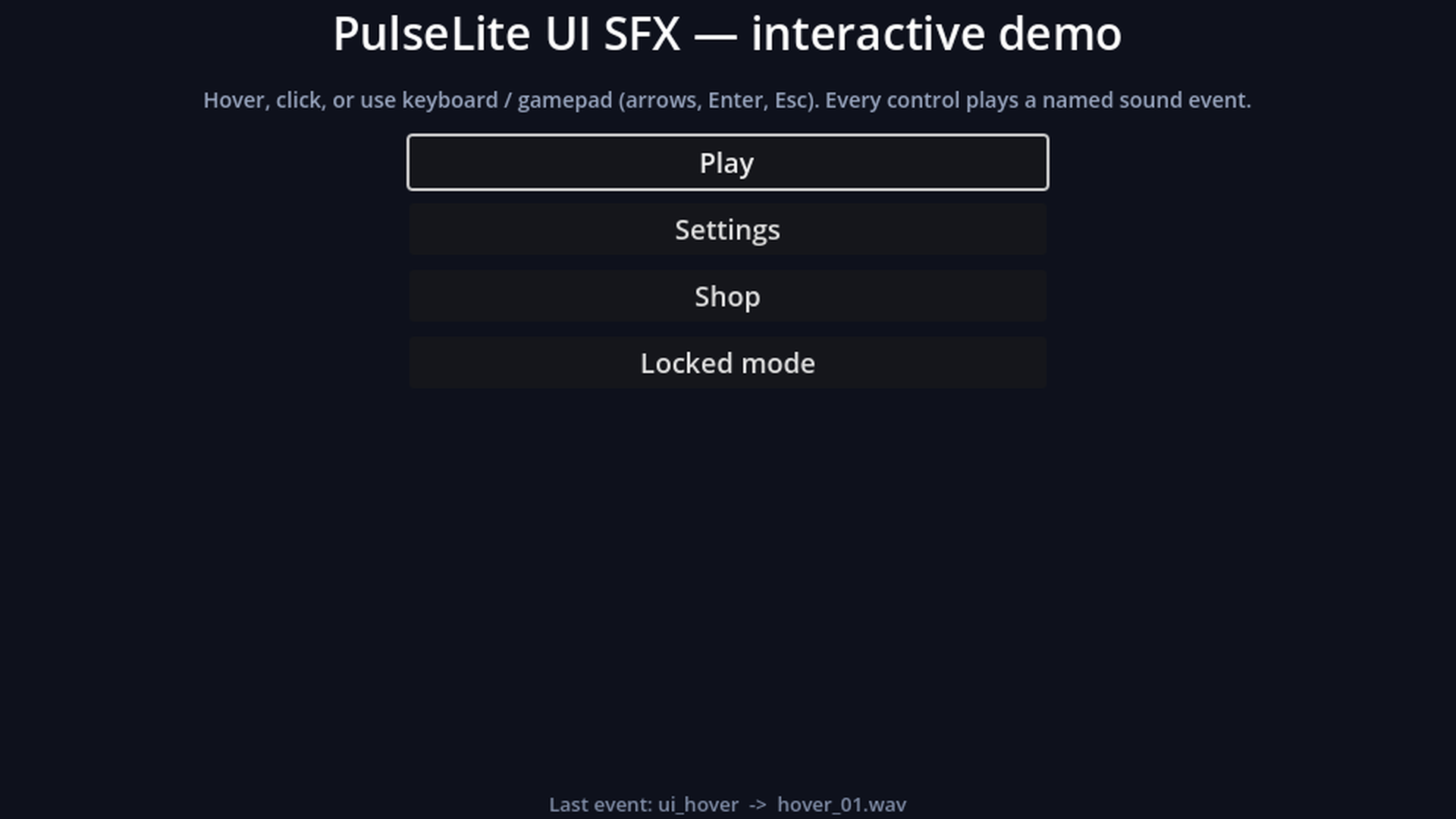
PulseLite UI gives your menus consistent interface sounds in one line of code.
Enable the plugin (it registers the PulseLiteUI autoload), then call PulseLiteUI.wire_buttons(self) in a menu's _ready(). Every button gets a hover sound (mouse and keyboard/gamepad focus), a click sound, and CheckBox/CheckButton/toggle buttons get matching on/off sounds. Call PulseLiteUI.play("coin_pickup") (or any of 14 event names) from anywhere for game feedback.
Features
- 14 events: button_click, button_hover, toggle_on, toggle_off, menu_confirm, menu_back, error, notification, panel_open, panel_close, transition, coin_pickup, reward, level_up
- Random variation without immediate repeats, gentle pitch jitter (melodic sounds are never pitch-shifted), 8 overlapping voices, hover cooldown, works while the game is paused
- Per-button overrides with node metadata ("pulselite_event", "pulselite_ignore") and enable_auto_wire() for buttons created later
- 20 WAV sounds (44.1 kHz, 16-bit, mono), loudness-matched, peaks at or below -1 dBFS
The sounds are clean synthesized tones suited to cozy, casual and retro games. They were synthesized from code (procedural DSP), not recorded and not AI-generated.
License
The scripts are MIT (LICENSE_SCRIPTS.txt). The 20 sounds are CC BY 4.0 (LICENSE_SOUNDS.txt): use, edit and share them, commercial projects included. Attribution is required, e.g. "PulseLite UI SFX by Bigshadex (https://bigshadex.itch.io/pulselite-ui-sfx-free), CC BY 4.0".
A larger 200-sound version with 15-16 variations per event and OGG files is available separately at https://bigshadex.itch.io/pulselite-ui-sfx and uses the same file names and script API, so it drops in over this one.
Tested on Godot 4.7.2.
Changelog for version 1.2.1
2026-10-11 11:32:00
No changelog provided for this version.