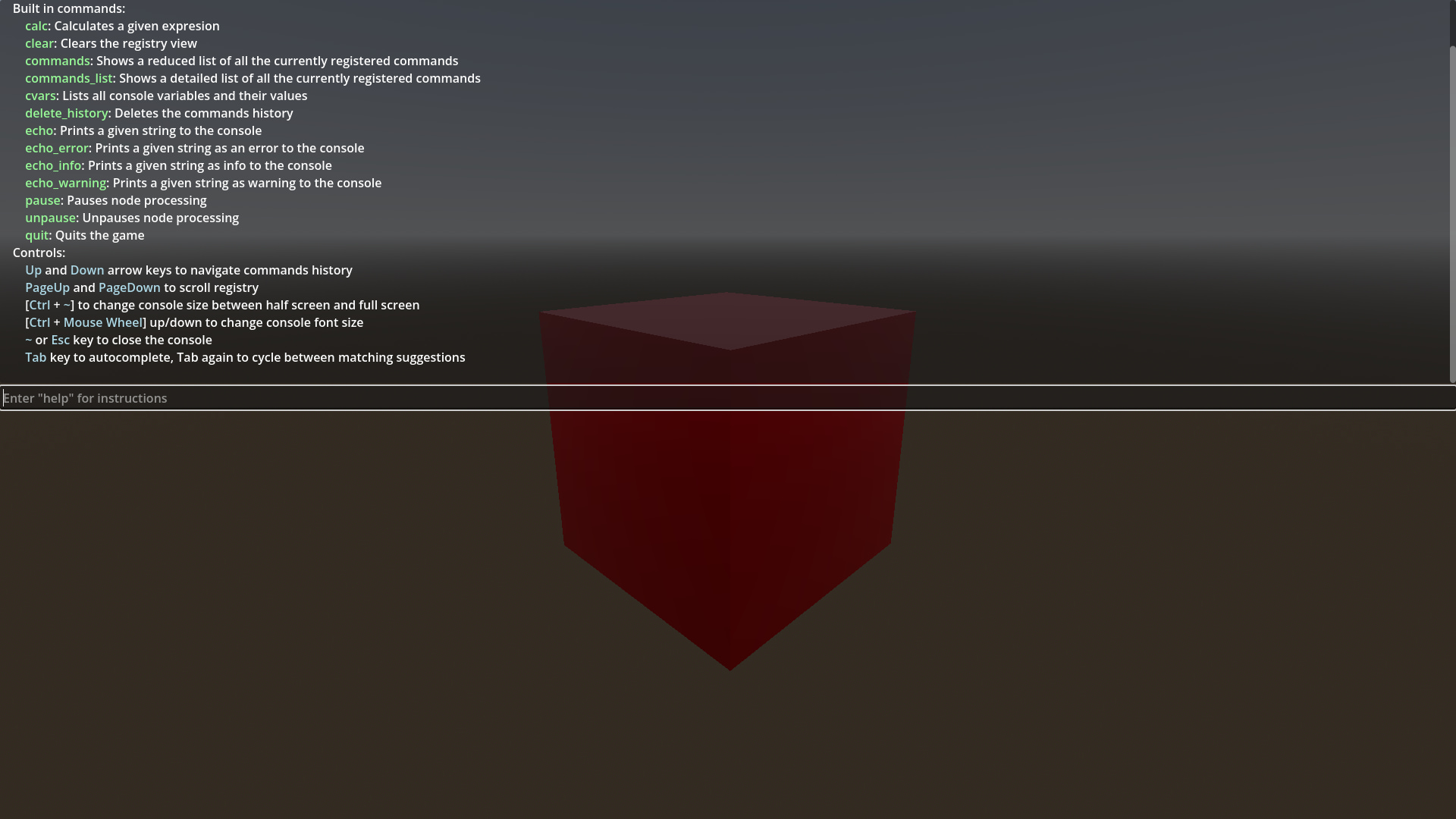
Developer Console
 6
6
by jitspoe | MIT
Console that can be used to easily add commands to be used while the game is running for quick debugging, loading levels, changing settings, etc
Developer console addon for Godot engine. Simply drop the addons directory into your godot project, go to the project settings, plugins, and enable "Console". After you've done that, you can add console commands from any class. Example: func _ready()
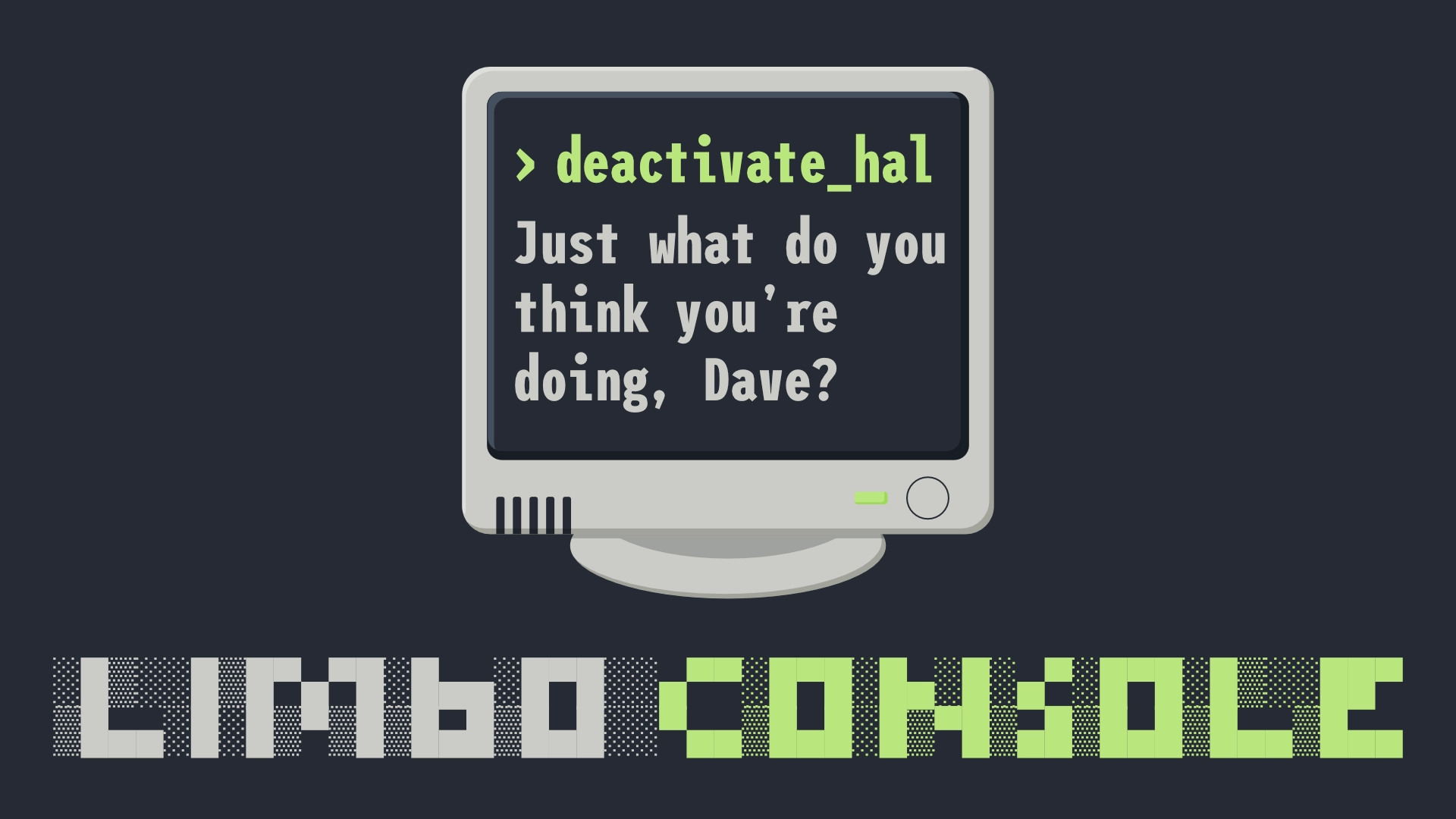
LimboConsole
5
by limbonaut | MIT
A simple and easy-to-use in-game dev console
A simple and easy-to-use in-game dev console with a command interpreter for Godot Engine 4. It supports auto-completion with TAB for commands and history, auto-correction, inline hints and highlighting, command help text generation, argument parsing for
DCKit
1
by Brahm bir Singh | MIT
A modular in-game developer console for Godot 4 — full command pipeline, syntax-highlighted input, autocomplete, and live documentation
DCKit — Developer Console for Godot 4 DCKit is a full-featured, extensible in-game developer console for Godot 4. > player.warp Vector3(12, 0, 8) ✓ warped to (12, 0, 8) in 0.3 ms It provides everything you need to build a powerful developer console into

Developer Game Console
1
by cherttov | MIT
An in-game developer console addon for Godot. Configuration & Usage information in detailed description or on Github (README.md). Open to suggestions for improvement
Godot Developer Console An in-game developer console addon for Godot. Note: All of the documentation below is written based on the newest Release Installation Download the latest release from the repository. Extract the addons/dev-console folder into your
Command Terminal
0
by 20ml | MIT
Command Terminal is an addon for Godot 4.x that manages a developer-created, hierarchical command system (think Minecraft), with the focus of providing flexible commands, with direct and strongly-typed interaction with business logic, through fairly
Command Terminal Command Terminal is an addon for Godot 4.x that manages a developer-created, hierarchical command system (think Minecraft), with the focus of providing flexible commands, with direct and strongly-typed interaction with business logic

loading more results...