Licenses
Uses AI
Order
Advanced Search

Search will generally match any assets that contains all words from the search query. The words can be anywhere in the asset name, description or tags. All search queries are case independent.

To narrow down search results, you can use the following operators:

  • godot | engine
    will match if either "godot" or "engine" are found
  • godot MAYBE engine
    will match if "godot" is found, while ranking items higher that also match "engine"
  • godot -engine (alternative syntax: godot !engine)
    will only match if "godot" is found in an item that does not contain "engine"
  • @name godot @description engine
    will match if "godot" is found in the asset name, and "engine" is found in the asset description
  • =godot
    will match "godot" as a separated word, so it would not match "godotengine" while it will match "godot engine"
  • "godot engine"
    will match the exact string "godot engine" (so it won't match "engine godot")

Developer Console 7

by jitspoe | MIT

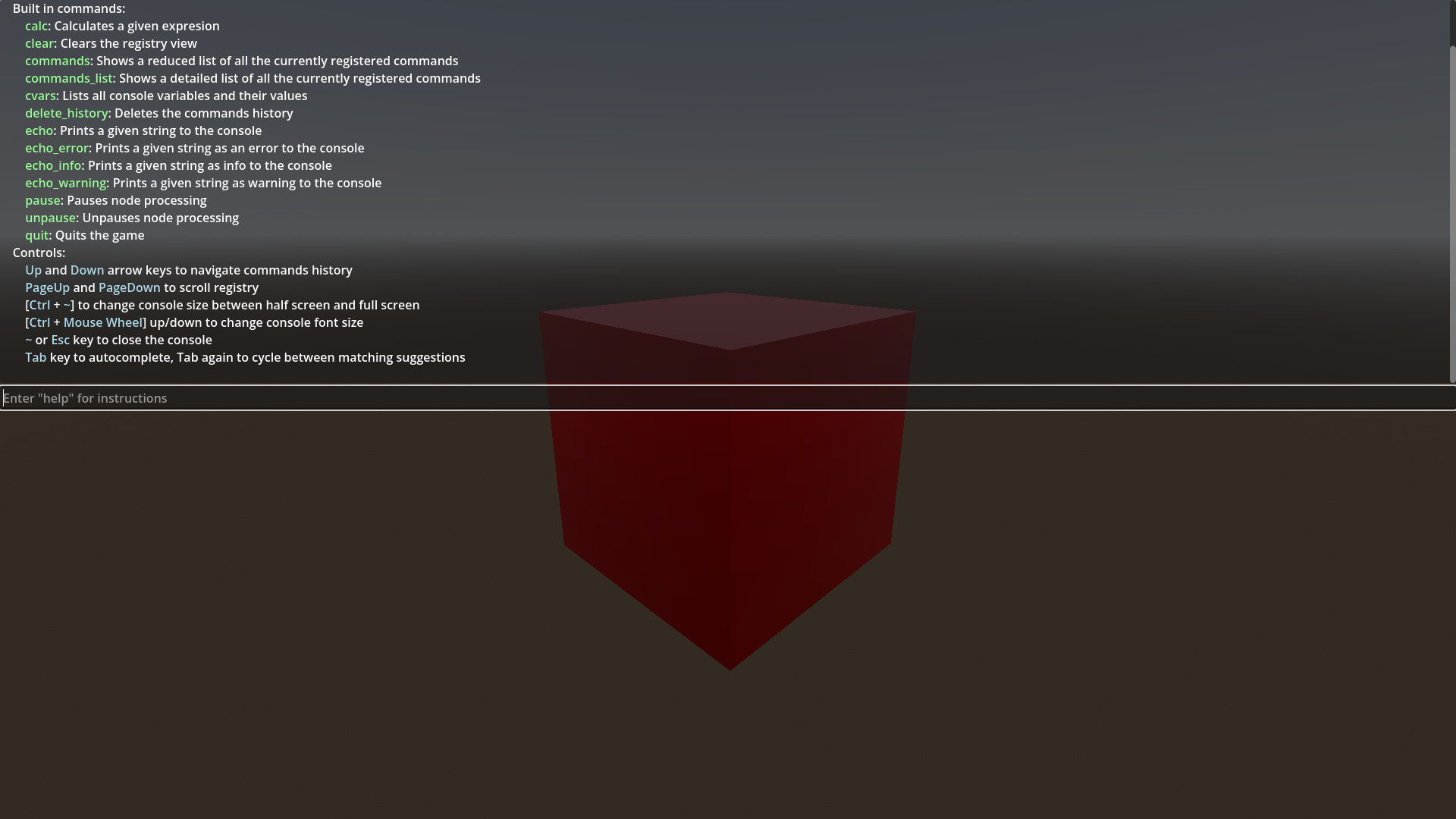
Console that can be used to easily add commands to be used while the game is running for quick debugging, loading levels, changing settings, etc

Developer console addon for Godot engine. Simply drop the addons directory into your godot project, go to the project settings, plugins, and enable "Console". After you've done that, you can add console commands from any class. Example: func _ready()

Developer Game Console 1

by cherttov | MIT

An in-game developer console addon for Godot. Configuration & Usage information in detailed description or on Github (README.md). Open to suggestions for improvement

Godot Developer Console An in-game developer console addon for Godot. Note: All of the documentation below is written based on the newest Release Installation Download the latest release from the repository. Extract the addons/dev-console folder into your

loading more results...