Licenses
Uses AI
Order
Advanced Search

Search will generally match any assets that contains all words from the search query. The words can be anywhere in the asset name, description or tags. All search queries are case independent.

To narrow down search results, you can use the following operators:

  • godot | engine
    will match if either "godot" or "engine" are found
  • godot MAYBE engine
    will match if "godot" is found, while ranking items higher that also match "engine"
  • godot -engine (alternative syntax: godot !engine)
    will only match if "godot" is found in an item that does not contain "engine"
  • @name godot @description engine
    will match if "godot" is found in the asset name, and "engine" is found in the asset description
  • =godot
    will match "godot" as a separated word, so it would not match "godotengine" while it will match "godot engine"
  • "godot engine"
    will match the exact string "godot engine" (so it won't match "engine godot")

Fancy StyleBoxes 9

by MellowDye | MIT

Adds a new StyleBox that allows for more complex and visually attractive panel designs without creating textures

What's this? A powerful StyleBox that fills the gap between Godot's StyleBoxFlat and StyleBoxTexture by combining their features and adding more on its own. What can I do with it? Rounded panels with a background texture. Add a texture to a border. Add
StyleBoxFlatProxy 0

by mocha | MIT

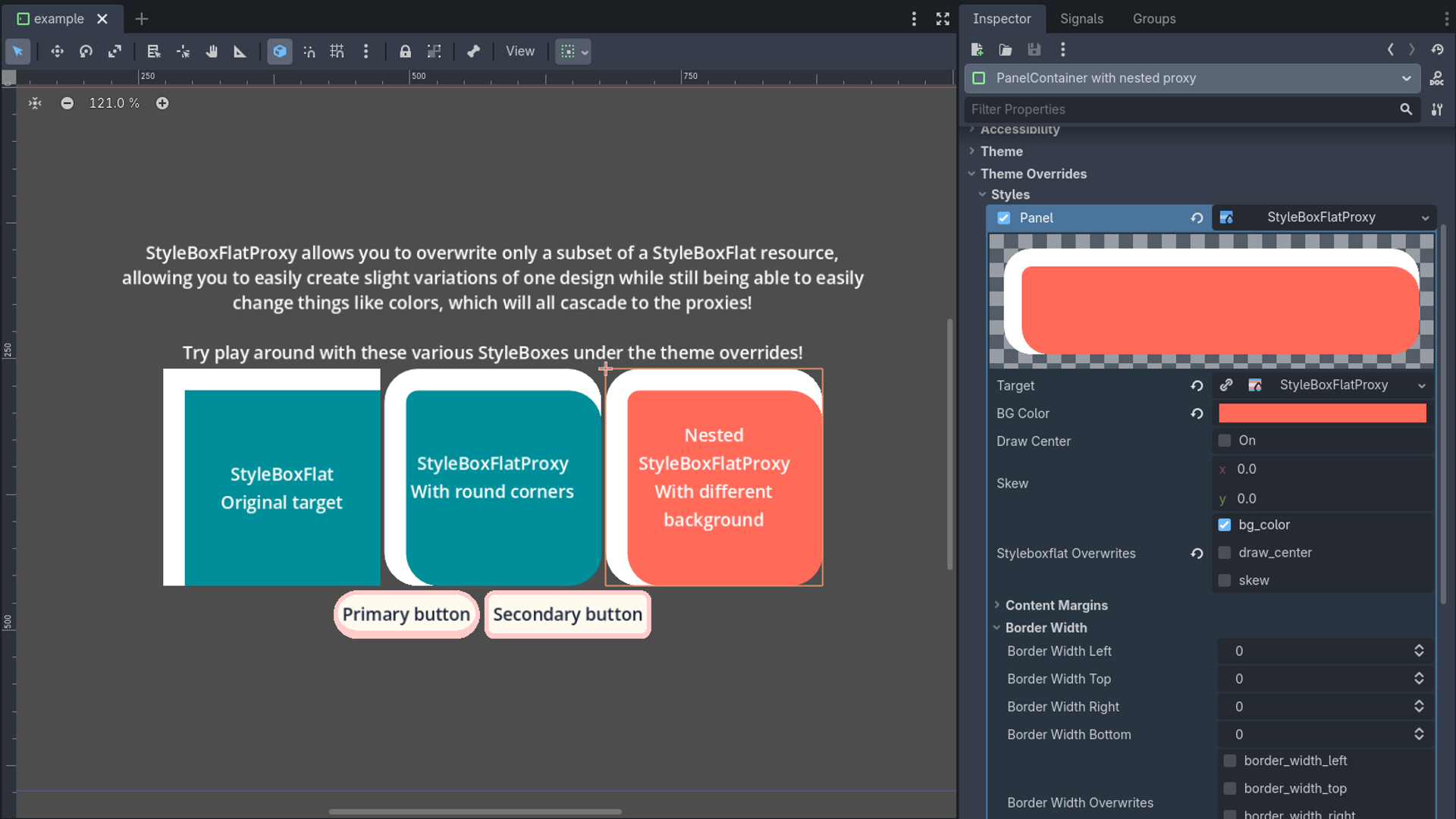
Easily create slight variations of StyleBoxFlat resources that only change a subset of a referenced parent's properties

StyleBoxFlatProxy allows you to overwrite only a subset of a StyleBoxFlat resource, allowing you to easily create slight variations of one design while still being able to easily change things like colors, which will all cascade to the proxies! Try play

loading more results...