GDSS
 3
3
by Cruglet | MIT
A CSS-like theming/styling solution for Godot 4
A flexible new approach to theming in Godot! Write styles once and apply them everywhere. GDSS brings a CSS-inspired stylesheet language to Godot, featuring support for variables, states, transitions, classes, and gradients. Everything is driven by a live
WoldUI
0
by Holthouse | MIT
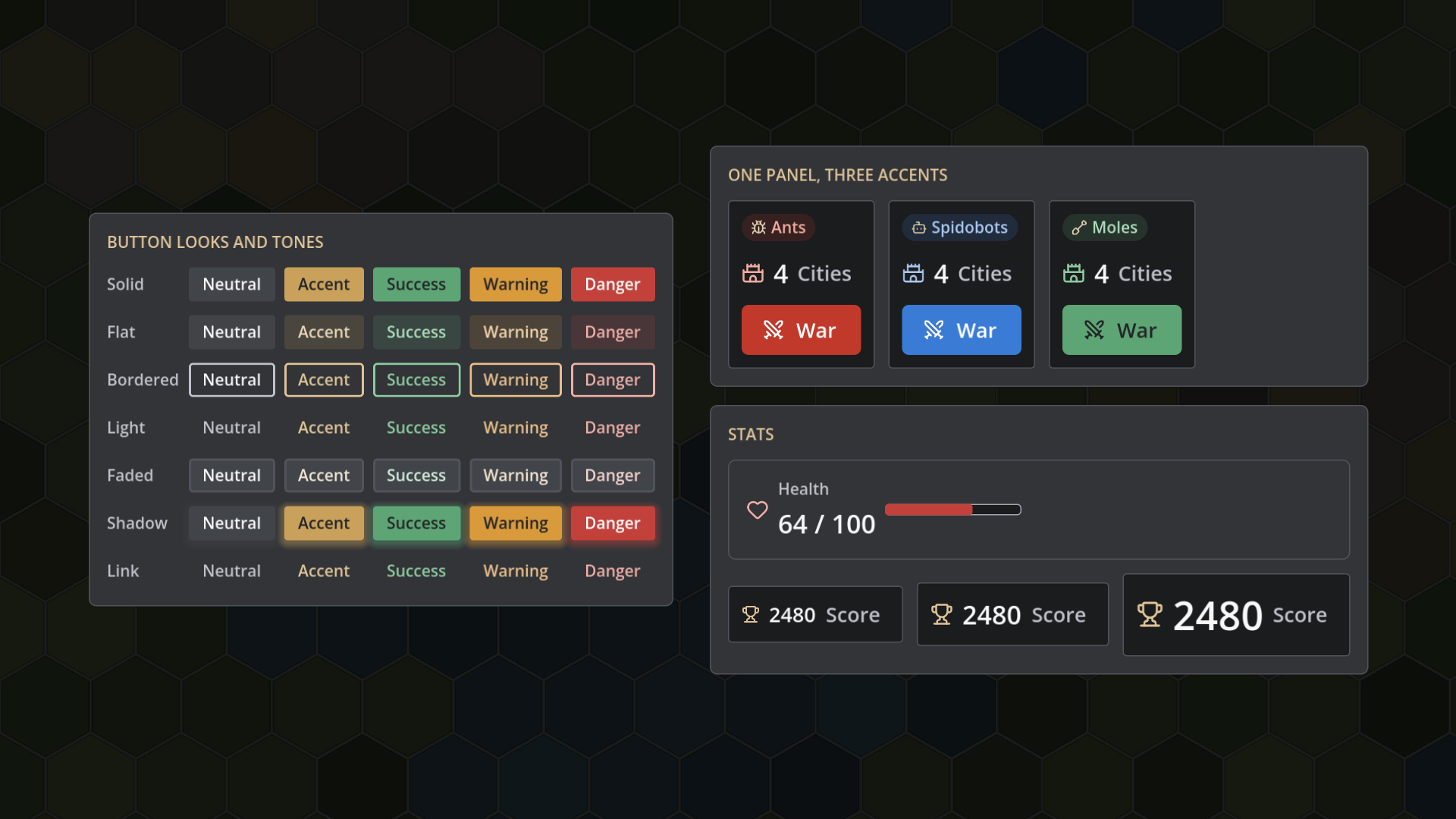
A token-driven design system for Godot games. One tokens resource restyles every control: colours, fonts, spacing, radius, motion, and sound. Includes 13 components (buttons with icons, stats, dialogs, toasts, rich tooltips, tabs, button prompts, and more
WoldUI turns one tokens file into a complete, consistent UI for your game. Change a colour, a font, or a spacing value in the Inspector, and every control in the project restyles with it. No hand-built theme, no 9-slice art, no style overrides scattered
Theme Assist
0
by Undiscovered Entertainment | MIT
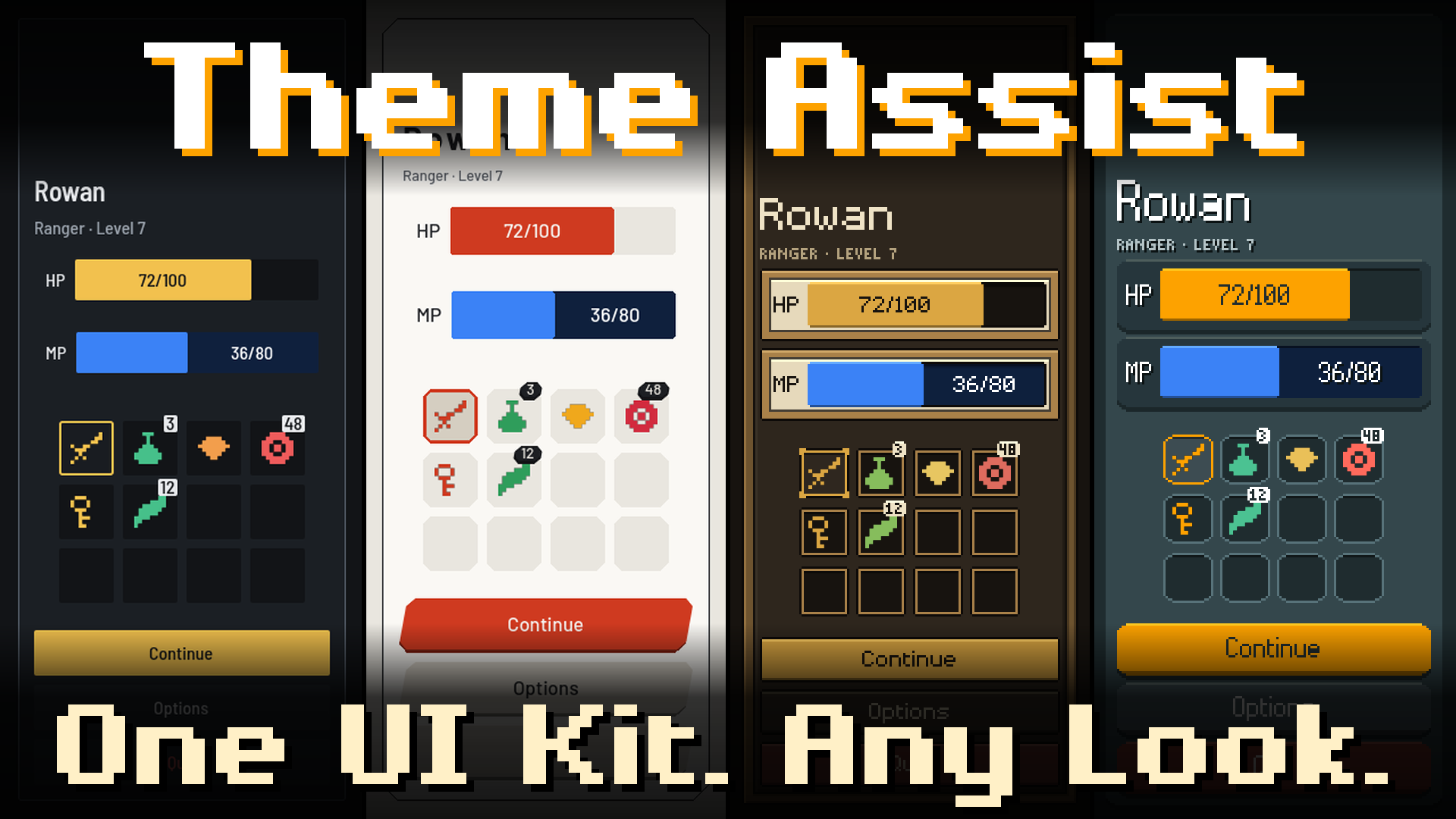
Theme Assist is a drop-in UI kit for Godot 4. Stop rebuilding windows, panels, buttons, and inventory grids every time you start a game. Open the Playground, design a look, Save, and the project wears it. Flat, Modern, Framed, and Pixel are included. Focus
Theme Assist Skip the UI grind. Theme Assist is a Godot 4 UI component kit. Open the Playground, design how the UI looks, press Save, and every kit component in your project wears that theme. No styling work, no code. Windows, panels, buttons, an
Gohud
0
by WITHCENTER | MIT
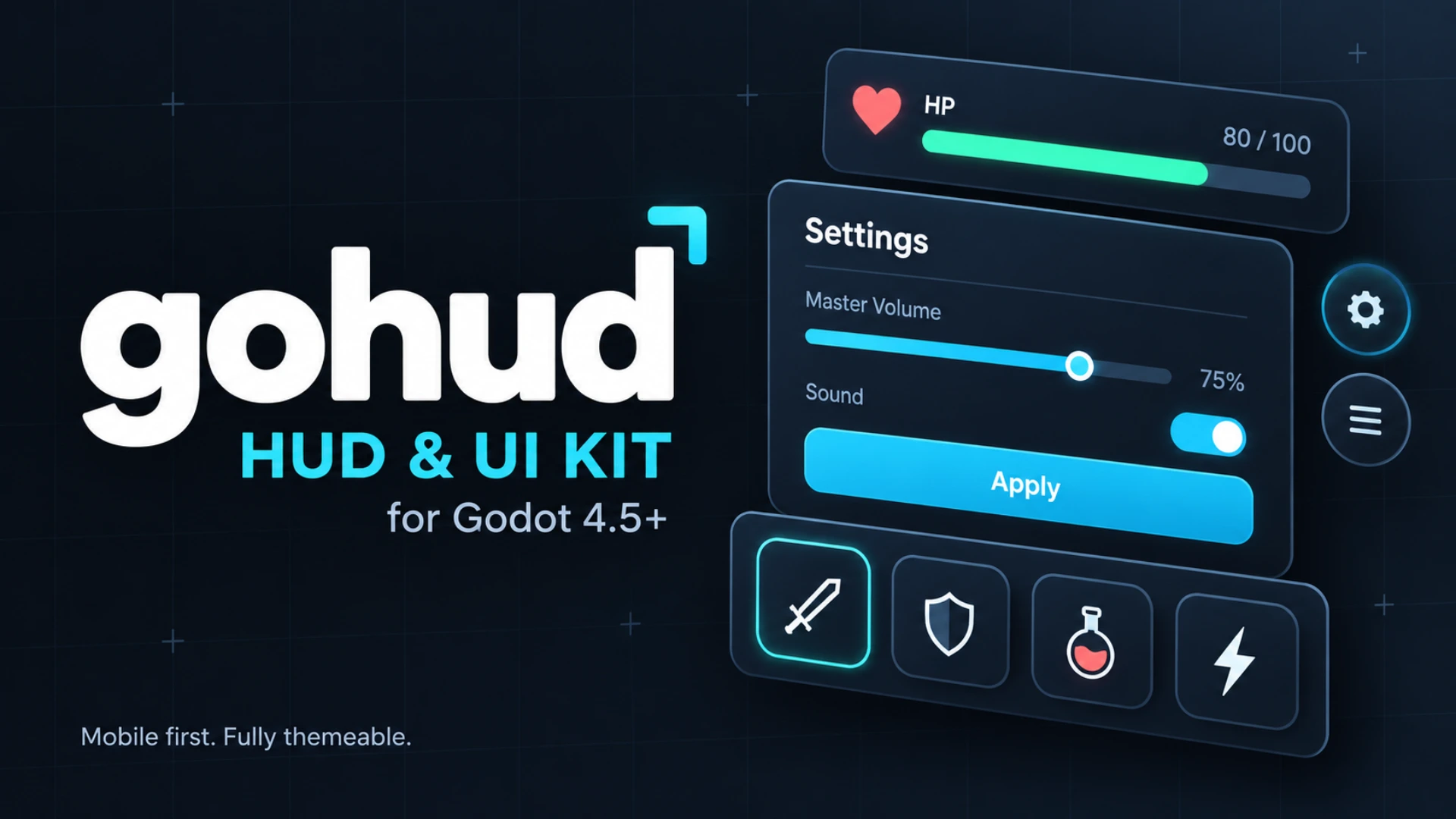
A GUI, HUD and UI/UX kit for Godot 4, built for AI coding. Paste one prompt into Claude Code, Codex or any coding agent: it installs the add-on and the gohud skill, then writes your menus, HUDs and dialogs. Sheets, forms, HUD bars, quick slots, inventory
gohud is a GUI, HUD and UI/UX kit for Godot 4 that you can bend to your game instead of bending your game to it — built for AI coding. Drop it into res://addons/gohud/ and it works; enabling the editor plugin only adds conveniences. 📖 Tutorials & docs →
EZ-Theme
0
by Inanimate Ink | MIT
EZ-Theme is a tool to quickly and simply modify themes
How to use: Enable the plugin in the Project Settings > Plugins window The EZ-Theme window will be docked on the right panel (where the inspector and signal windows normally are) Select a theme to modify or click "New" to create a copy of the default

loading more results...