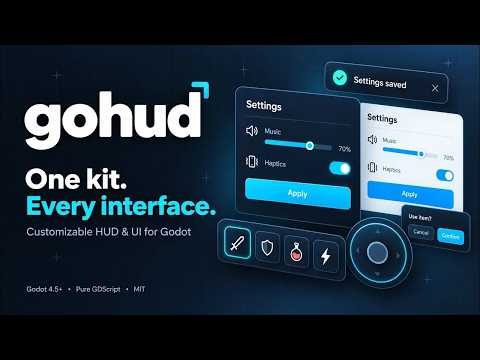
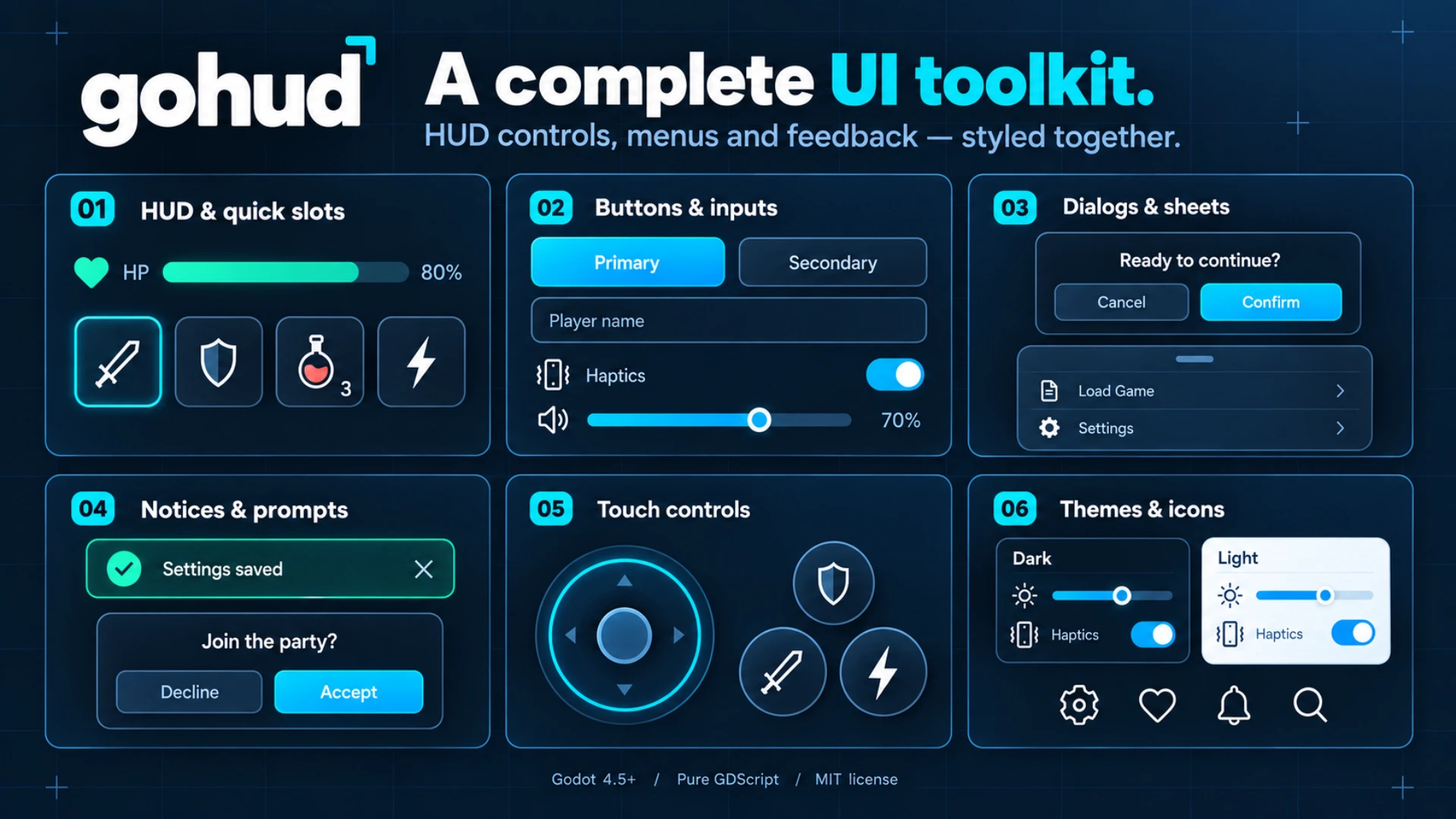
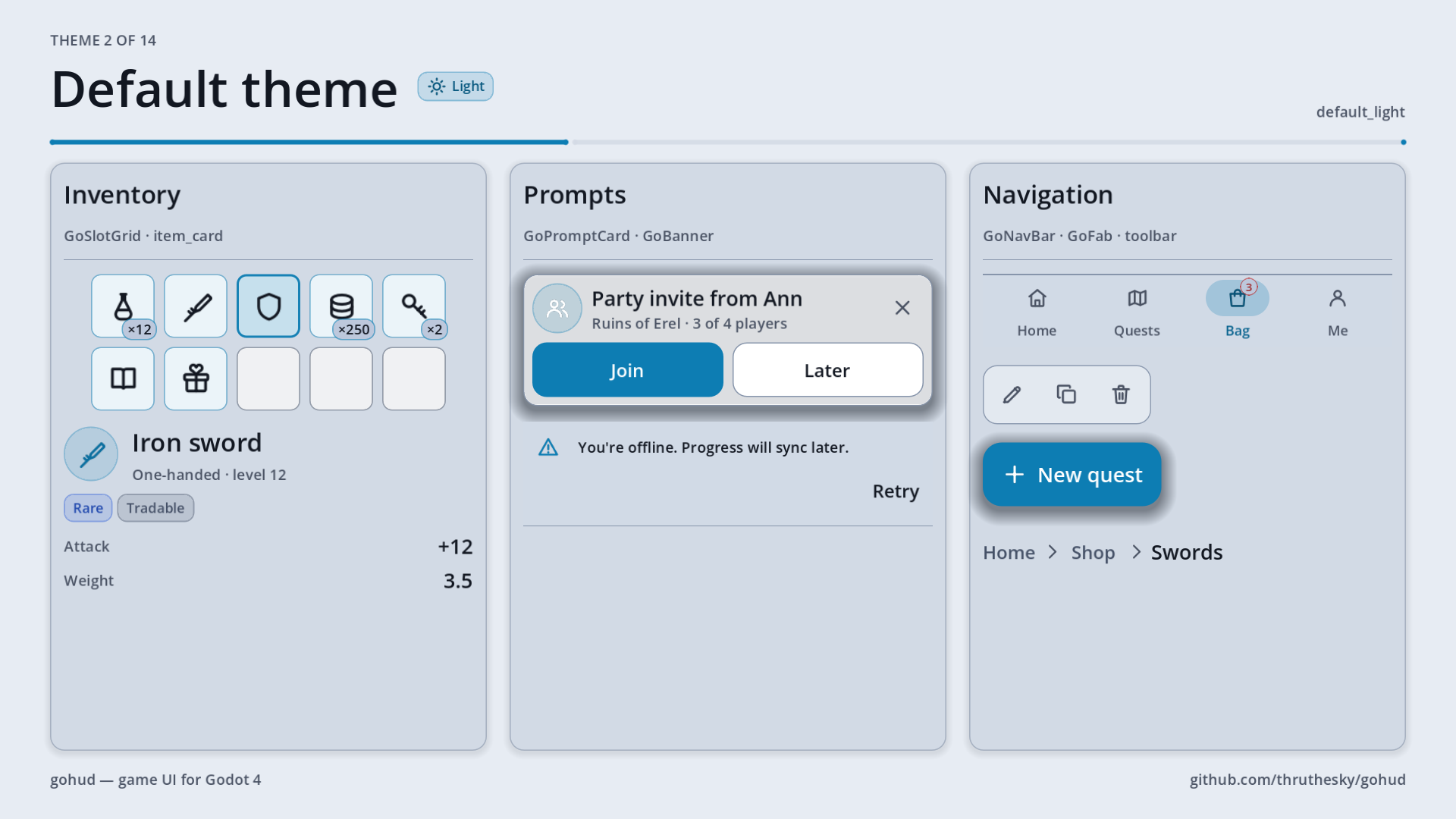
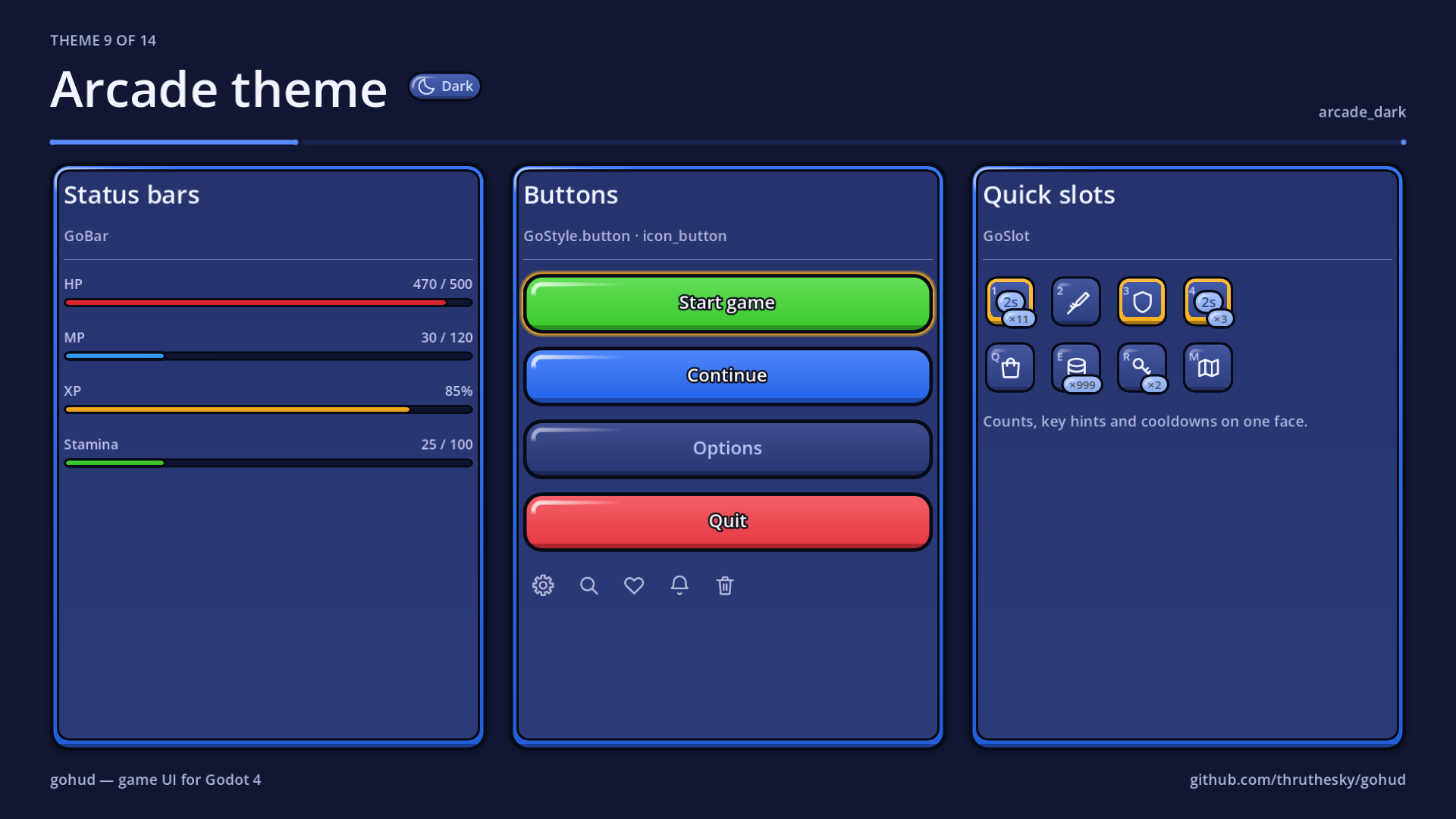
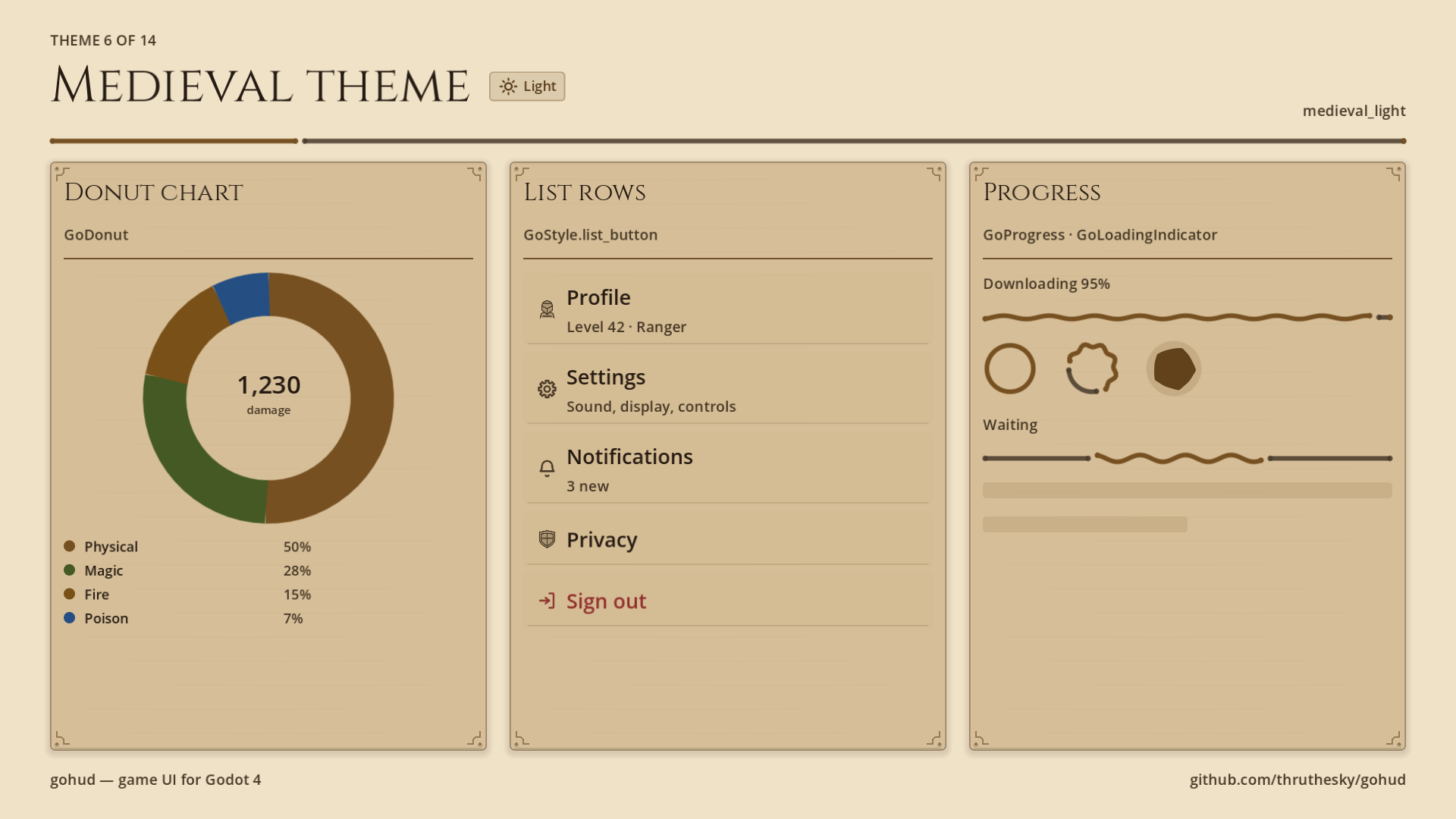
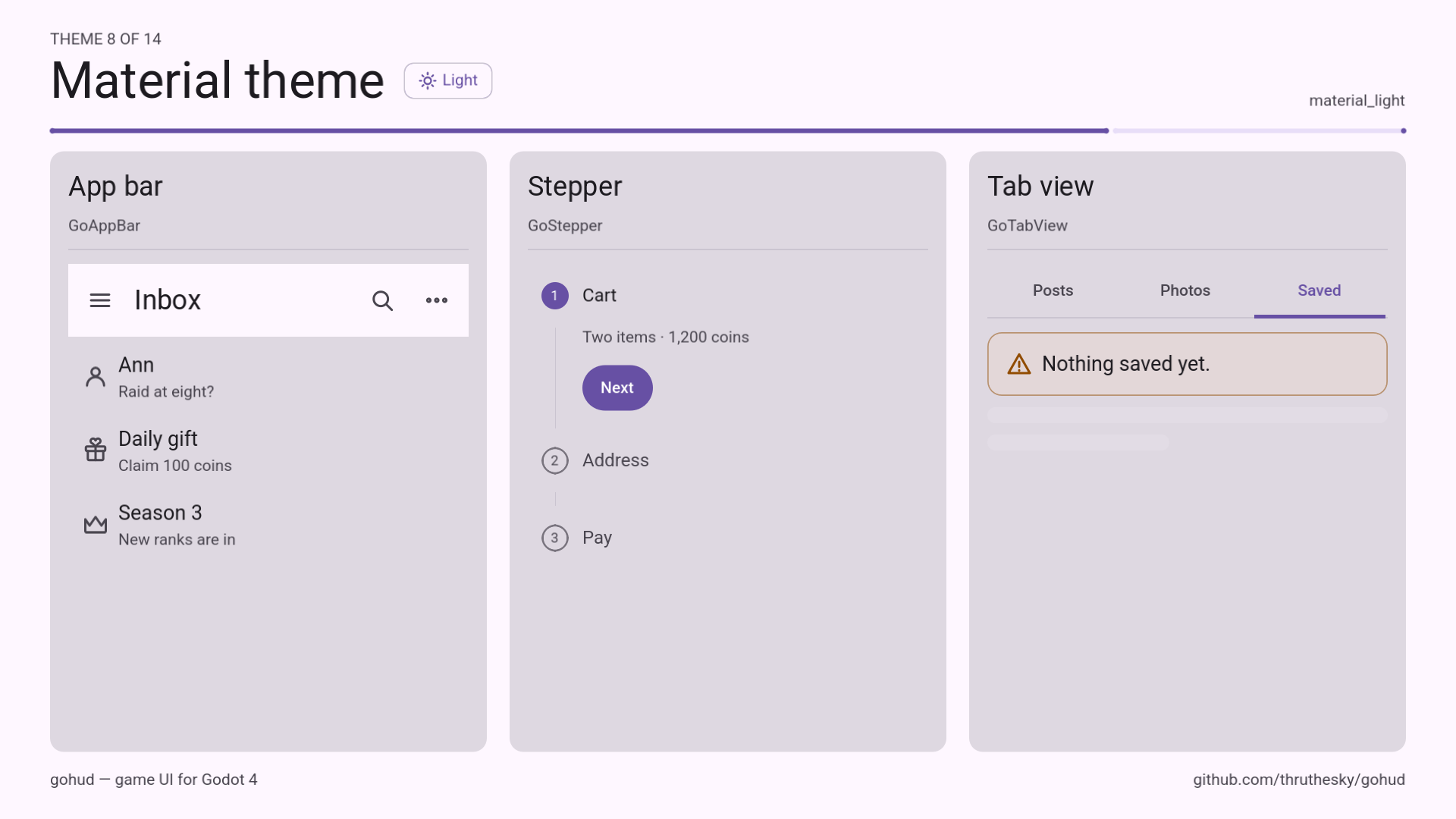
gohud is a GUI, HUD and UI/UX kit for Godot 4 that you can bend to your game instead of bending
your game to it — built for AI coding. Drop it into res://addons/gohud/ and it works; enabling the
editor plugin only adds conveniences.
📖 Tutorials & docs → https://thruthesky.github.io/gohud/
- 🧱 Widgets guide — dialogs, sheets, forms, HUD, app screens and more
- 🎨 Theming guide — presets, JSON themes, shapes and icons
- 🤖 AI setup — the gohud skill for Claude Code, Codex and other agents
🤖 Let your AI coding agent install and use it
Copy the text below and paste it into Claude Code or Codex (or any coding agent that can run shell commands) inside your Godot project. It installs the gohud skill — the full API, templates and recipes — and the add-on itself, then writes your menus, HUDs and dialogs the gohud way.
Install gohud for this Godot 4.7+ project, then use it for all game UI
(menus, HUD bars, quick slots, dialogs, bottom sheets, forms, themes).

1. Install the gohud AI skill.
   Claude Code - run these two commands in a shell:
     claude plugin marketplace add thruthesky/gohud
     claude plugin install gohud@gohud
   Any other agent (Codex, Cursor, Gemini CLI, ...):
     git clone --depth 1 https://github.com/thruthesky/gohud.git /tmp/gohud
     Copy /tmp/gohud/skills/gohud into whichever of these folders this agent reads:
     ~/.claude/skills/gohud, .claude/skills/gohud, .agents/skills/gohud.

2. Install the add-on itself, unless addons/gohud/plugin.cfg already exists here.
   In a git repository:
     git submodule add https://github.com/thruthesky/gohud.git addons/gohud
   Otherwise copy the clone to addons/gohud without its .git folder.
   Then run: godot --headless --path . --import
   (If godot is not on PATH, ask me where Godot 4.7+ is.)

3. Check the result: addons/gohud/plugin.cfg exists and the import printed
   no "SCRIPT ERROR" or "Parse Error" lines.

4. A new skill loads when the agent starts. Tell me if I have to restart you,
   then tell me what gohud can do and how to preview it.

Docs: https://thruthesky.github.io/gohud/
🎮 Commands in your AI agent
After a restart, two commands open gohud in its own Godot window — no editor, no scene to find:
| Command | What it does |
|---|---|
/gohud:preview |
Opens the widget gallery — every widget, a picker for all fourteen presets and the full icon set. Inside your Godot project it uses your addons/gohud; without one it uses the copy bundled with the plugin. |
/gohud:preview demo |
Opens the demo app — a home screen, the 31-chapter guided tour (Start demo plays it with real input; at Fast every chapter wears the next theme), and Explore widgets to try one widget by hand. |
Many other commands work too:
| Command | What it does |
|---|---|
/gohud:preview medieval |
Character sheet, satchel and quest journal in the medieval presets |
/gohud:preview icons |
Buttons made from the 1,000-icon library, with a live search |
/gohud:preview demo --explore hud |
The demo opened straight onto one chapter |
/gohud:preview gallery --preset arcade_dark --phone |
One preset in a 390×844 phone window; --size 1920x1080 for any size |
/gohud:preview res://ui/main_menu.tscn |
A scene of your own project, run inside that project |
/gohud:preview list |
Every target, preset id and demo chapter |
/gohud:preview gallery --check |
Headless smoke test — no window |
/gohud:features |
Every feature, grouped, one line of code each |
/gohud:features hud |
One area in depth: surfaces, hud, style, layout, app, flutter, theming, icons, i18n, accessibility, config |
/gohud:update |
Updates the add-on and the skill together, then checks that they agree (check only reports) |
Installed as a plain skill in ~/.claude/skills/gohud, write them with a space: /gohud preview demo,
/gohud features. Previews need Godot 4.7+ on your PATH (or --godot /path/to/godot). Or just ask, for
example: "Build a pause menu with gohud" or "Add HP bars and quick slots to my HUD in the sci-fi preset".
🧩 Widgets
| Surfaces | GoSurface (draggable, resizable window) · GoSheet (bottom sheet, drag-to-dismiss) · GoDrawer · GoPopover · GoContextMenu · GoDialogs (await alert / confirm / prompt / choice) |
| Feedback | GoNotice · GoSnackbar (never swallow input) · GoBanner · GoPromptCard · GoCoachMark (spotlight tutorials) · GoProgress · GoSpinner · GoLoadingIndicator · GoBadge |
| HUD | GoHudAnchor (corners that follow orientation) · GoBar · GoEdgeBar · GoSlot · GoSlotGrid (inventory) · GoJoystick · GoRadar · GoDonut · GoRewardCalendar |
| Forms & input | GoForm (one column on narrow screens) · GoField · GoInputGroup · GoCombobox · GoSearchBar · GoCodeInput · GoRangeSlider · GoSplitButton · GoChoiceColumn · GoDatePicker · GoTimePicker · GoWheelPicker · GoKbd |
| App screens | GoScaffold · GoAppBar · GoTopBar · GoBottomBar · GoNavBar · GoSideBar · GoFab · GoTabView · GoStepper · GoPagination · GoCarousel |
| Lists & data | GoListView · GoRefresh (pull to refresh) · GoSwipeRow · GoReorderList · GoTable · GoGrid · GoZoomView (pinch & zoom) |
GoStyle |
One-line factories for buttons, chips, list rows, segmented rows, choice grids, flowing rows, foldable sections and empty states |
🎭 Fourteen presets, one line
GoUi.use_preset(GoThemePresets.MEDIEVAL_DARK) (or GoUi.use_preset(&"comic_light")) swaps theme, skin and
icons together — colours and shapes.
| Preset | Look |
|---|---|
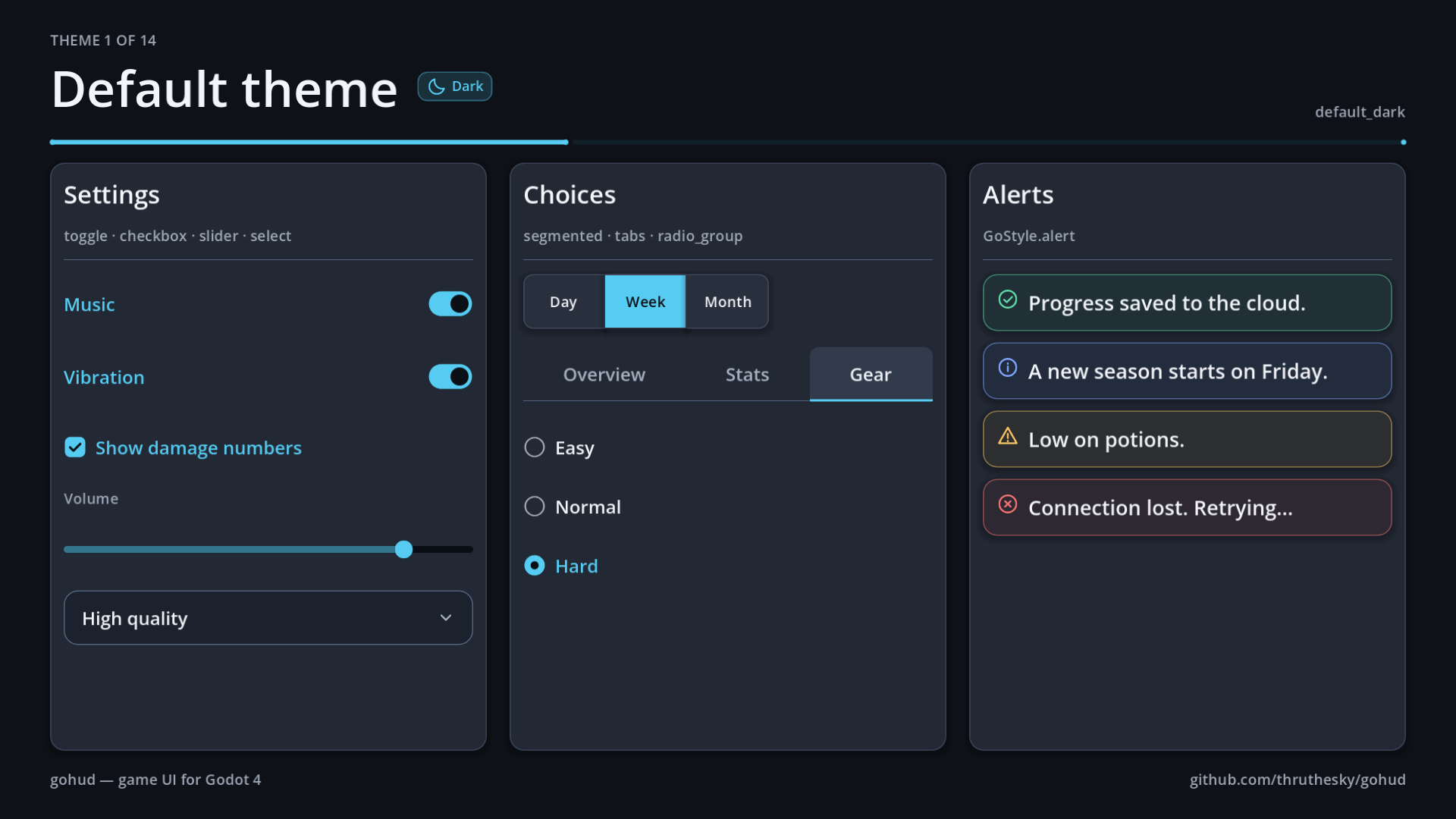
default_dark · default_light |
Rounded, clean panels with graded shadows |
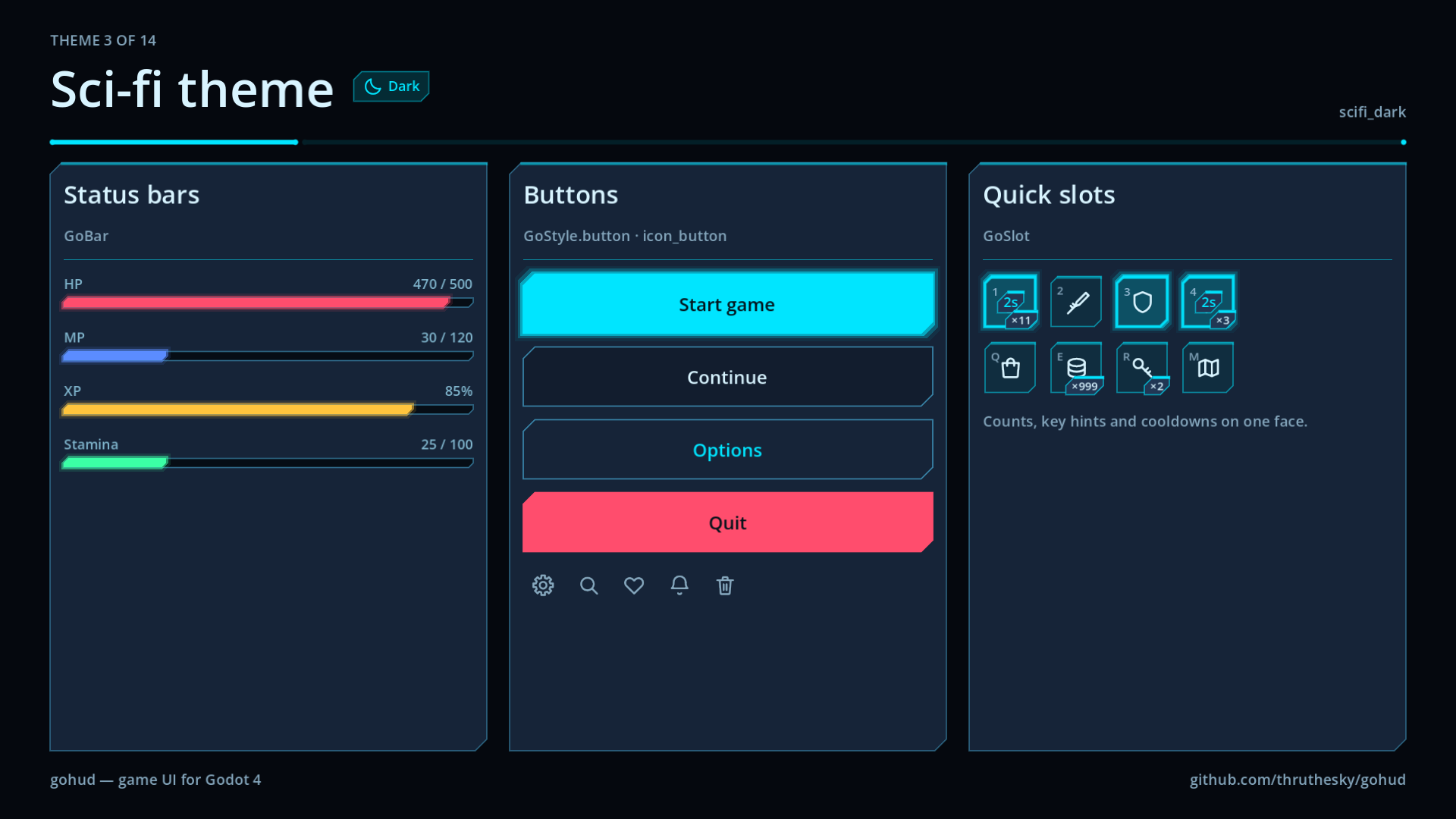
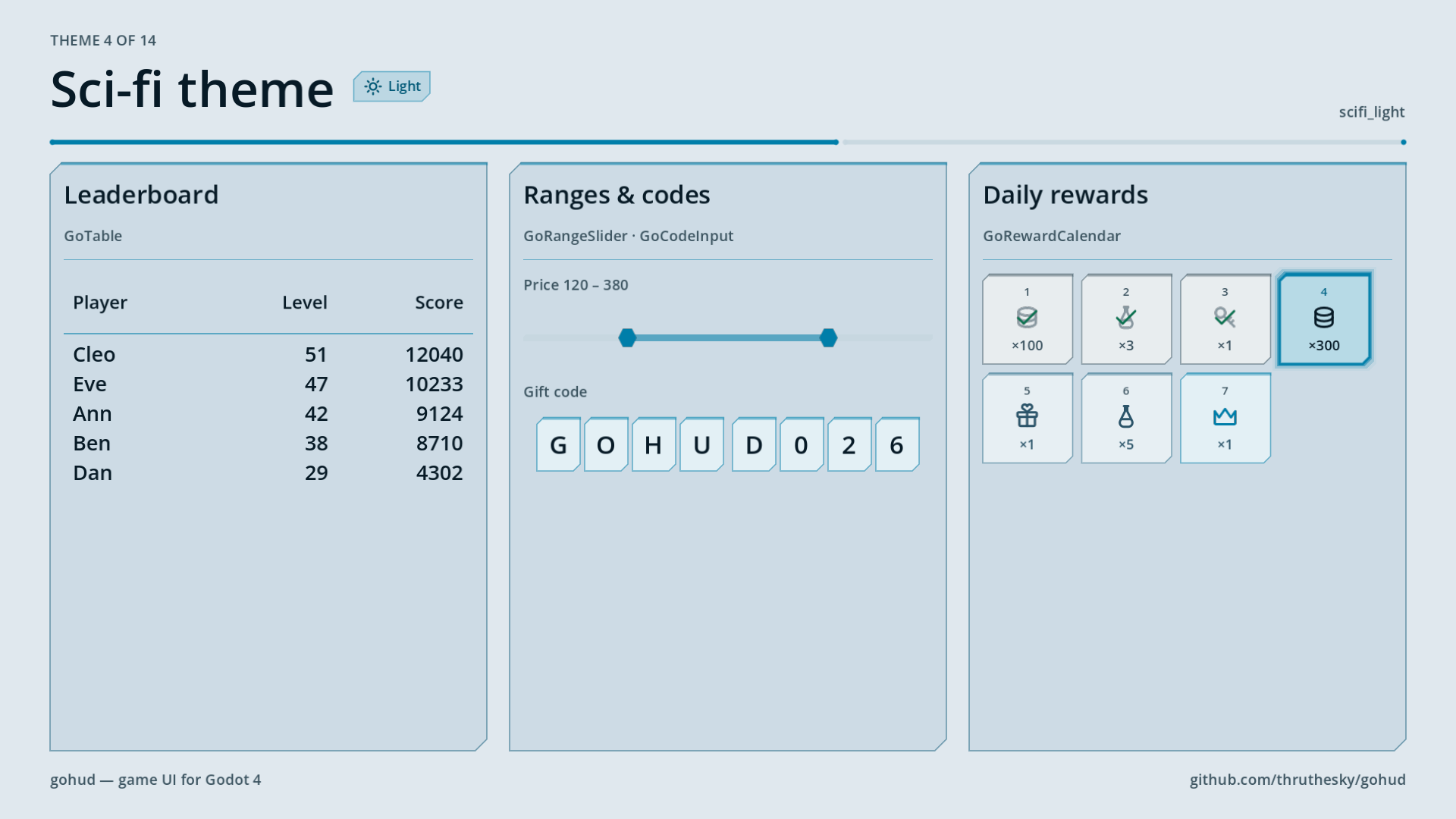
scifi_dark · scifi_light |
Chamfered panels with neon glow and targeting-bracket focus |
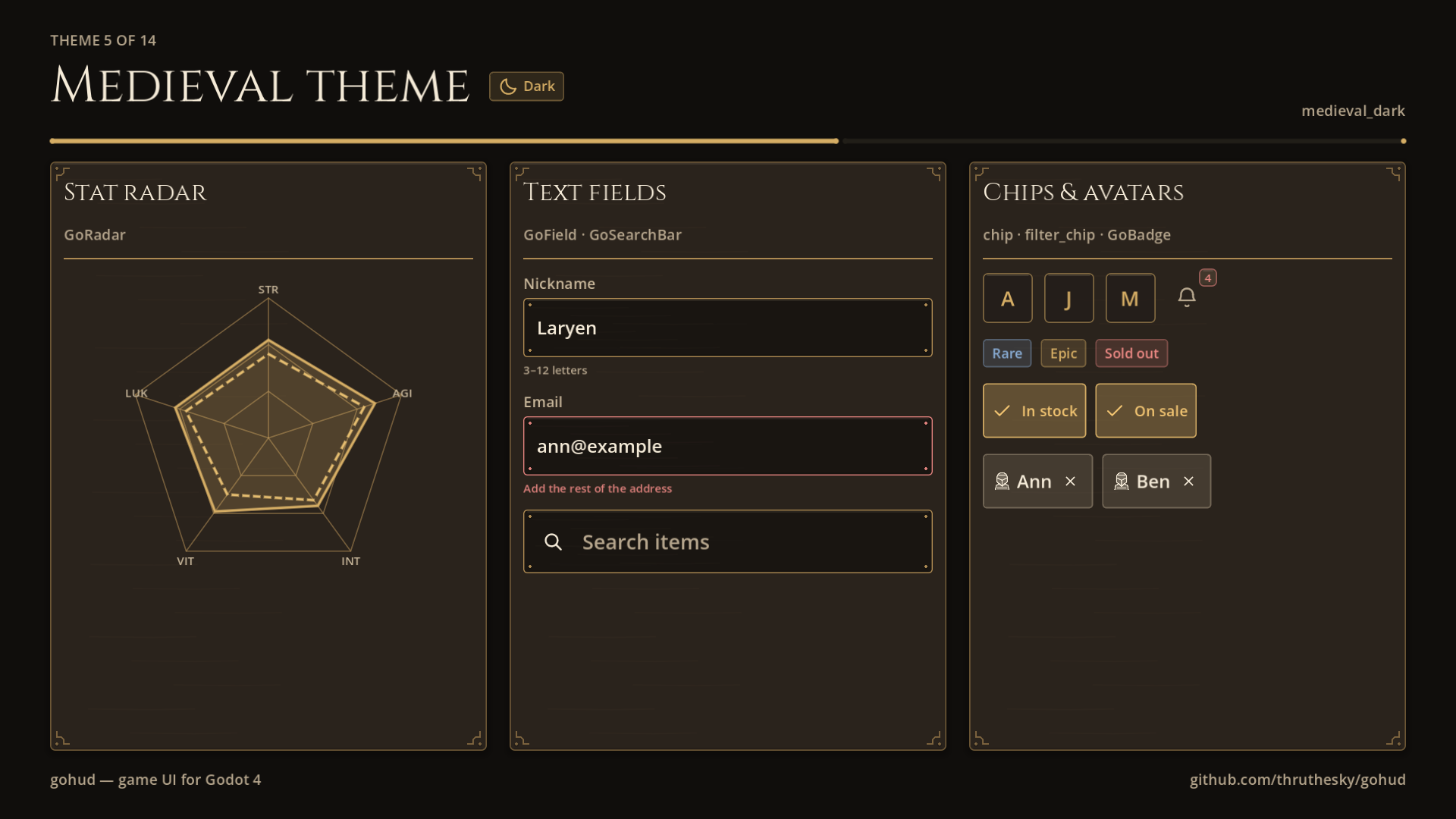
medieval_dark · medieval_light |
Iron and leather or parchment, antique-gold frames, engraved icons, Cinzel headings |
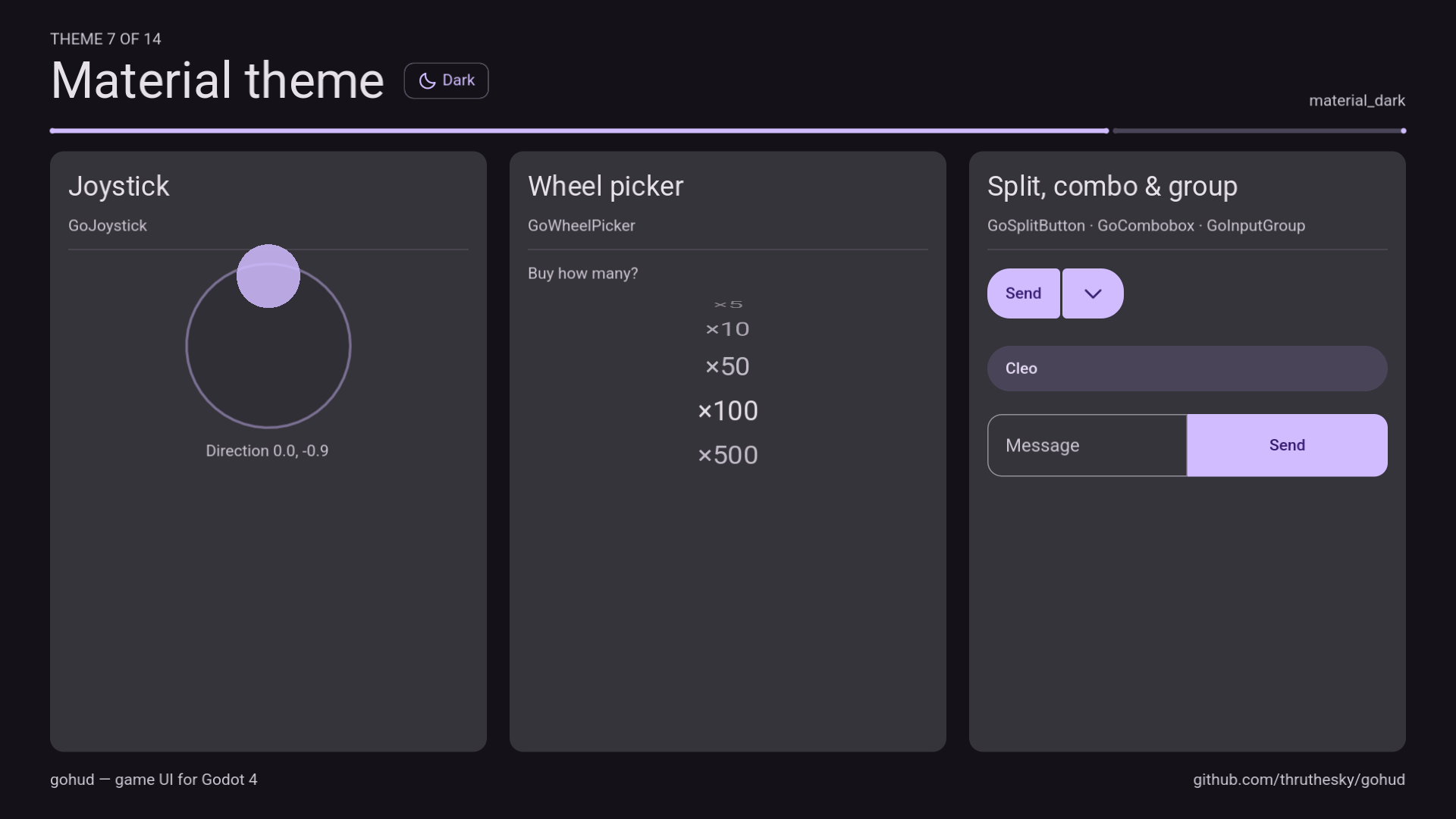
material_dark · material_light |
Mobile app design look for app screens: pill buttons, filled cards, M3 switches, Roboto headings |
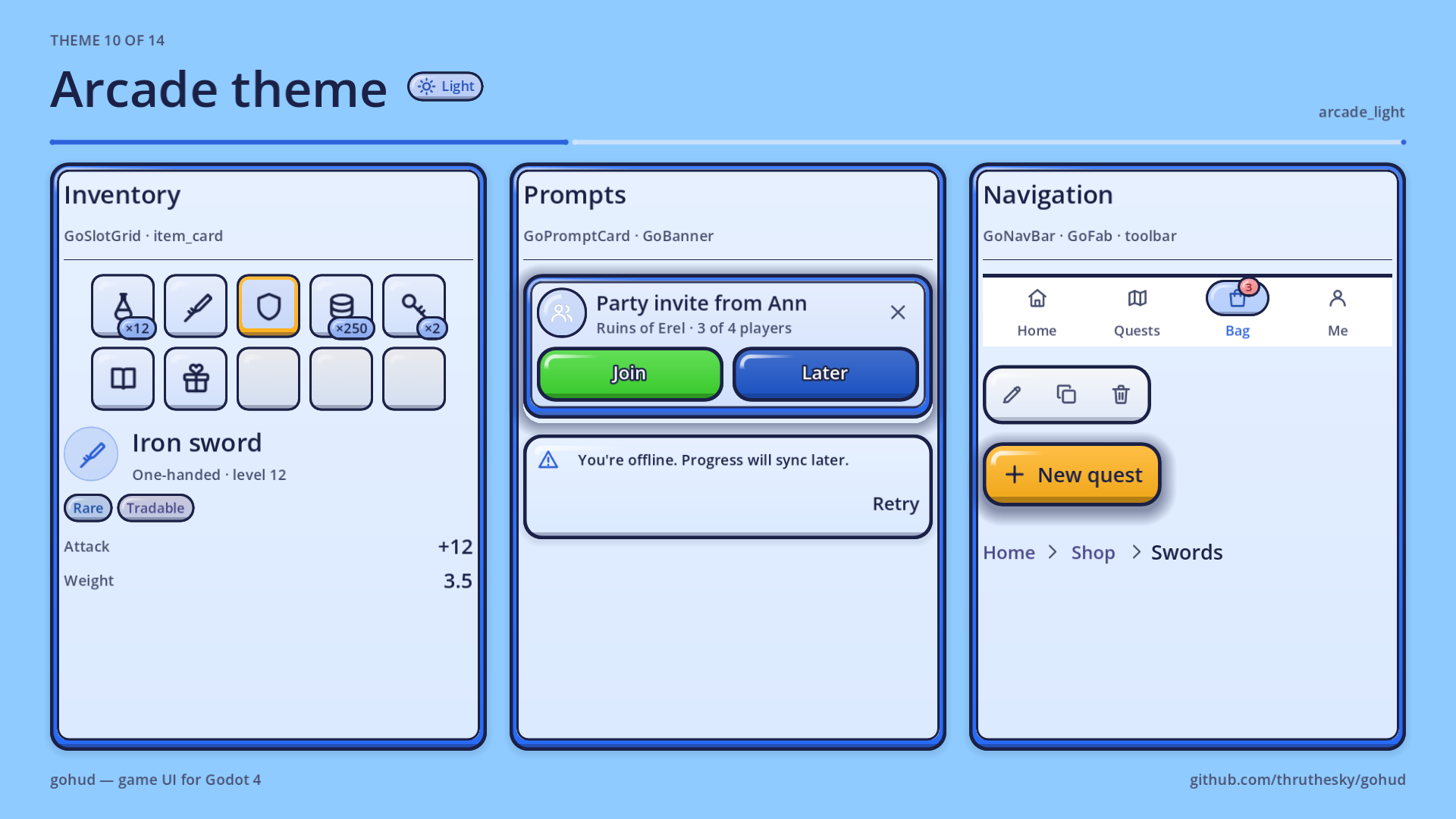
arcade_dark · arcade_light |
An arcade cabinet: every key painted with a gradient, a gloss and a lip; thick framed boards |
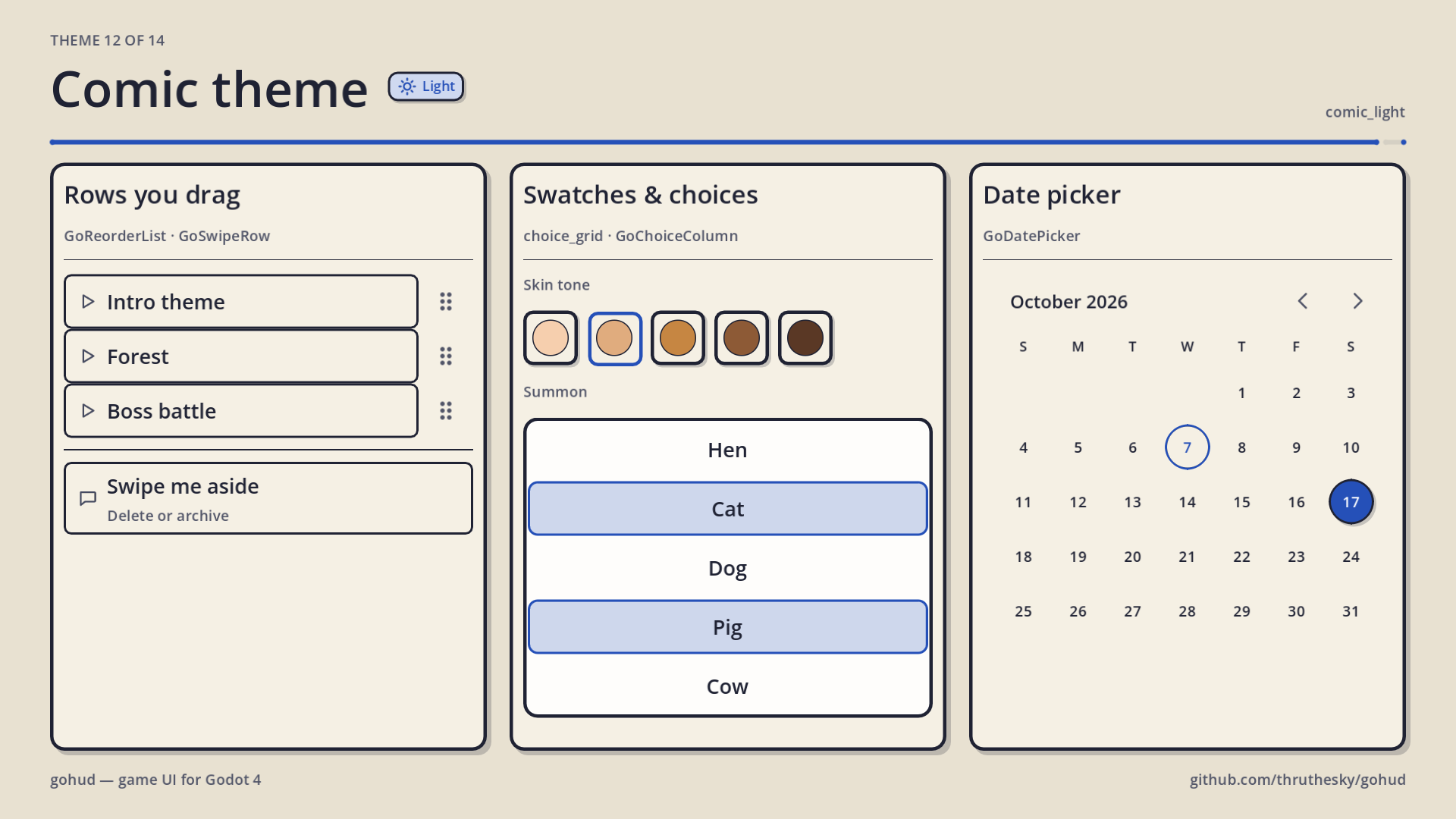
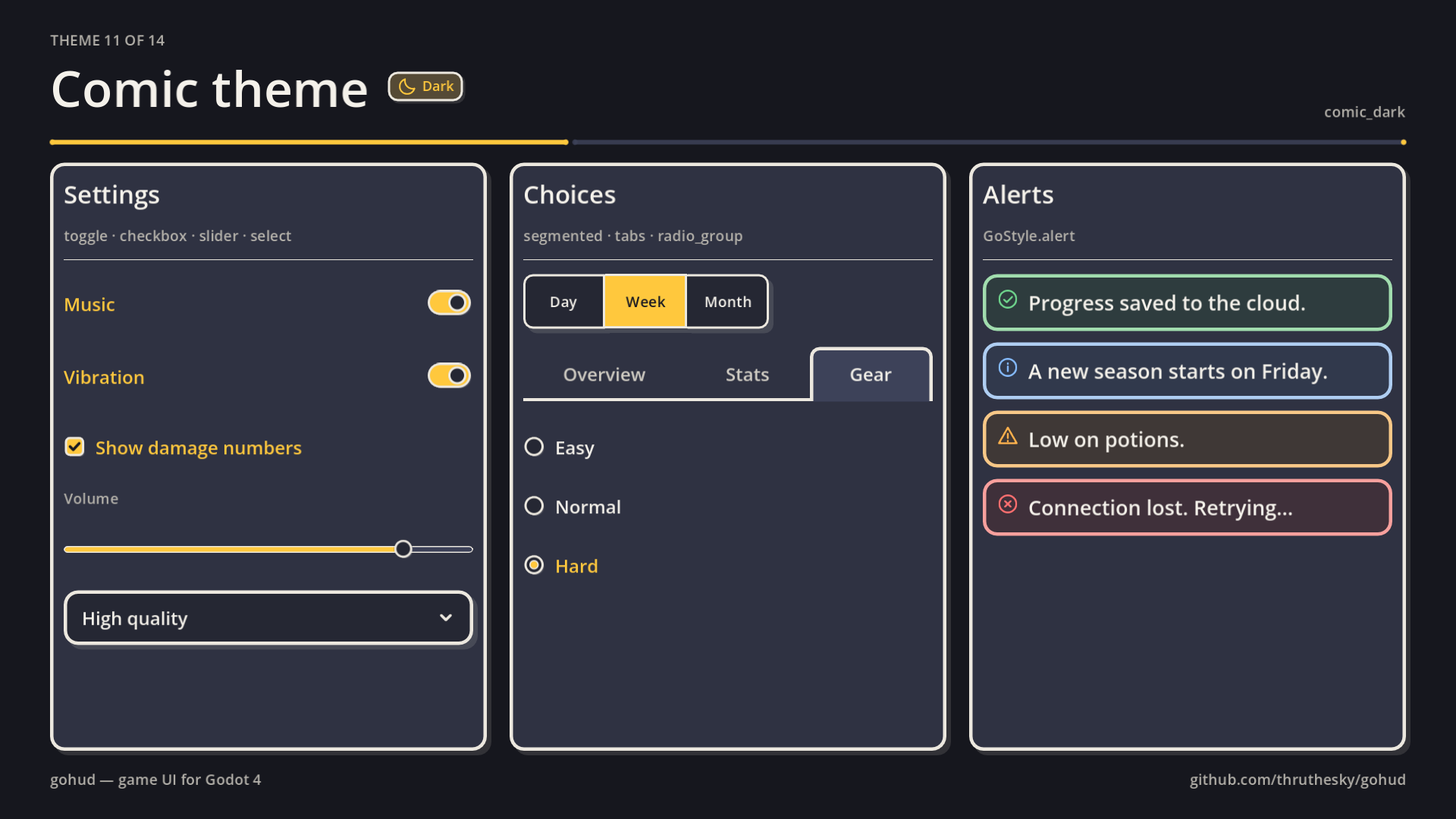
comic_dark · comic_light |
A comic panel: bold ink outlines and a hard shadow, a yellow caption box behind titles |
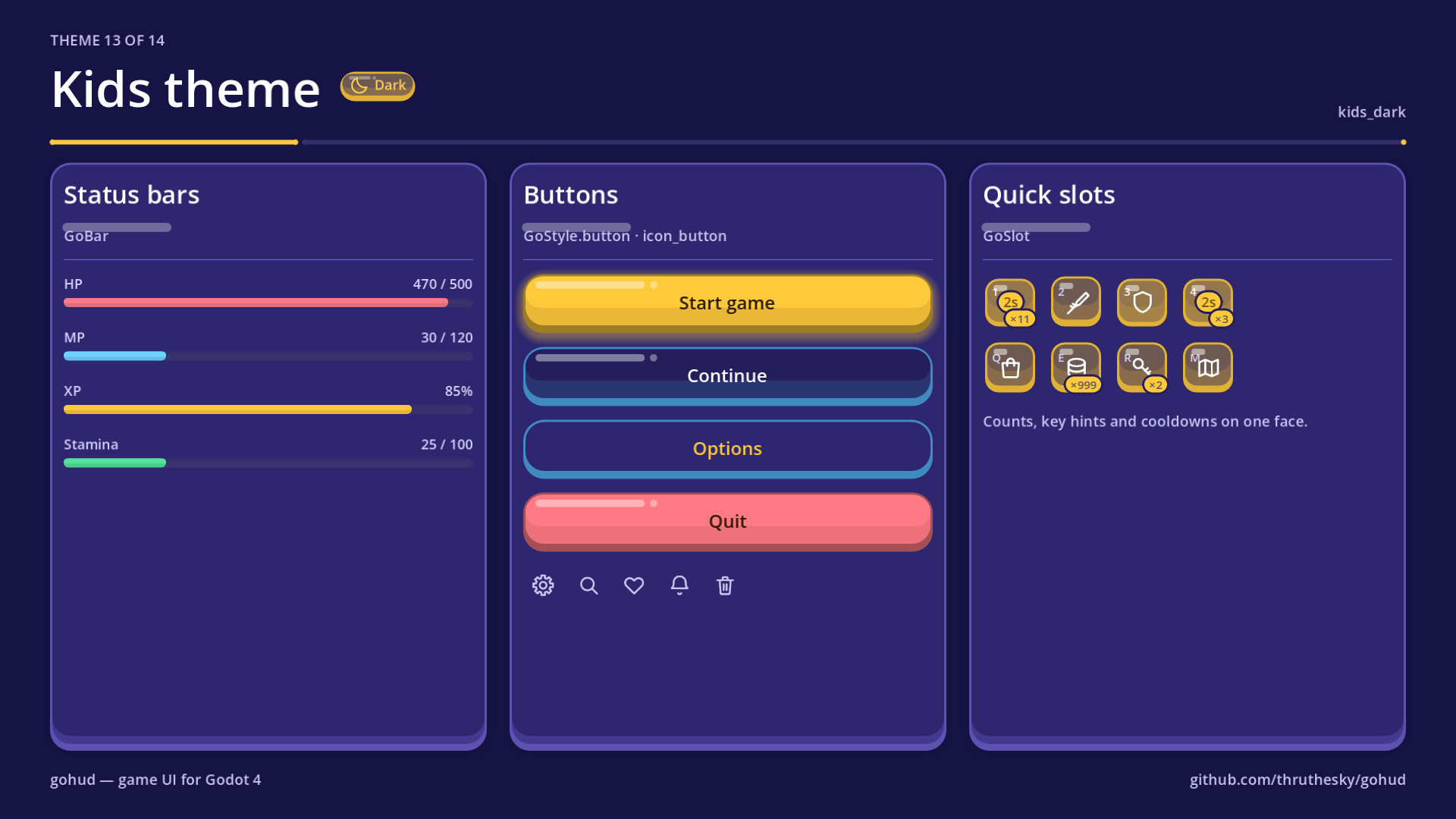
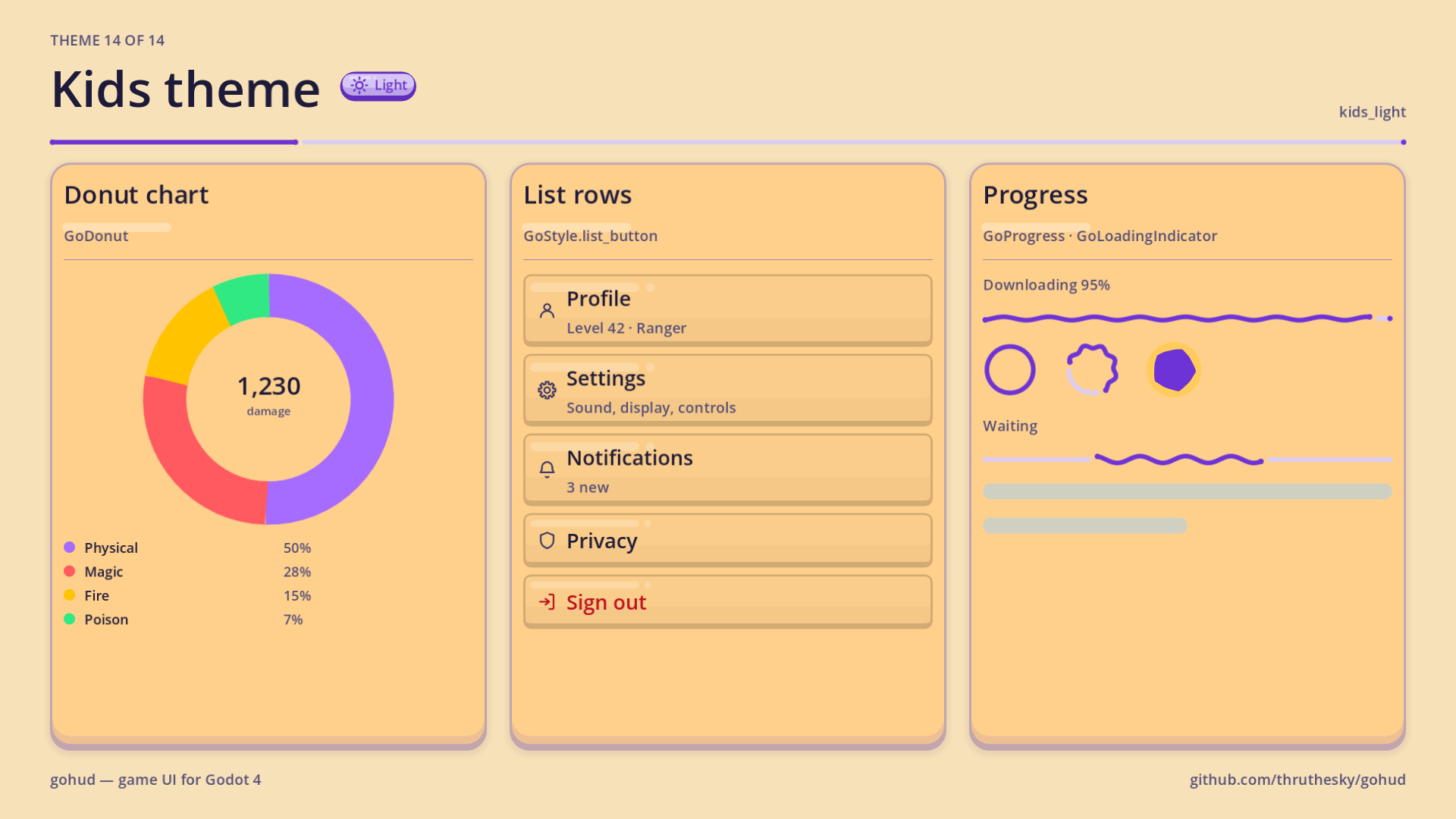
kids_dark · kids_light |
A toy box for children: jelly-candy keys and panels that squish under the finger |
Need your own look? Write a palette JSON — themes can inherit other themes, and the builder pushes text, borders
and the accent until they pass WCAG contrast checks. A theme dropped into themes/presets/ appears in the picker.
⚙️ Everything is an option
All settings live in one GoConfig resource that survives add-on updates: preset, theme and accent,
icon set, base font size, corner radius, spacing scale, breakpoints, surface behaviour, haptics,
sound cues, strings and accessibility. Change a field, call GoUi.refresh(), and every live widget
updates.
🔄 1,287 icons, called by name
Widgets ask for icons by name (GoIconSet.CLOSE), never by path. 84 are always there;
GoUi.add_icons(GoIconLibrary.icon_set()) adds a 187-icon game set (inventories, shops, items) and a
1,000-icon library under any preset, and GoUi.icons().search("rain") finds them in code. Point GoConfig.icons at:
- your own SVG set or folder, or
- an icon font (
font+codepoints) such as Font Awesome or Material Symbols, or - a partial set with
fallbackpointing at the bundled one — override just the few you care about.
The icons are imported as DPITexture, so they stay sharp at any UI scale.
📱 Mobile first, desktop ready
48 dp touch targets behind smaller visuals, safe-area insets, virtual-keyboard avoidance,
portrait/landscape layouts, HUD-aware scrolling, Android Back handling, focus rings only for keyboard users,
accessibility_name on every interactive control, and RTL via
LAYOUT_DIRECTION_APPLICATION_LOCALE. Ships with strings in 21 languages.
🛠️ Requirements
Tested on Godot 4.7; Godot 4.7 and newer are officially supported. gohud uses DPITexture,
FoldableContainer, the accessibility properties and mouse_behavior_recursive.
📦 What's included
Pure GDScript (no GDExtension, no engine module, no autoload required) · 86 classes · fourteen presets ·
1,287 icons (84 default, 16 engraved medieval, a 187-icon game set and a 1,000-icon library) · Cinzel and
Roboto heading fonts · strings in 21 languages · gallery, medieval, icon and demo-app scenes with a
31-chapter guided tour · over 1,700 headless tests you can run yourself with addons/gohud/tools/run_tests.sh.
📜 License
MIT, icons included (1,171 of them come from Tabler Icons, MIT). Use it in commercial games, modify it, redistribute it. The bundled Cinzel and Roboto fonts are under the SIL Open Font License 1.1.
Changelog for version v1.3.0
2026-10-06 13:34:00
No changelog provided for this version.