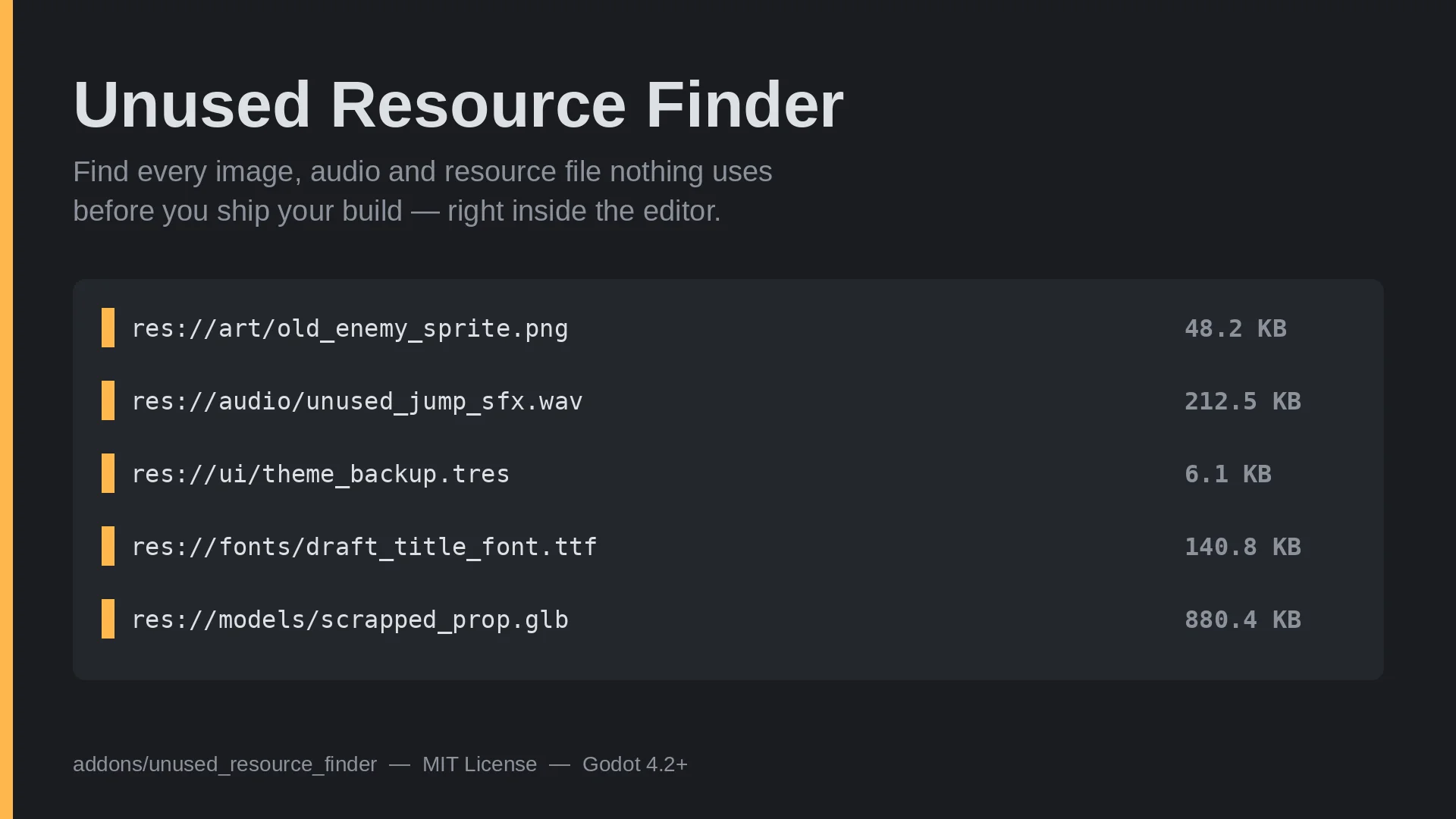
Unused Resource Finder
 0
0
by Kurtis Klay | MIT
A full asset audit dock, not just an orphan finder: unused files (uid-aware, with High/Low confidence), oversized images, dead folders and missing license files, all in one scan
Unused Resource Finder A full asset audit dock, not just an orphan finder: unused files, oversized images, dead folders and missing license files, all in the same scan. Four checks, one pass Unused. A file counts as referenced if its res:// path shows up
Clean Copy Examples
0
by Maaack | MIT
A tool for editor plugins to copy example files out of `addons/` folders into the destination of the user's choosing, cleaning up UIDs in the process
Godot Clean Copy Examples A simple tool (no plugin files) to copy example files out of addons/ folders into the destination of the user's choosing, cleaning up UIDs in the process. See the setup wizard in Maaack's Game Template for an example of how it is

Unexport My Props!
0
by Aurailus | GPL v3
Allows scripts to hide exported properties, property groups, and property categories from the Godot Inspector
Unexport My Props! Unexport My Props! lets scripts selectively hide exported properties from inherited scripts from the Godot Inspector. Properties can be hidden individually, or by group or category. This is useful when an exported property from a base
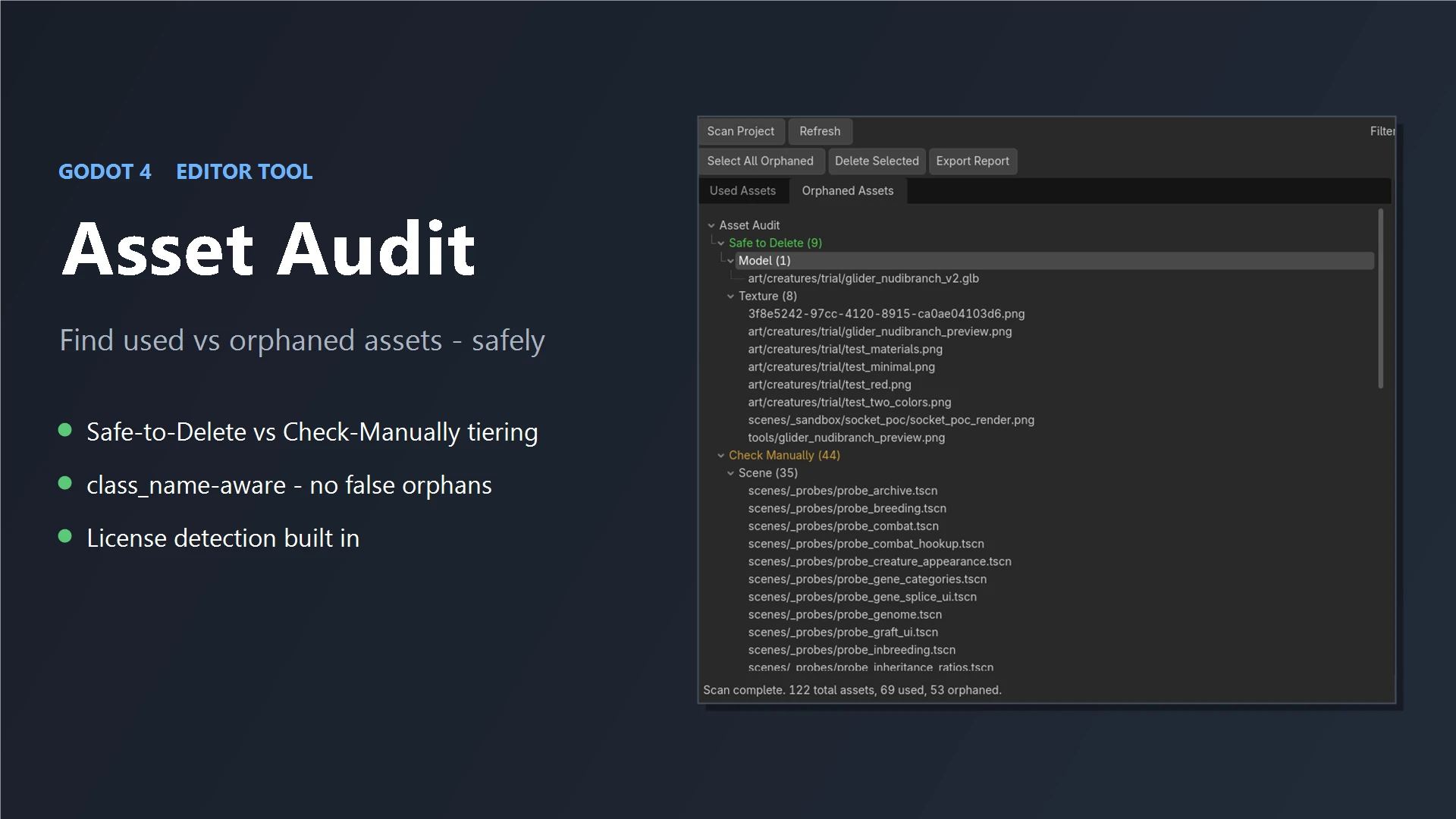
Asset Audit
0
by Mesh Lab | MIT
See exactly which assets your Godot project uses and which are just dead weight. Asset Audit scans your whole project, sorts every file into Used vs Orphaned, then flags what's Safe to Delete vs Check Manually so you clean up without breaking your game
Asset Audit Find the dead weight in your Godot project — safely. Every project collects unused files: old art, test scenes, leftovers from features you cut. Asset Audit scans your whole project and shows you at a glance which assets your game actually

loading more results...