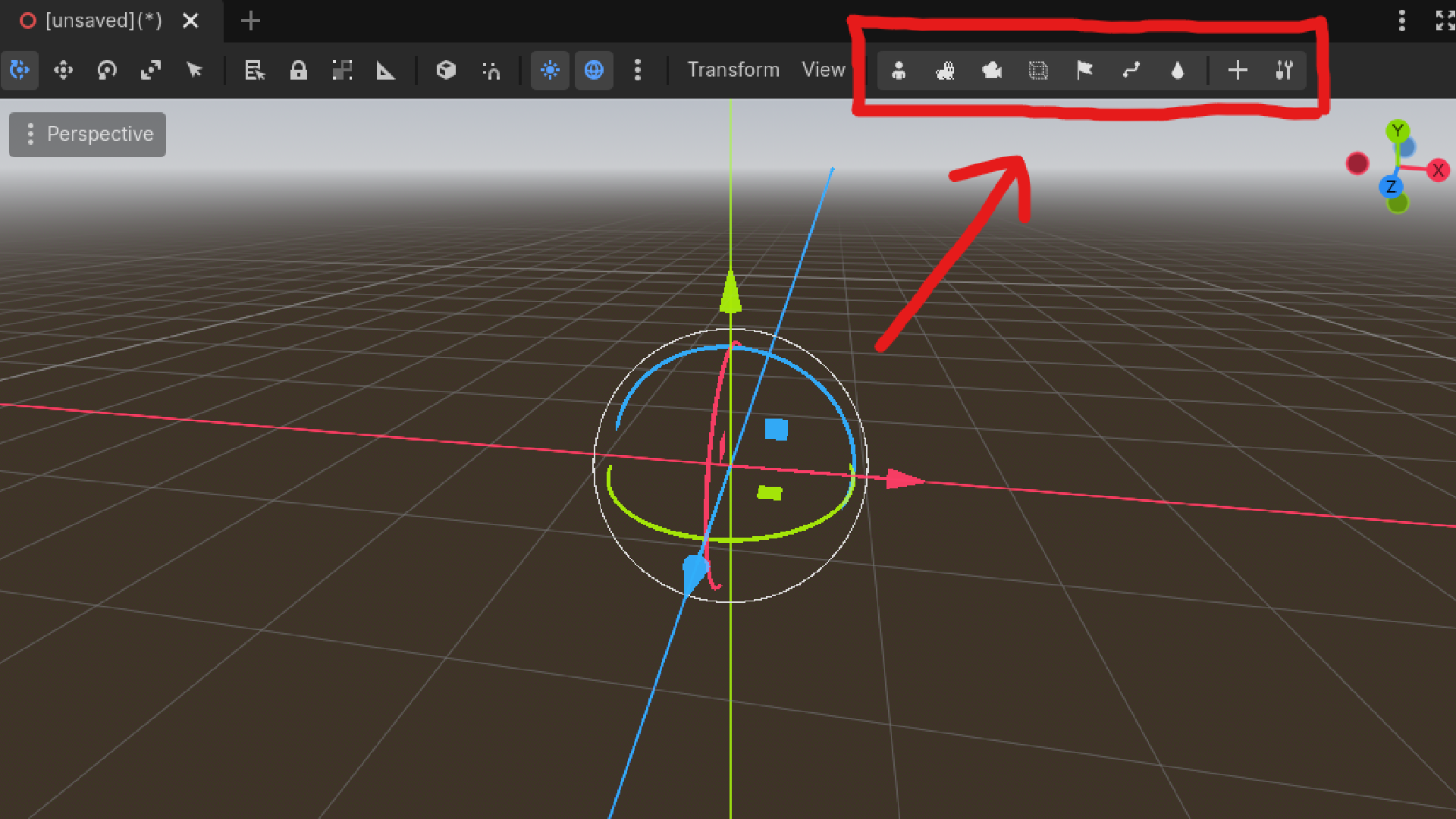
Quick Lock Toolbar is a lightweight editor plugin that adds dedicated lock/unlock buttons directly to the 3D viewport toolbar. Lock entire Node3D hierarchies with a single click, preventing accidental selection or movement of objects you don't want to touch.
The Problem
In complex 3D scenes with hundreds of scattered objects, it's easy to accidentally select or move things you didn't intend to. Godot's built-in lock works per-node through the Scene dock, but manually locking dozens of nodes is tedious.
The Solution
Organize your scene into named groups (parent your objects under a Node3D like "Trees" or "Rocks") and lock or unlock the entire group — root and all children — with one toolbar click.
Features
- One-click locking of entire Node3D subtrees from the toolbar
- Add custom buttons for any Node3D in your scene
- Assign your own icons (PNG, SVG, WebP, JPG) or use the included defaults — oversized images are automatically resized to 16x16
- Multi-select support: reorder, move, or remove multiple buttons at once
- Full undo/redo integration with Godot's edit history
- Uses the same native lock mechanism as the Scene dock
- Per-project JSON configuration, easy to version control or share
How To Use
- Group related objects under named Node3D nodes (e.g. all trees under a node called "Trees").
- Click + on the toolbar to add a quick lock button for that node.
- Click the button to lock, click again to unlock.
Ideal For
Level designers, environment artists, and anyone tired of accidentally grabbing background objects while editing foreground elements.
Requirements: Godot 4.2 or above.
Changelog for version v1.0.0
2026-05-26 05:45:37
No changelog provided for this version.
