
Orca: AI Agent for Godot
 6
6
by cold-atom | MIT
A safety first AI agent for the Godot editor. Orca inspects your project, proposes Godot-aware changes, validates them, and applies them only after you explicitly approve. Plan mode is read-only; Work mode requires your Apply/Reject on every change
Orca: Open-Source AI Agent for Godot AI agent that feels at home in the Godot editor. Orca is an open-source, MIT-licensed AI development agent built directly into Godot. It brings project exploration, editor awareness, Godot-specific tools, reviewed
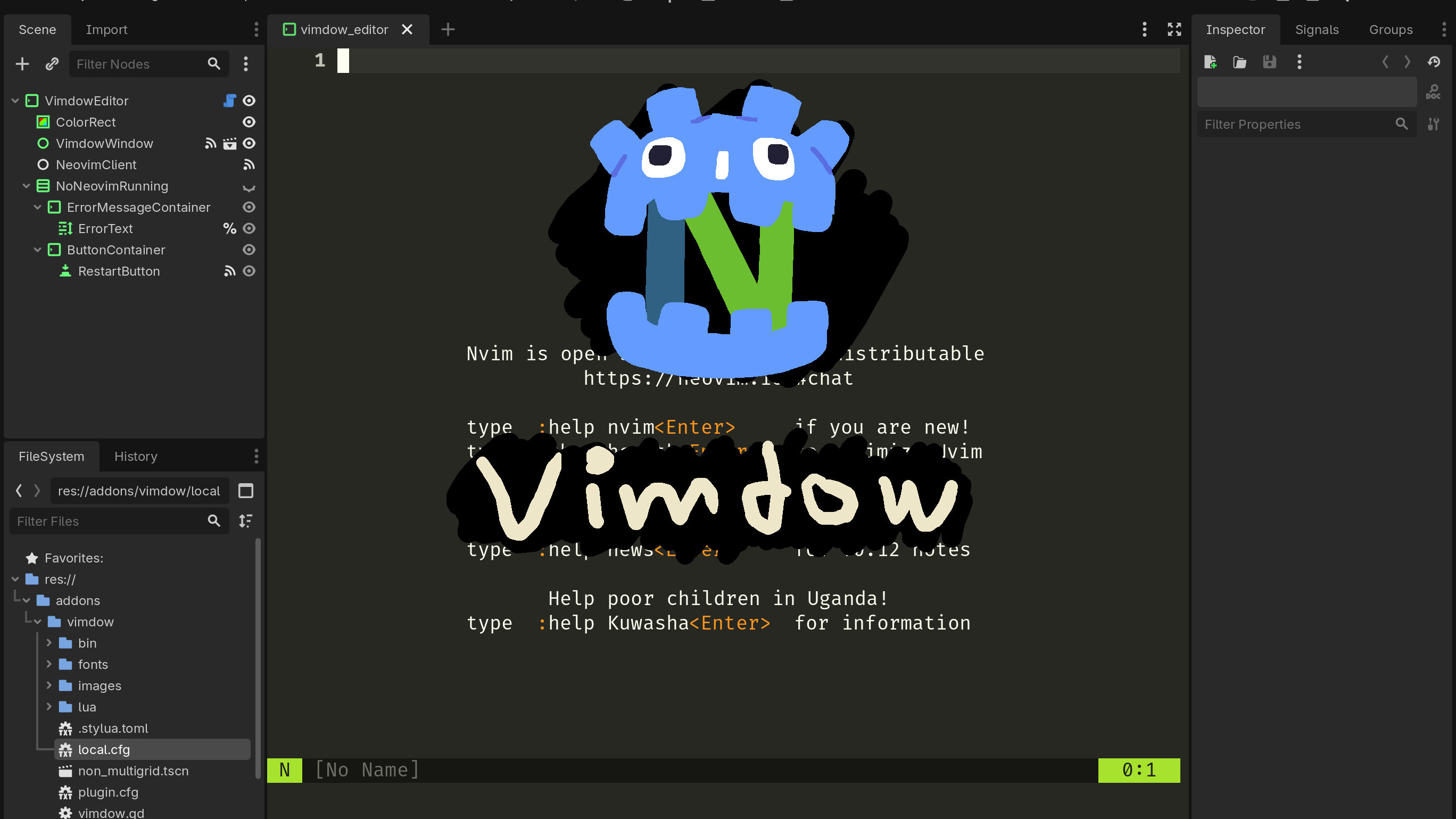
Vimdow
2
by Jeremy Gordon | MIT
A plugin that integrates Neovim into the editor
Vimdow is 2 things at once. First, it's a Neovim client based on Godot, and second it's an editor plugin that allows you to use Neovim on your project files. Vimdow only needs to know where the Neovim binary is located on your system, and you can enjoy

Rich text editor / viewer
0
by Cyril Jacquet | MPL 2.0
Rich text editor and viewer controls
RichTextEdit: A fully editable rich text control with: Inline formatting toggles: bold, italic, underline, strikethrough Headings, bullet lists, numbered lists (via API) Table support: insert, add/remove rows and columns Keyboard shortcuts (Ctrl+B/I/U
External Shader Editor
0
by Jaeho Yi | MIT
A Godot 4.x editor plugin that opens GDShader files in a external editor
External Shader Editor is a Godot 4.x editor plugin that opens .gdshader and .gdshaderinc files in a configurable external editor from the FileSystem dock and shader error links

Reactive UI Editor
0
by Yaniv Kalfa | MIT
A full .guitkx editor inside Godot — the authoring companion for Reactive UI: syntax highlighting, live diagnostics, completion, hover, navigation, rename, project search, and the same formatter as the VS Code extension. Ships with the native analyzer
A full .guitkx editor inside the Godot editor — the authoring companion for the "Reactive UI (React for Godot)" addon. Double-click a .guitkx in the FileSystem dock and edit it in a main-screen tab: theme-matched syntax highlighting (embedded GDScript

loading more results...