Debug Visualizer
 1
by XORandom | BSD 3-Clause License
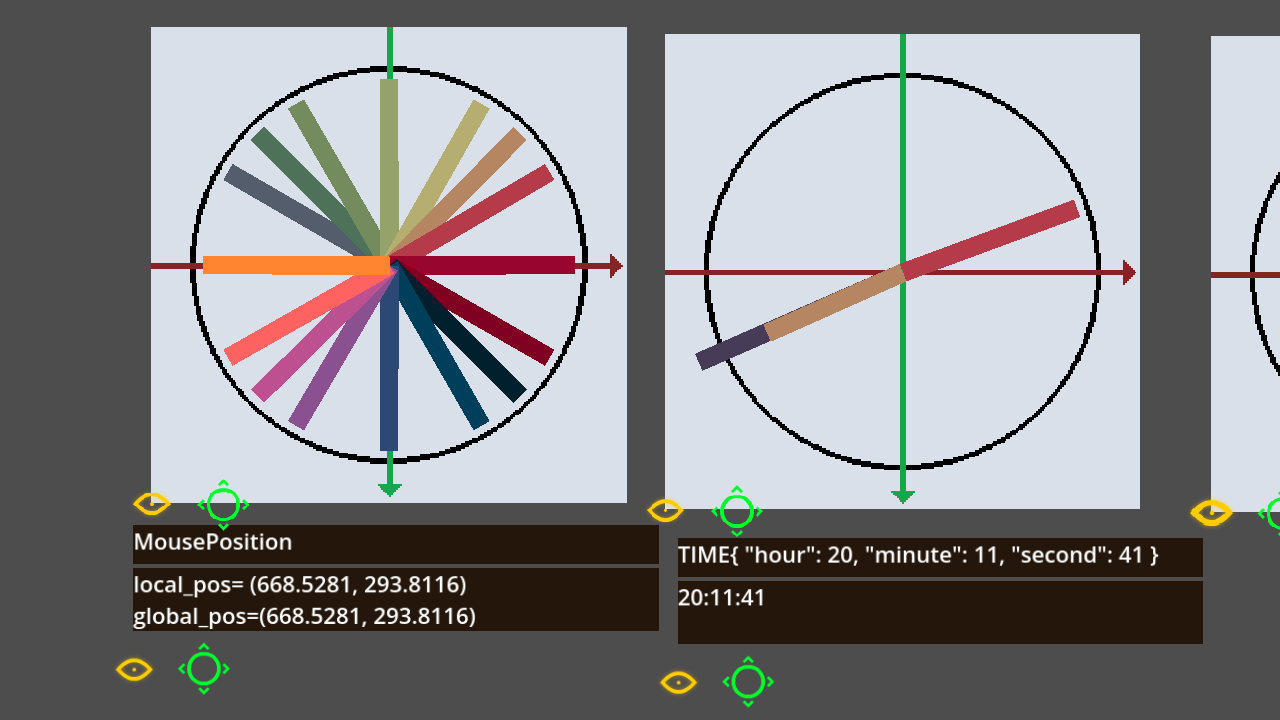
An in-game debugging addon that allows you to display values and text in collapsible, movable panels
The addon allows you to display any text or variables on movable panels using. DebuggerVusializer.show_debug_info() It also allows you to visualize vectors using the DebuggerVusializer.visualize_vector() function. The project has a debug_visualizer
Instance Log
1
by codevogel | MIT
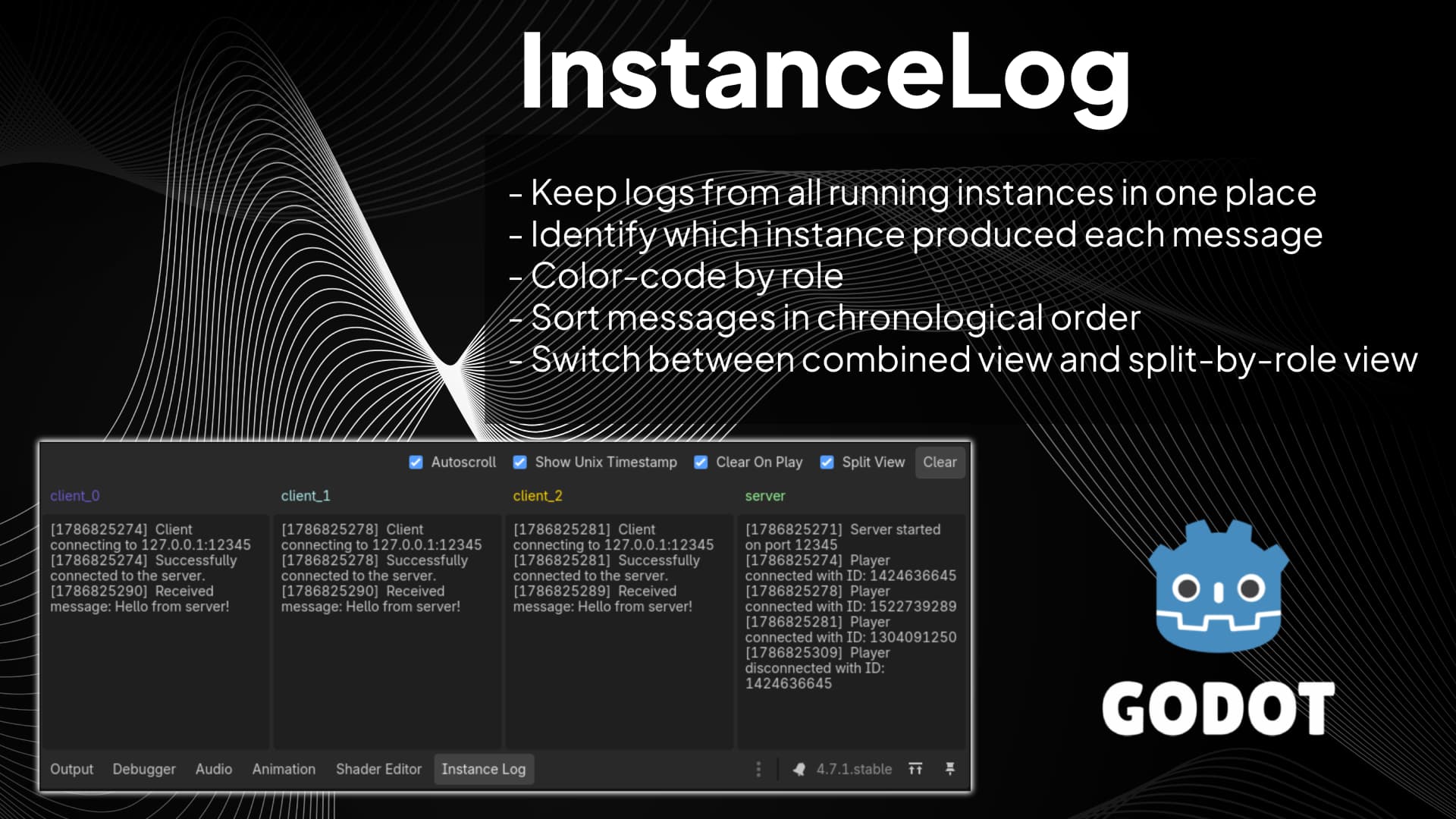
Instance Log is a Godot editor plugin for debugging projects that run multiple game instances at once (for example, host + clients in multiplayer tests). It adds an 'Instance Log' panel next to Godot's Output panel and groups each message by instance role
Instance Log (for Godot) Instance Log is a Godot editor plugin for debugging projects that run multiple game instances at once (for example, host + clients in multiplayer tests). It adds an Instance Log panel next to Godot's Output panel and groups each

Screenshots
1
by pumpkintree | MIT
Godot addon that lets you rapidly take screenshots. Supports taking bursts in multiple resolutions, locales, and formats
Screenshots Lets you rapidly take screenshots. Supports taking bursts in multiple resolutions, locales, and formats. Installation Download the latest release and paste it into your Godot project Enable the addon in the Project Settings Usage Play a scene
Debug Terminal
0
by PawnxPawn | MIT
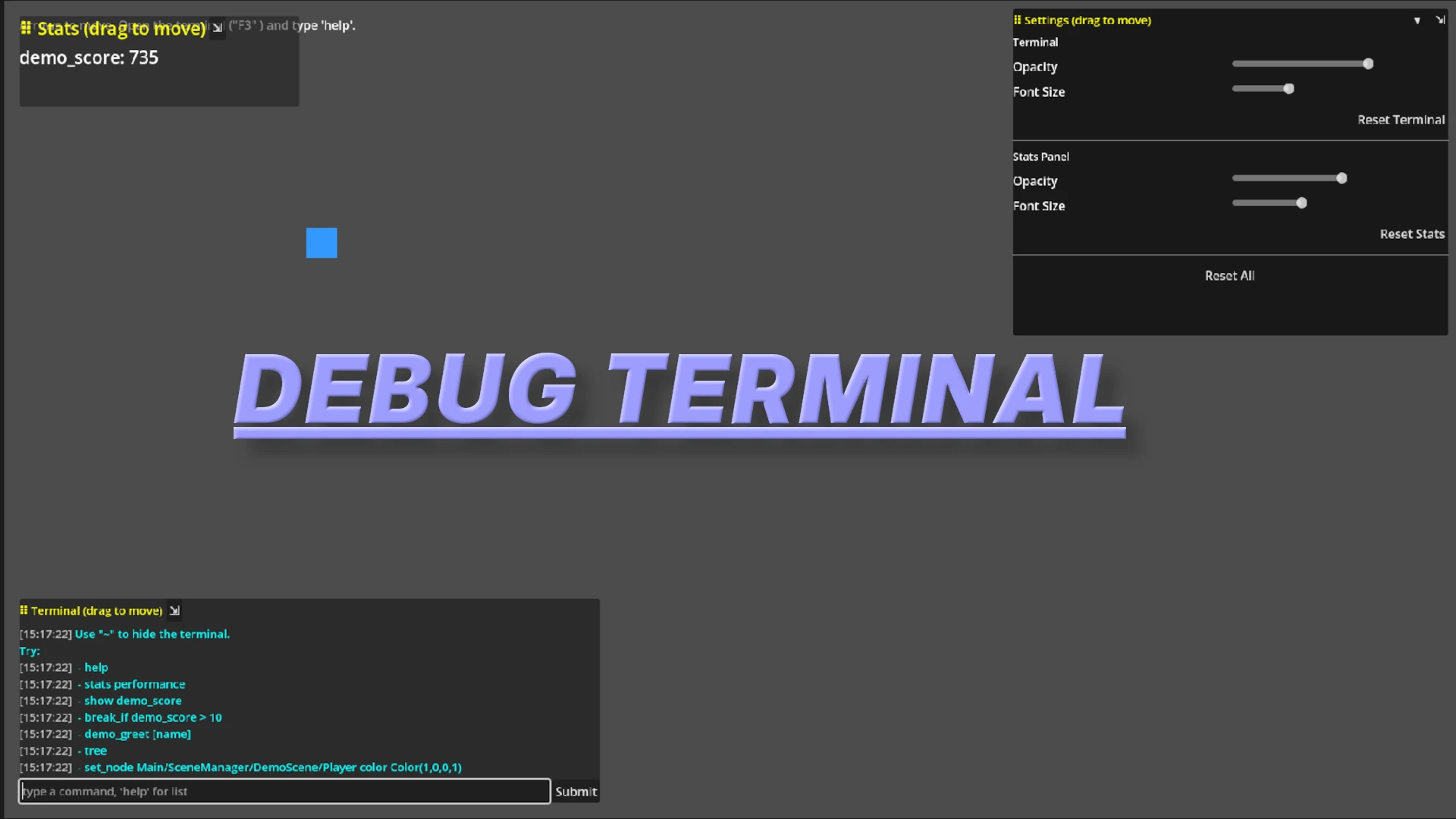
A debug terminal that can register, execute, inspect, and remove custom commands at runtime. Includes a watcher system for monitoring live properties, node values, and script fields
Debug Terminal A debug terminal that can register, execute, inspect, and remove custom commands at runtime. Includes a watcher system for monitoring live properties, node values, and script fields. Core Features Runtime command registration Register new
Signal Lens
0
by Yann Lemos | MIT
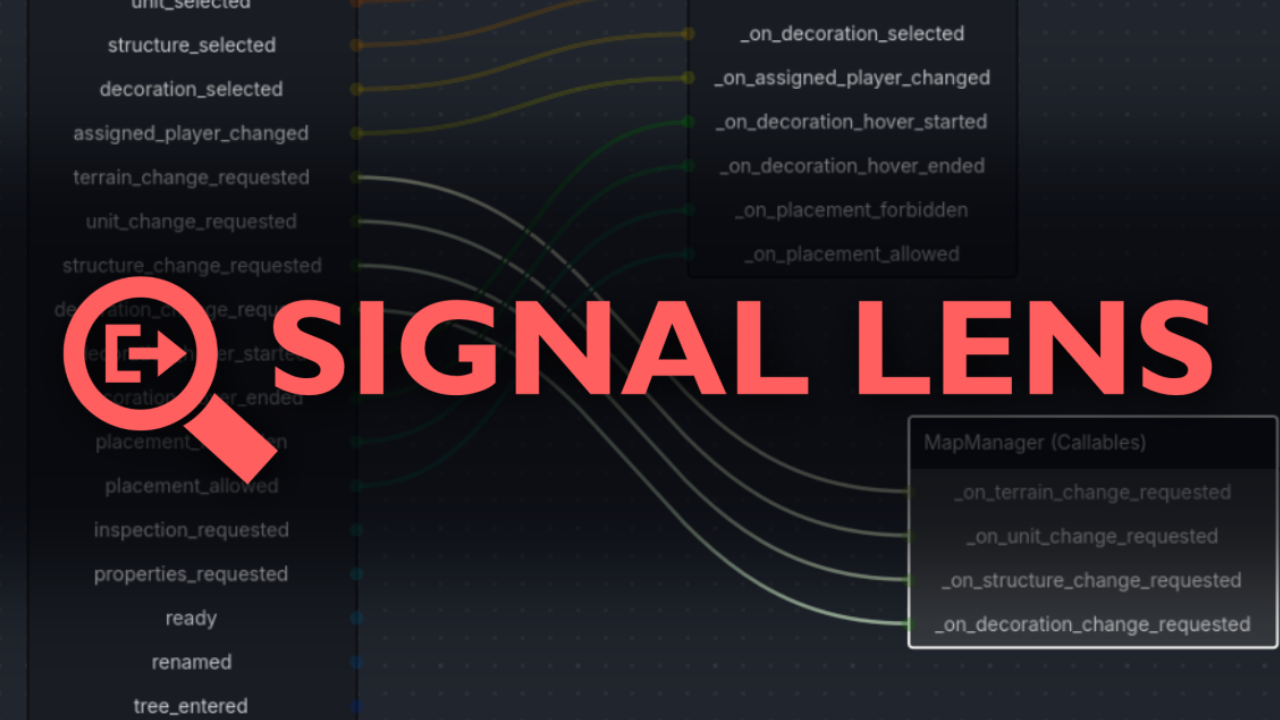
A Visual Debugger for Signals. Supports Godot 4.3
Features Click on a node in the remote scene tree and instantly view all its signals' connections. View signal emissions in real-time as they are emitted in-game. Select and rearrange a graph view to inspect your signal connections. Keep signal emissions

loading more results...