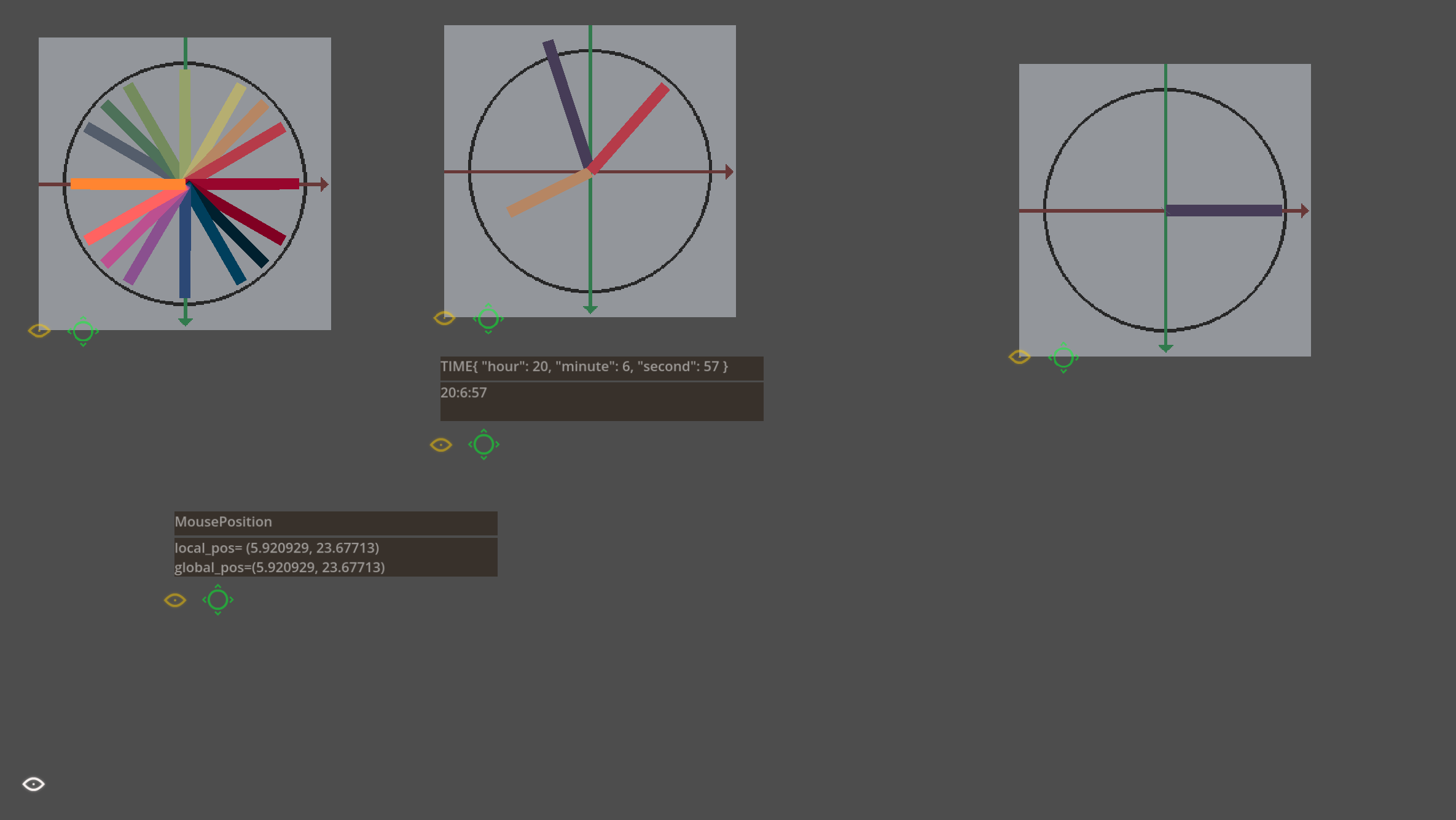
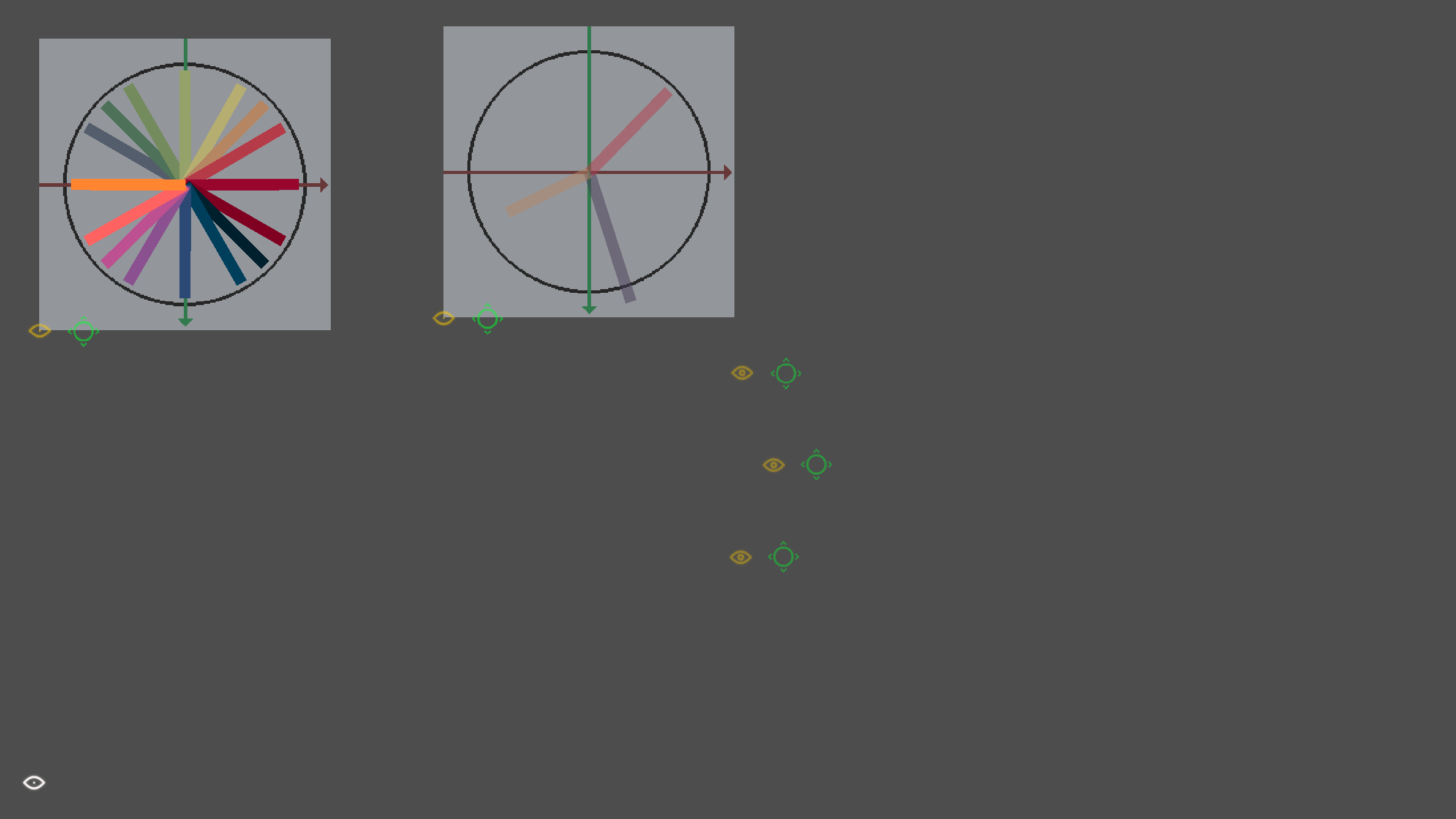

The addon allows you to display any text or variables on movable panels using.
DebuggerVusializer.show_debug_info()
It also allows you to visualize vectors using the DebuggerVusializer.visualize_vector() function.
The project has a debug_visualizer_example.tscn scene, which shows how this add-on can be used.
Example of usage
DebuggerVusializer.show_debug_info(DATA_ARRAY:Array, PANEL_ID:int, PANEL_TITLE_ARRAY:Array, PANEL_POSITION:Vector2)

DebuggerVusializer.visualize_vector(PANEL_ID:int, VECTOR_ID:int, VECTOR2:Vector2, USE_LOG_FORM:bool, DIVIDER:float, PANEL_POSITION:Vector2)
DATA_ARRAY can be either an empty array or an array of any values, strings, numbers, variables.
If PANEL_POSITION is equal to Vector2.ZERO, instead of this vector, the position of the marker is taken, whose number in the tree corresponds to the specified PANEL_ID.
You can also omit the PANEL_POSITION, then the marker position will also be used.
Marker positions can be set in the scene debugger_vusializer.tscn
Changelog for version 0.2.6
2026-10-26 16:19:56
No changelog provided for this version.
