
Mesh Tools
 1
by AR3D | MIT
A bunch of random tools I created for my game project to help with mesh editing and generation. Includes a merge by distance operation, a feature to separate mesh islands, as well as helper functions to create physics bodies from meshes. This largely was
Mesh Tools This is a bunch of helper functions that I've created for one of my projects. It suffered from the worst scope creep imaginable. Clean Up: rebuild_csg_node Bakes any CSG node and all it's children into one new CSGMesh3D. The children are then
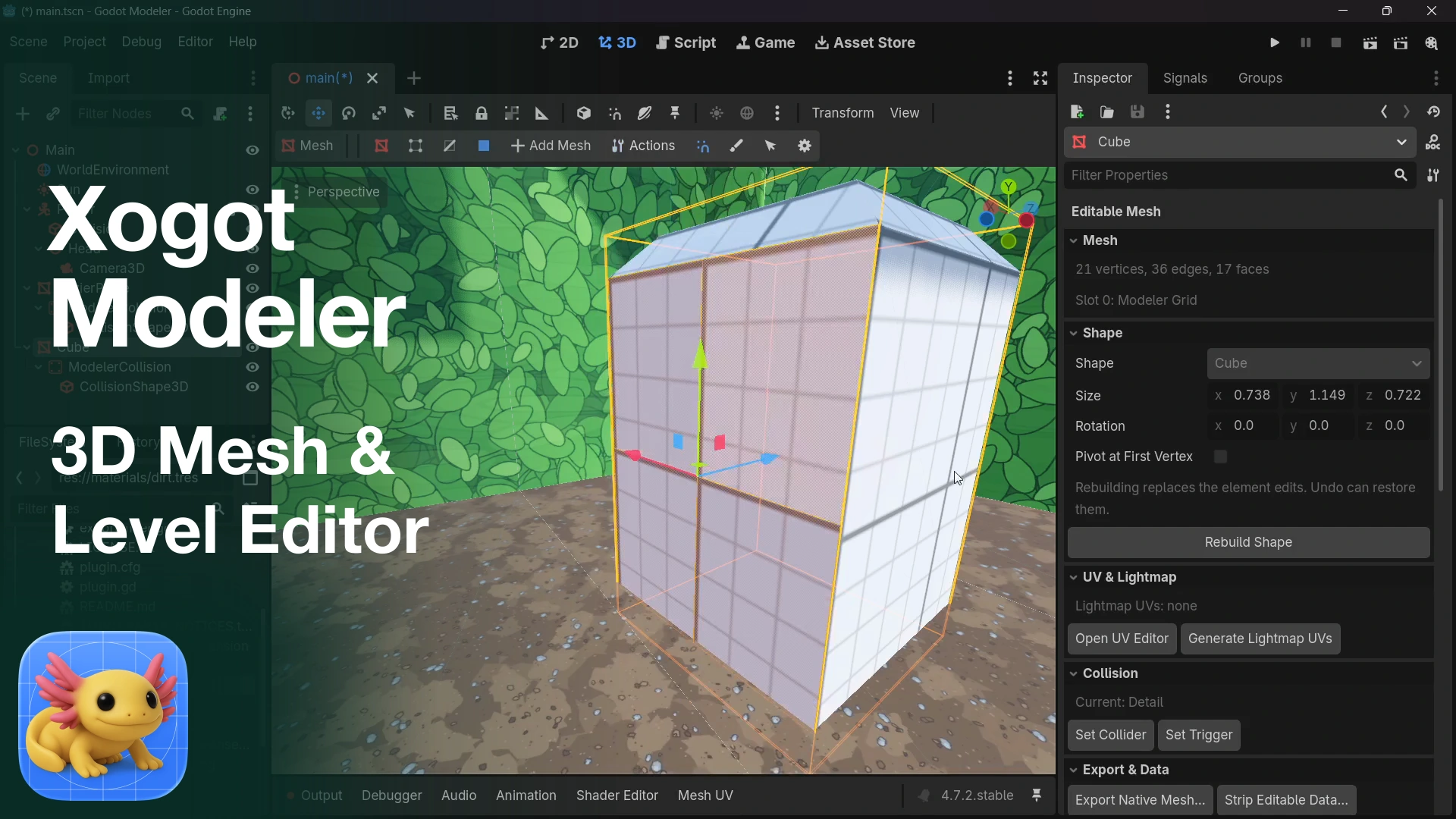
Xogot Modeler: 3D Mesh & Level Editor
0
by Xogot | Proprietary
Xogot Modeler brings 3D modeling to the Godot editor on Windows and Linux. Greybox levels, build props, and draw curved geometry with Bézier paths. Start with adjustable shapes or polygon outlines, then edit vertices, edges, and faces. Includes extrusion
Xogot Modeler brings the 3D modeling tools from Xogot to the Godot editor on Windows and Linux. Block out levels, build greybox environments, and create simple props directly in your scene. Start with an adjustable shape, draw a polygon outline, or sketch

Blendot
0
by Rufus Lane | MIT
Edit Godot assets in Blender with one click. Save in Blender, and the change shows up back in Godot, in the same place. Model files: right-click an .fbx, .glb, .gltf or .obj and choose Edit in Blender. Each Blender save writes the file back, and Godot
Right-click a MeshInstance3D and choose Edit in Blender. Each save updates the node's mesh. Any objects you add in Blender come back as child nodes, keeping their hierarchy and origins, which makes hinged doors and similar parts easy. .blend files
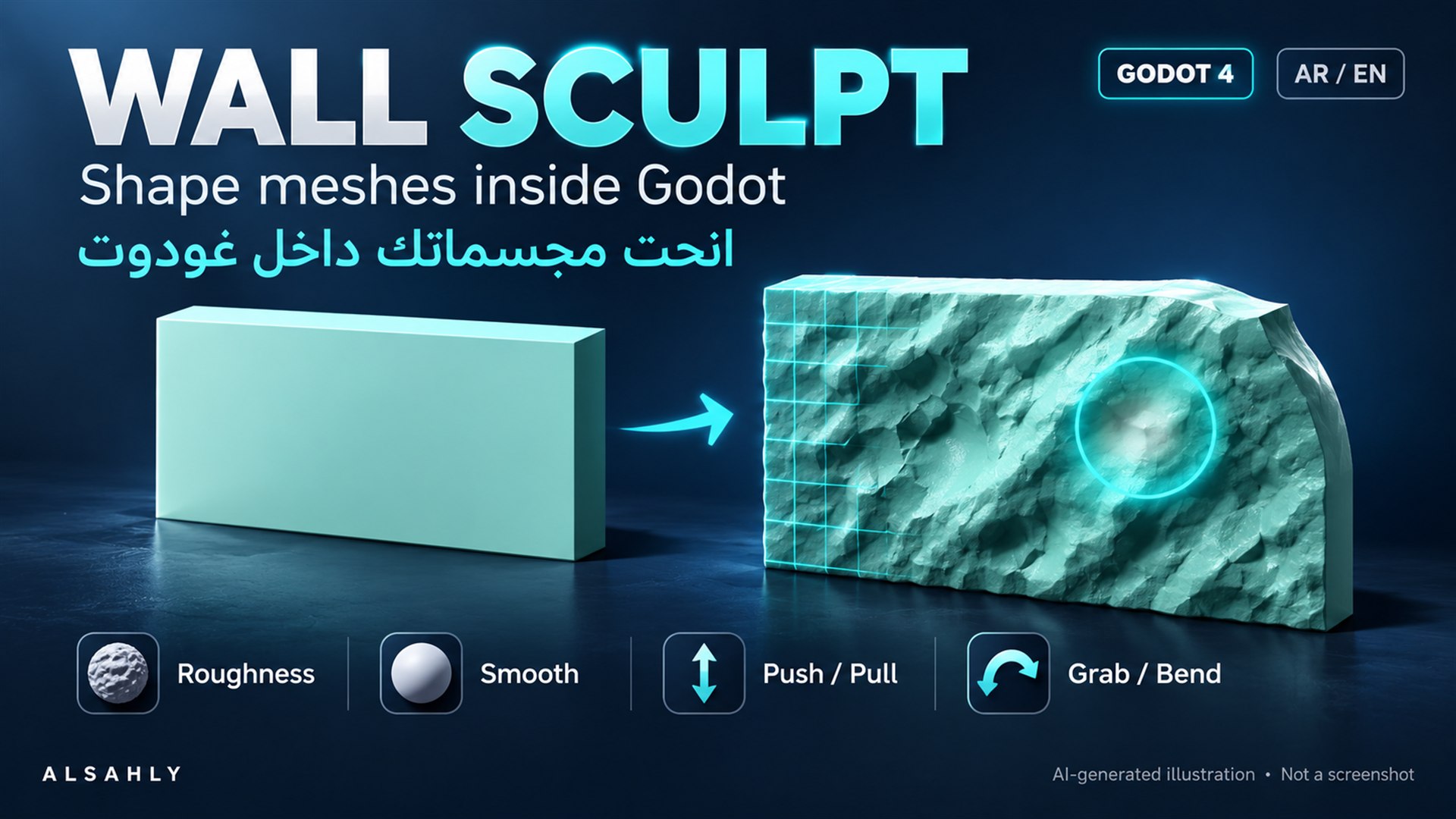
Wall Sculpt
0
by ALSAHLY | MIT
Sculpt static meshes directly in Godot 4 with roughness, smoothing, push/pull and grab/bend brushes. Includes mesh subdivision, Arabic/English controls, multi-material support, and undo/redo. Tested on Windows with Godot 4.7.1. Static meshes only; 30,000
English Wall Sculpt is a Godot editor add-on for shaping static MeshInstance3D nodes inside your existing project. Features Four brushes: natural roughness, smoothing, push/pull, and grab/bend. Prepare coarse meshes by subdividing to a chosen world-space
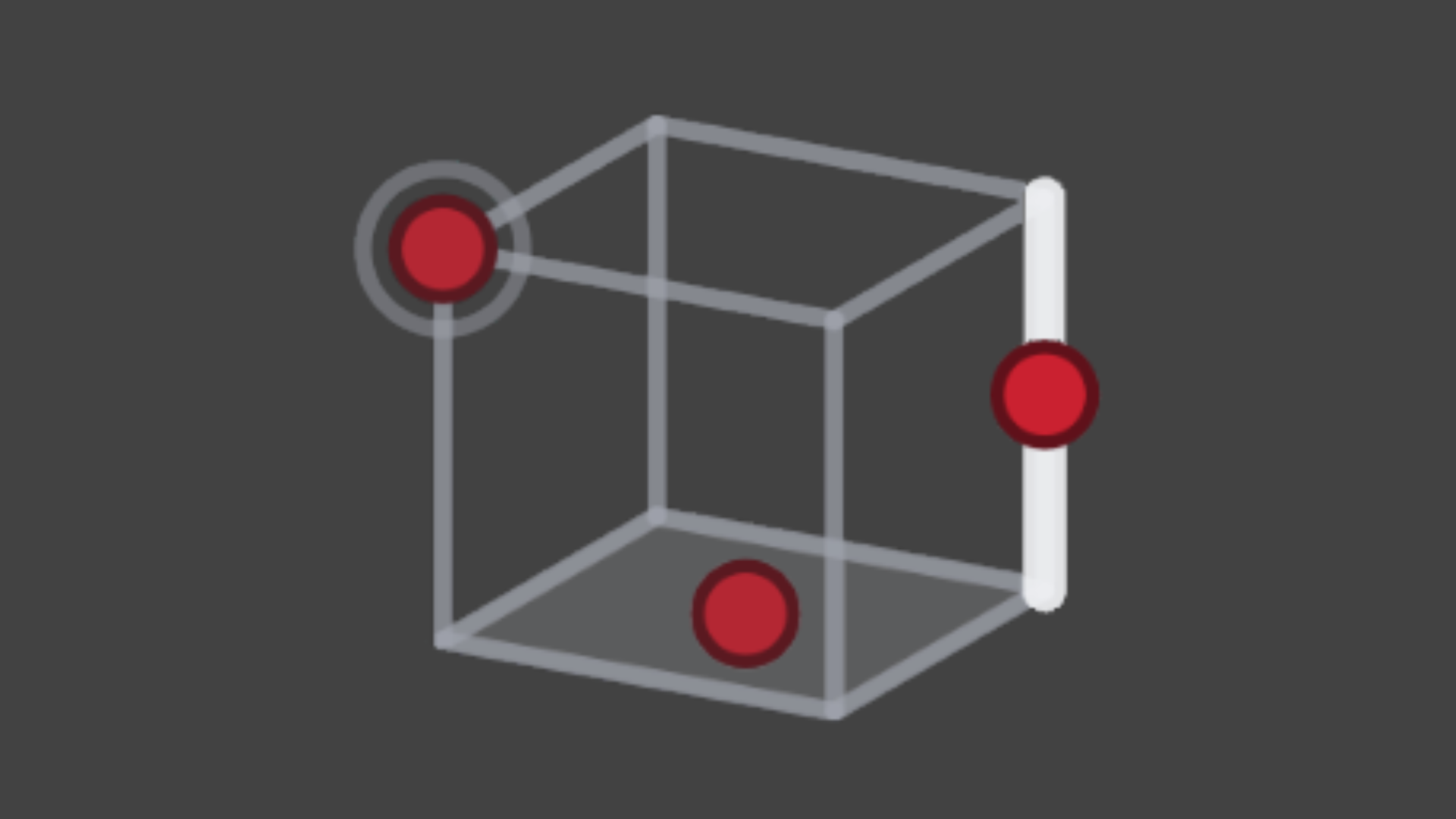
Pivot Tool
0
by ZeroSkew | MIT
Pivot Tool is an editor plugin for previewing and baking a new pivot into a 'MeshInstance3D'
Pivot Tool is an editor plugin for previewing and baking a new pivot into a 'MeshInstance3D'

loading more results...