Description
Changelog
Reviews (1)
Mesh Tools
This is a bunch of helper functions that I've created for one of my projects.
It suffered from the worst scope creep imaginable.
Clean Up:
rebuild_csg_node
- Bakes any CSG node and all it's children into one new CSGMesh3D. The children are then removed after.
merge_by_distance
- Takes a mesh and performs a merge by distance operation on it, useful after a CSG operation.
Body Problems:
create_rigid_body_from_mesh
- Creates a RigidBody3D from a given mesh, and defaults to reasonable physics parameters if none are given.
create_static_body_from_mesh
- Creates a StaticBody3D from a given mesh, and defaults to reasonable physics parameters if none are given.
create_csg_body_from_mesh
- Creates a CSGMesh3D from a given mesh, and does not use collision by default.
set_center_of_mass
- A function that is almost mandatory to run on RigidBody3Ds generated from create_rigid_body_from_mesh
Islands:
calculate_mesh_volume
- Returns the given mesh's volume, in the cubed unit of said mesh. (typically cubic meters) It is assumed the mesh is watertight.
separate_mesh_islands
- Takes a mesh, and returns an array of all the floating mesh islands separated out of it.
Mesh Effects:
randomize_mesh
- Takes a mesh and randomizes the vertex positions. The normals, or winding order, may need to be flipped using
CleanUp.invert_normal_vectorsdepending on the situation.
Parameters are included for distance, uniform, along_normal, and the seed.
It's pretty much copied from Blender's Mesh > Transform > Randomize operation
shade_smooth_by_angle
- Takes a mesh and an angle, and performs a shade autosmooth operation, like in Blender.
Mesh Destruction:
slice_mesh
- Slices a mesh into two halves along a plane. Requires a MeshInstance3D set to a PlaneMesh to define the cut, and a mesh to cut. An optional material can be provided for the newly created interior surface.
It assumes the plane mesh is fully penetrating the target mesh, and does not check for a partial slice.
check_penetration
- Check if the slicing plane fully bisects the target, or only partially does.
This is only useful if you want to limit any cuts to the area of your slicing mesh. Otherwise, the slicer just checks the face angle and cuts along the infinate plane.
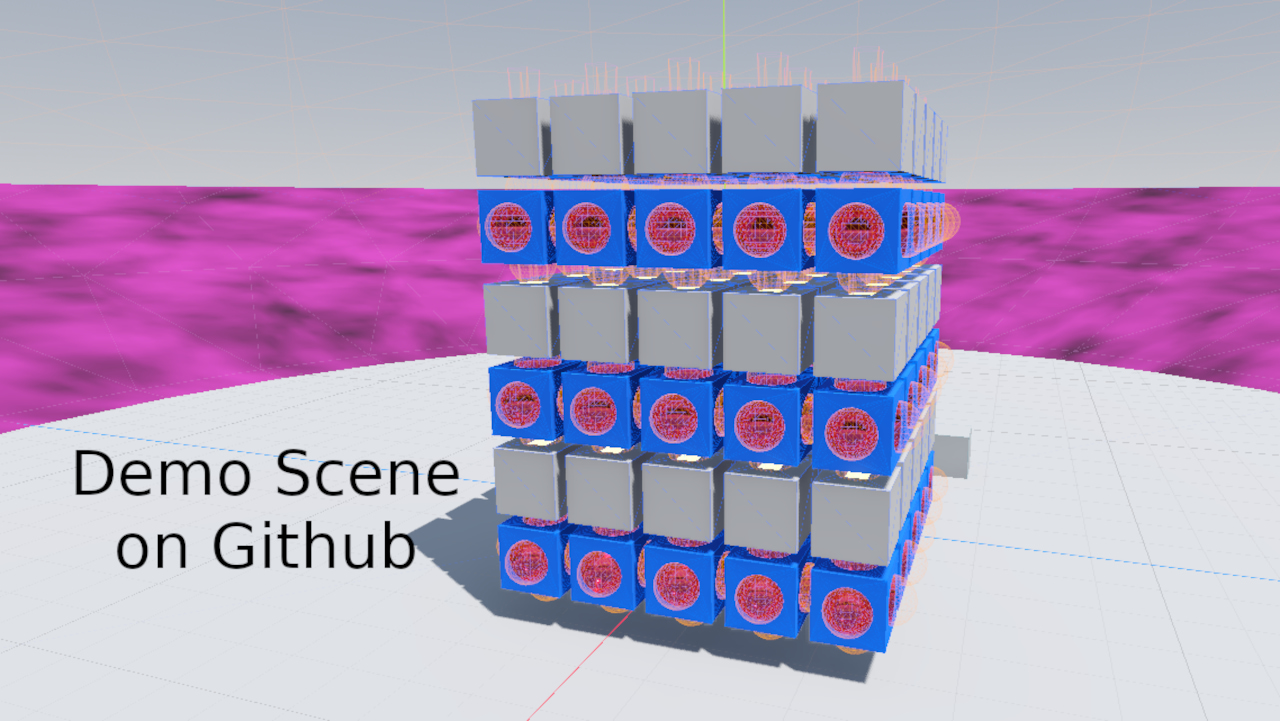
There is an example scene and script that uses just about every function in the toolset, which you can access by downloading it from the Github repo.
Warning: The demo scene is very intensive, and an extreme edge case way beyond realistic applications.
Hopefully you will find this helpful in some way or another.
Changelog for version v0.3.0
2026-08-17 22:59:00
No changelog provided for this version.
