
John
 0
0
by neropatti | The Unlicense
A simple and minimal system for showing dialogue
John A simple and minimal system for showing dialogue After downloading, enable the plugin in Project > Project settings > Plugins OR add john.tscn as a singleton manually (adding john.gd as the singleton won't work, you need to use the scene file!)
Barebones Modding Demo
0
by Office Serval | MIT
A demo to help you understand basic modding support & custom resource loading
Godot Barebones Modding Demo A simple demo project for Godot 4.7 showing how you can create a basic modding system using Godot Resources Features Basic resource-based modding Built-in mod creator allowing you to add modded items Built-in random item
Simple Pan and Zoom Camera2D
0
by Geekwagon | MIT
A Camera2D with smooth pan, edge-pan, and zoom controls
Provides a Camera2D with sensible defaults for RTS and editor-style navigation. Features include: Smooth pan and zoom with configurable input actions Edge-of-screen panning, _with option to stop when mouse leaves game window_ Configurable speed, limits
Bulk Mesh Collisionshape Exporter
0
by Joe Blub | MIT
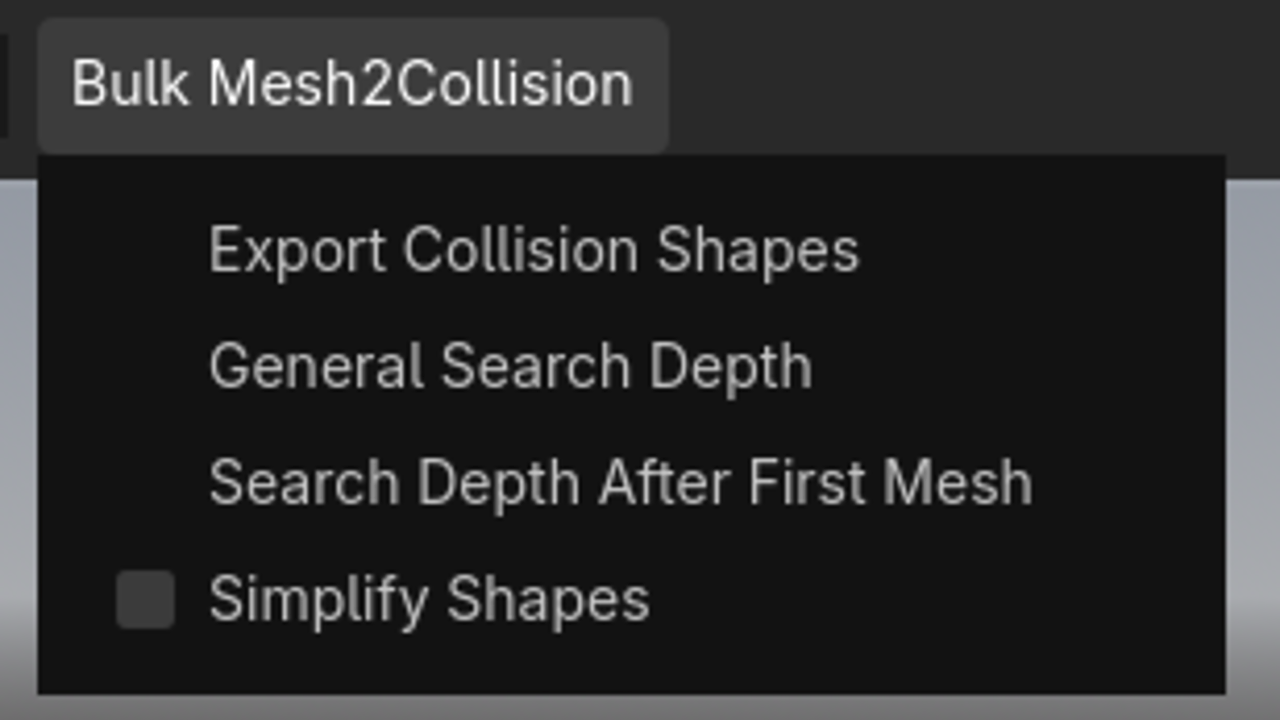
Quickly export collision shapes for all Meshes that are children of a Node3D. Very useful if you are working with asset packs. Supports Godot 4.7 and 4.4. Other versions might work as well, but I haven't tested them
Have you ever tried to add collision to a 3D Object you have imported and were annoyed that you had to click on every single mesh individually to add a Collision Shape? Worry no longer, with this plugin you can mass export every single Collisionshape with

loading more results...