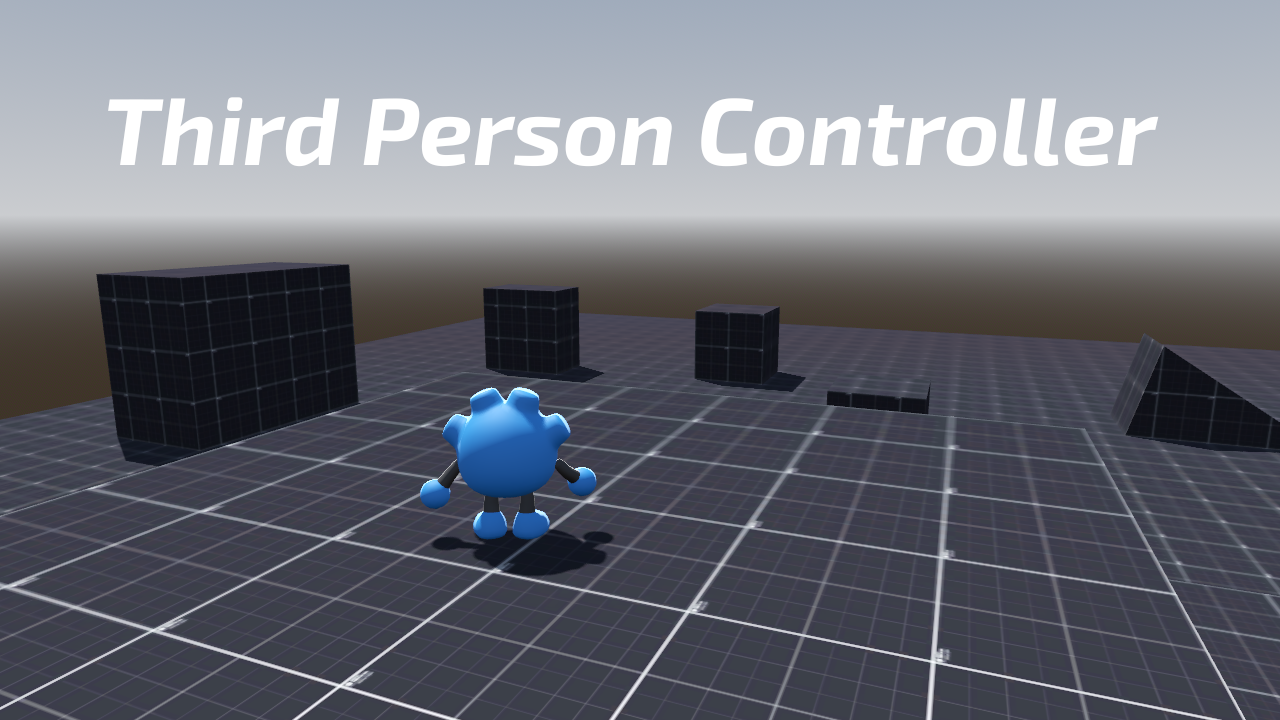
Third Person Controller
 5
5
by Jeheno | MIT
A simple and complete third person controller asset, made in Godot 4
All information are in the Github repository : https://github.com/Jeh3no/Godot-Third-Person-Controller This asset is a heavily modified fork of Gtibo's Godot-Plush-Character project (https://github.com/gtibo/Godot-Plush-Character). It provides a simple
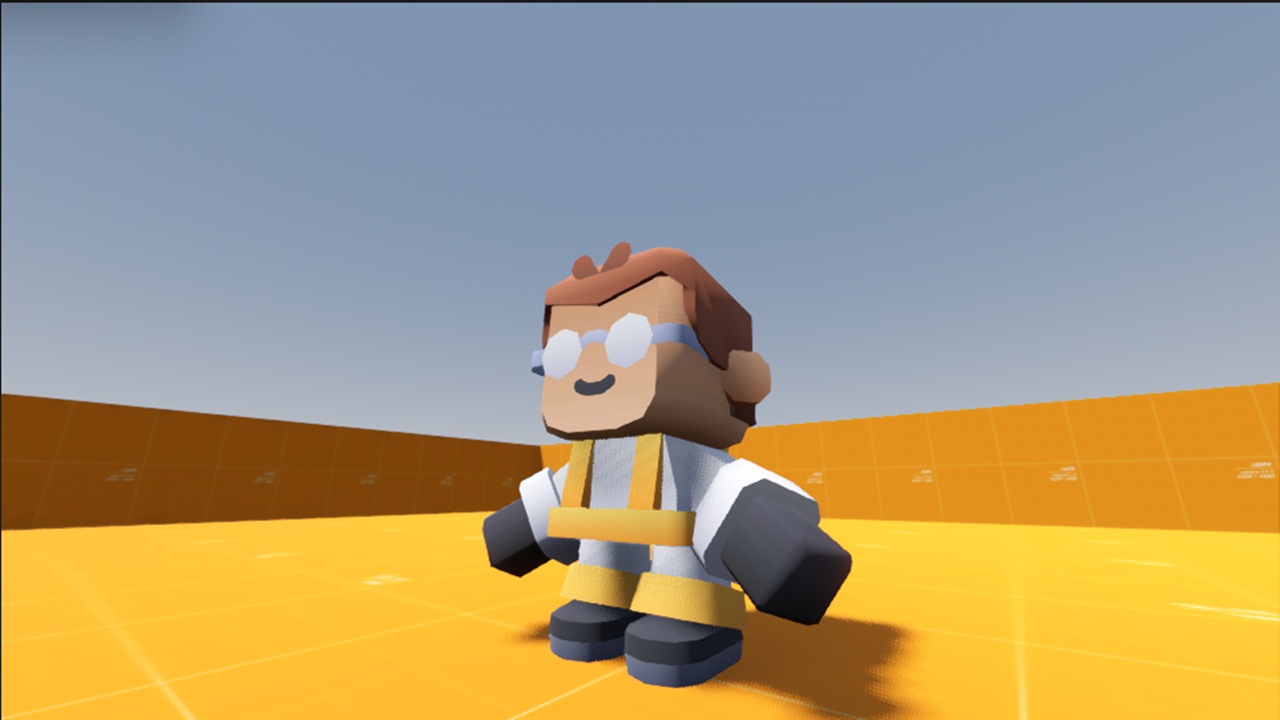
SRCoder's Third-person Controller
1
by SRCoder | CC0 1.0 Universal
A simple drag and drop third-person character for your projects
SRCoder's Third-person Character Controller Instructions Set up the actions in your Project Settings->Input Map You need to set up: "up" "down" "left" "right" Then just drag and drop the "player.tscn" onto your scene to have a basic 3d thrid person
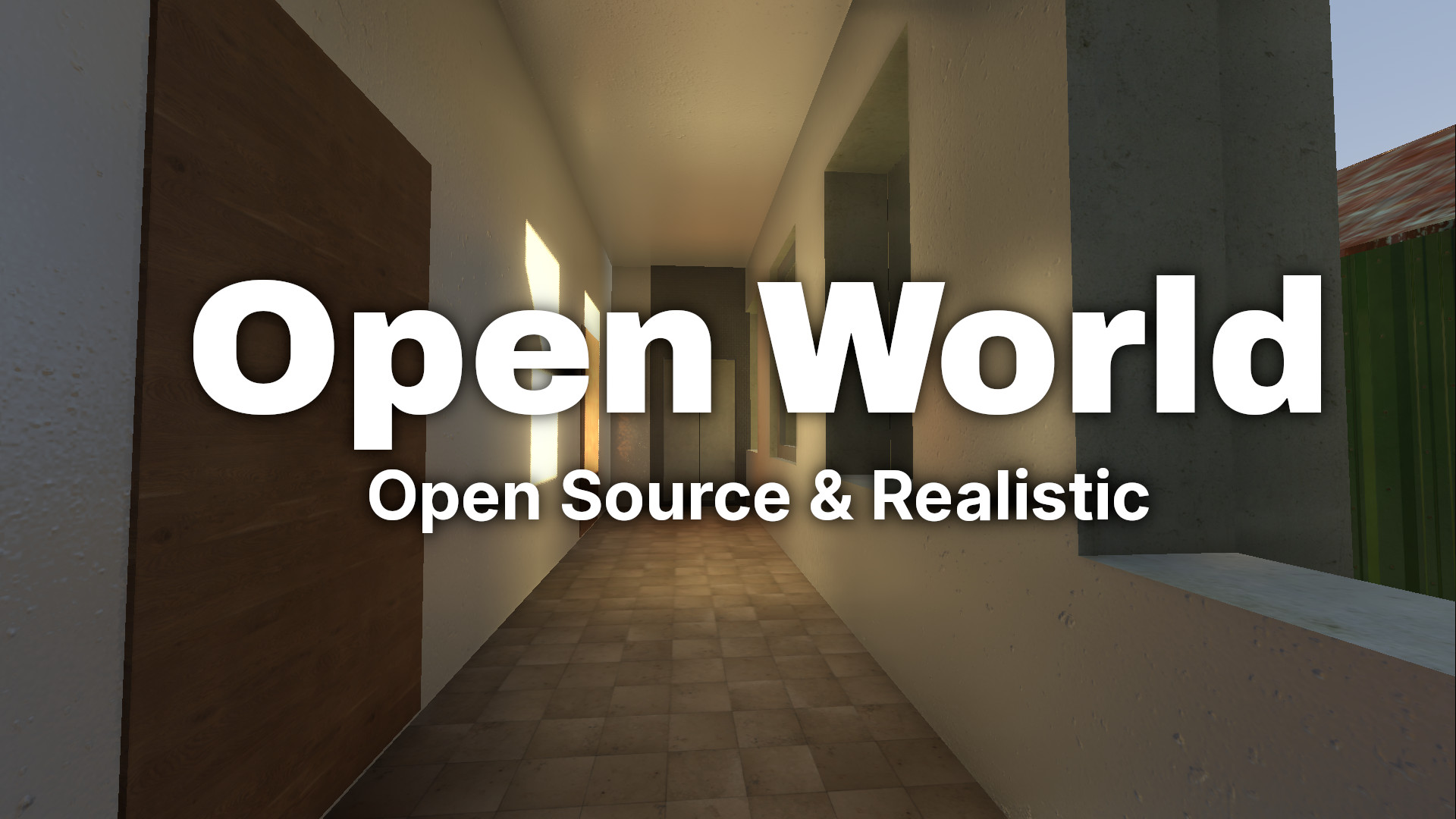
RedTain
0
by GHGL TG GAMER | CC0 1.0 Universal
An open-source, open-world, public domain video game made to give players an entirely new experience with hyper-realistic world and a never ending community built story. The game aims to leave all the decisions on the players to decide what they wants to
An open-source, open-world, public domain video game made to give players an entirely new experience with hyper-realistic world and a never ending community built story. The game aims to leave all the decisions on the players to decide what they wants to
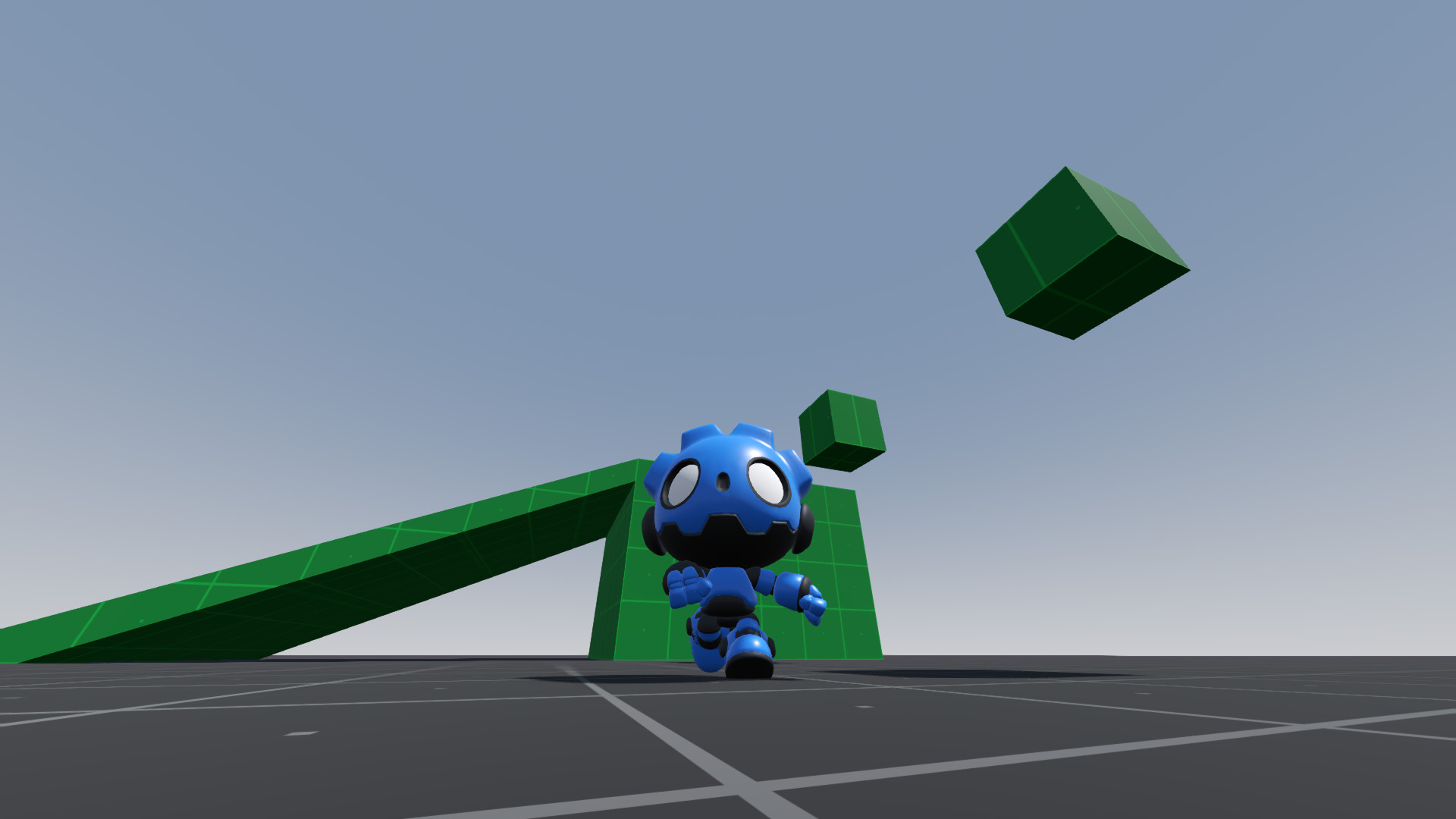
Simple Character Orbital Camera (Word of Warcraft/MMO style)
0
by Rayumie | MIT
The goal was to create an orbital character camera, similar to those in games like World of Warcraft/MMOs, focusing on code simplicity and ease of modification for any other project
Simple Character Orbital Camera (Word of Warcraft/MMO style) About The goal was to create an orbital character camera, similar to those in games like World of Warcraft/MMOs, focusing on code simplicity and ease of modification for any other project
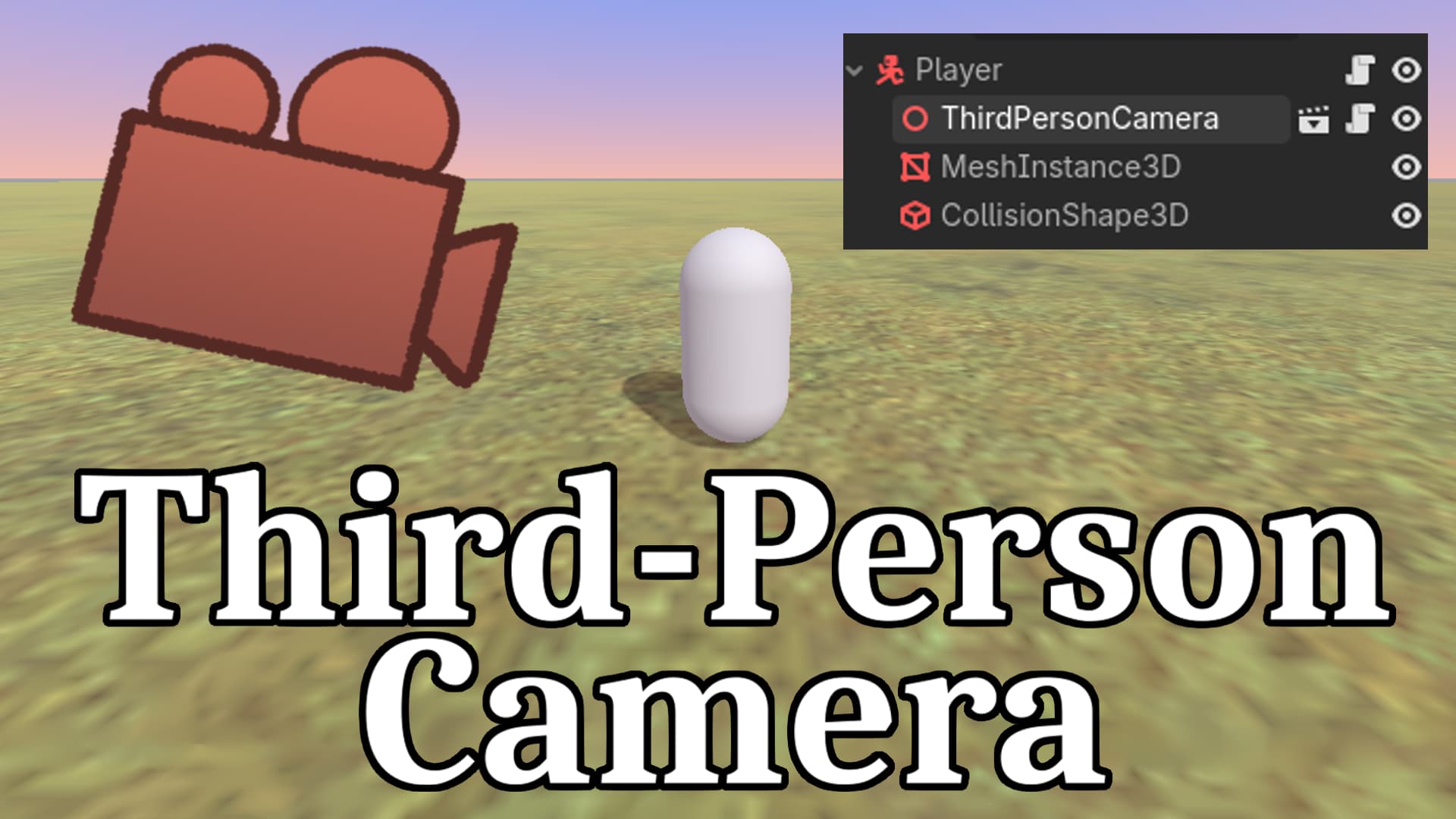
Third Person Camera
0
by Doodle | MIT
Simply drop this in your player scene, configure some inputs, and you're good to go! Supports both mouse and gamepad inputs
If you're using the standard CharacterBody3D script, simply add this line of code to make movement work properly when the camera rotates: direction = direction.rotated(Vector3.UP, $ThirdPersonCamera.rotation.y) Supports smooth movement, collision
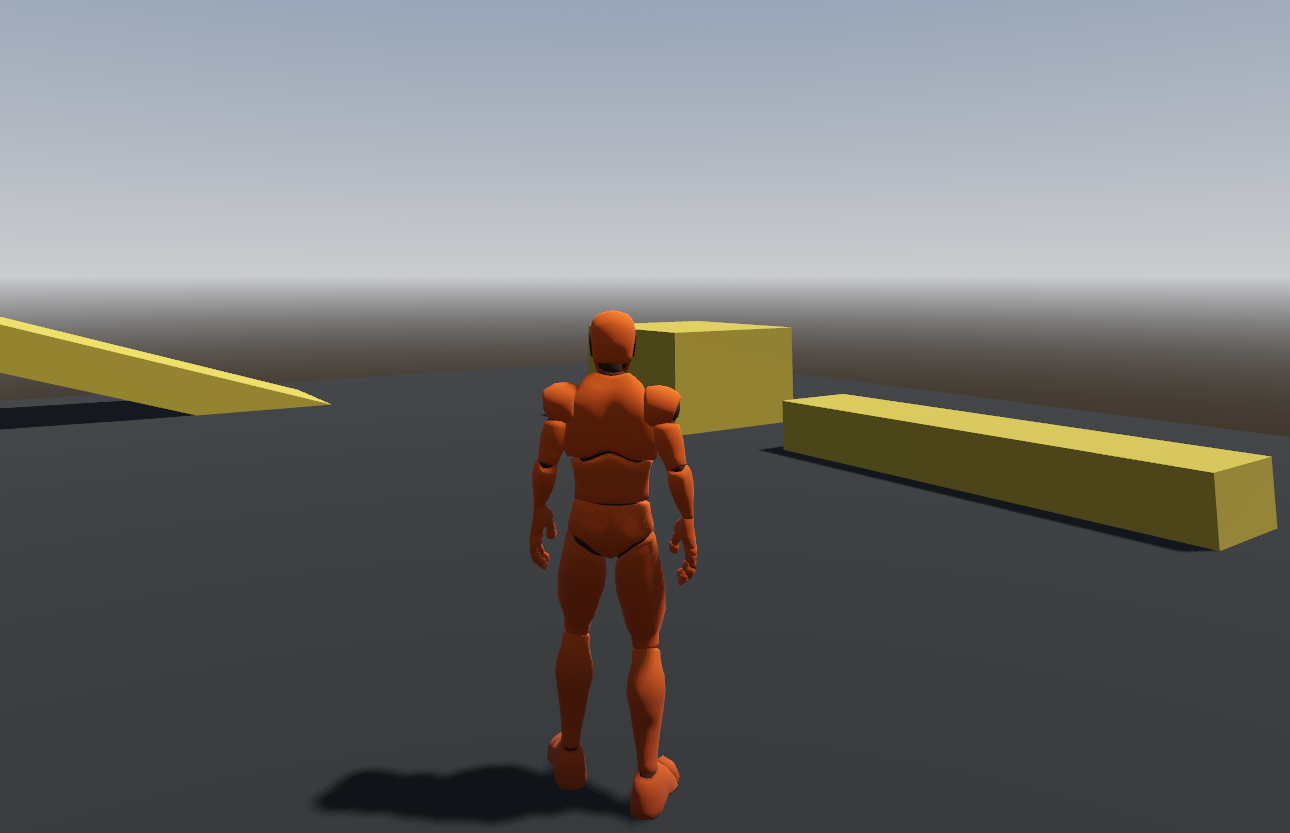
Real Controller
1
by Furkan Demir | MIT
A smooth third-person character controller for Godot 4.6 with locomotion, jumping, camera controls, and animation blending
Real Controller A third-person character controller for Godot 4.6 with smooth locomotion, camera controls, and animation blending. Features Camera Mode: First-person and third-person camera modes Locomotion System: Walk, run, and sprint with 8-directional

loading more results...