MultiMesh +
 2
2
by HeyTibo | MIT
Godot 4 simple Multimesh editor
MM+ offers minimal editing functionality for the MultiMeshInstance3D node. Place, scale, and paint MultiMesh instances, and automatically separate them into chunks for simple optimization. ℹ️ Please note that this plugin is still in the very early stages
FoliageFlow
2
by GdevSarvesh | MIT
FoliageFlow is a simple Godot plugin to paint, erase and scatter foliage like grass and bushes on 3D surfaces using MultiMeshInstance3D
FoliageFlow FoliageFlow is a tool that helps you paint foliages on 3D objects (having collision) in Godot 4. You can use it to add and remove foliage from 3D surfaces using a MultiMeshInstance3D. Installation To start using FoliageFlow copy the plugin to
Scatter
2
by xiaowangxu | MIT
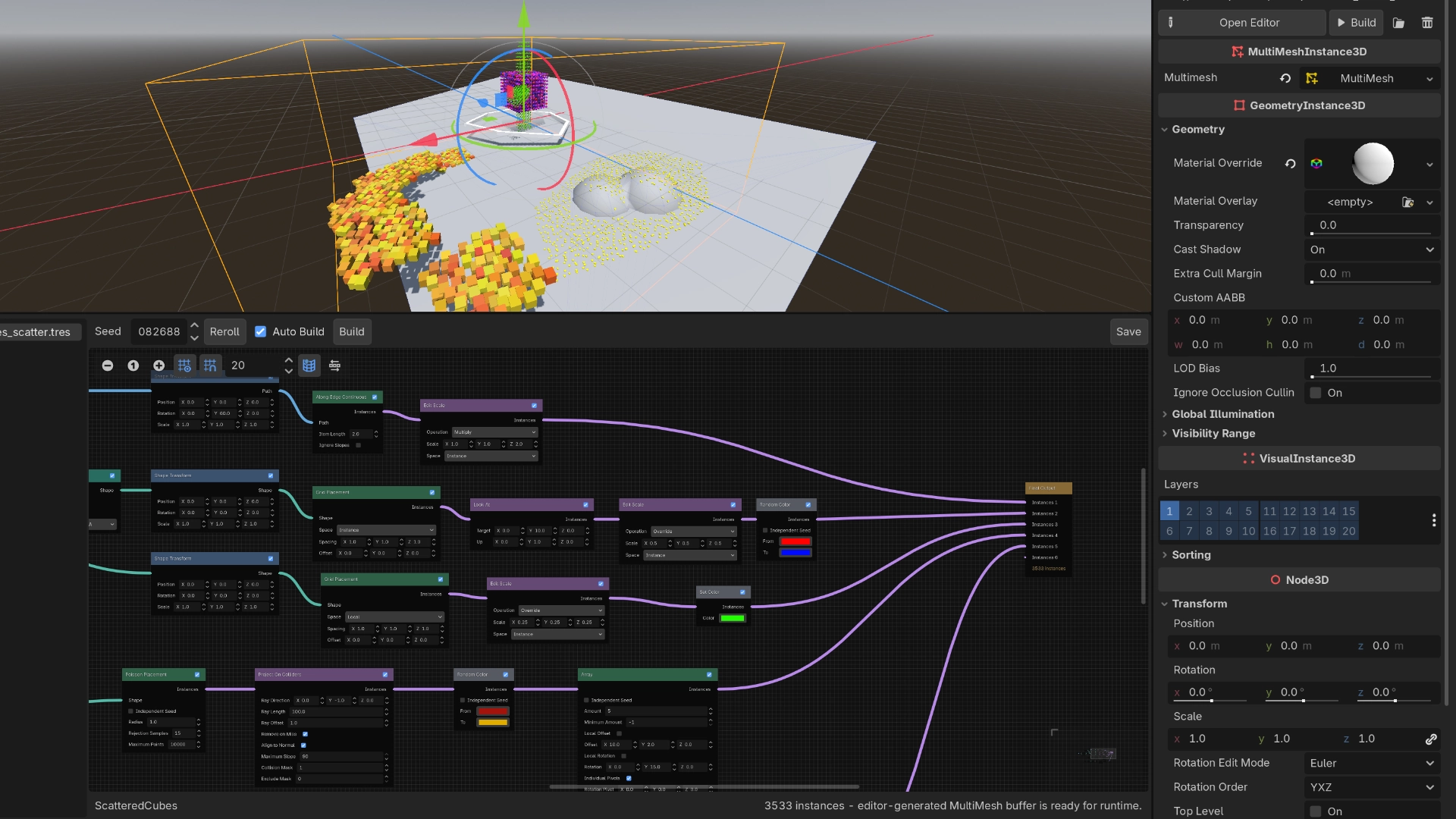
Scatter is a visual, editor-only scattering tool for Godot's native MultiMeshInstance3D. It builds instance transforms, colors, and custom data through a node graph, then writes the result directly into a MultiMesh buffer
Scatter is under active development. APIs, recipe formats, node behavior, and editor workflows may change. Use it in production only if you are comfortable tracking changes. Why Scatter? Native scene structure — work directly on MultiMeshInstance3D ; no
Ultimate Asset Placer
0
by Choco Ted | Proprietary
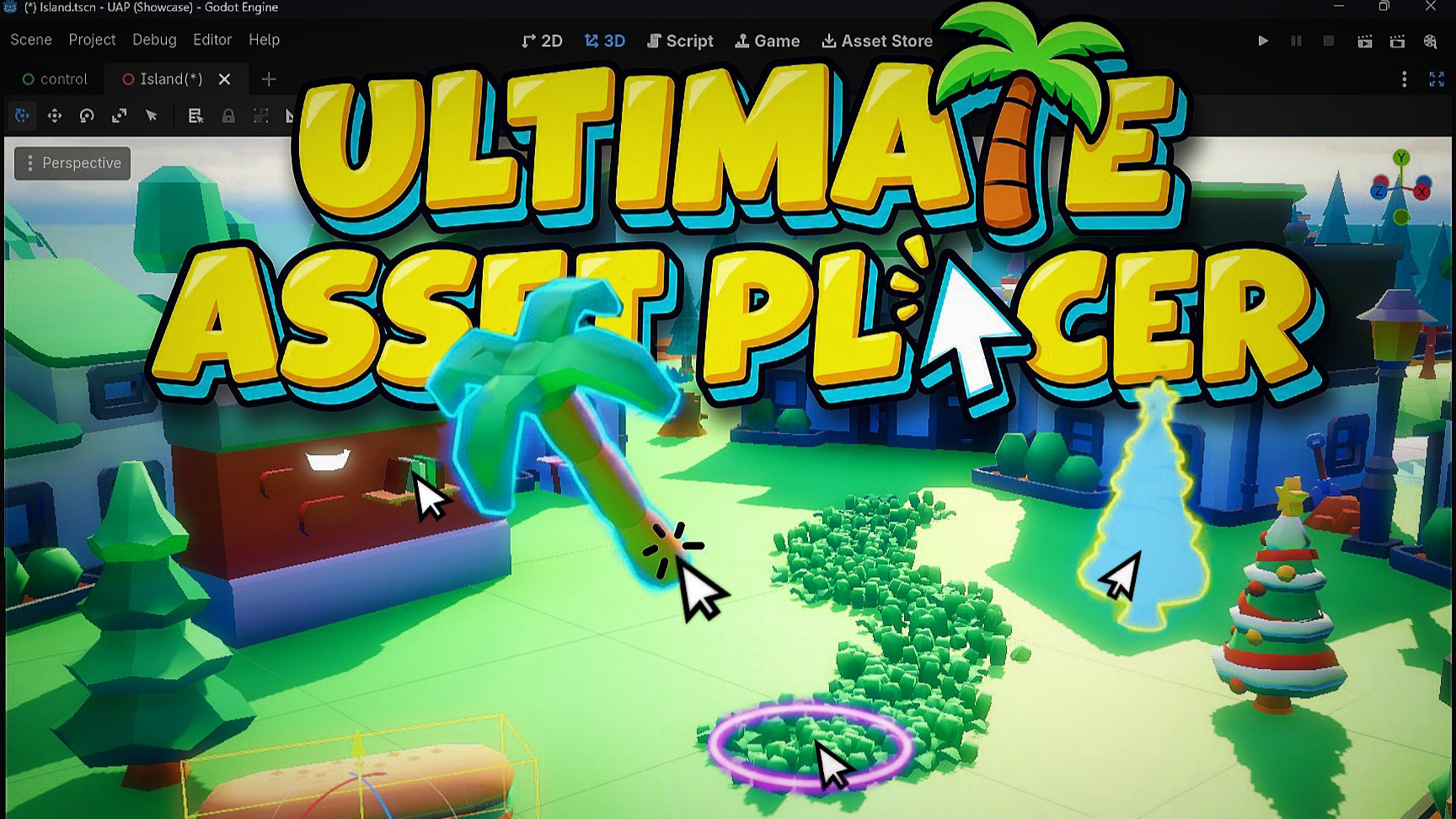
A practical 3D level design tool for Godot that speeds up placing 3d assets, scattering, and place assets aligning to terrain and meshes, generate direct collisions, and spawn meshes align to spline directly in the viewport
Manually dragging dozens of meshes into a 3D scene, aligning them to uneven ground, and randomizing transforms by hand gets old fast. Ultimate Asset Placer streamlines your entire 3D level design workflow right inside the Godot editor, whether you are

loading more results...