
Godot AI
 29
29
by dlight | MIT
Connect Claude Code, Codex, Cursor and 20+ other AI assistants to your live Godot editor, and build scenes, scripts, UI, materials, animation and particles from chat. 21,000+ monthly active installs, 30M+ tool calls in the last three months, and 3,200
Godot AI connects AI assistants (Claude Code, Codex, Cursor, Antigravity and other MCP clients) to a live Godot editor. 46 tools and 120+ operations let them build scenes, edit nodes and scripts, wire signals, and set up UI, materials, animation

Fennara AI
10
by Fennara | MIT
AI chat and agent tooling for Godot, with both MCP support and in-built native chat window
Fennara connects the Godot editor with LLMs and AI coding agents. Use Fennara in two ways: Connect MCP-compatible coding agents to a live Godot project. Use the built-in AI chat dock directly inside Godot with your own model provider. Both workflows use
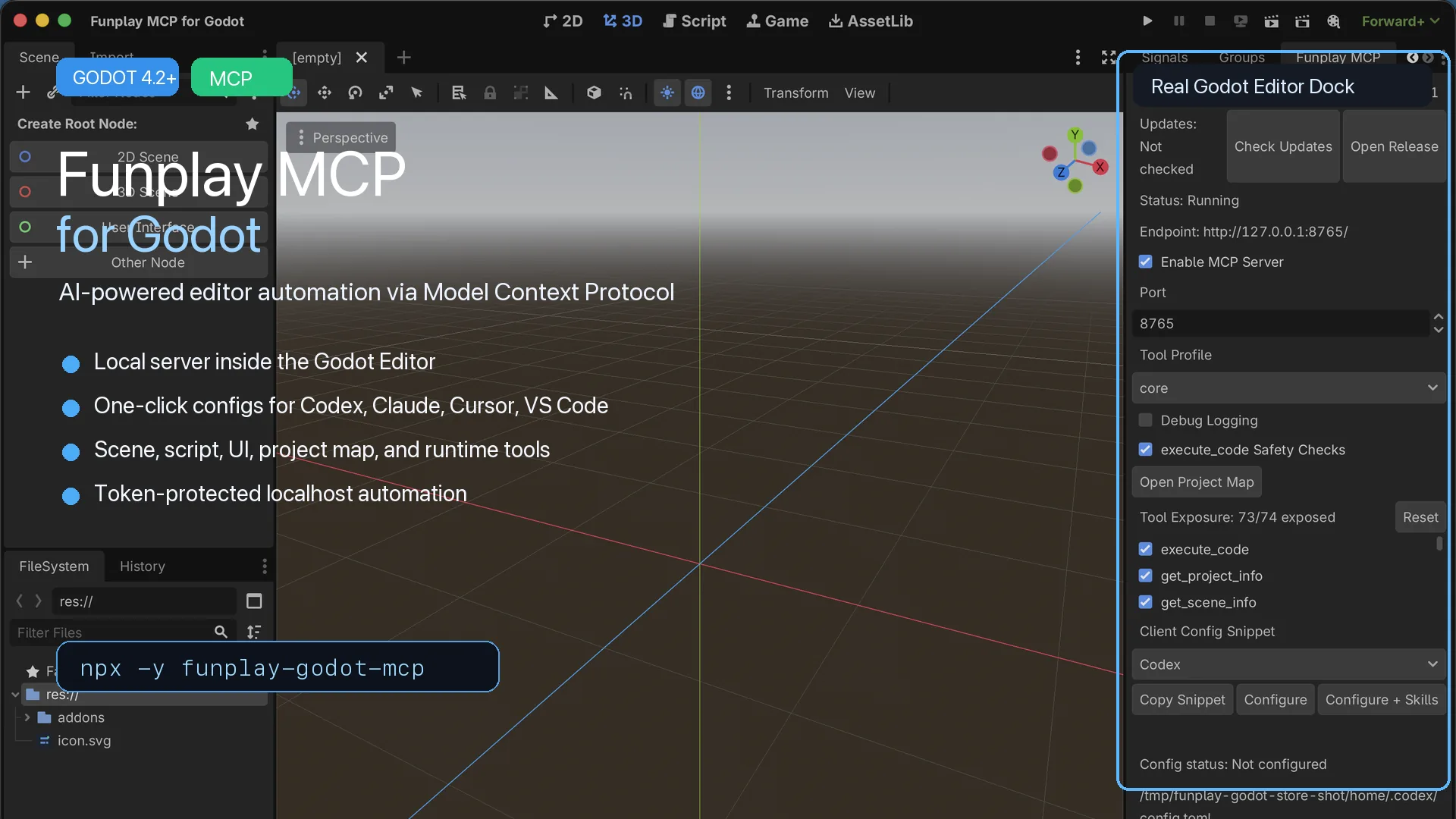
Funplay MCP for Godot
2
by Funplay | MIT
An editor-only MCP server for Godot 4.2+ that lets AI assistants such as Claude Code, Cursor, Codex, and VS Code Copilot inspect and operate your running Godot project. Includes scene, script, UI, asset, project map, runtime inspection, and safe automation
Funplay MCP for Godot Funplay MCP for Godot is an MIT-licensed editor plugin that turns the Godot Editor into a local MCP server, allowing AI assistants to inspect, edit, and automate your running Godot project. It is designed for Godot 4.2+ projects and
Godlink MCP
0
by Tomer Yud | MIT
Connect Claude, Cursor and other AI assistants to the Godot editor so they can read and edit your scenes, scripts, nodes and project settings
Let your AI assistant work directly inside the Godot editor. Godlink MCP connects Claude, Cursor, Windsurf and other AI assistants to Godot through the Model Context Protocol (MCP). No more copying code back and forth. Your assistant can see your project

AgentGodette
0
by OnlyJasonCanDo | MIT
Godot 4 editor plugin: Claude + Codex AI agents running locally via ACP
Agent Godette ACP Agent in the Godot Editor Per-session model, mode, and reasoning — switch model, reasoning effort, and permission mode per thread, right from the composer bar. Plan · Queue · SceneTree focus — the agent's TodoWrite plan collapses above

loading more results...