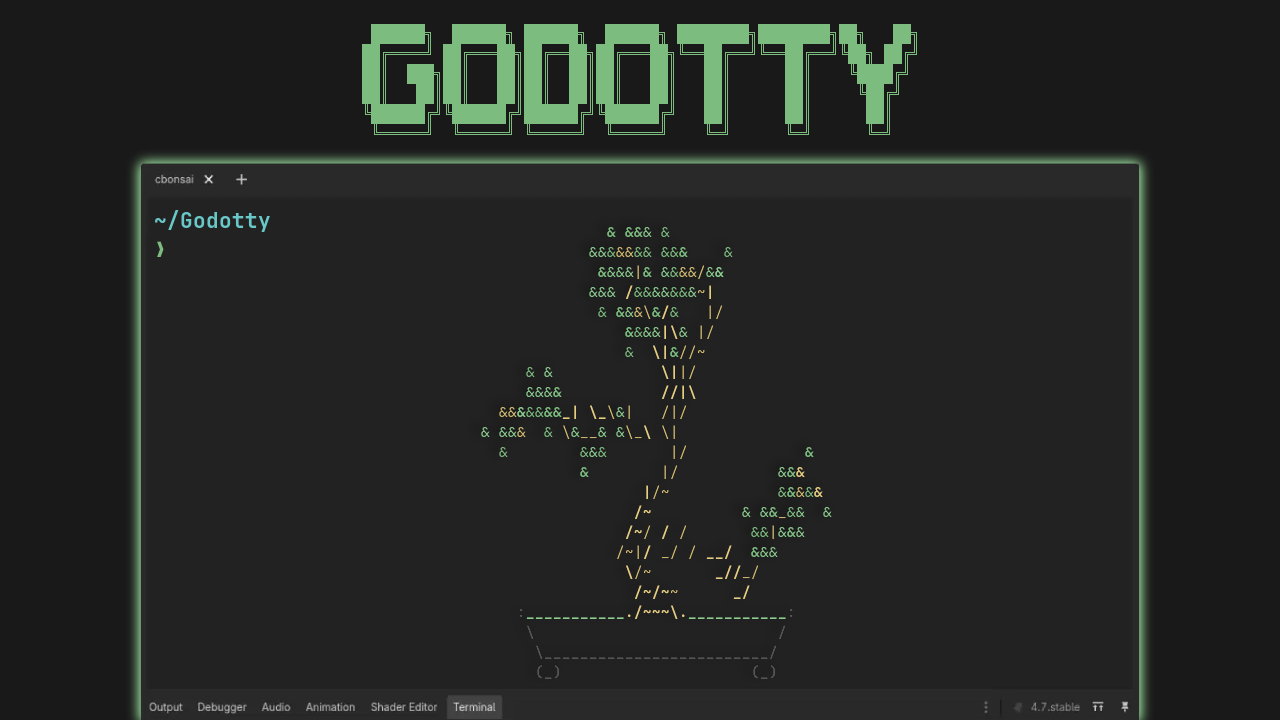
Godotty
 4
4
by Ingur Veken | MIT
A full-featured yet light-weight terminal emulator for the Godot editor, powered by libghostty. Run shells, TUIs, and/or AI coding agents without leaving Godot
Godotty A full-featured yet light-weight terminal emulator for the Godot Engine, powered by libghostty. Features Full terminal emulation powered by ghostty's VT engine (libghostty-vt) Terminals anywhere in the editor: movable docks, a tabbed/toggleable
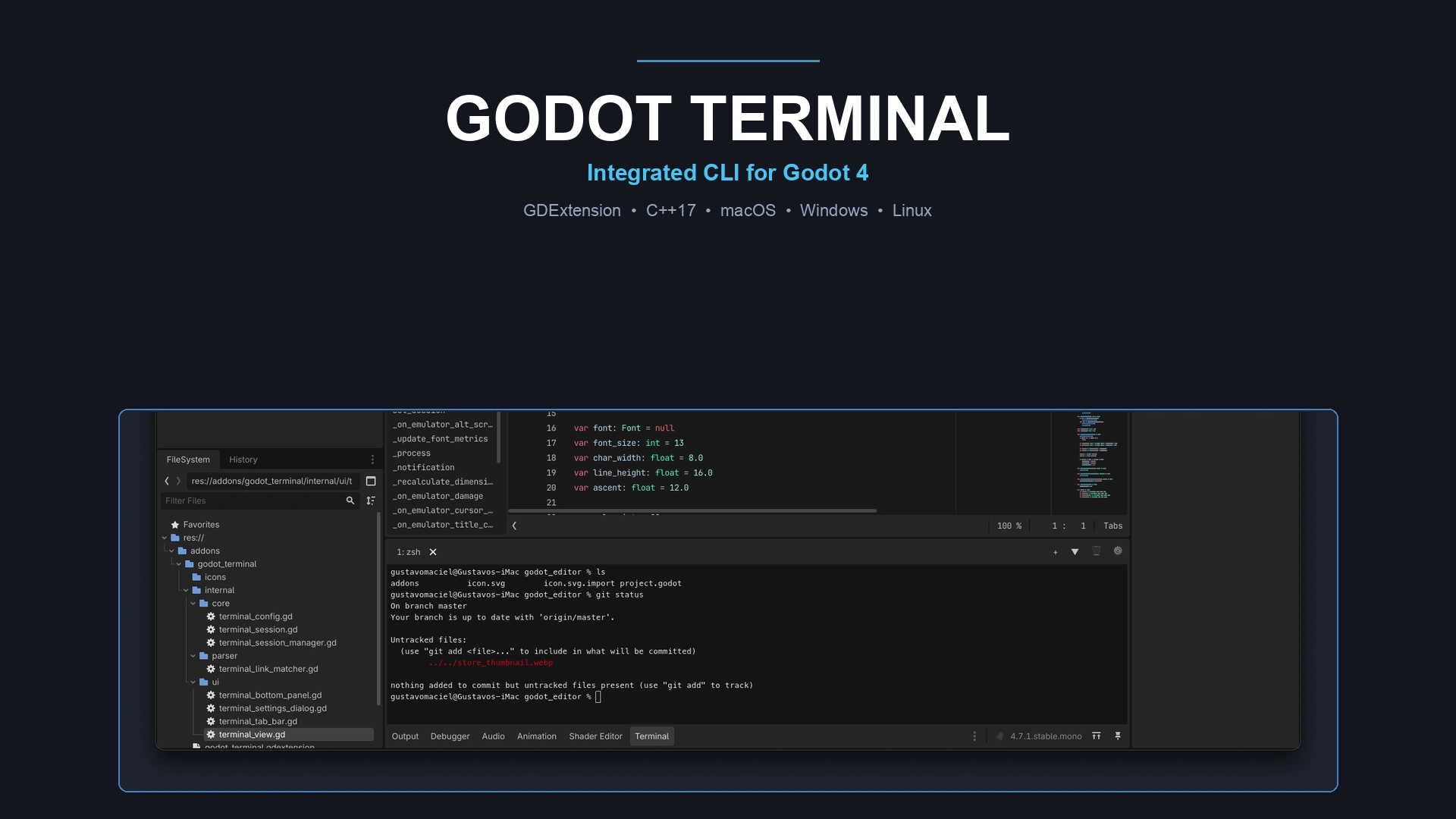
Terminal
0
by Poing Studios | MIT
A native, high-performance terminal shell dock embedded directly inside the Godot 4 editor bottom panel. Powered by C++ GDExtension with full PTY support (macOS, Linux, Windows), true ANSI colors, clickable links to scripts/URLs, multi-tabs, splits, and
🖥️ Godot Terminal Godot Terminal brings the full power of your native system shell directly into the Godot 4 editor bottom panel. Run shell commands, interact with CLI tools (git, gh, npm, python, etc.), and jump directly to your scripts without switching

loading more results...