Description
Changelog
Reviews (0)
🖥️ Godot Terminal
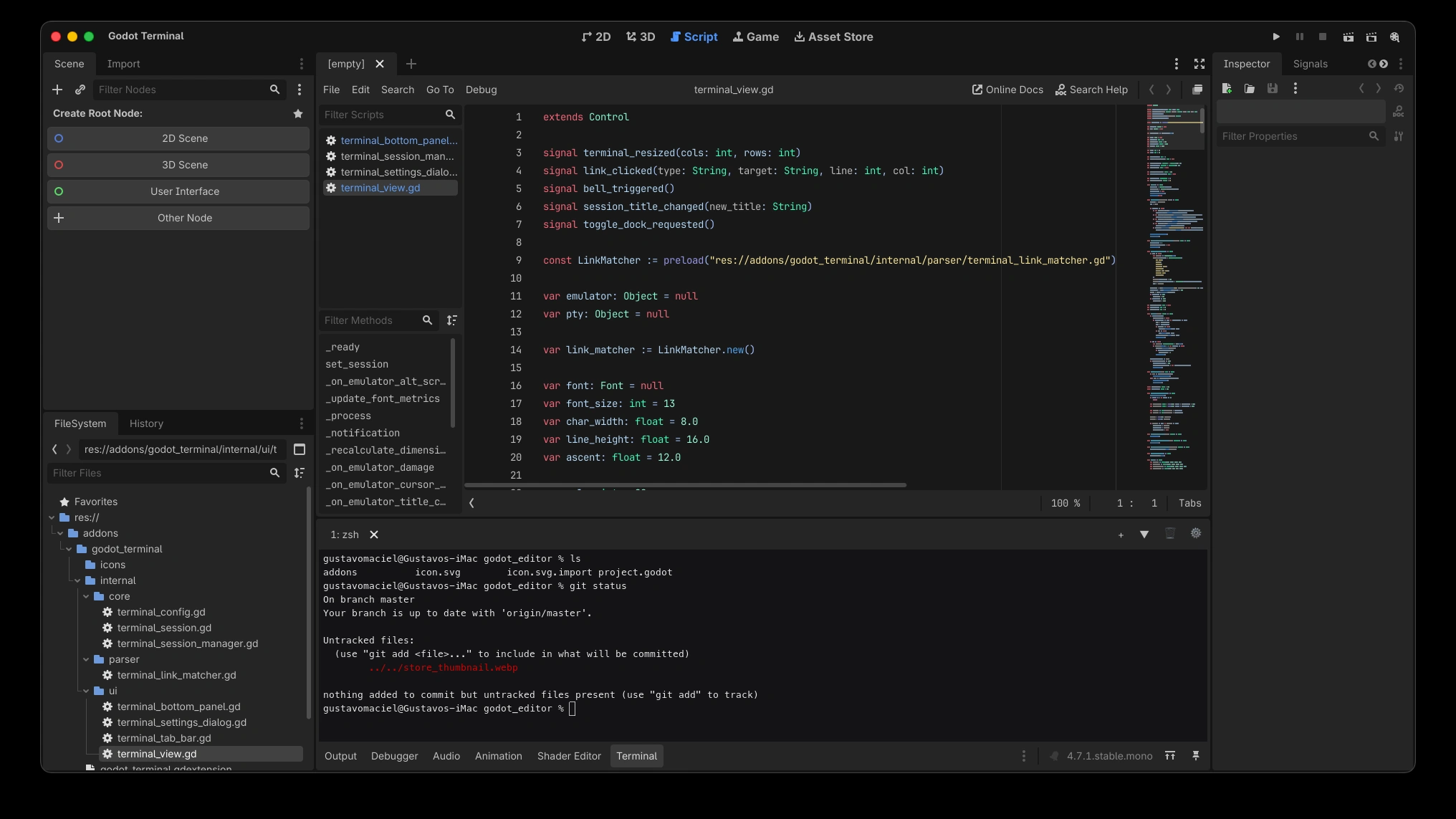
Godot Terminal brings the full power of your native system shell directly into the Godot 4 editor bottom panel. Run shell commands, interact with CLI tools (git, gh, npm, python, etc.), and jump directly to your scripts without switching windows.
✨ Features
- 🚀 Native PTY Execution: Powered by a high-performance C++ GDExtension backend with POSIX
openpty(macOS / Linux) and Windows ConPTY support. - 🎨 True ANSI Terminal Emulation: Integrated with
libvtermsupporting ANSI/24-bit RGB colors, bold/underline formatting, alternate screen buffers (vim,htop,top), and interactive TUI applications. - 🔗 Smart Clickable Links: Detects file paths and URLs in output. Click to open links in your browser or jump straight to scripts and line numbers inside the Godot script editor.
- 📑 Multi-Tab & Splits: Open multiple shells (
zsh,bash,fish,powershell,cmd), split horizontally/vertically, and manage sessions easily. - ⚡ Hotkey Toggle: Open and collapse the terminal dock instantly from anywhere in the editor with
Ctrl + Backtick(or⌘ + Backtickon macOS). - ⚙️ Customizable: Configure font size, scrollback limit, default shell, and shortcuts via plugin settings.
⌨️ Default Shortcuts
| Action | Shortcut (Win/Linux) | Shortcut (macOS) |
|---|---|---|
| Toggle Terminal | Ctrl + ` | ⌘ + ` |
| Copy Selection | Ctrl + C | ⌘ + C |
| Paste | Ctrl + V | ⌘ + V |
| Clear Buffer | Ctrl + L | ⌘ + L |
| SIGINT / Interrupt | Ctrl + C | Ctrl + C |
🌐 Links & Support
- GitHub Repository: https://github.com/poingstudios/godot-terminal
- Discord Community: https://discord.com/invite/YEPvYjSSMk
- License: MIT
Changelog for version v1.0.3
2026-08-23 21:09:08
No changelog provided for this version.