
GDScript Formatter
 34
34
by GDQuest | MIT
A fast code formatter for GDScript: Formats your code according to the official style guide instantly. Includes a command to auto reorder your code and supports format-on-save
GDScript Formatter is a fast code formatter that formats your GDScript files in milliseconds. This addon integrates the formatter directly into Godot 4, so you can keep your code clean and consistent without leaving the editor. Note: there's currently no
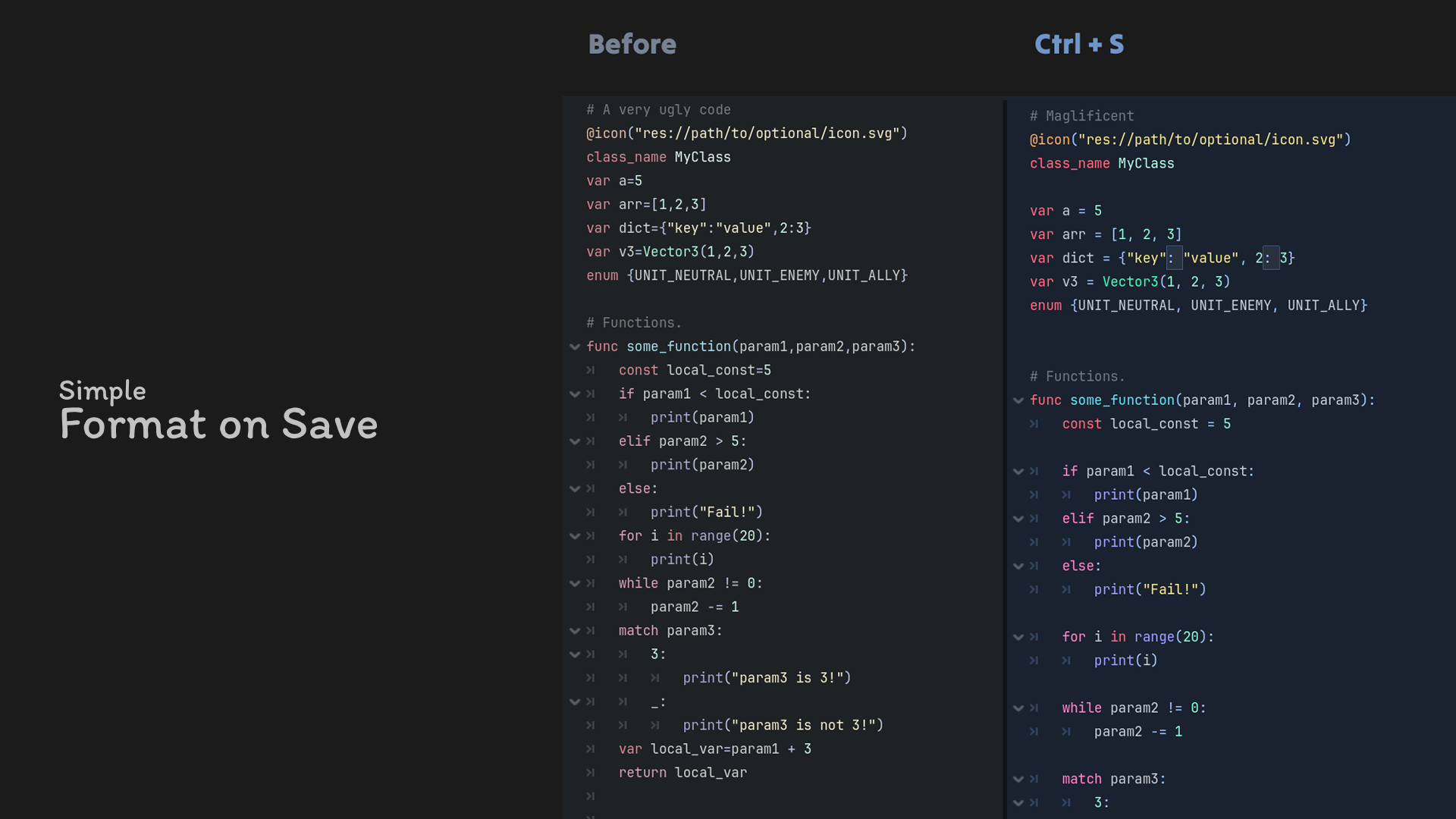
Simple Format on Save
2
by VitSoonYoung | MIT
Format GDScript while saving, without installing extra tools
🌠 Simple Format On Save A Godot add-on that automatically formats GDScript whenever you save it. Features Does not require gdtoolkit Automatic code formatting when saving files Clean and consistent code style Zero configuration, lightweight and simple to
Simple GDScript Formatter
1
by madwind | MIT
Format GDScript and shaders, implemented entirely in GDScript
Formats GDScript using a lossless lexer, concrete syntax tree (CST), and structured layout printer. The formatter is implemented entirely in GDScript. Use Format Document (Ctrl + Alt + L) to format the current GDScript or shader file. Godot shader files
gdstyle
0
by w4nderlust | MIT
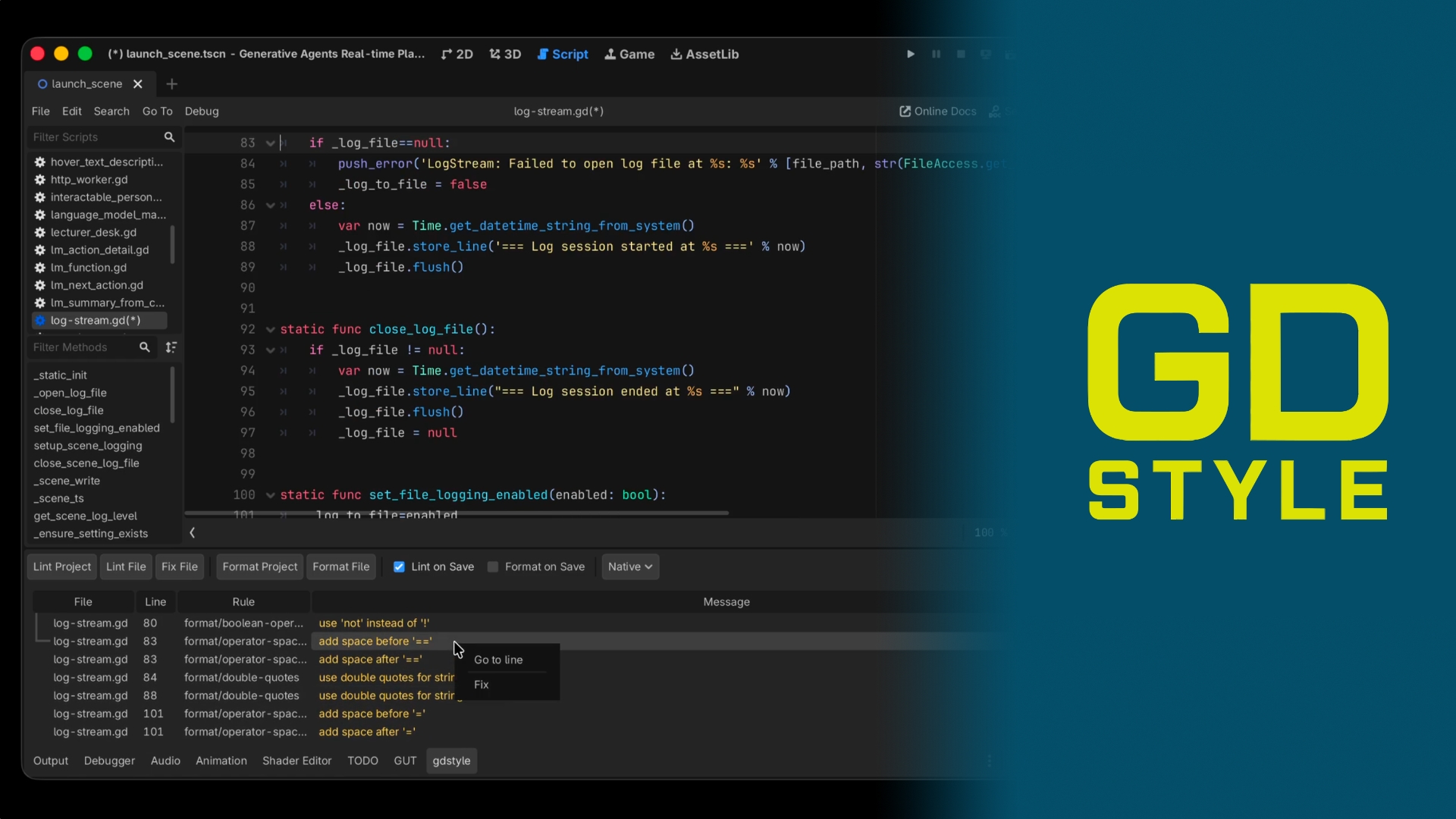
A fast, opinionated linter and formatter for GDScript (Godot 4.x). gdstyle catches style violations, naming inconsistencies, and common code-quality issues, then auto-formats your code to match the official Godot style guide
A fast, opinionated linter and formatter for GDScript (Godot 4.x). gdstyle catches style violations, naming inconsistencies, and common code-quality issues, then auto-formats your code to match the official Godot style guide. What you get when you enable
pretty.gd
0
by poeticandroid | MIT
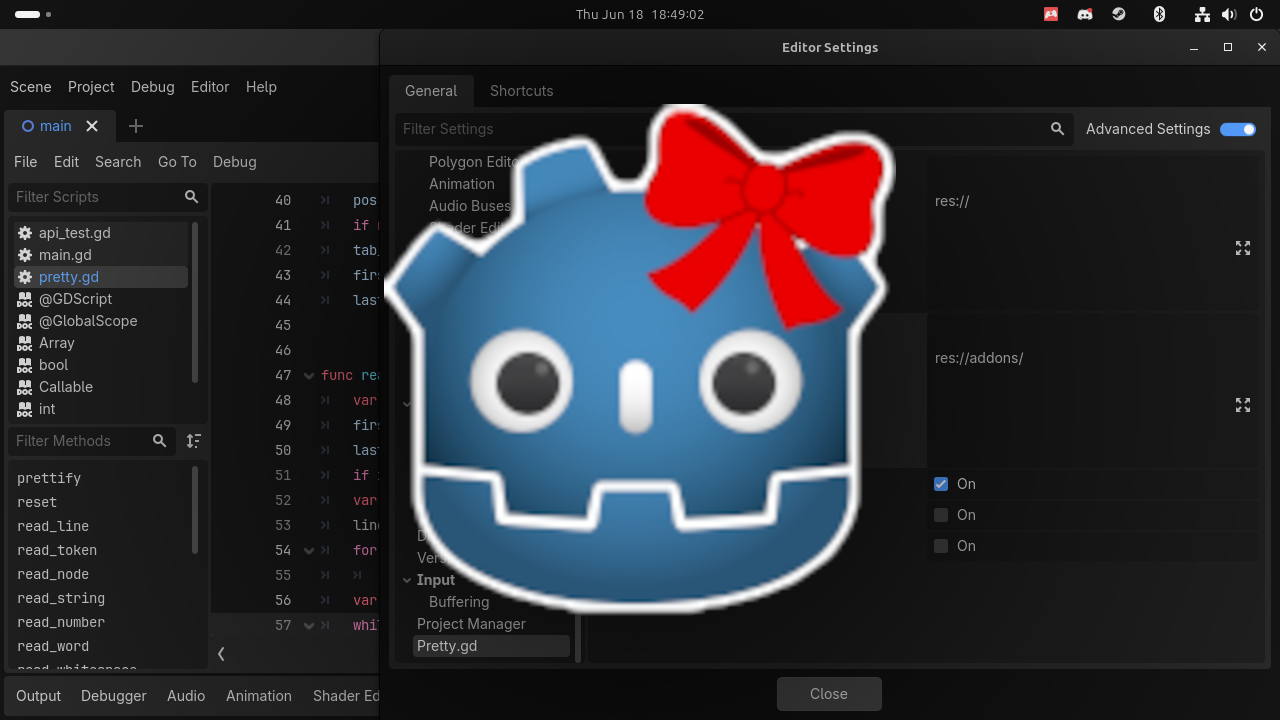
A formatter for GDScript that just works! No Python! No binaries! No dependencies! Important!: Make sure to backup or commit your code before installing
pretty.gd for Godot A formatter for GDScript that just works! No Python! No binaries! No dependencies! Usage Godot editor Backup or commit your code first, just in case! Install the plugin in the res://addons/ folder. Enable the plugin in project settings

loading more results...