Licenses
Uses AI
Order
Advanced Search

Search will generally match any assets that contains all words from the search query. The words can be anywhere in the asset name, description or tags. All search queries are case independent.

To narrow down search results, you can use the following operators:

  • godot | engine
    will match if either "godot" or "engine" are found
  • godot MAYBE engine
    will match if "godot" is found, while ranking items higher that also match "engine"
  • godot -engine (alternative syntax: godot !engine)
    will only match if "godot" is found in an item that does not contain "engine"
  • @name godot @description engine
    will match if "godot" is found in the asset name, and "engine" is found in the asset description
  • =godot
    will match "godot" as a separated word, so it would not match "godotengine" while it will match "godot engine"
  • "godot engine"
    will match the exact string "godot engine" (so it won't match "engine godot")

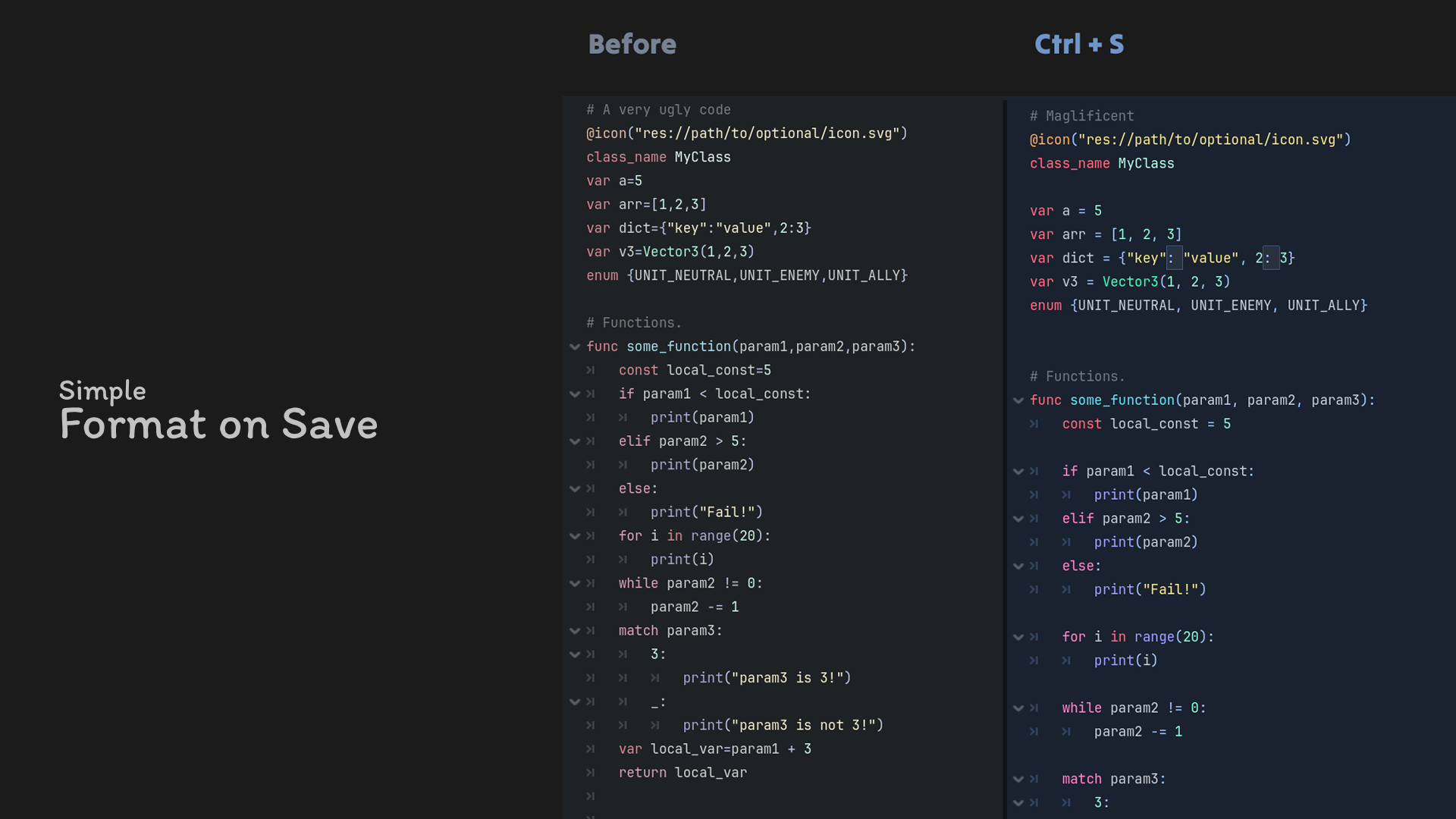
Simple Format on Save 2

by VitSoonYoung | MIT

Format GDScript while saving, without installing extra tools

🌠 Simple Format On Save A Godot add-on that automatically formats GDScript whenever you save it. Features Does not require gdtoolkit Automatic code formatting when saving files Clean and consistent code style Zero configuration, lightweight and simple to

The Quite OK Image Format 1

by NoNormal | MIT

Adds support for .qoi files

Adds support for loading and saving .qoi files. What is .qoi? Quite OK Image format is a new, simple, but effective image format. It achieves almost the same level of compression as .png, while being many times faster. If you want to learn how it works

loading more results...