Adds support for loading and saving .qoi files.
What is .qoi?
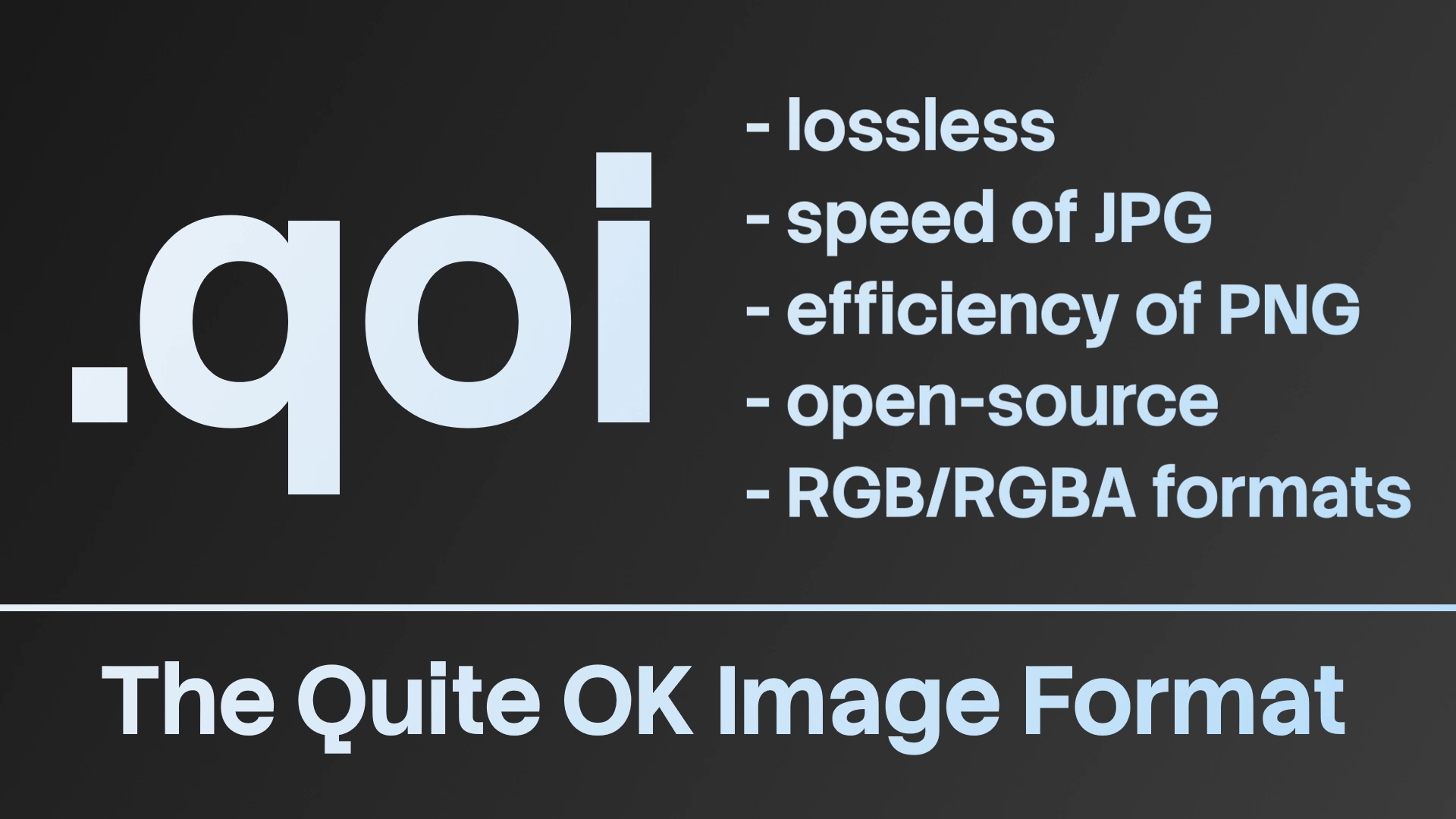
Quite OK Image format is a new, simple, but effective image format. It achieves almost the same level of compression as .png, while being many times faster. If you want to learn how it works, the entire format specification fits on one page - view specification.
How to download using the Browser (4.2+)
- Download the .zip file
- Extract it and put it anywhere in your project
- Reload the project to load the GDExtension (Project > Reload Current Project)
How to download using the Asset Store (4.7+)
- Press "Download"
- After it downloads, press "Install"
- Reload the project to load the GDExtension (Project > Reload Current Project)
How to use
Godot will automatically import all .qoi images as normal textures, as with any other file types. If you want to save an Image, you first have to convert it to a ImageQOI using ImageQUI.from_image(), then run save_qoi(path) or save_qoi_to_buffer(), as you would with any other format.
Supported architectures
Windows (arm64, x86_64, x86_32)
Linux (arm64, arm32, x86_32, x86_64)
Android (arm64, arm32, x86_32, x86_64)
iOS (arm64)
macOS (universal)
Web (wasm32, wasm32.nothreads)
Also supports precision=double for every architecture/platform.
Notes
There is also a folder containing sample images to test the GDExtension.
If you want to use earlier Godot versions (< 4.2.2), you have to compile the GDExtension manually (use the "Source Code" download option).
Source code of the extension is included in the version named "Source Code".
"Source code" above the download button points to the QOI Github repo.
Changelog for version Binaries v7
2026-07-13 19:45:00
No changelog provided for this version.
