Licenses
Uses AI
Order
Advanced Search

Search will generally match any assets that contains all words from the search query. The words can be anywhere in the asset name, description or tags. All search queries are case independent.

To narrow down search results, you can use the following operators:

  • godot | engine
    will match if either "godot" or "engine" are found
  • godot MAYBE engine
    will match if "godot" is found, while ranking items higher that also match "engine"
  • godot -engine (alternative syntax: godot !engine)
    will only match if "godot" is found in an item that does not contain "engine"
  • @name godot @description engine
    will match if "godot" is found in the asset name, and "engine" is found in the asset description
  • =godot
    will match "godot" as a separated word, so it would not match "godotengine" while it will match "godot engine"
  • "godot engine"
    will match the exact string "godot engine" (so it won't match "engine godot")

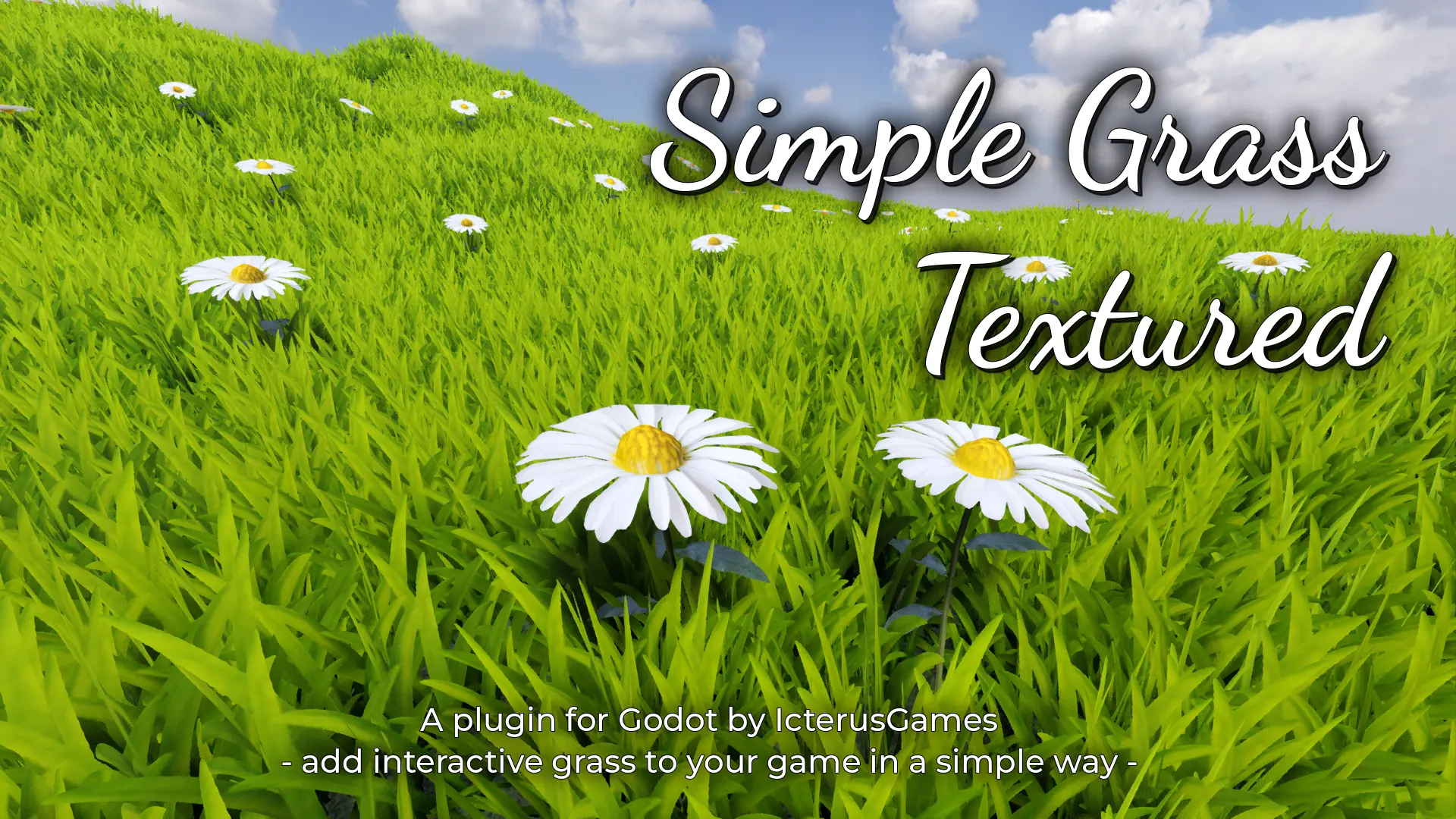
SimpleGrassTextured 6

by IcterusGames | MIT

Plugin to add grass and plants to your scene in a simple way

SimpleGrassTextured This plugin for Godot 4 allows you to add grass and plants to your scene in a simple way https://icterusgames.itch.io/simple-grass-textured How to install Using the AssetLib on Godot Open the AssetLib tab on Godot and search "Simple

Loveable Saves 0

by Turnback Studio | Creative Commons Attribution 4.0

Ergonomically Save and Load object data using the Decorator Pattern & Reflection. No jumping through hoops, it's all taken care of by this Save System

Documentation | GitHub Ever wanted to just tell your game to save whatever you need from an object in your game? A player's name, killcount or whatever else? Never liked having to jump through hoops to simply store some data, and load it up? That's

loading more results...