MX Creative Console Bridge
 0
0
by Bigu | MIT
MX Creative Console Bridge brings context-aware Logitech MX Creative Console and Loupedeck controls to the Godot editor. Control transforms, Inspector values, TileMap tools, animations, play mode, editor shortcuts, and more through a local companion bridge
MX Creative Console Bridge MX Creative Console Bridge is a Godot Editor addon that connects your Godot workflow with Logitech MX Creative Console and compatible Loupedeck devices. The addon observes the current editor context—such as the selected node
Forge Logger — In-Game Bug Reporting & Player Feedback
0
by StoneForge Labs | MIT
In-game bug reporting for Godot 4: your playtesters press F8 and you get a structured report with a screenshot, log file, and the exact scene, build and environment
In-game bug reporting for Godot 4. Your playtesters press one key (F8), type what broke, and you get a structured bug report with a screenshot, the log file, and the exact scene, build and environment it happened in — instead of a blurry screenshot dumped
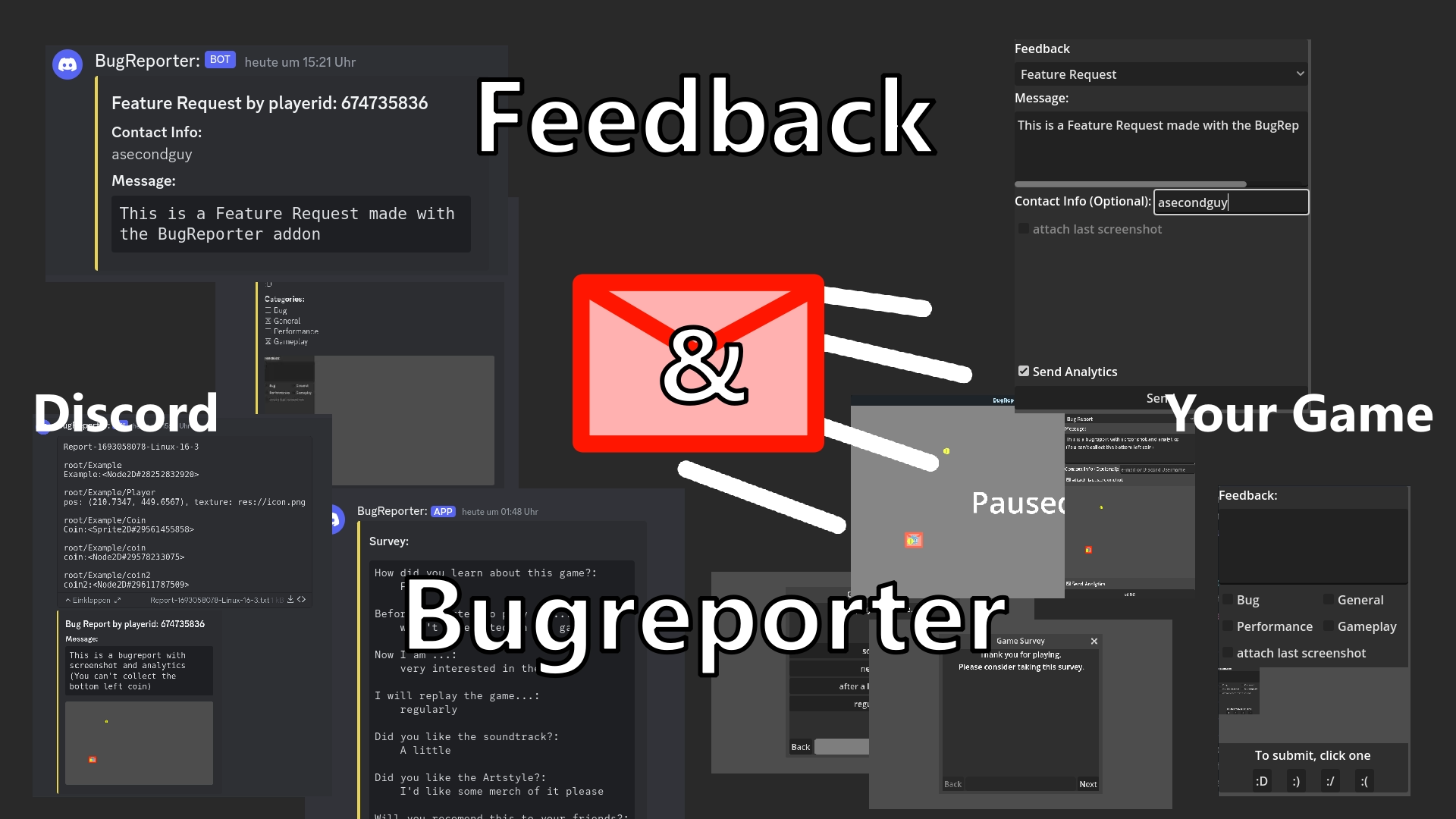
Ingame BugReporter & Feedback
0
by ASecondGuy | MIT
Allows your players to send bug reports, feature requests and general feedback directly from within the game to a Discord webhook. Features two different BugReporter UI designs and 1 survey style UI. From there you can do whatever
The BugReporter allows players to send messages using a Discord webhook. This allows easy and low maintenance feedback from directly inside your game. Webhooks can be easily abused for anonymous automated spam or simply overwhelmed. That makes this a bad

Sentry
0
by Sentry | MIT
Real-time crash reporting for real gameplay across all platforms, including any game engine on any console, PC, or mobile device. See the right context on crashes and errors across your development and retail builds, so you can fix issues before they bring
Godot plugin to capture crashes and errors in native code and GDScript

loading more results...