
Licenses
Uses AI
Order
Advanced Search

Search will generally match any assets that contains all words from the search query. The words can be anywhere in the asset name, description or tags. All search queries are case independent.

To narrow down search results, you can use the following operators:

  • godot | engine
    will match if either "godot" or "engine" are found
  • godot MAYBE engine
    will match if "godot" is found, while ranking items higher that also match "engine"
  • godot -engine (alternative syntax: godot !engine)
    will only match if "godot" is found in an item that does not contain "engine"
  • @name godot @description engine
    will match if "godot" is found in the asset name, and "engine" is found in the asset description
  • =godot
    will match "godot" as a separated word, so it would not match "godotengine" while it will match "godot engine"
  • "godot engine"
    will match the exact string "godot engine" (so it won't match "engine godot")

Loggie 4

by Shiva Shadowsong | MIT

Simple yet feature-rich logger and string composer. Stylize, organize, filter and customize your log messages easier than ever

A flexible logger + string composer that scales with your needs. Start simple with composing basic messages, then scale up to advanced formatting, styling and organization when your project demands it. Clean, powerful, well documented, and always under
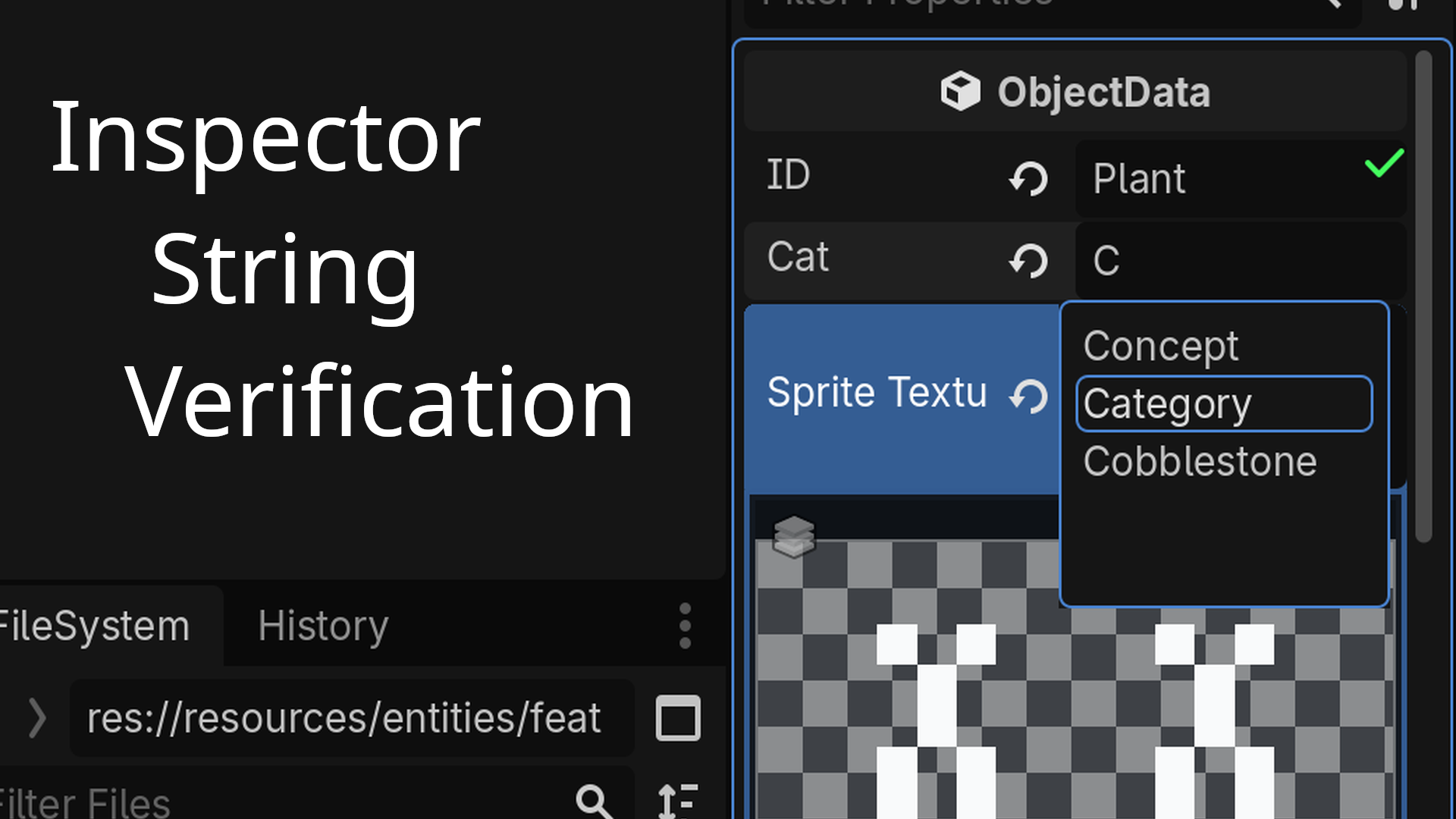
Inspector String Verification 0

by Keith Jones | MIT

A Godot inspector plugin for verifying that Strings or StringNames typed into exported resource properties in the inspector are contained a list of strings considered valid

NOTE: This is still experimental and has been tested with Godot 4.7 but should work with recent versions. The current version uses a script for filling the String registry that only works with GDScript files but can be easily augmented for C# files by

loading more results...