Licenses
Uses AI
Order
Advanced Search

Search will generally match any assets that contains all words from the search query. The words can be anywhere in the asset name, description or tags. All search queries are case independent.

To narrow down search results, you can use the following operators:

  • godot | engine
    will match if either "godot" or "engine" are found
  • godot MAYBE engine
    will match if "godot" is found, while ranking items higher that also match "engine"
  • godot -engine (alternative syntax: godot !engine)
    will only match if "godot" is found in an item that does not contain "engine"
  • @name godot @description engine
    will match if "godot" is found in the asset name, and "engine" is found in the asset description
  • =godot
    will match "godot" as a separated word, so it would not match "godotengine" while it will match "godot engine"
  • "godot engine"
    will match the exact string "godot engine" (so it won't match "engine godot")

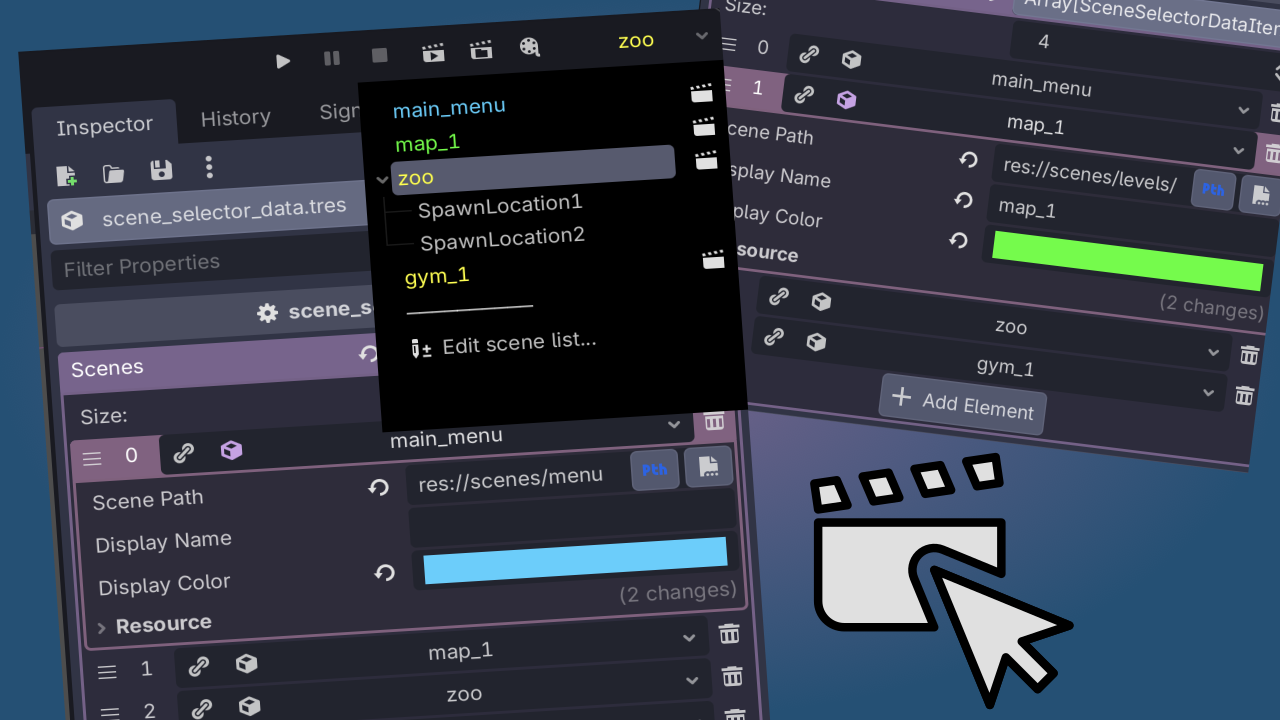
Scene Selector 0

by TranquilMarmot | MIT

Adds a toolbar button to quickly swap between main scenes when running a project

Godot Scene Selector Addon Godot addon that adds a dropdown in the Godot editor toolbar that lets you quickly select from a list of scenes that you configure. Adding "spawn points" lets you choose between different points in the world to teleport players
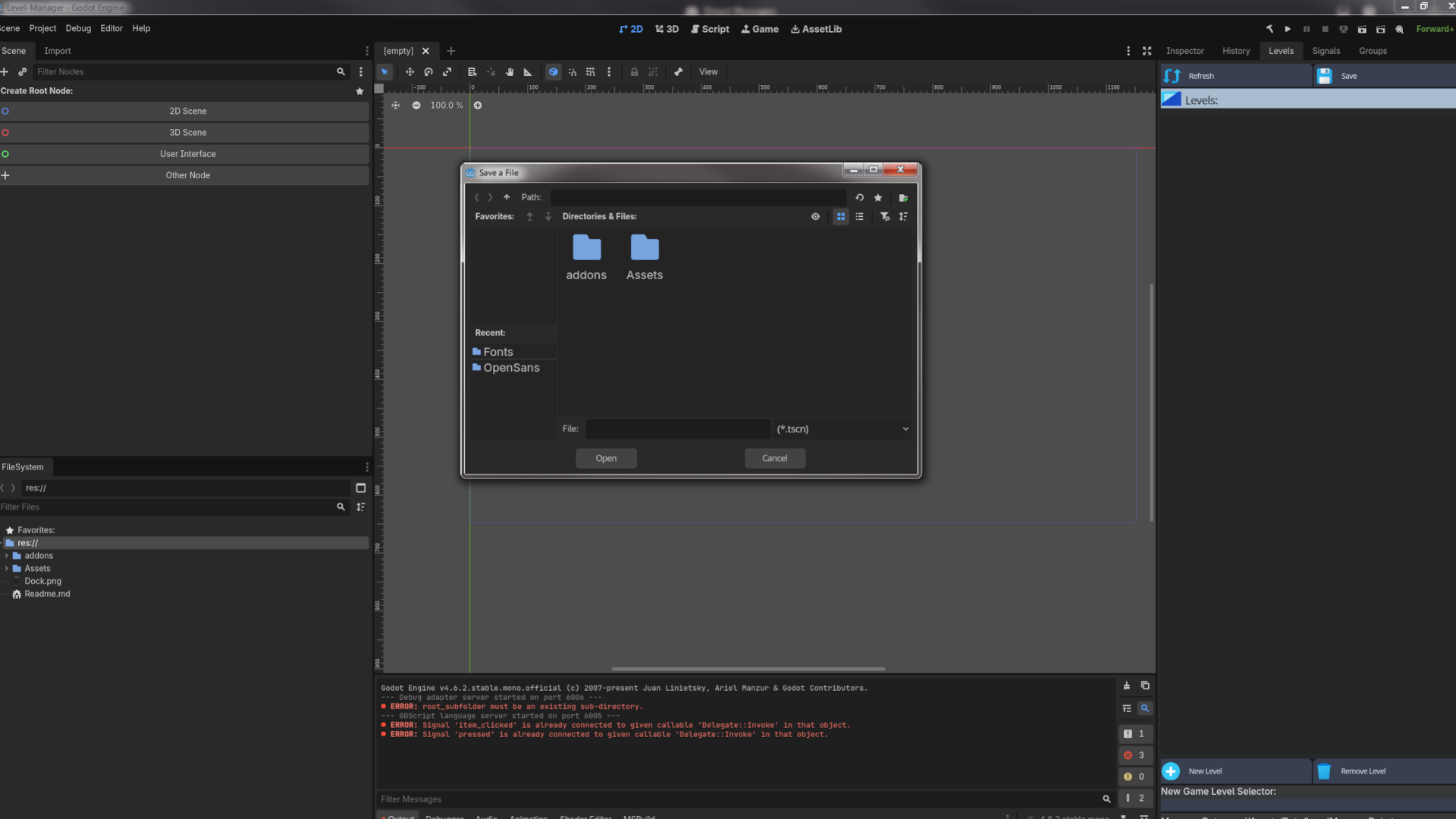
Level Manager 0

by weirdbeardgame | MIT

A Unity-styled Level Manager that will allow Godot to recognize and save levels, and recognize a Level vs a GameObject And have a clear separation between the two, which is missing in Godot

Godot Level Manager What is it? Godot Level Manager is A Unity-style Level Manager that will allow Godot to recognize and manage what is a level vs a normal GameObject. What does it solve? Since all GameObjects are viewed as Scenes in Godot, anything can

loading more results...