
Mesh+Material Copy / Move / Repair
 0
0
by ProtoForge Systems | MIT
Moving a .gltf in the FileSystem dock leaves its .bin and textures behind — Godot's dependency graph never sees files a glTF names by URI. Putting them back doesn't help: the failed import already wrote a poisoned .import. This fixes that. Drag a .gltf or
What this fixes A .gltf names its .bin and its textures inside its own JSON, as relative URIs. Godot's dependency graph never parses that JSON, so it cannot see those files at all. Drag the .gltf alone in the FileSystem dock and it moves alone, leaving
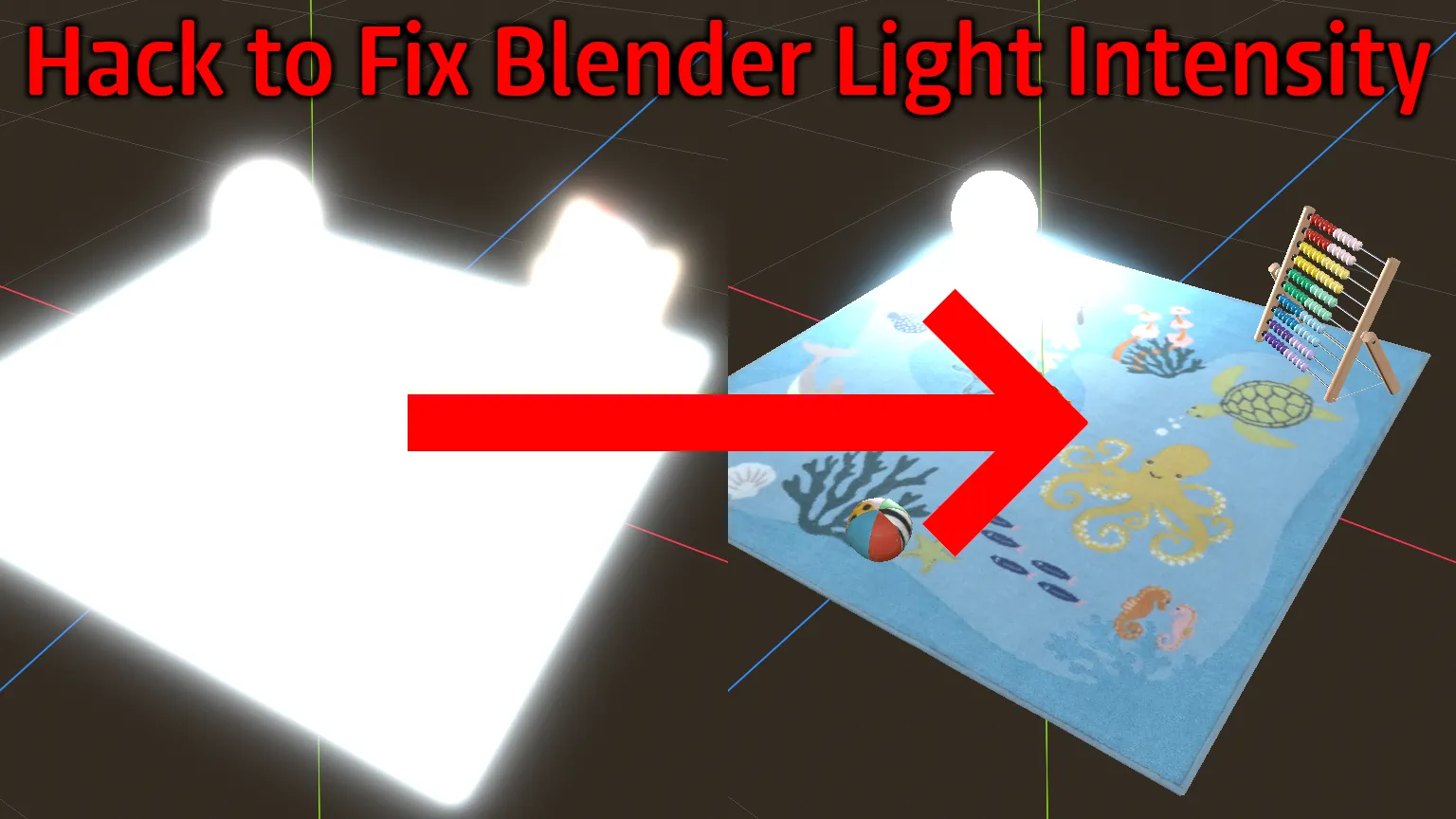
Fix Blender Light Intensity for glTF Files
0
by Aaron Franke | CC0 1.0 Universal
Hack to decrease the imported light intensity when the generator string contains "Blender"
Hack to decrease the imported light intensity when the generator string contains "Blender". Does nothing for .blend imports because Godot already has a solution in place for that. The 3D model in the thumbnail is this one: https://github.com/KhronosGroup

loading more results...