Description
Changelog
Reviews (0)
FOLLOW THE SPECIFIC INSTALLATION INSTRUCTIONS BELOW
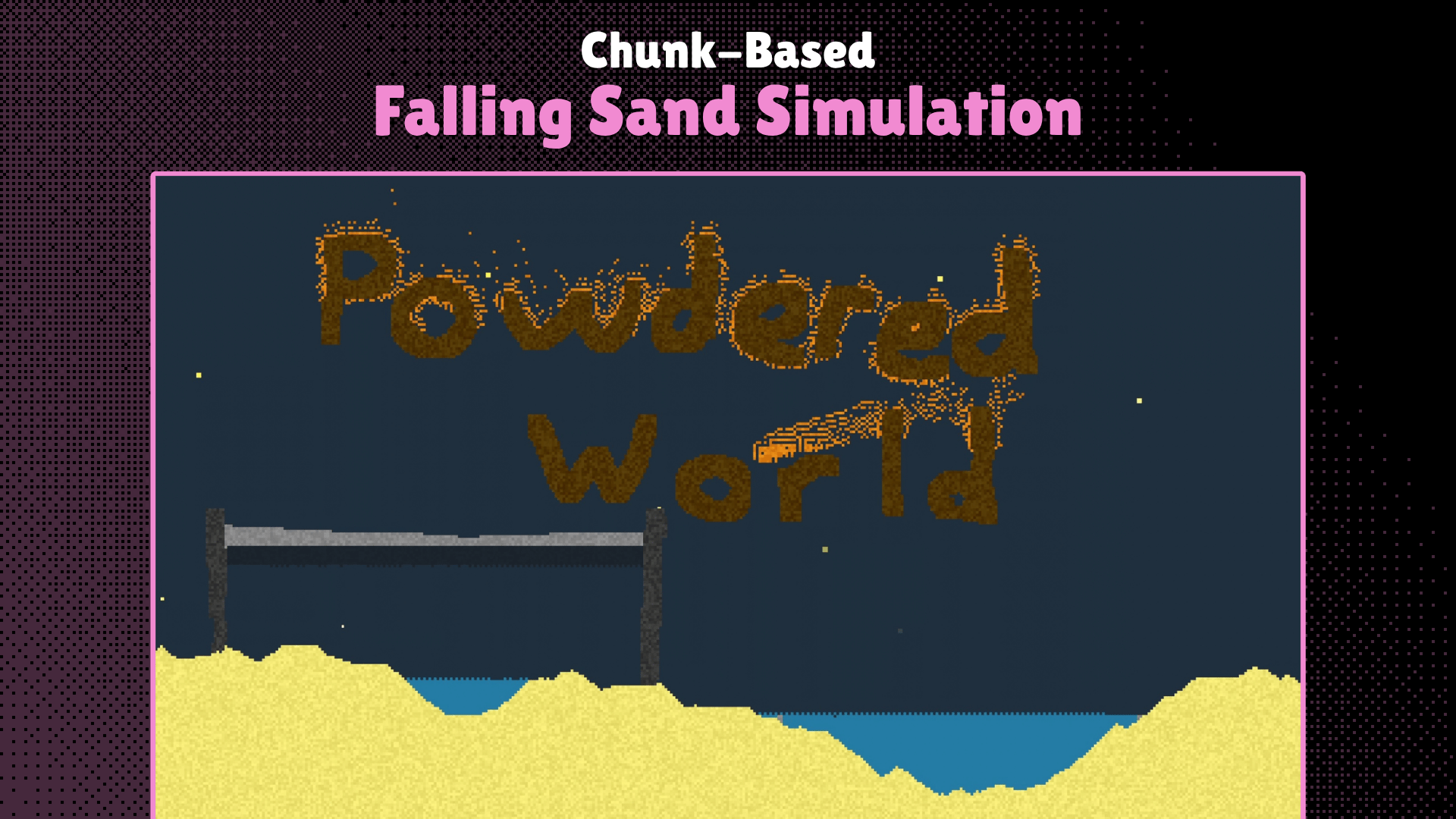
Making a falling sand engine is hard. Like, really hard and time consuming. That's why I did it for you, so you can skip straight towards developing your game!
Features
- A chunk-based falling sand engine with the usual performance optimizations like dirty rects
- Flexible
PowderSimulationnode that handles individual instances of the falling sand engine - Saving + loading worlds with the custom
WorldStreamerclass, in a similar fashion to Godot's built-inFileAccess - Dynamic loading/unloading of chunks
- New editor tab for editing custom elements; use the UI to make basic elements without code; for more complex behaviors use the Custom Behavior system
- Custom reaction editor within the Elements editor tab to make basic reactions without code
- Tutorial (coming soon) + reference documentation available here: https://cannedbottle.github.io/powderedworld-docs/
Compatibility
- This plugin works only on the C# (Mono) version of Godot.
- Tested on Godot 4.7, other versions are not guaranteed to be compatible
Installation:
- Install and extract the .zip archive
- Drag the "addons" folder (inside the parent PWEngine folder) inside your project files
- If you already have an addons folder, drag the folder inside the new addons folder inside the existing one
- Ignore the errors; they are caused by the C# scripts not being built before the engine parses the GDScript files.
- Build the project + restart the editor (to reload the failed scripts)
- Enable the plugin in the Project Settings
- You're done! Make sure to rebuild and restart the editor every time you delete the
.godotfolder however, or the same problems will occur.
Notes:
- This plugin only works on C# (Mono) Godot versions, since the simulation is run with C#.
- The folder labeled "Test_Playground" contains a scene that when played, contains a sandspiel/powdertoy-like test area for you to test the different elements in.
- The whole "Test_Playground" folder can be deleted safely, it does NOT contain files necessary for the plugin to work.
- When running the "Test_Playground" scene, the default elements can be spawned at the mouse cursor with these keys:
- S: Sand
- A: replace with Air
- W: Water
- Q: Wall
- D: Stone
- E: Acid
- C: Smoke
- F: Fire
Changelog for version v1.0
2026-10-07 20:59:26
No changelog provided for this version.