Range Slider
 0
by Basement Society | MIT
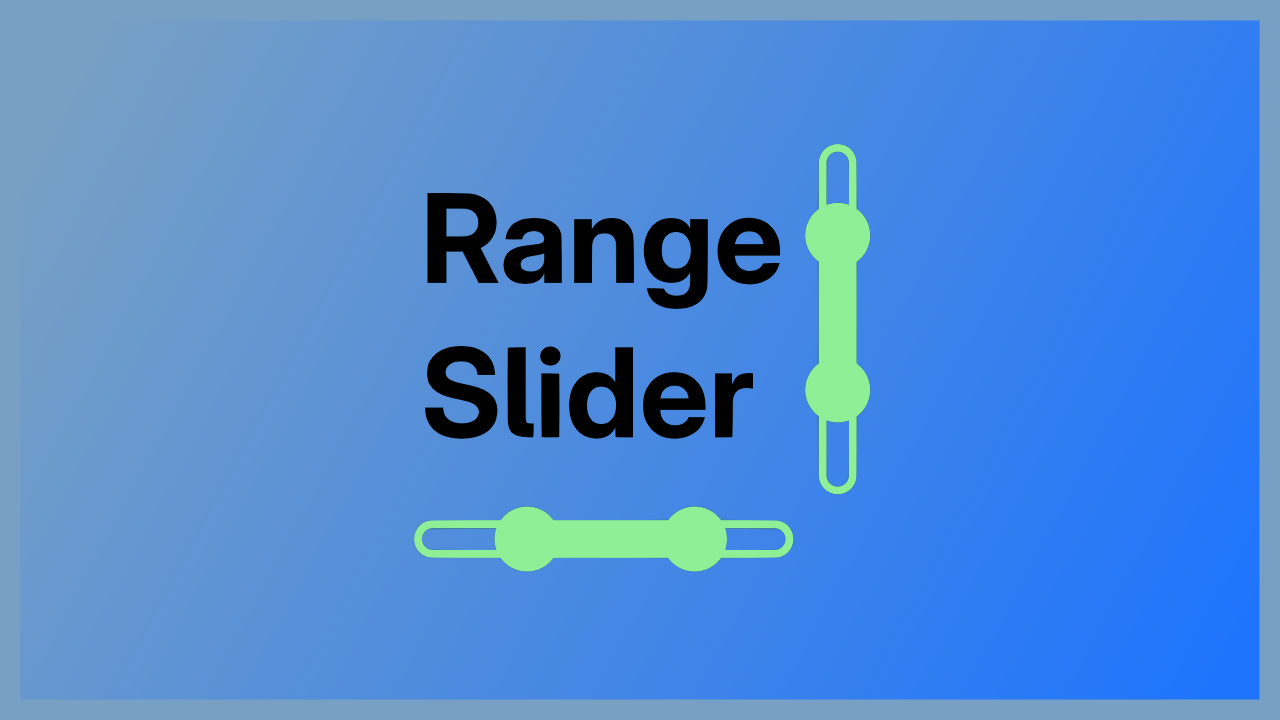
An addon that provides two types of range sliders: A horizontal and a vertical one. With this node you are able to define a range inside of given minimum and maximum values. It lets you basically set the begin and end of a range with the mouse as well as
Godot Range Slider An addon that provides two types of range sliders: A horizontal and a vertical one. With this node you are able to define a range inside of given minimum and maximum values. It lets you basically set the begin and end of a range with
Range Slider
0
by skar0ps | MIT
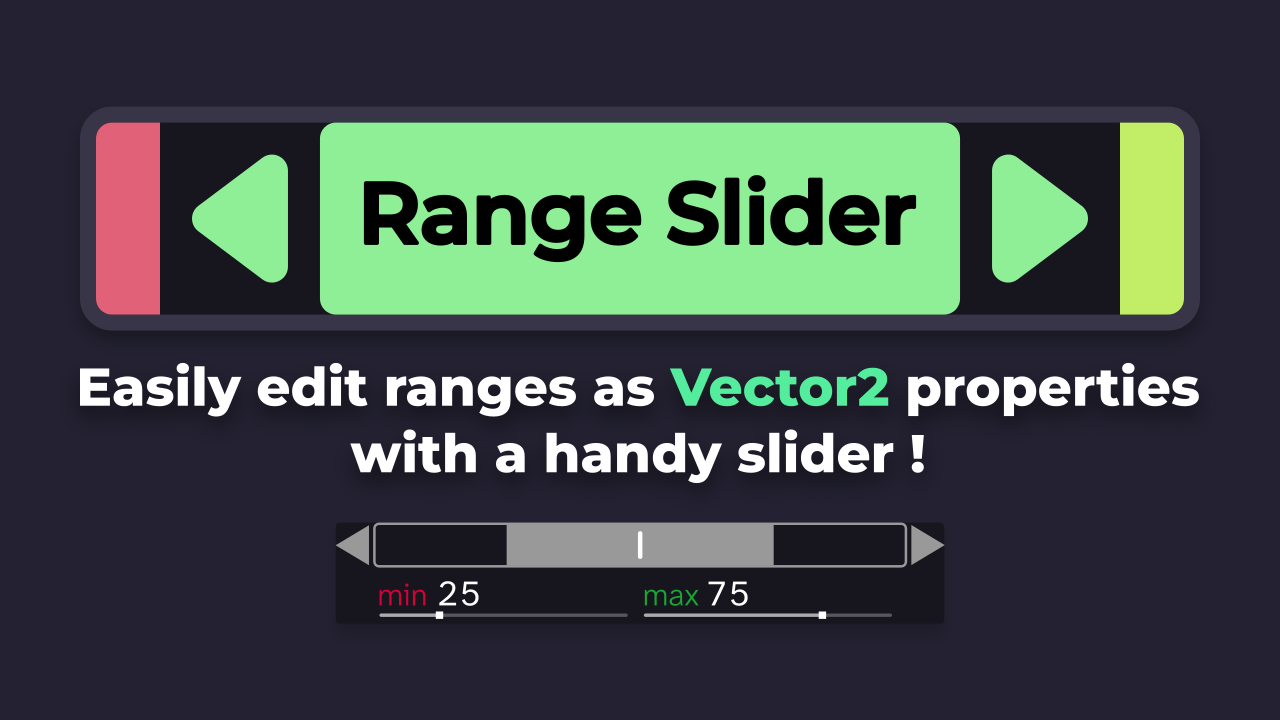
RangeSlider is a Godot 4 plugin that adds a two-handle slider to edit a Vector2 as a min/max range, instead of juggling two separate float variables and their clamping logic
What does it do ? RangeSlider is a Godot 4 plugin that adds a two-handle slider to edit a Vector2 as a min/max range, instead of juggling two separate float variables and their clamping setters. How does it work ? It plugs into the inspector automatically
Slider Label
0
by KoBeWi | MIT
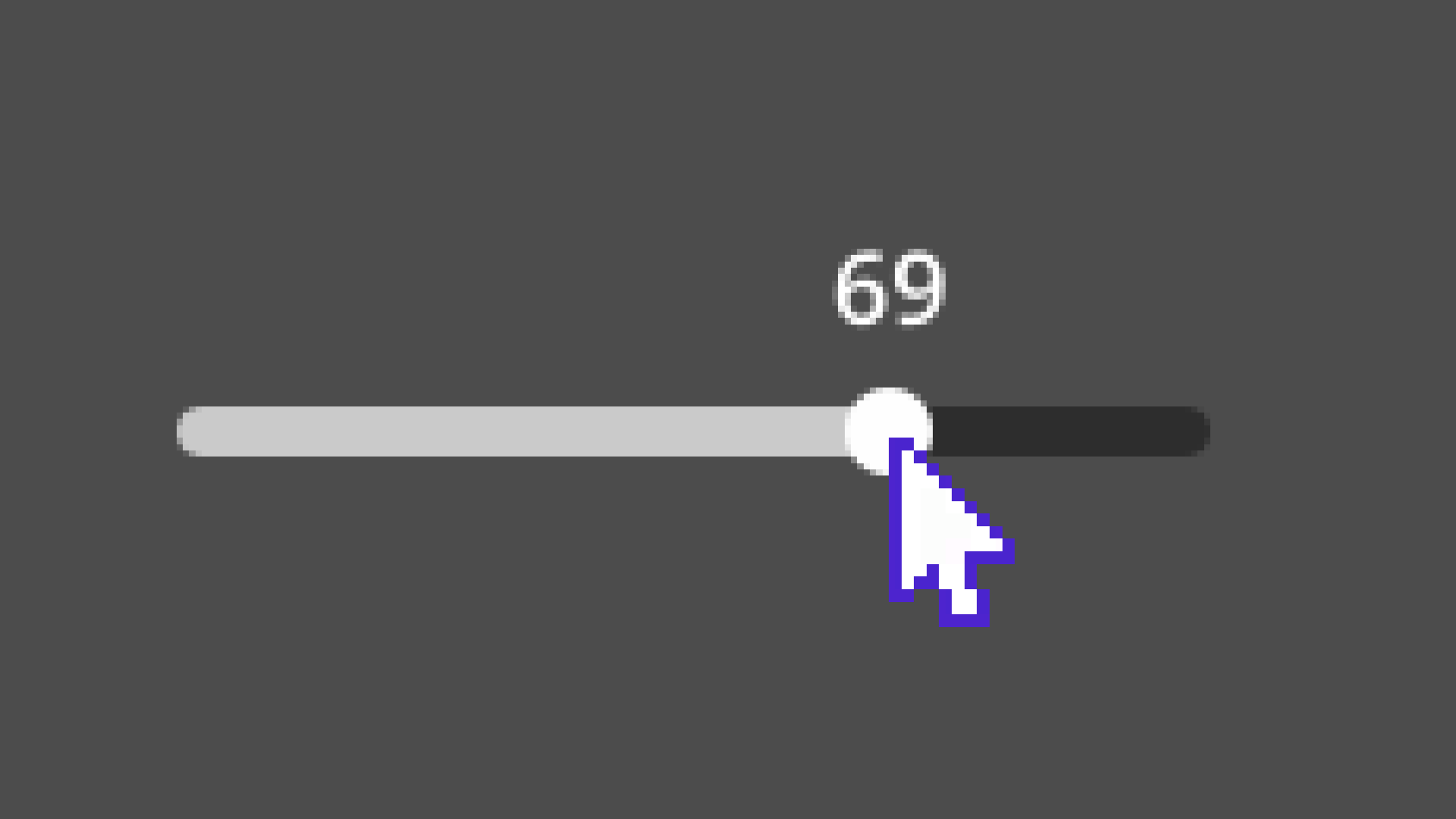
A custom node type that displays a value of a Slider
^ This can be your Slider, just install this plugin. Usage After SliderLabel plugin is enabled, you can add a new SliderLabel node onto your scene. The node needs to be a child of Slider. Done. Your Slider will now display the value. You can customize the

loading more results...