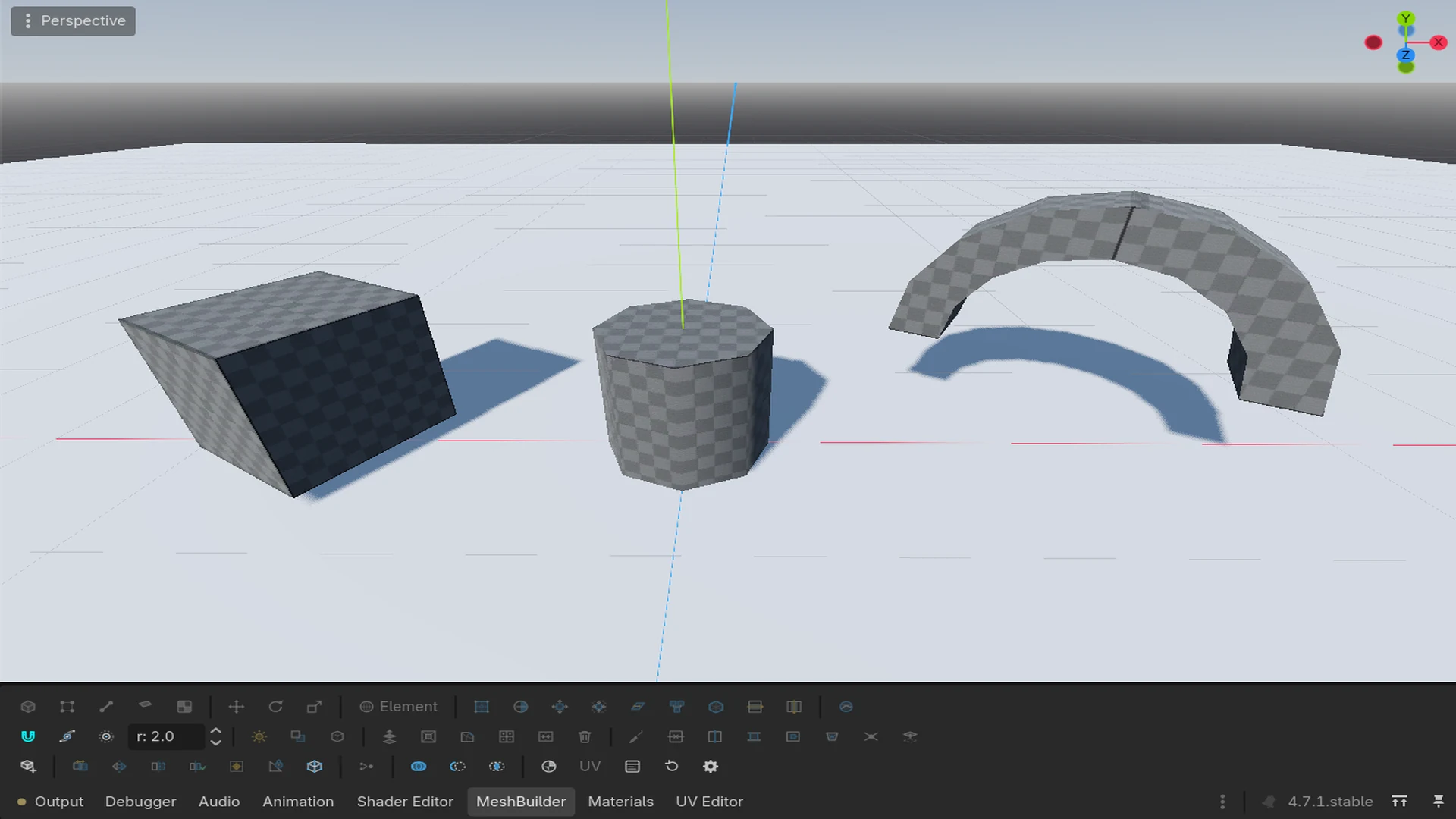
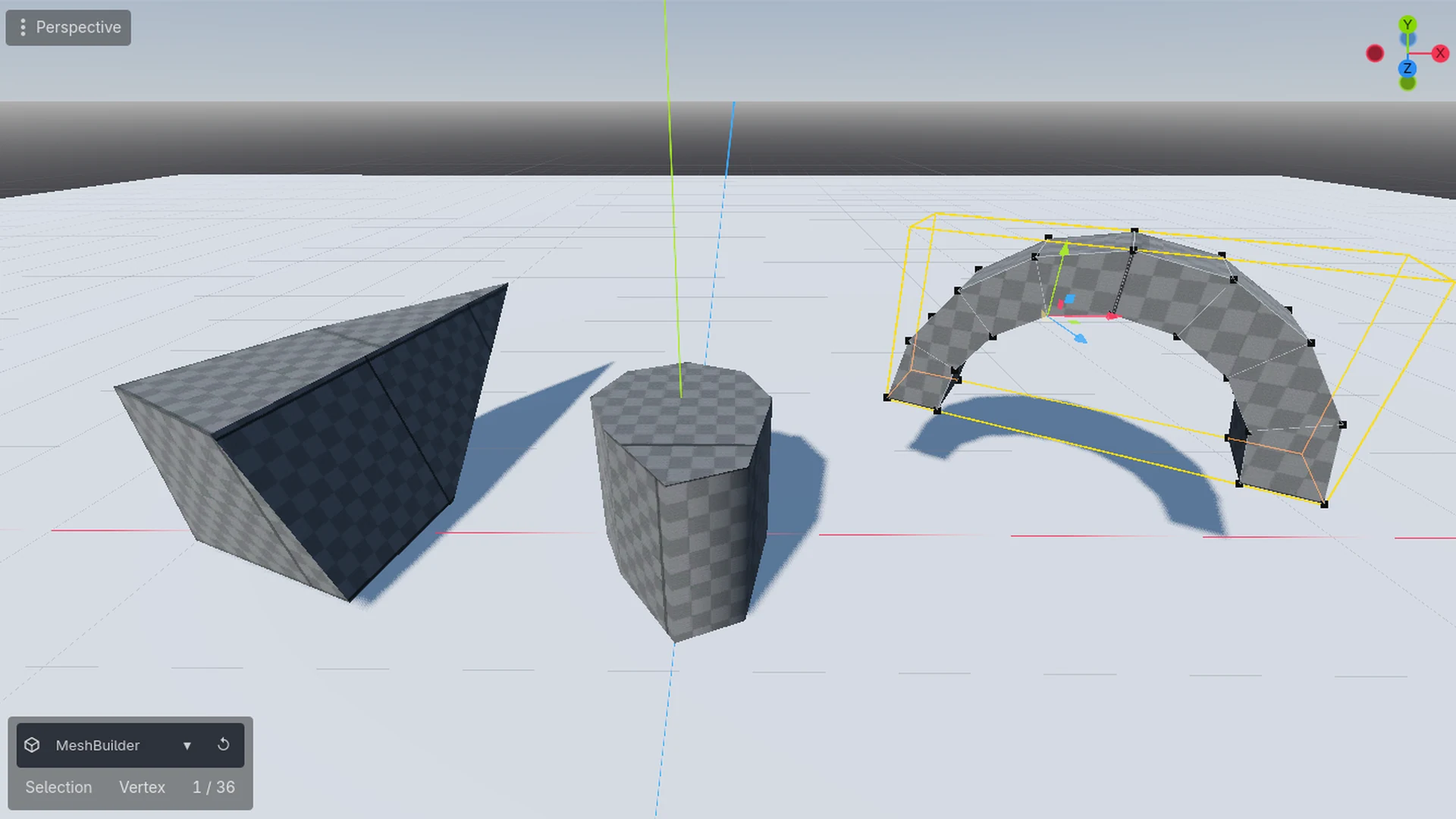
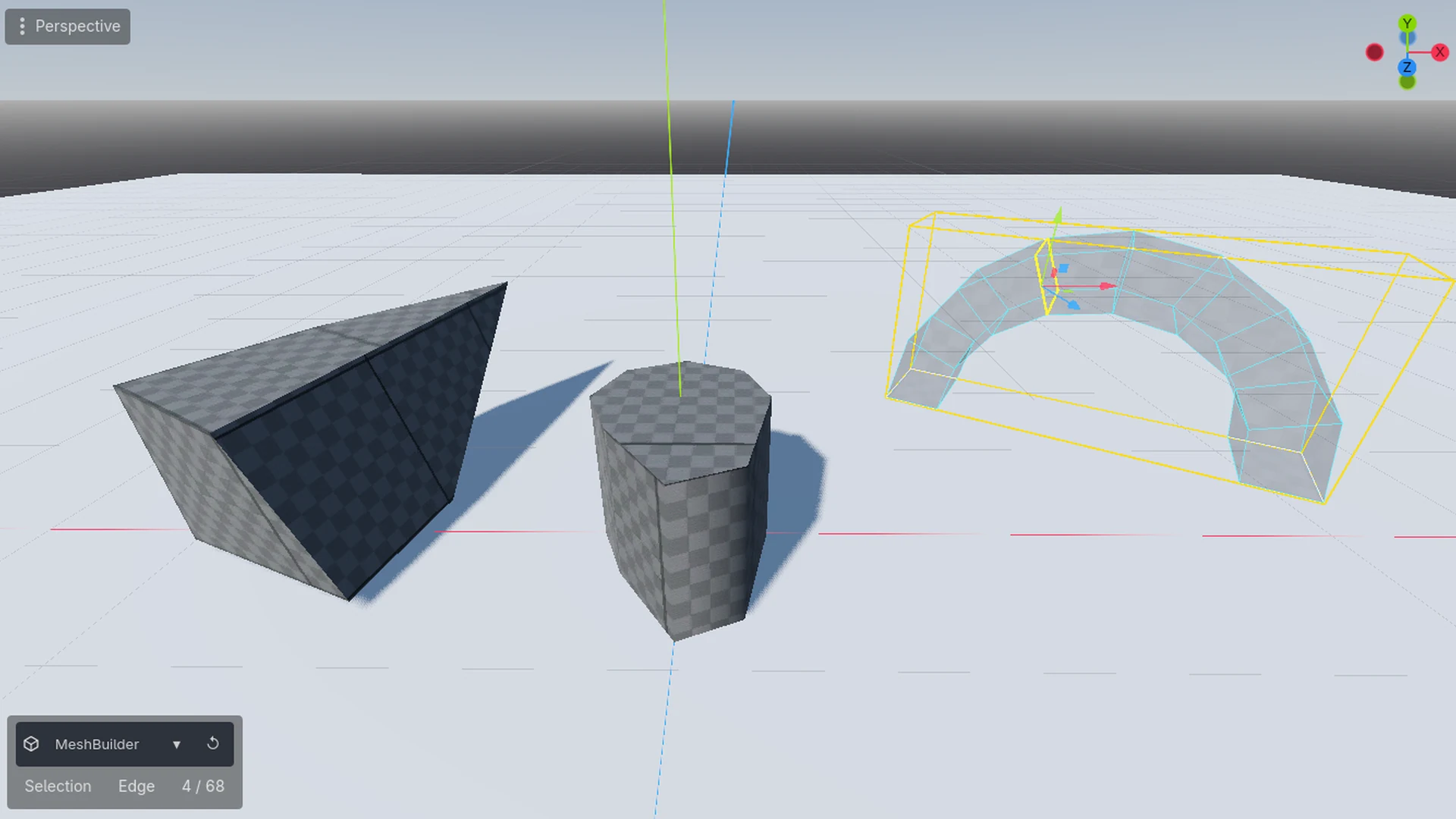
MeshBuilder turns the Godot 3D viewport into a modeling tool for props and greybox geometry — build, edit, unwrap and paint a mesh without a round trip through Blender.
Why MeshBuilder
- Model where the prop lives. The mesh is a scene node; there is no exported copy to keep in sync and no import step.
- Real element editing. Move, rotate and scale vertices, edges and faces — extrude, inset, multi-segment bevel, loop cut, a knife that cuts across several faces, subdivide, bridge, connect, weld, tunnel, fill hole.
- Booleans that keep quads. Union / subtract / intersect run on the Godot CSG kernel, and coplanar triangles are welded back into quads afterwards, so the untouched sides of a mesh do not turn into triangle soup.
- Shading under control. Auto Smooth smooths everything except the edges you mark Sharp (the mark lives on the edge and survives re-runs), Flat returns a selection to hard shading, and sharp edges are drawn in orange in edge mode.
- Meshes that actually work. Check reports open edges, non-manifold edges, inconsistent winding and self-intersections; Fix Winding repairs the triangles that make a boolean return nothing.
- UV, materials and vertex colours together. UV1/UV2 editor with box and LightmapGI unwraps plus per-face tiling; a material palette per mesh; vertex painting by face, edge or vertex with an editable colour palette.
- Nothing to install. Pure GDScript — no GDExtension, no C#/.NET build, no native binaries. Copy the folder and enable the plugin.
Draw and edit
13 primitives: cube, stairs, curved stairs, prism, cylinder, plane, door, pipe, cone, arch, sphere, torus, n-gon. Drag the base on any surface or on the grid, move the mouse to set the height, click to confirm. Shape parameters stay editable until you start moving vertices by hand.
Object, Vertex, Edge and Face modes with marquee selection and selection conversion between modes. Every operation previews live and goes through the editor's undo history.
Materials, UV and vertex paint
A material palette per mesh with per-face assignment and a default material for new shapes. The 2D UV editor works on UV1 and UV2: box unwrap, LightmapGI unwrap, texel density, island selection, snapping and a gizmo for moving, rotating and scaling islands — plus a per-face row for tiling, offset, rotation, flips and vertex-colour tint.
The MBPaint tab paints vertex colours right in the viewport: the element mode decides whether a click paints the face under the cursor, the ends of the nearest edge or the nearest vertex; brush radius, strength and spread are numeric fields; fill-selected, fill-all and an eyedropper are one click away, and the colour palette can be edited and keeps its colours between sessions.
Everything else a prop needs
A live mirror modifier with an Apply toggle that bakes the reflection into real faces and back, "MeshBuilderize" to convert an existing MeshInstance3D or CSG node into an editable mesh, snapping to the editor's grid step, vertex snap, proportional editing, and Lit / Shadow / X-Ray display.
Built to stay out of the way
All UI lives in the editor's bottom panel as three tabs — the toolbar, the UV editor and MBPaint (materials plus vertex colour) — so the plugin takes no rows from the 3D viewport and no space from the right-hand dock column. The toolbar drives the editor's own Move, Rotate and Scale gizmos, so transforms behave exactly as everywhere else in Godot.
Documentation
Full manual: English · по-русски. Requires Godot 4.7 or newer; MIT licensed.
Changelog for version 0.2.4
2026-11-01 08:37:55
No changelog provided for this version.