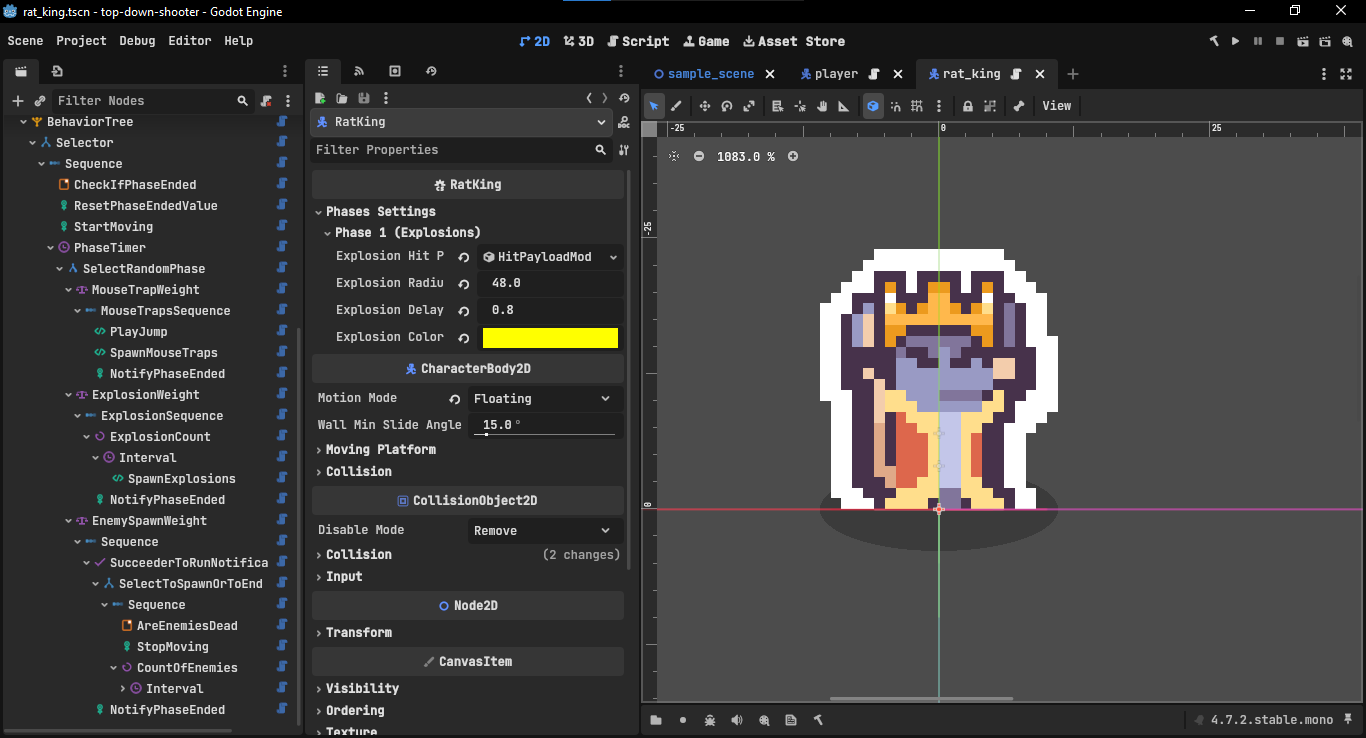
Description
Changelog
Reviews (3)
Takobi AI
A behavior tree library for Godot 4 / C#, built on native Godot editor APIs
Features
- Live Debugger — a dockable panel (built on Godot's
EditorDebuggerPlugin) that visualizes tick status and node state in real time while your game runs.
- Native profiling — tree counts and per-tree tick times show up directly in Godot's built-in Monitors tab, alongside FPS and memory.
- Custom inspectors — method calls, signal emitters/awaiters, and Blackboard comparisons get dedicated dropdown editors instead of raw string fields.
- Rich node library — reactive and randomized composites (
ReactiveSequence,ReactiveSelector,Parallel,WeightedSelectorwithWeight/WeightFromBlackboarddecorators), plus a full set of decorators (Cooldown,Retry,Timeout,Repeater, and more) for controlling flow without extra scripting. - Blackboard binding via
$key— bind exported fields on any node to a Blackboard value with a$prefix. - SubTree composition — nest and reuse whole trees as a single leaf, with optional Blackboard sharing and circular-reference protection.
- Hierarchical State Machine (
TakobiHSM) — a lightweight, code-first, generic HSM with a fluent state/transition API and support for nested sub-machines, usable standalone or alongside your behavior trees.
private enum State { Idle, Run, Combat }
private enum CombatState { Attack, Dodge }

private readonly TakobiHSM<State> hsm = new();
private readonly TakobiHSM<CombatState> combatHsm = new();

public override void _Ready()
{
    hsm.AddState(State.Idle).OnEnter(() => GD.Print("Idle"));
    hsm.AddState(State.Run).OnEnter(() => GD.Print("Run"));

    // nests combatHsm as a sub-machine — it's entered, ticked, and paused
    // automatically alongside the Combat state's own lifecycle
    hsm.AddState(State.Combat).WithSubMachine(combatHsm);

    hsm.AddTransition(State.Idle, State.Run).When(() => Velocity.Length() > 0);
    hsm.AddTransition(State.Run, State.Idle).When(() => Velocity.Length() == 0);

    hsm.SetInitialState(State.Idle);
    hsm.Start();
}

public override void _PhysicsProcess(double delta) => hsm.Tick(delta);
- Zero-allocation tick path — argument resolution is cached ahead of time, so ticking a tree doesn't generate garbage every frame.
Installation
- Download Latest Release
- Unpack the
addons/takobi_aifolder into your/addonsfolder within the Godot project - Enable this addon within the Godot settings:
Project > Project Settings > Plugins - Move
script_templatesinto your project folder.
License
MIT
Changelog for version v1.2.0
2026-09-22 13:06:52
No changelog provided for this version.
