Features
- A world from a seed — set
forced_seedand the same ground appears in the editor and in the game. No heightmap file, no world-sized array, no edge: memory equals what is on screen, and a distant chunk costs nothing. - One node — add a
ChunkTerrainnode and it builds its own meshes and collision. Your scene stays a single node. - LOD by merging chunks — four chunks become one mesh with the same silhouette instead of being decimated. Seams are closed by pulling the finer edge onto the coarser one (no skirts), and level changes go up as one unit, so no cracks show while you drive.
- Threaded and budgeted — chunks are computed in batches on worker threads and only a few meshes land per frame, so new ground does not cause hitches.
- Streaming collision — collision tiles are cut under every
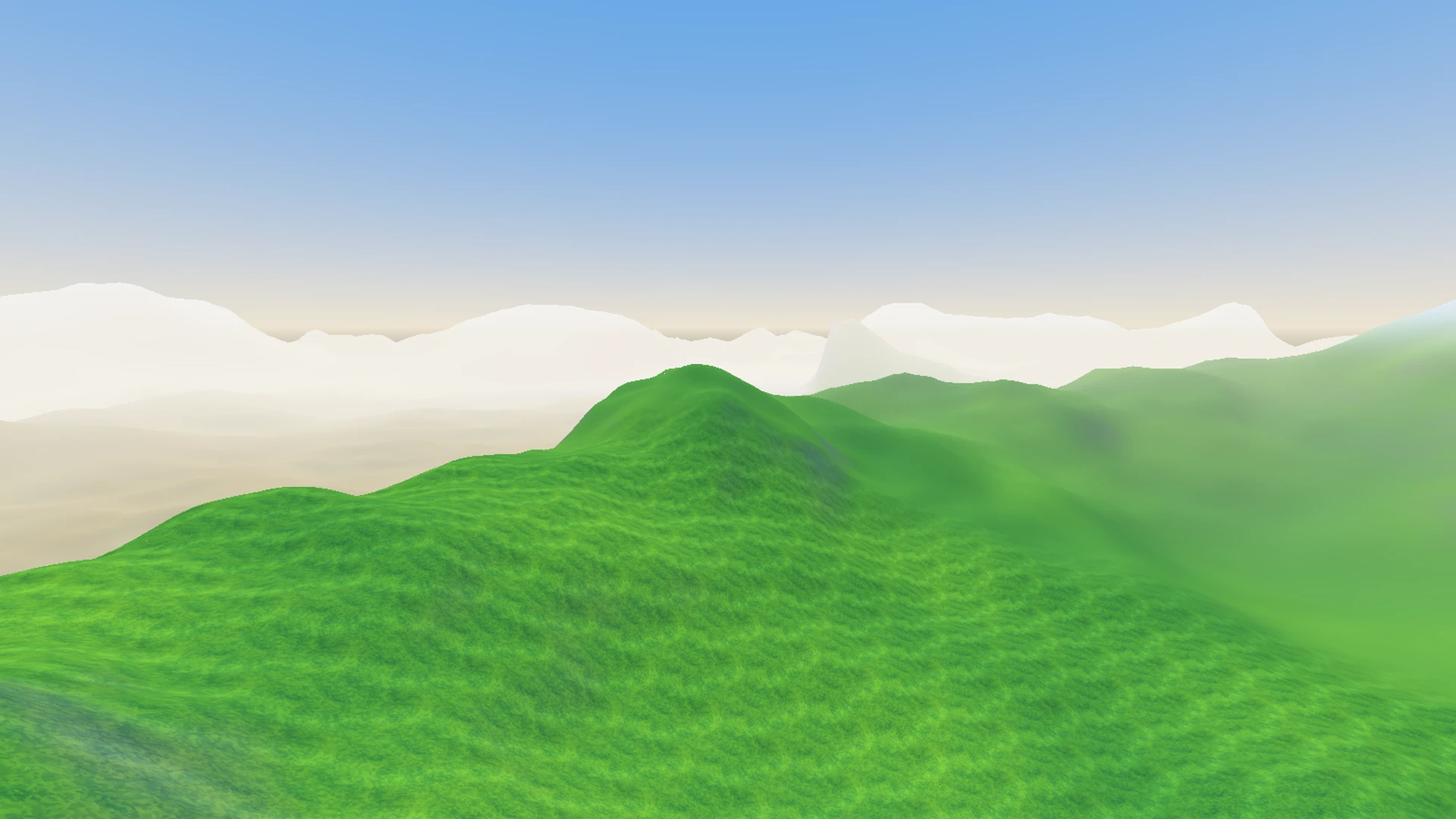
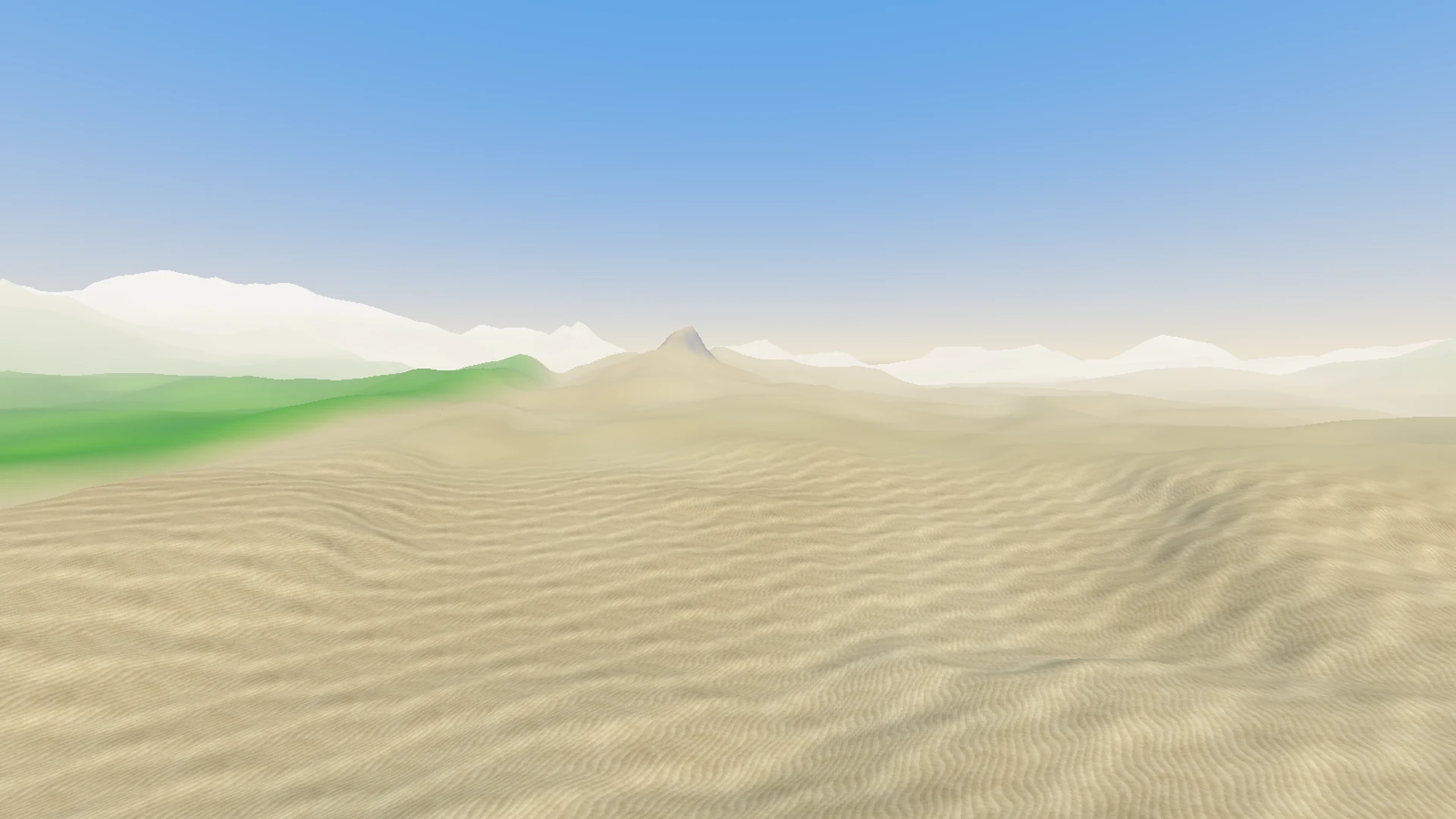
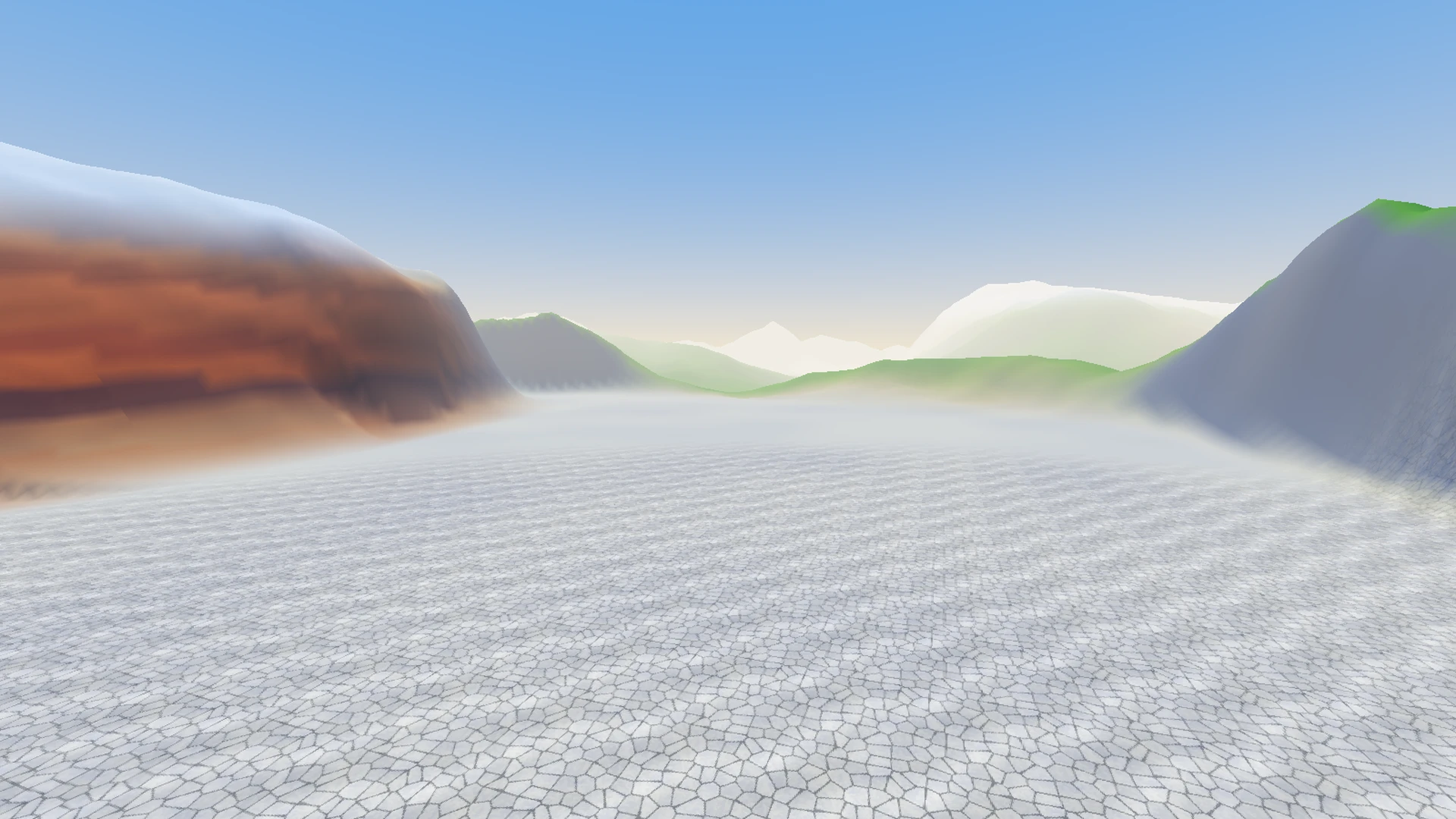
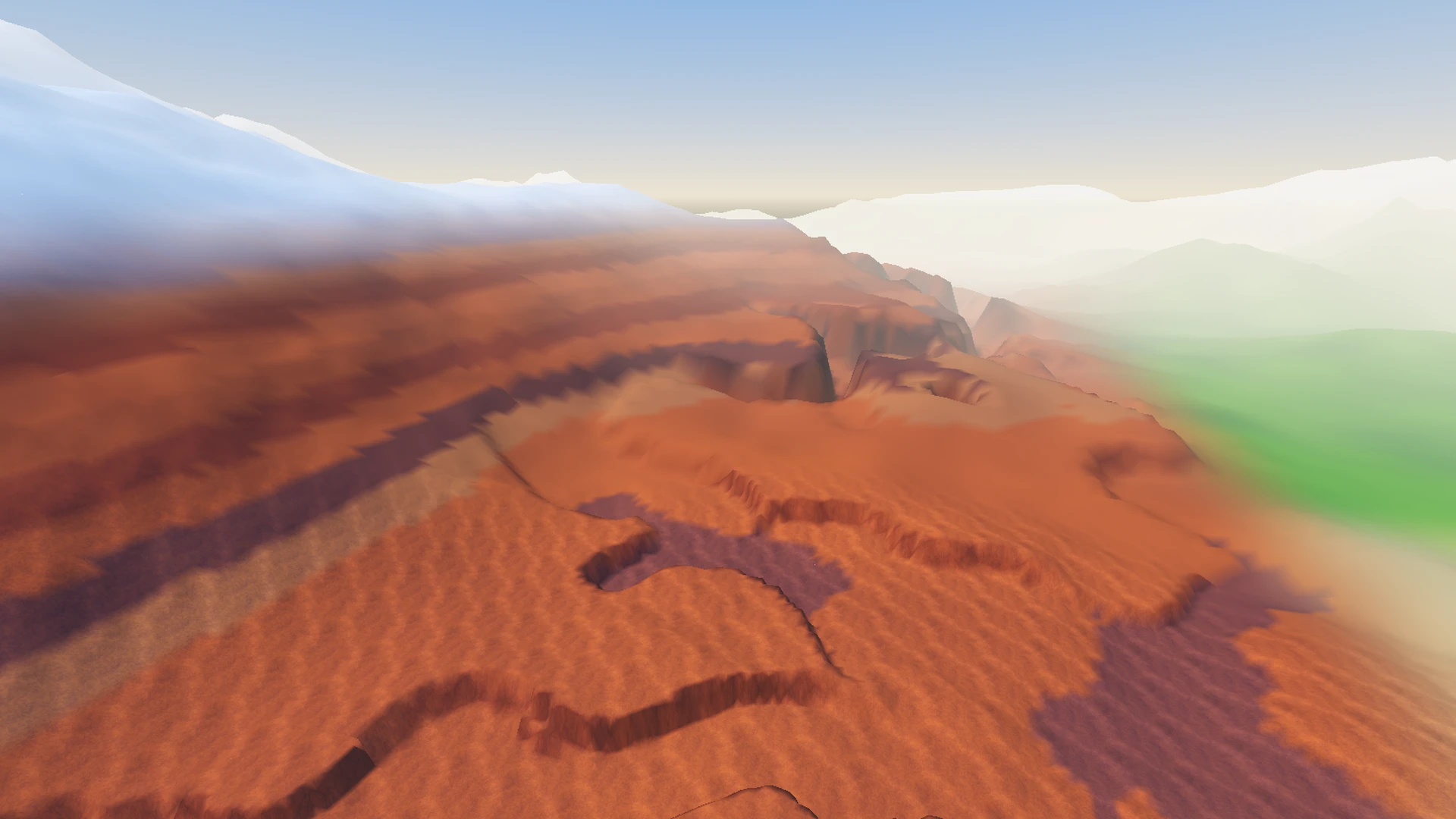
RigidBody3DandCharacterBody3D, along its path a moment ahead, on their own queue that goes first. - Five biomes in one resource — desert, meadow, salt flats, canyon and mountains. Landform, masks and colours come from the same data, so a biome's shape cannot drift away from its look. Switch any biome off from the node.
- A painted ground shader — slope rock, snow crust, grass lift and per-biome detail from a single texture fetch, with distance haze. An optional self-lit
fast_groundmode skips the engine's light loop on weak GPUs. - Runtime API — ground height and slope at a point, biome masks, flattening a pad (edits are a plain, saveable list), and "is this behind a hill?" for culling your own props.
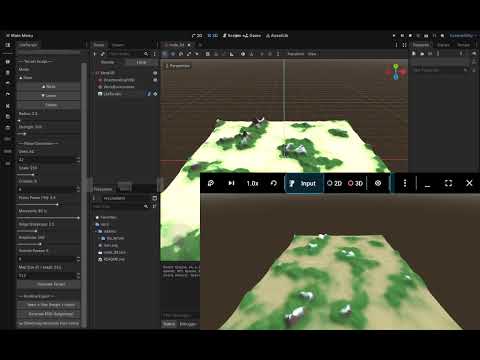
- Editor preview — a Build in scene button at the top of the node's inspector builds the real ground around the editor camera.
- Tuned for mobile — built and measured on an Adreno 610, a low-end mobile GPU, so every default leans toward performance.
How it is built
This is an architecture, not a single script. ChunkTerrain (the node) asks LiteTerrainGen for heights; the generator answers by point and nothing else, so it runs on worker threads and the same seed gives the same world everywhere. TerrainBiomes is one resource that holds the masks and colours and bakes them into vertex colour, so the shader only reads.
Quick start
- Copy
addons/lite_terrain/into your project and enable LiteTerrain in Project Settings > Plugins (this also declares the global shader uniforms the ground shader needs). - Add a ChunkTerrain node to a 3D scene and set
forced_seed. - Press Build in scene in its inspector to preview the ground.
- Make sure the scene has a current
Camera3Dand aDirectionalLight3D, and run it.
Requirements
Godot 4.6 or 4.7. Developed and measured on the Compatibility (GL) renderer.
Coming from 1.x
Version 2.0 is a new design, not an update of 1.x. The 1.x line was a single node script over a baked height map, with a dock for sculpting, generating and baking. 2.0 has no height map: the ground is the seed. The old LiteTerrain node, the sculpt brush, the generate/bake buttons and the tile textures are gone, and 1.x scenes have to be rebuilt around the new ChunkTerrain node.
Changelog for version v2.0.1
2026-10-23 17:35:00
No changelog provided for this version.