×
Description
Changelog
Reviews (0)
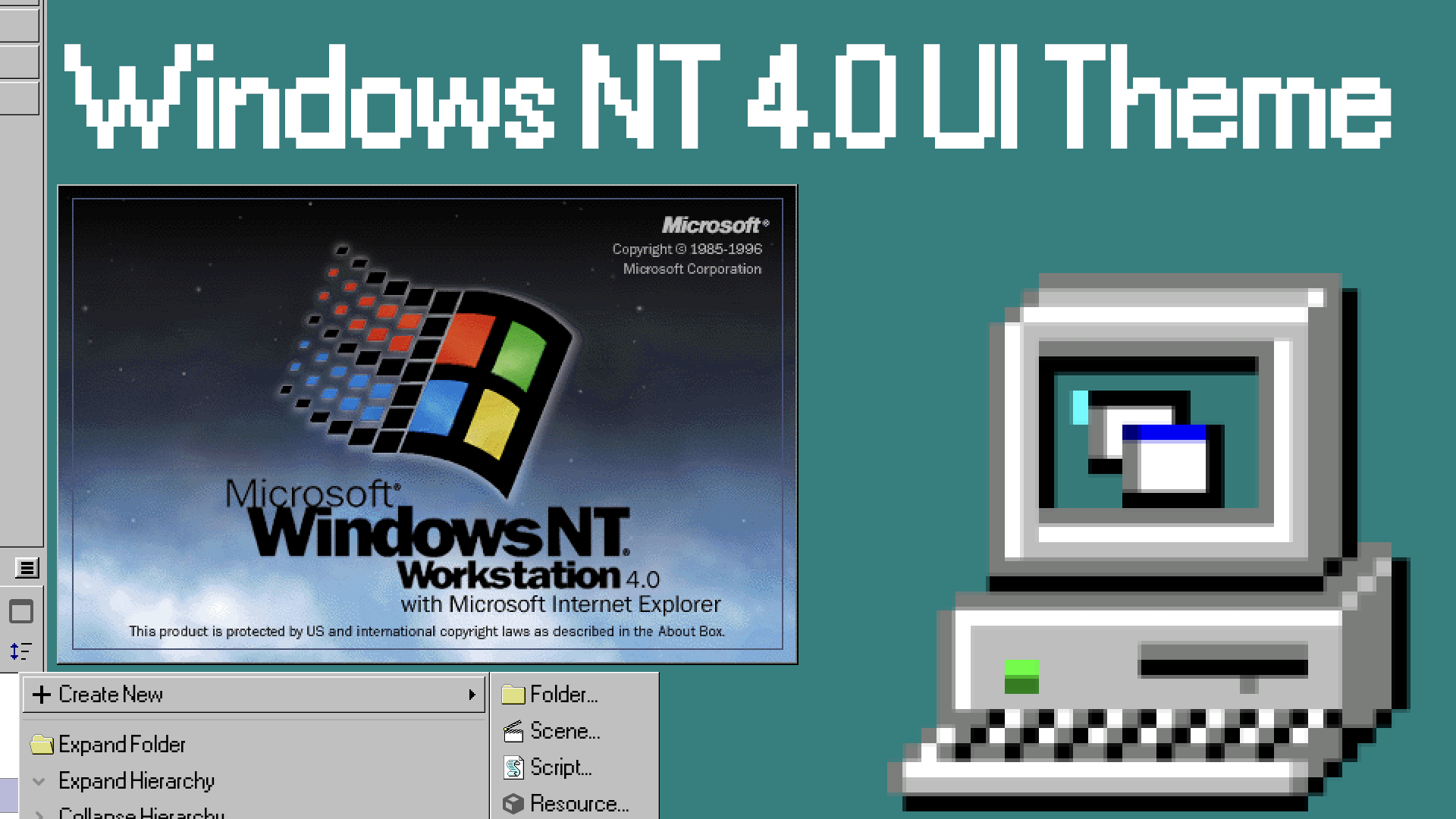
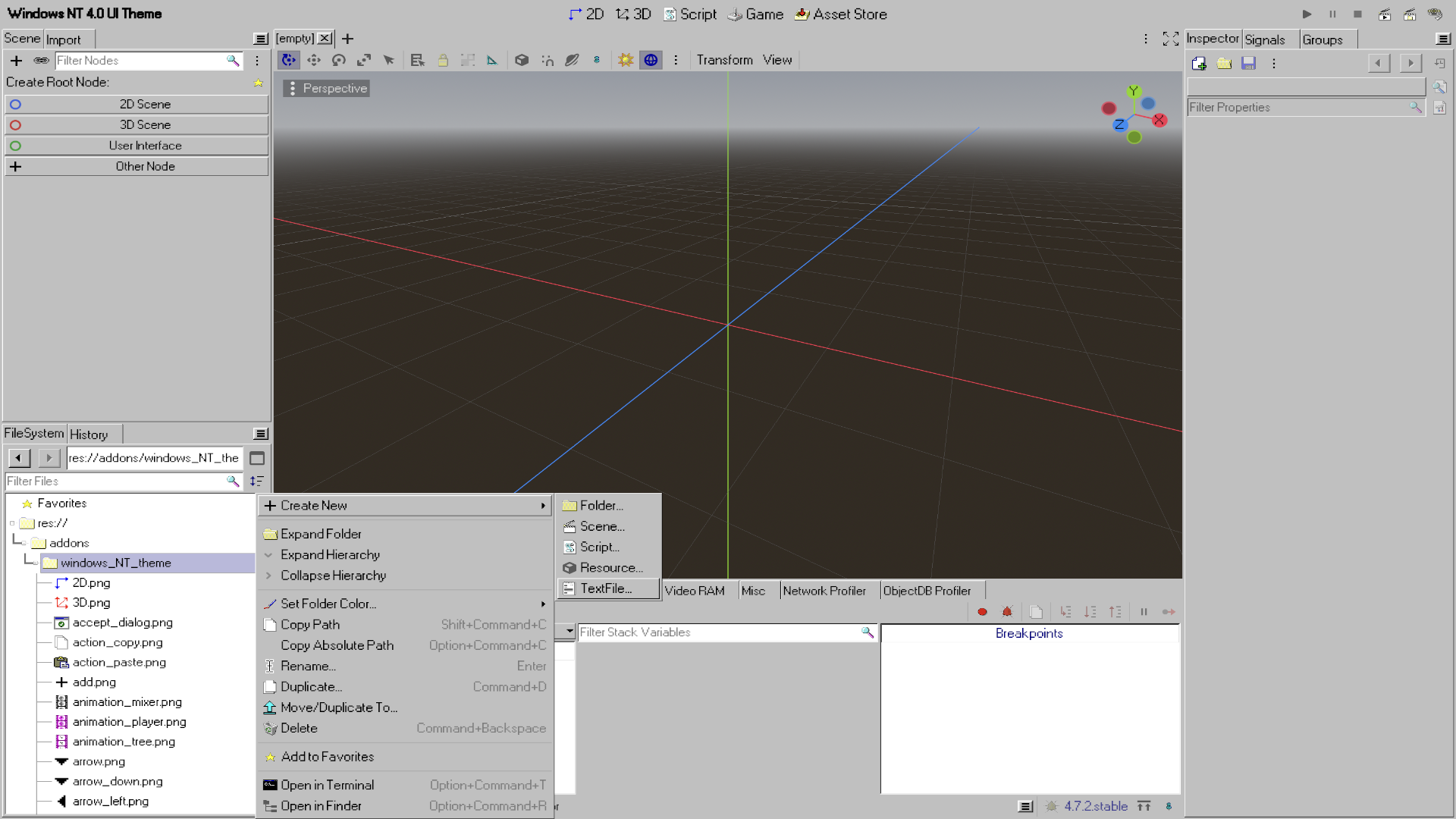
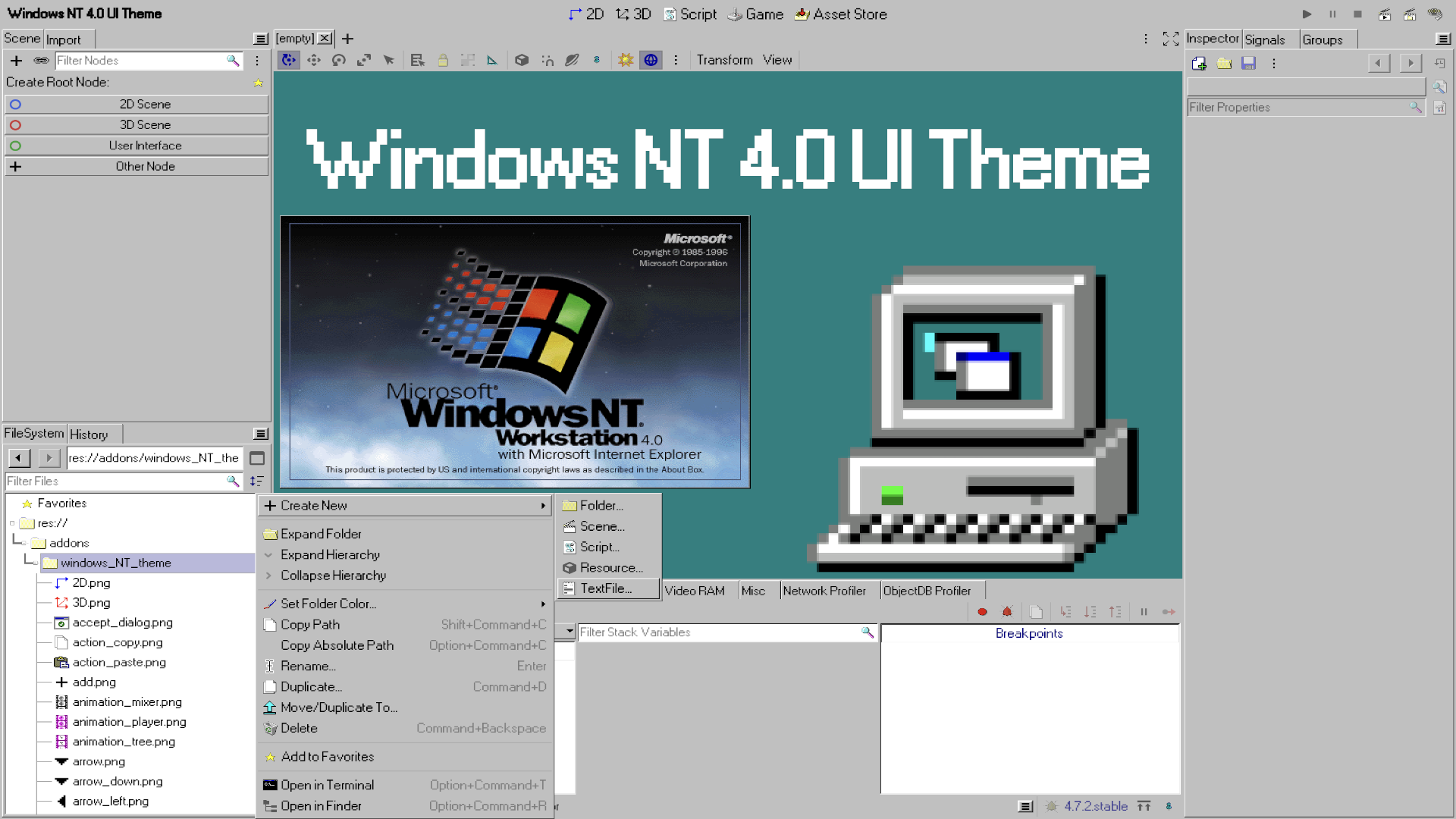
A complete system architecture overhaul upgrading the editor layout from the legacy Windows 95 baseline to a mathematically precise, highly optimized Windows NT 4.0 workspace look.
Key Feature Enhancements:
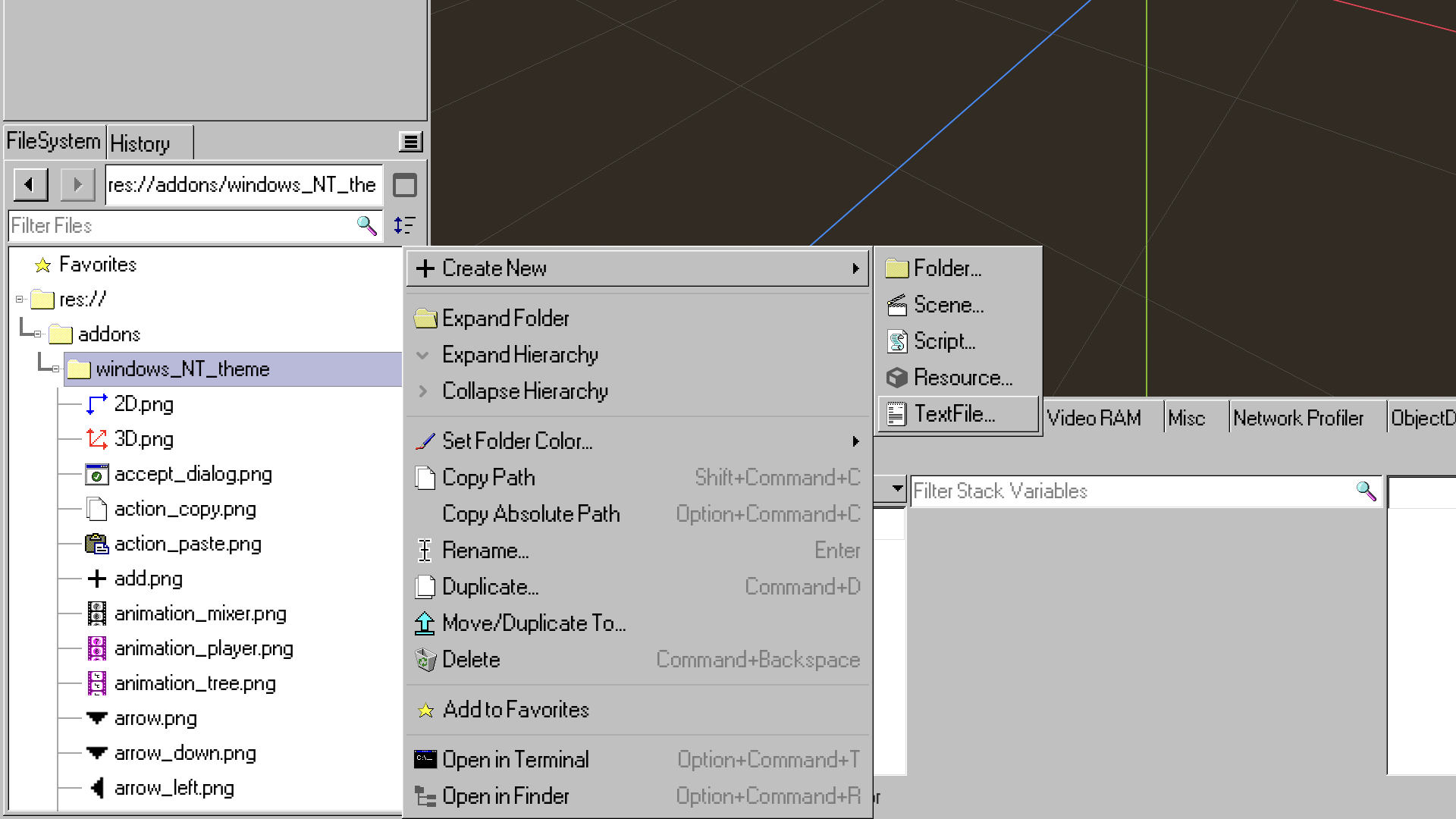
- 100+ Custom Icons: Over 100+ vintage and meticulously hand-crafted retro pixel art graphics replacing full debugging suites, document nodes, sliders, and sidebar utilities natively.
- True Corporate Color Palette: Natively injects a unified, un-shaded #c0c0c0 gray base window skin with flattened panel highlights (contrast = 0.0) for a true vintage look.
- Pristine Performance: Typography and style adjustments are nativized into optimized plain-text resource configurations, ensuring instant project load times with zero console warnings or signal breaks.
Installation:
- Extract the zip and place the 'windows_NT_theme' folder directly into your project's 'res://addons/' directory.
- Go to Project -> Project Settings -> Plugins and enable the 'WindowsNTTheme' plugin status checkbox.
Changelog for version v2.0.0
2026-10-30 22:03:45
No changelog provided for this version.