×
Description
Changelog
Reviews (0)
How to Install
Copy addons/ui_flow into your project, then enable "UI Flow" under Project Settings → Plugins.
What’s included
- Core navigation — Stack-based push / pop / replace, page lifecycle, modal pages, scene resolver (by class_name), optional object pooling, guards
- Input & gamepad — Top-page focus navigation, input actions, ActionBar / input prompts, AxisBinder (stick → slider), virtual cursor
- Transitions & animation — Fade / slide / scale and related presets, animator / sequencer helpers
- Data & events — Bind utils, list binder, data store, event bus, theme helpers (native Godot Theme + legacy UIFlowTheme)
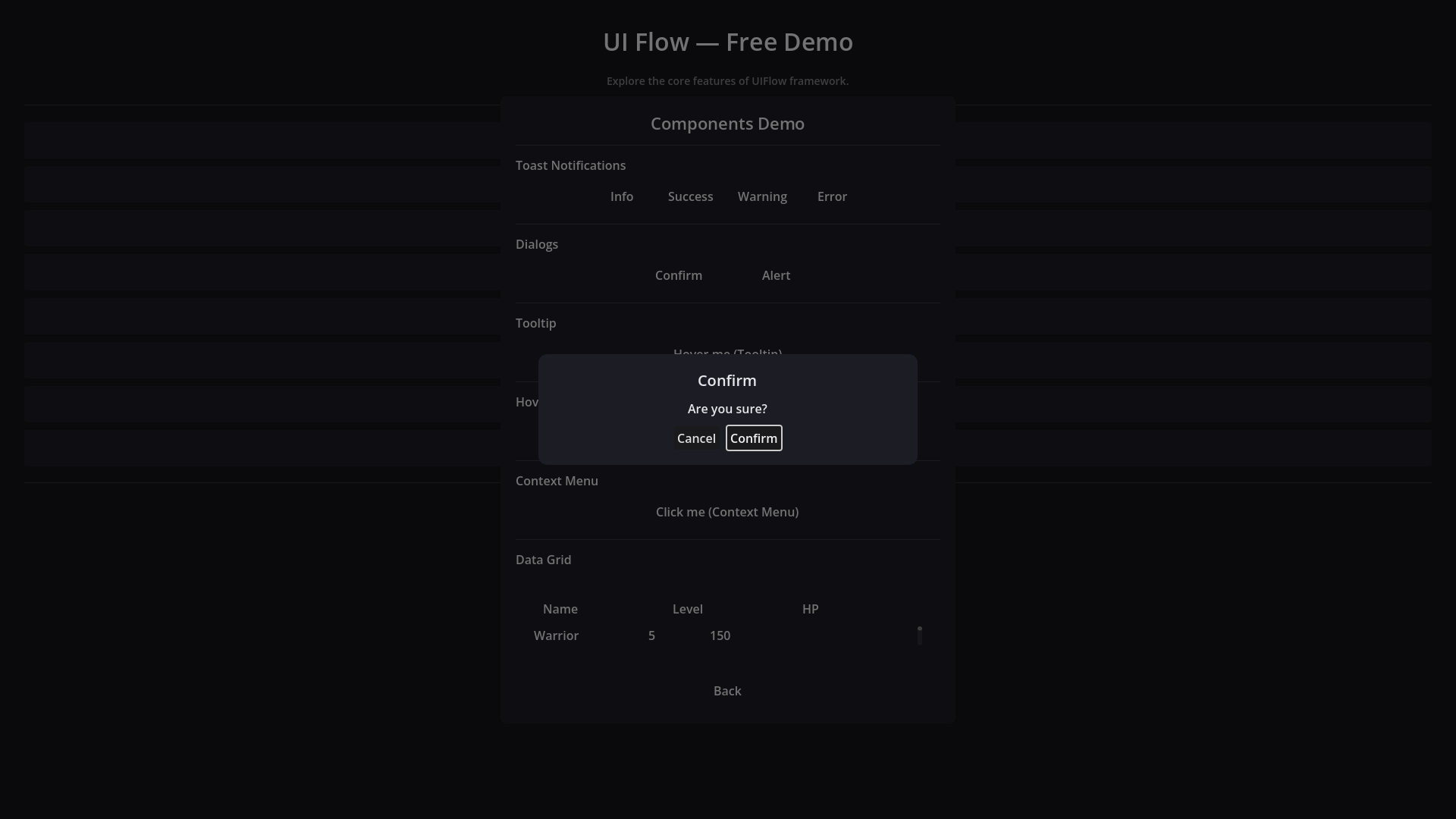
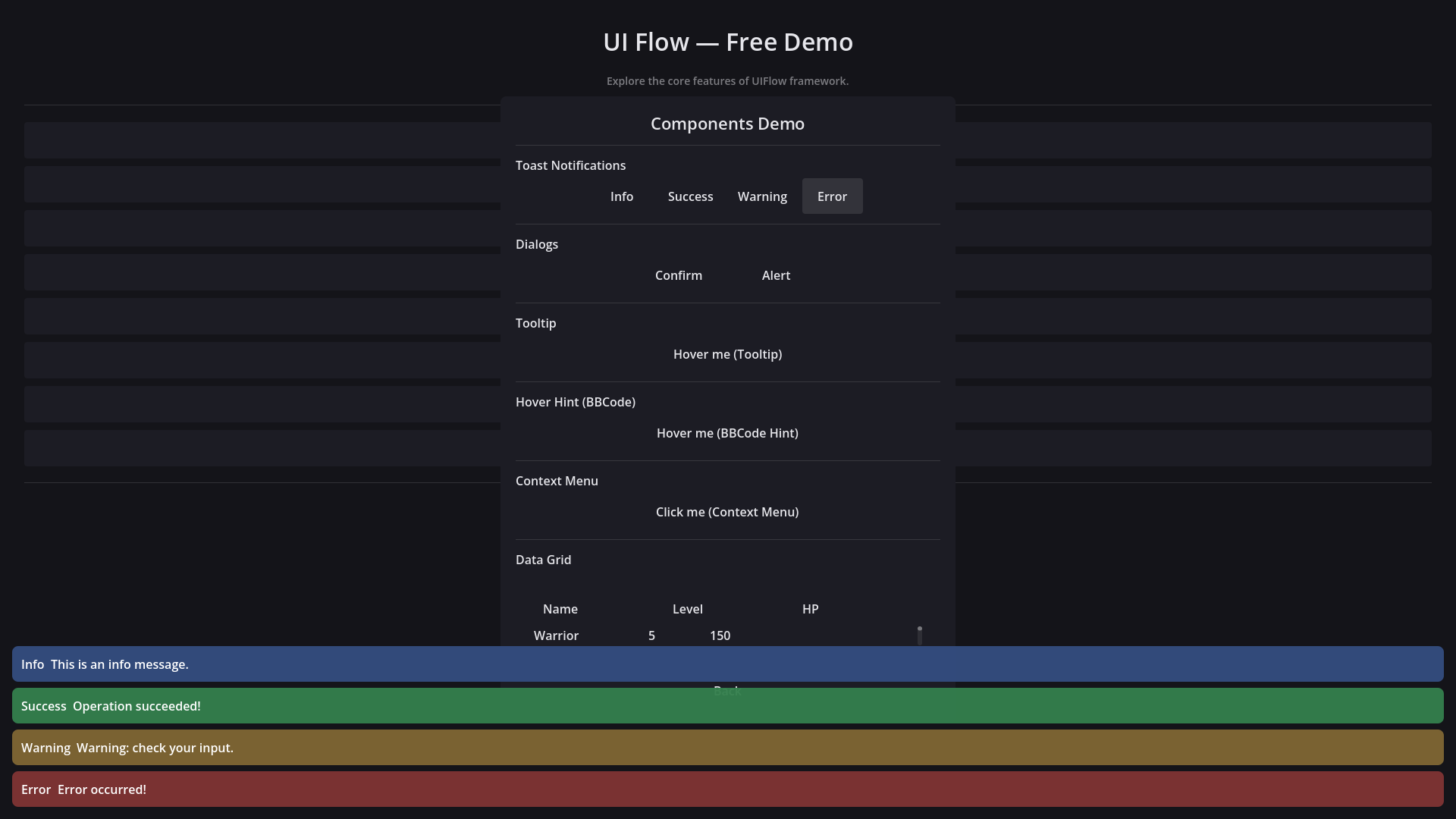
- UI components — Toast, Confirm / Alert, Tooltip, Context Menu, DataGrid, VirtualList, Inventory / Equipment grids, ItemSlot, drag & drop, WorldUI, plus workflow glue (PageOpener, VisibilityGroup, ChildPool, ChildrenSwitcher, …)
- Editor extras — Flow Dock / page inspector helpers shipped with Free
- C# bridge — Thin wrappers over the GDScript autoload (with C#-only fallback)
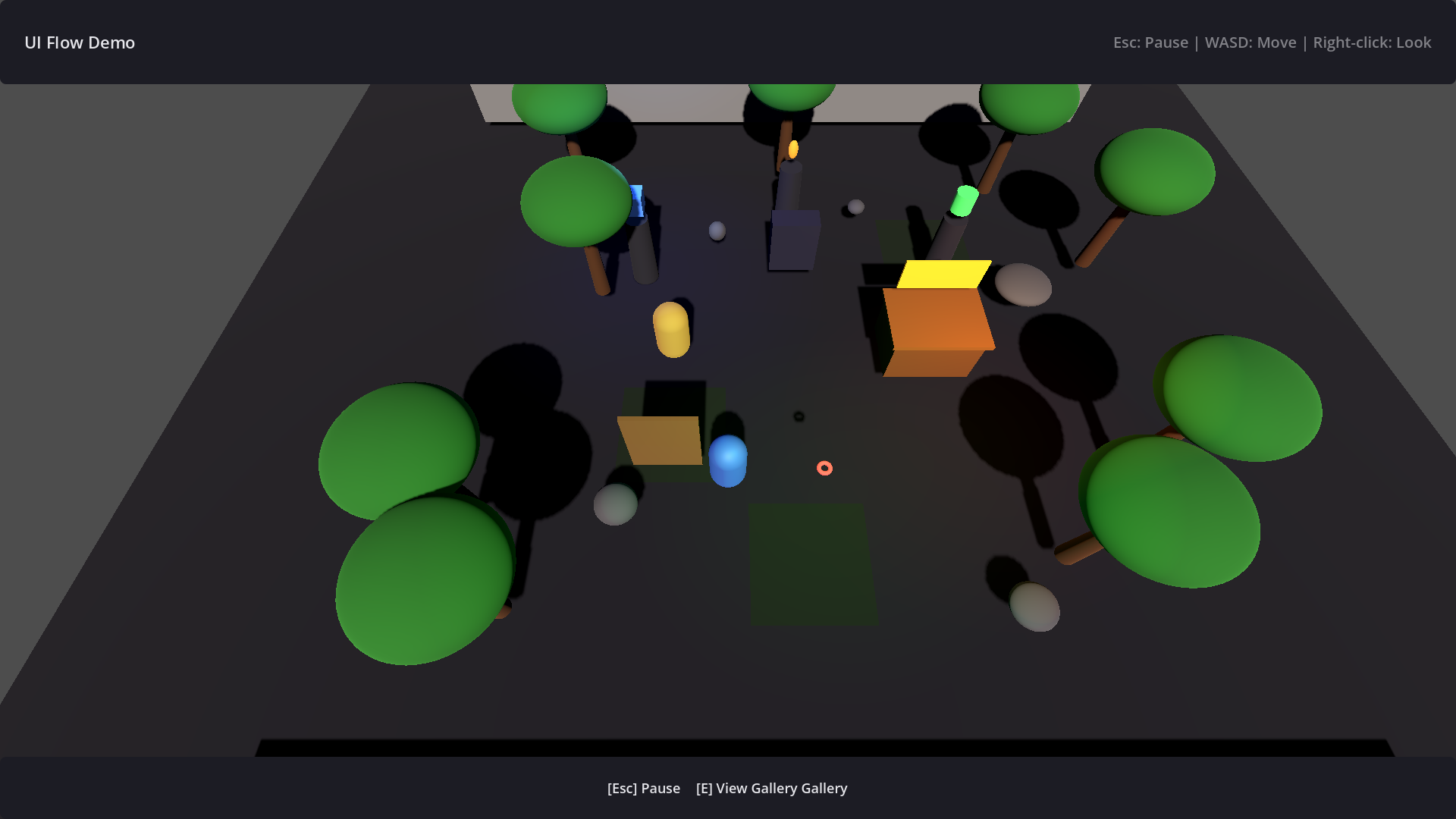
- Docs & examples — Getting-started docs and demo scenes under the addon
- Themes / prompt assets — Built-in theme resources and keyboard/gamepad prompt icons
Requirements
Godot 4.6 or newer
Quick start
- Enable UI Flow under Project Settings → Plugins
- Go to example scenes included in addons/ui_flow and
Resources
- Docs: https://indieshade.github.io/uiflow/docs/
- Product page: https://indieshade.github.io/uiflow/
- Repository: https://github.com/indieshade/uiflow
- License: MIT
Changelog for version 1.0.0
2026-07-30 13:45:50
No changelog provided for this version.