Licenses
Uses AI
Order
Advanced Search

Search will generally match any assets that contains all words from the search query. The words can be anywhere in the asset name, description or tags. All search queries are case independent.

To narrow down search results, you can use the following operators:

  • godot | engine
    will match if either "godot" or "engine" are found
  • godot MAYBE engine
    will match if "godot" is found, while ranking items higher that also match "engine"
  • godot -engine (alternative syntax: godot !engine)
    will only match if "godot" is found in an item that does not contain "engine"
  • @name godot @description engine
    will match if "godot" is found in the asset name, and "engine" is found in the asset description
  • =godot
    will match "godot" as a separated word, so it would not match "godotengine" while it will match "godot engine"
  • "godot engine"
    will match the exact string "godot engine" (so it won't match "engine godot")

Phonon TTS by Gradium 0

by Gradium | Apache 2.0

Speak text in your game with Phonon, an on-device text-to-speech model. One node, audio that plays while it is generated, and no server or API key

Phonon TTS by Gradium adds one node, PhononSpeaker, that speaks text with Phonon, Gradium's on-device text-to-speech model. The speech is generated on the player's machine. There is no server and no API key. speak(text) starts playing as soon as the first
Voice Synthesizer SCP079 0

by Eibriel | MIT

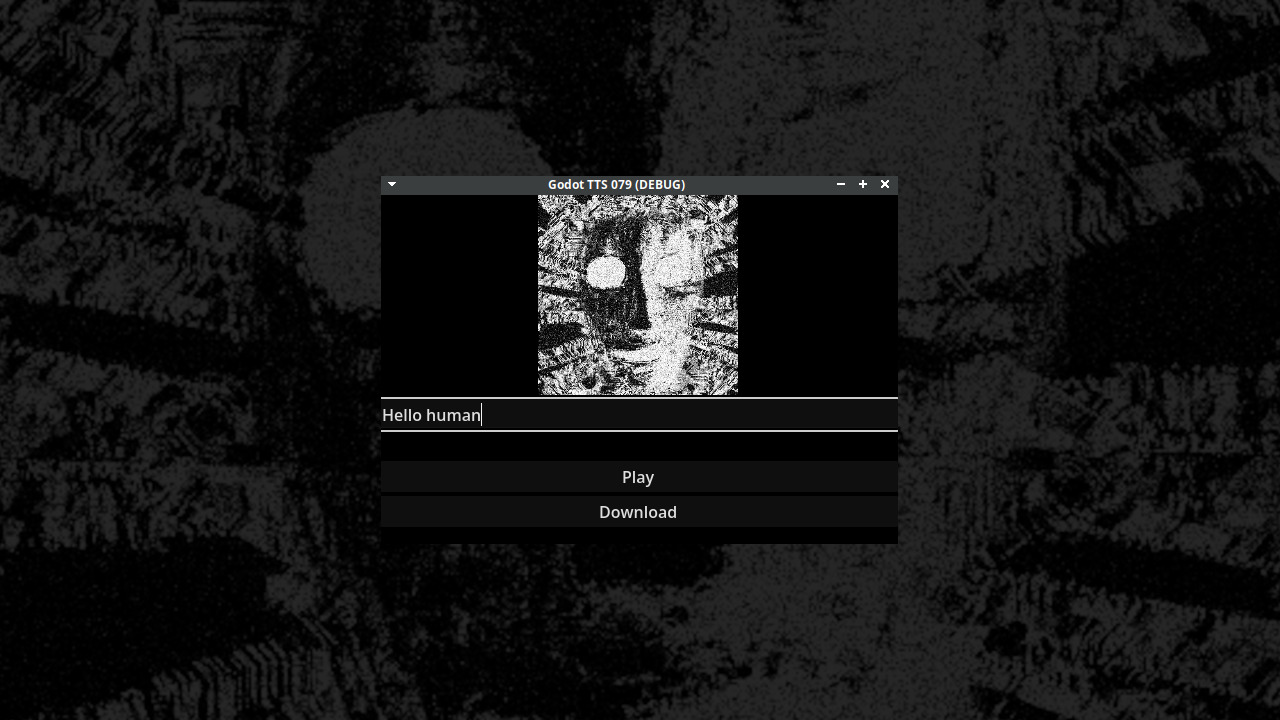
This addon allows you to generate speech for SCP-079 aka The Old AI. It's made reverse engineering SBTalker, the text to speech system used by Dr. Sbatsio. And reimplementing it in Godot

To use the following function to generate the audio. Change %Phonemes to a Label and $AudioStreamPlayer to a AudioStreamPlayer ( can also be 2D or 3D). You can test it online on Itchio. Make sure the Stream parameters are correct, otherwise the audio will

loading more results...