Licenses
Uses AI
Order
Advanced Search

Search will generally match any assets that contains all words from the search query. The words can be anywhere in the asset name, description or tags. All search queries are case independent.

To narrow down search results, you can use the following operators:

  • godot | engine
    will match if either "godot" or "engine" are found
  • godot MAYBE engine
    will match if "godot" is found, while ranking items higher that also match "engine"
  • godot -engine (alternative syntax: godot !engine)
    will only match if "godot" is found in an item that does not contain "engine"
  • @name godot @description engine
    will match if "godot" is found in the asset name, and "engine" is found in the asset description
  • =godot
    will match "godot" as a separated word, so it would not match "godotengine" while it will match "godot engine"
  • "godot engine"
    will match the exact string "godot engine" (so it won't match "engine godot")

OSIK 1

by Okay Salmon | MIT

3D Inverse Kinematics node

Note Scaling is now supported, I need to do an updated Video! This Plugin will quickly add the OSIK node to your node library so you don't have to add it manually from GitHub OSIK is a 3D Inverse Kinematics node (Okay Salmon Inverse Kinematics) Inverse

Inverse Kinematics Example 0

by Andicraft | CC0 1.0 Universal

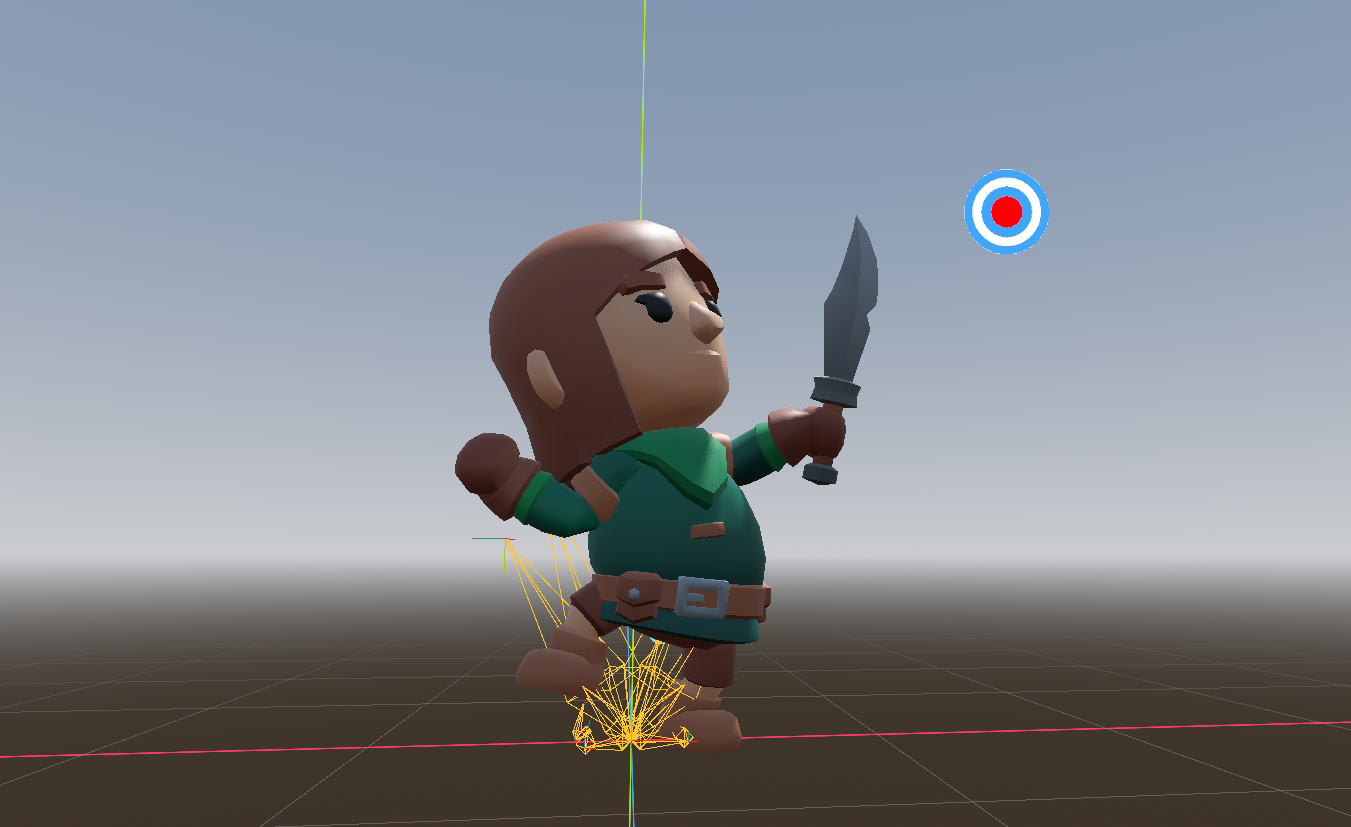
An example scene showing how to set up the IK nodes introduced in Godot 4.6 to control a full humanoid character

An example scene showing how to set up the IK nodes introduced in Godot 4.6 to control a full humanoid character. Open the IK_Example scene - under the Skeleton3D node you can find all the relevant IK nodes. Read the Editor Descriptions on them for more
loading more results...