×
×
Description
Changelog
Reviews (0)
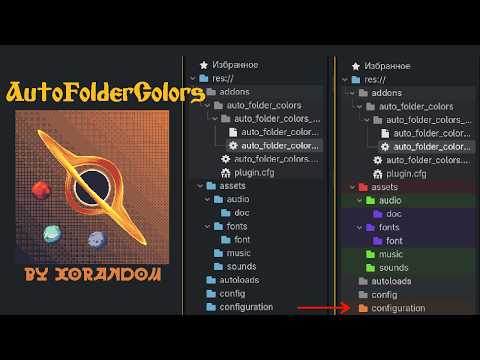
AutoFolderColors
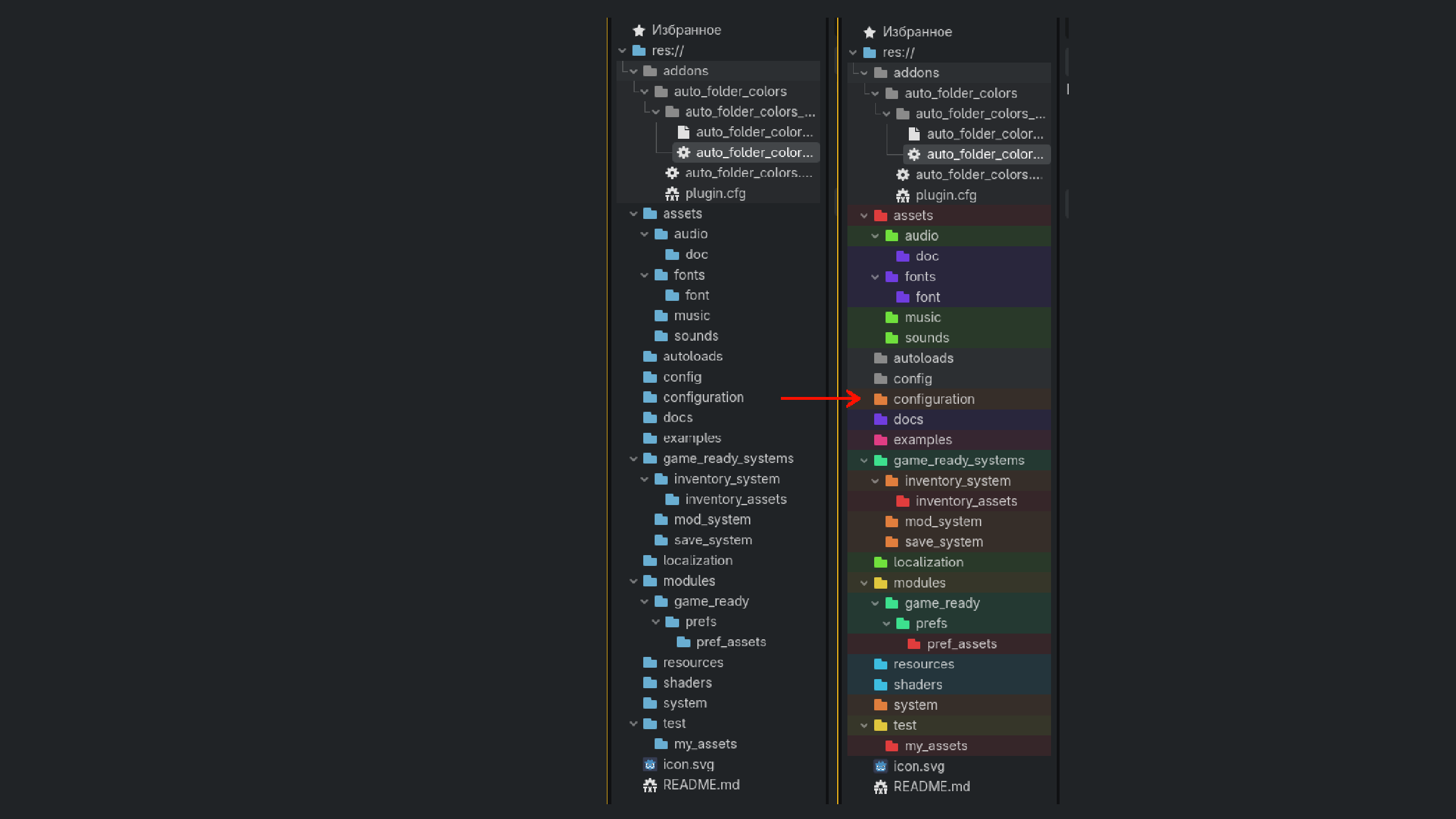
I made this addon because I often had to colorize my folders for ease of navigation. And when transferring folders to another project, the color scheme was reset.
How to use
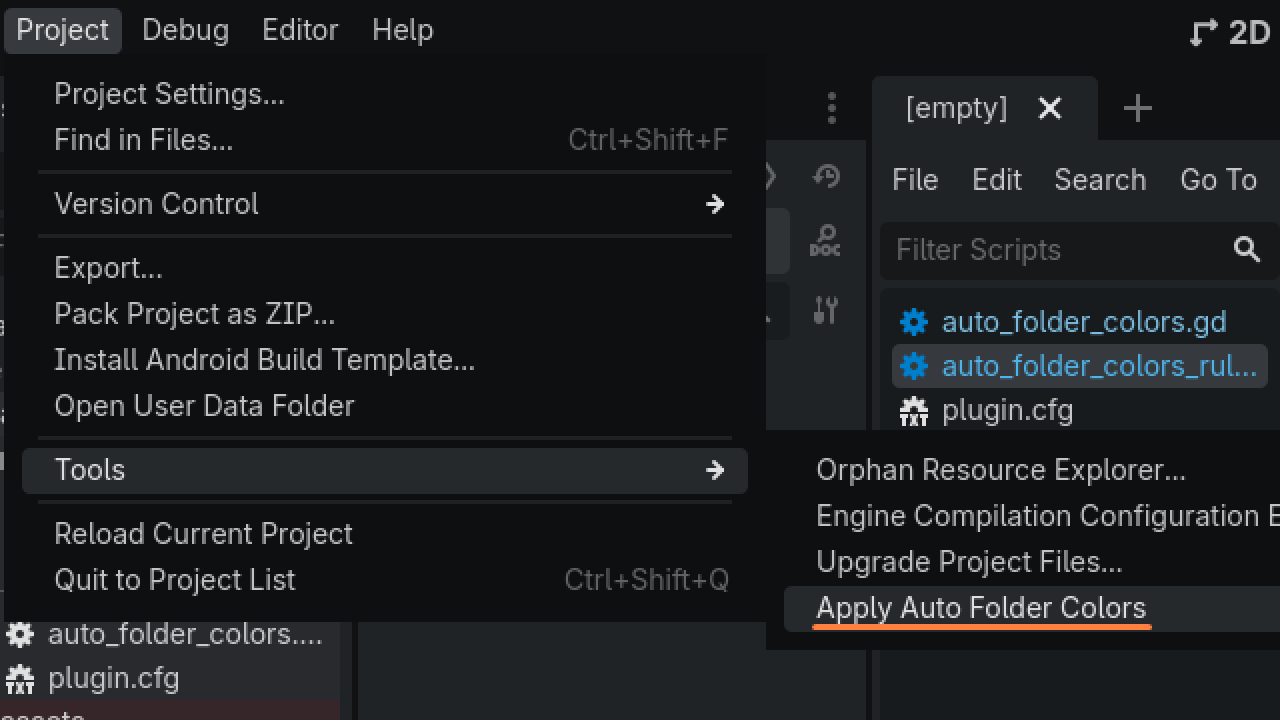
Project → Tools → Apply Auto Folder Colors
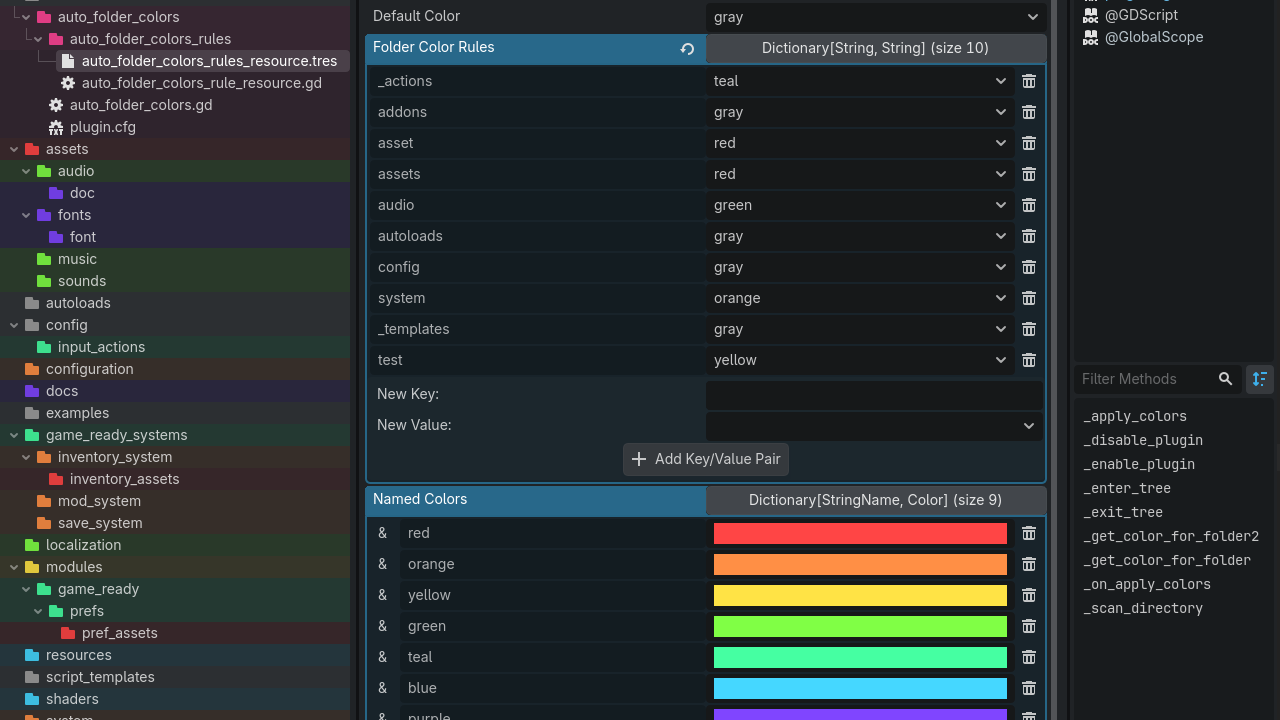
The addon settings are changed in the resource
auto_folder_colors_rules_resource.tres
You can enable Auto Apply On Enable (disabled by default so as not to ruin your folder color coding) and copy the addon folder with your settings to another project. Then, when you turn on the addon, the color scheme will be applied immediately.
Changelog for version v0.2.0
2026-11-20 16:23:58
No changelog provided for this version.