Description
Changelog
Reviews (0)
Dot Save Manager for Godot
An addon (plugin) for Godot 4.x that registers a Global Singleton (autoload) named "DOT_save" to simplify persistent data storage using a JSON-based format with optional AES-256 encryption.
NOTE: «Version 2.0.0 — has some breaking changes from v1.x. Please read the documentation if you are using an older version.»
Features
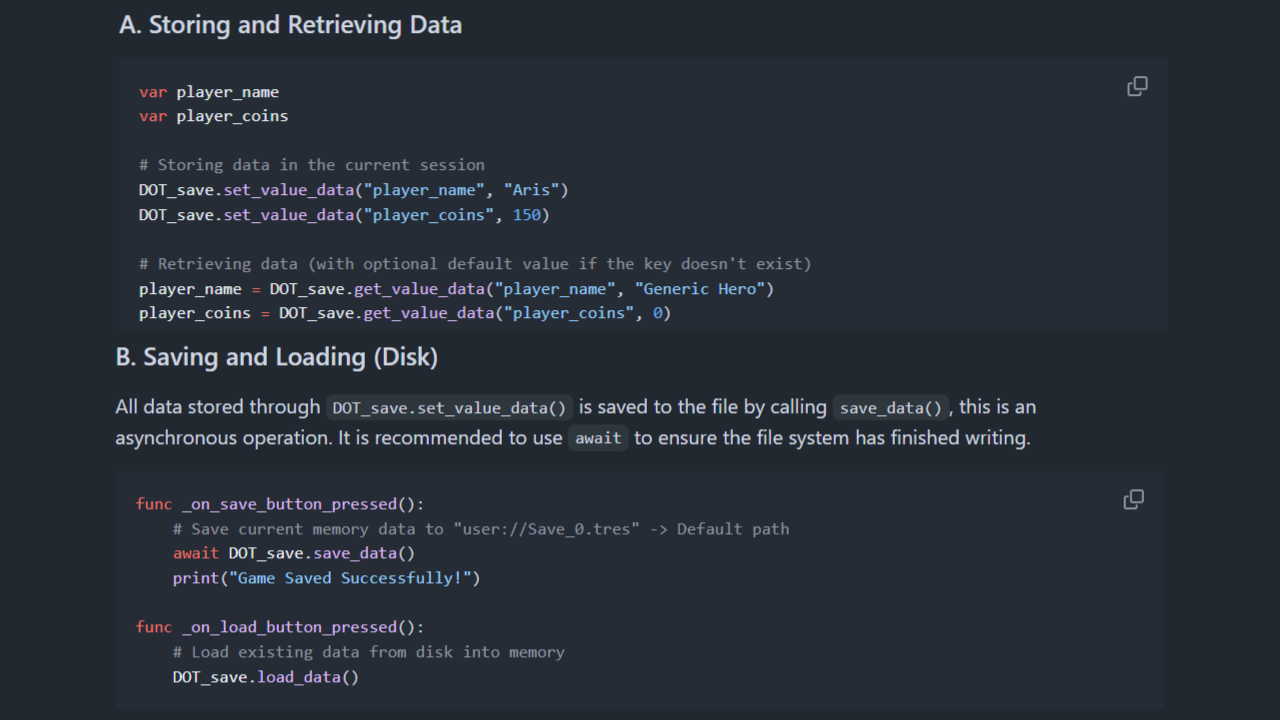
- Global Singleton: Access your save system from any script as
DOT_save.set_value_data()orDOT_save.get_value_data(...). - JSON Serialization: Saves data as
.jsonfiles instead of.tres— more portable, human-readable, and encryption-friendly. - Type-Preserving Transformer: All Godot types (Vector2/3/4, Color, Dictionary, Array, Resources, etc.) are safely serialized and deserialized without data loss.
- AES-256 Encryption: Optional encryption via Godot's
FileAccess.open_encrypted_with_pass(). Toggle on/off and set your own key. - Configuration Panel: An editor dock panel where you can change file name, encryption toggles, debug mode, and resource security settings — all without touching code.
- Slot System: Manage up to 3 save slots (
SLOTS.SPACE_0,SPACE_1,SPACE_2) with built-in slot switching. - Signals:
data_is_saving()anddata_is_loading()allow any node to self-manage its persistence. - Debugging Mode: Switch between
user://andres://paths from the dock panel to inspect save files directly in the editor. - Security Hardening: Loading Resources from
user://is disabled by default to prevent malicious file injection. Can be explicitly enabled in the panel. - Ready to Use: Includes everything — the
DOT_save.gdlogic, the_json_transformer_DOTserializer, the configuration panel, and theDOT_resource_saveresource class. The plugin auto-registers the singleton.
Supported types
null,bool,int,float,StringVector2,Vector2i,Vector3,Vector3i,Vector4,Vector4iColorDictionary(recursive)Array(recursive)Resource(stored as itsresource_path)
Installation
- Download the addons/dot_save_manager folder.
- Copy the folder into your Godot project's addons/ directory.
- Go to Project > Project Settings > Plugins.
- Find "DOT_save Manager" and ensure it is Enabled.
- The singleton DOT_save is registered automatically by the plugin — no manual Autoload setup needed.
More Info
Full documentation in GitHub.
Changelog for version v2.0.0
2026-08-06 01:21:26
No changelog provided for this version.