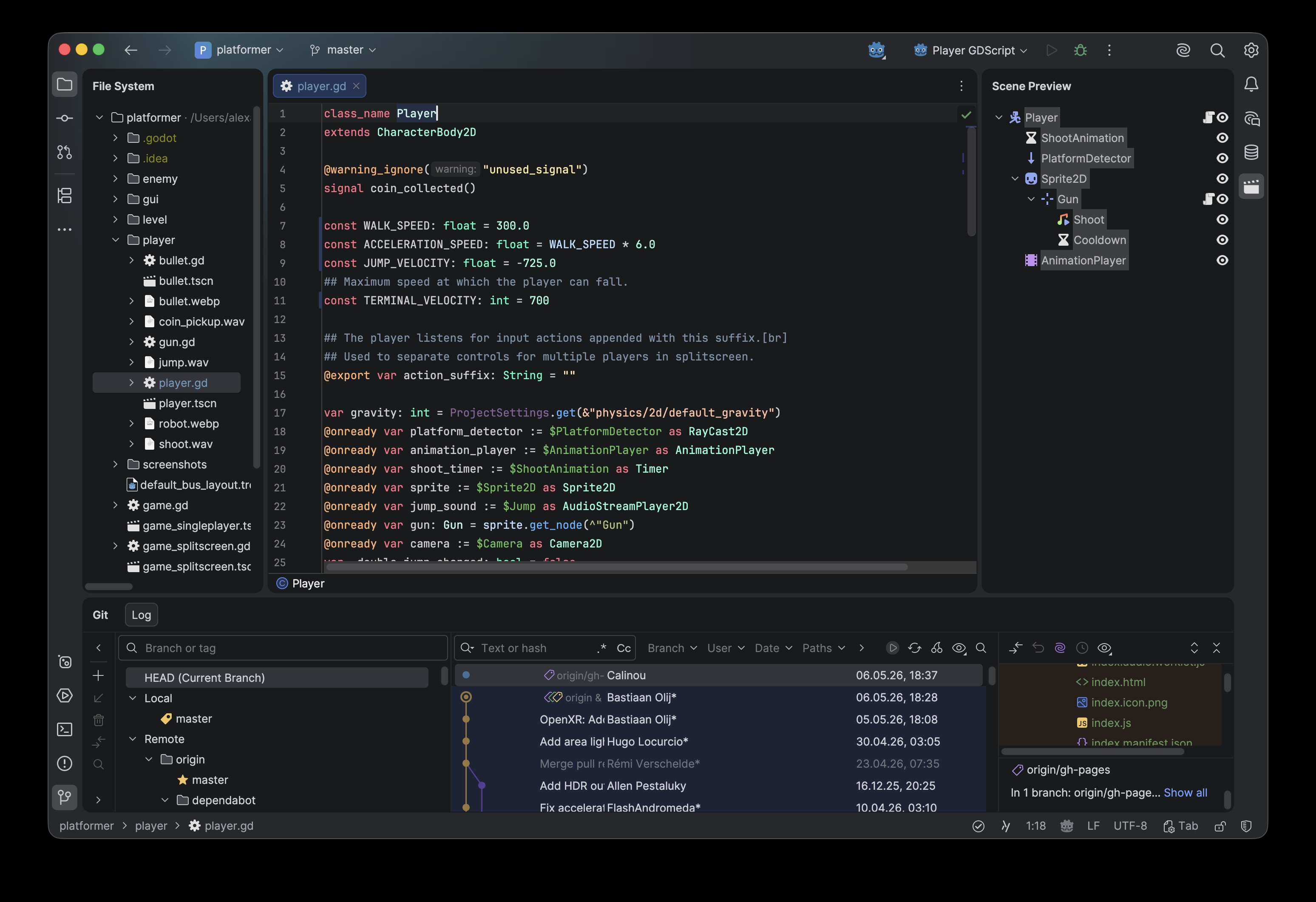
JetBrains Rider Integration for Godot
This official JetBrains addon improves the development experience when using Rider with the Godot Editor, making setup seamless and ensuring optimal defaults out of the box.
Key Features
- Automatic Rider Detection
Finds all Rider installations on your system and lets you select the preferred version directly in Godot settings. - One-Click Rider Integration
Adds a "Use Rider" toggle to the Godot toolbar, enabling quick switching to Rider as your external editor. - Optimized Editor Configuration
Automatically applies a set of recommended Godot editor settings for a smooth Rider-based workflow.
Why use this addon?
Setting up an external IDE can be error-prone and time-consuming. This addon removes friction and ensures that Rider works correctly with Godot from the start—so you can focus on building your game instead of configuring your tools.
Getting Started
- Install the addon from the Asset Store
- Open Editor Settings → Text Editor → External
- Select your Rider installation
- Enable "Use Rider" in the Godot toolbar
About Rider
JetBrains Rider is a fast and powerful IDE for game development with support for Godot, Unity and Unreal Engine workflows.
Changelog for version v1.3.0
2026-05-29 11:37:09
No changelog provided for this version.
Reviews
 Recommended
by Mario Pinto - 01 June 2026
Recommended
by Mario Pinto - 01 June 2026
Really great integration as always from JetBrains team
Recommended
by ZByte 16 - 19 July 2026
Jetbrains has an amazing IDE, it's definitely worth checking the extension.
Recommended
by Greenfoot5 - 12 October 2026
If you're writing any C# with Godot, this does just make the setup a easy when connecting Rider.
Recommended
by Tyler Febonio - 20 June 2026
Recommended
by Hunter Jones - 19 June 2026
Login to write a review.