Usage
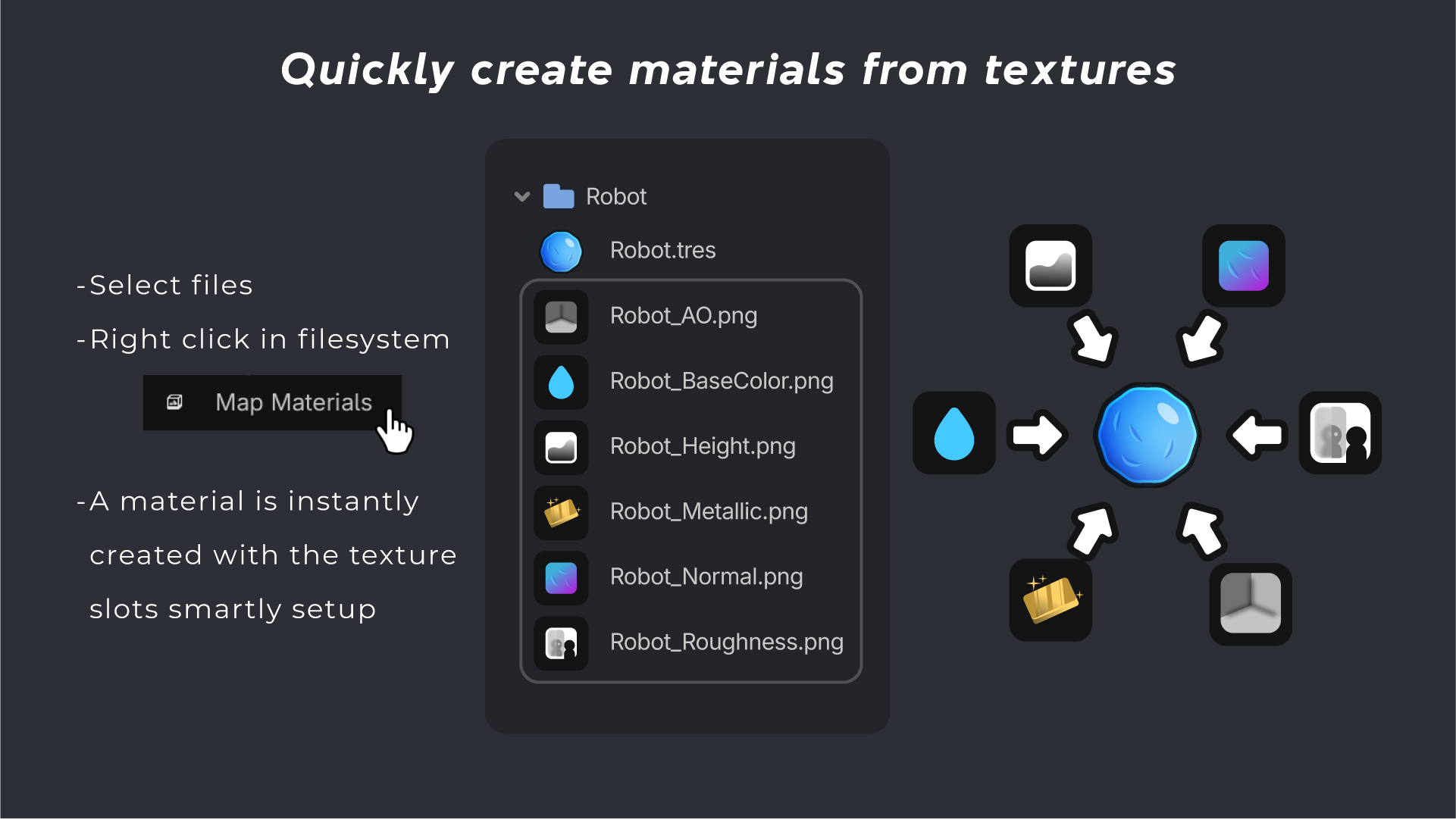
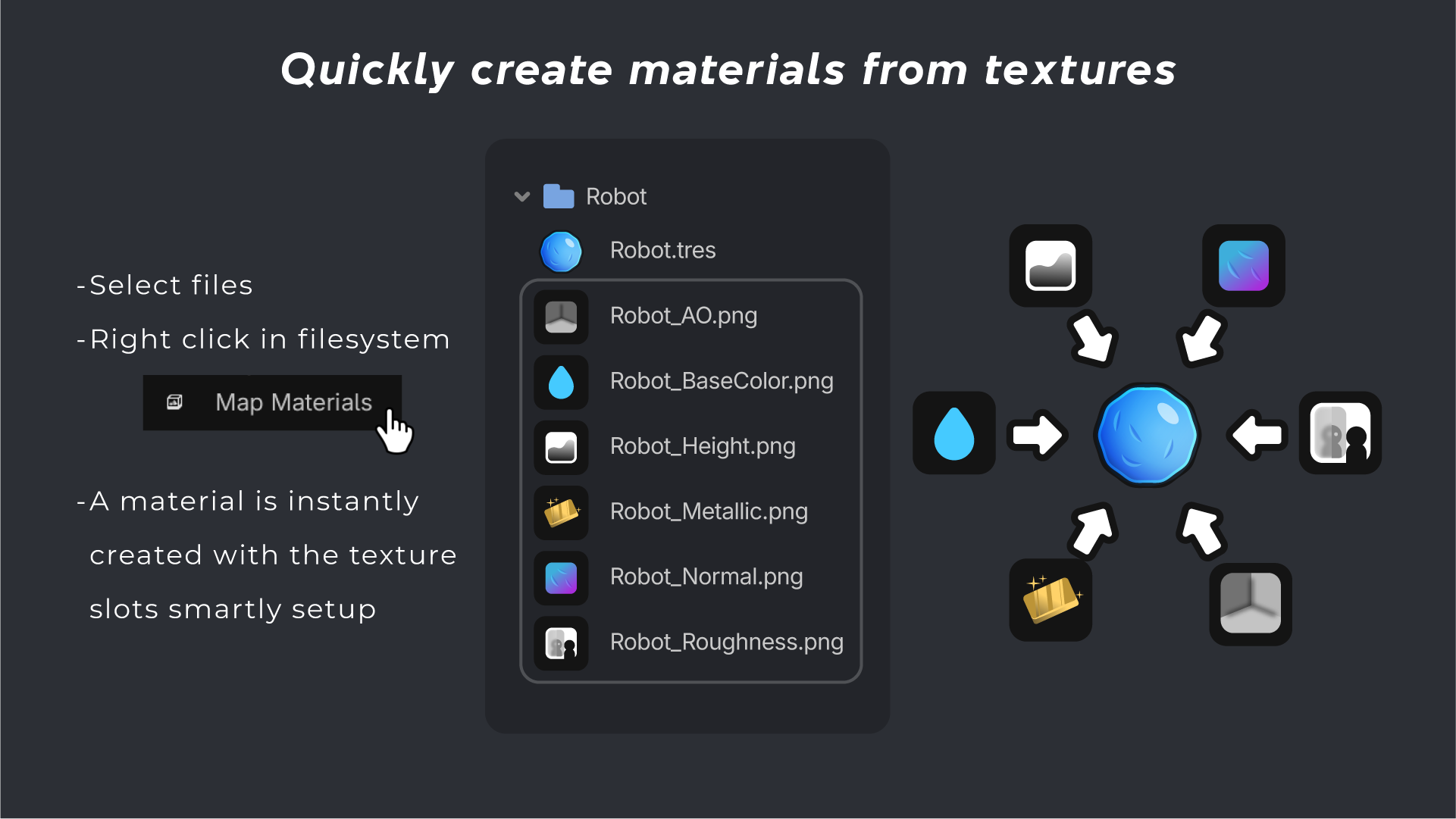
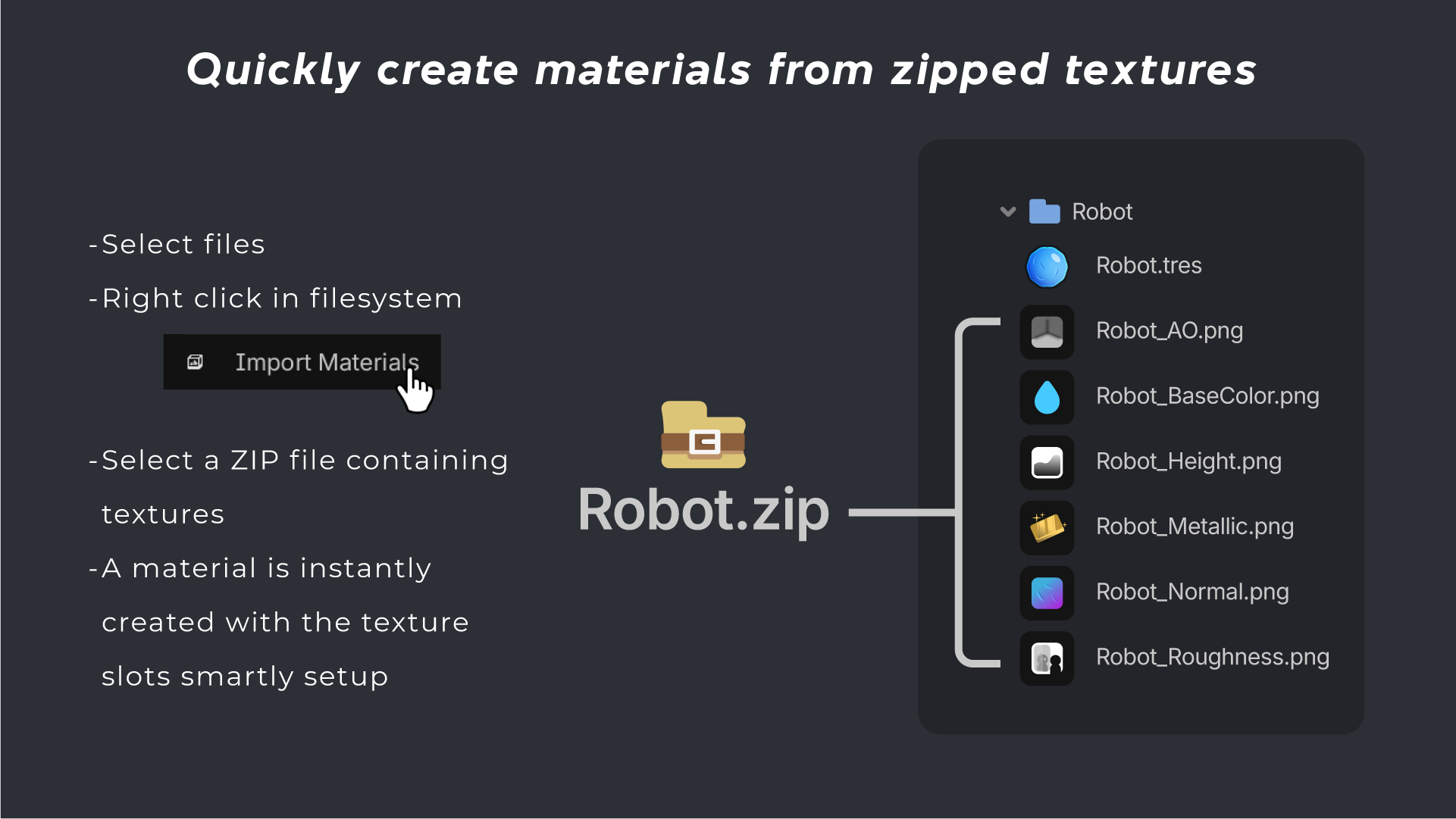
Simply select multiple textures with matching names (Diffuse, Normal, Roughness, Metallic, and more), or import one or multiple ZIP files containing your textures. The addon detects the map types, creates a new material and fills the correct texture slots for you automatically.
Perfect for artists and developers working with large texture libraries, saving time and speeding up repetitive setup work.
Customize
Texture
Does the textures you're trying to map not exist?
Simply change a few settings inside your Project Settings > General > Material Mapper
- Example: You need to map "Robot_Emission.png"
- Do: Find "Emission Texture" inside your Project Settings > General > Material Mapper > Texture Suffixes > Emission Texture Then simply seperate your texture suffix (_Emission) with a comma (,)
- Result: "Emission Texture" = "_Emission,_emissive,_emit"
Preset
When importing you can choose which material resource to use as a preset.
- To change presets create a new material inside your material presets path or change it inside your
Project Settings > General > Material Mapper > Material Presets Path
Prefix / Suffix
When importing you can choose which prefix or suffix to apply to your materials. Prefix is added before the material name. Suffix is added after the material name.
- To change prefix/suffix go to your Project Settings > General > Material Mapper > Material Name Prefixes/Suffixes
- Add your prefix/suffix seperated with a comma (,)
- Result Prefix: Material Name Prefix = MyPrefix_,OtherPrefix_
- Result Suffix: Material Name Suffix = _MySuffix,_OtherSuffix
Changelog for version 1.1
2026-10-05 23:49:08
No changelog provided for this version.