Line3D
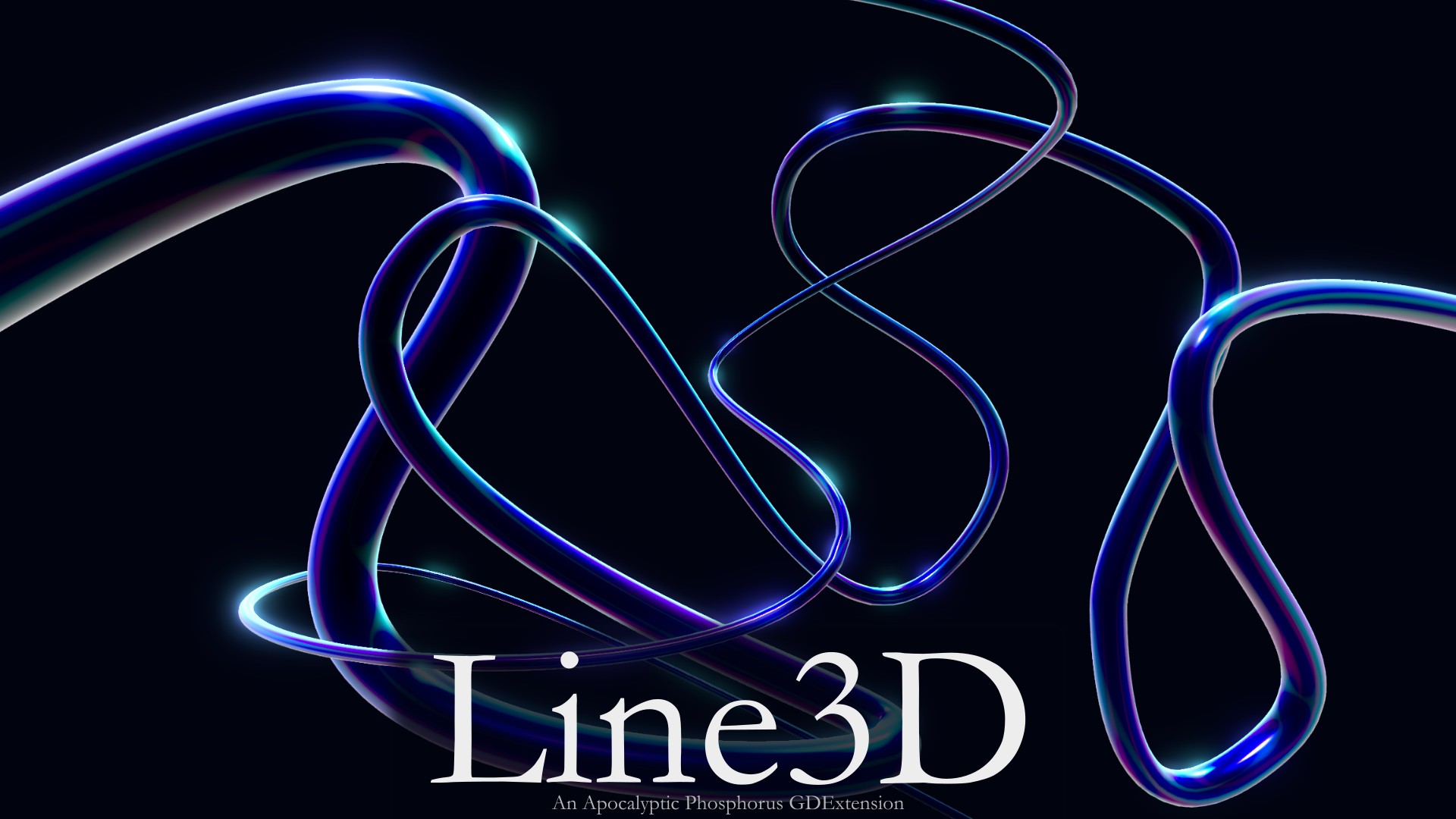
Line3D is a Godot 4 GDExtension that generates a 3D tube mesh along a Curve3D.
It is designed to provide an easy way to turn a Path3D curve into a customizable 3D line, with support for variable width, different cap styles, configurable mesh resolution, and UV mapping.
Features
- Generates a 3D tube along a
Curve3D - Automatic curve assignment from a parent
Path3D - Adjustable line width
- Customizable width using a
Curve - Multiple cap modes:
- None
- Flat
- Cone
- Hemisphere
- Configurable curve segments and radial resolution
- UV mapping for the tube and end caps
- Proper mesh normals for lighting
- Implemented as a native C++ GDExtension
Requirements
- Godot 4.7 or later
- A supported platform with a compiled Line3D GDExtension binary
Installation
Install Line3D through the Godot Asset Store in engine, or download the addon from the online asset store or the project's repository.
If downloaded online, put the addons folder into your project's res:// directory:
res://
└── addons/
    └── line3d/
Basic Usage
Create a Path3D and add a Line3D as a child:
Path3D
└── Line3D
When Line3D is a child of a Path3D, it will automatically use the parent's Curve3D.
You can then edit the Path3D curve normally and Line3D will generate the corresponding 3D mesh.
Line3D can also be used independently by assigning a Curve3D directly to its Curve property.
Properties
Width
Controls the width of the generated tube.
Width Curve
Controls how the width changes along the length of the line.
The horizontal axis represents the position along the curve, while the vertical axis controls the relative width.
Cap Mode
Controls how the ends of the tube are generated.
- None: Leaves the ends open.
- Flat: Adds flat circular end caps.
- Cone: Tapers the ends to a point.
- Hemisphere: Adds rounded hemisphere-shaped ends.
Segments
Controls how many samples are used along the curve. Higher values allow the generated mesh to follow curves more closely, at the cost of additional geometry.
Resolution
Controls the number of radial segments around the tube. Higher values produce a smoother circular cross-section at the cost of additional geometry.
Example
A simple setup can be created with:
Path3D
└── Line3D
Adjust the Path3D curve and use the Line3D inspector to customize the width, width curve, cap mode, segments, and resolution.
Known Limitations
Line3D is currently in an early 0.1 release. Some unusual curve shapes, extreme settings, or edge cases may produce unexpected geometry.
If you encounter a reproducible bug, please report it through the project's issue tracker with a description of the problem and, if possible, a minimal reproduction.
License
Line3D is licensed under the MIT License.
See LICENSE for the full license text.
Contributing
Contributions, bug reports, and feature suggestions are welcome.
Please use the project's issue tracker for bug reports and feature requests.
Changelog for version v0.1.3
2026-10-14 02:45:50
No changelog provided for this version.