×
Description
Changelog
Reviews (0)
Log Pop
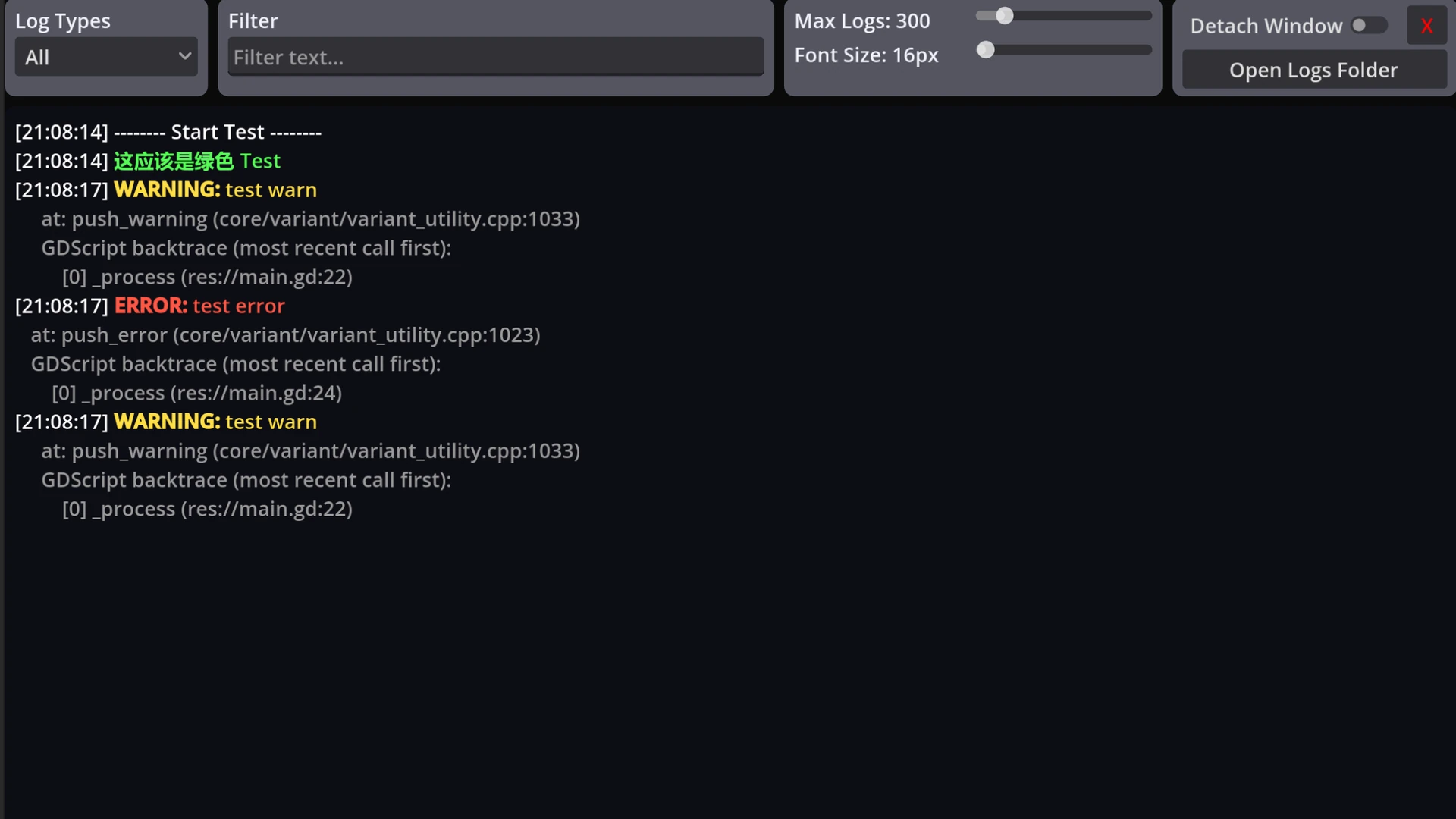
A lightweight in-game log overlay for Godot 4. View print / warning / error messages while the game is running — useful for debugging on device, touch builds, or when the editor Output panel isn't enough.
Pure GDScript, no .NET required. Works in both GDScript and C# projects.
Features
- In-game overlay for print, warning, and error
- Open with hotkey (default Ctrl+L; alternatives: Ctrl+Alt+L, Ctrl+Alt+P)
- Open with three-finger long-press on touch devices
- Auto-open on error (optional; can be disabled in the Inspector)
- Filter by type and text
- Detachable window
- Logs are still captured while the overlay is closed
Requirements
- Godot 4.5+ (standard or .NET build)
Install
- Install from the Asset Store (or copy into
addons/log_pop) - Enable LogPop under Project → Project Settings → Plugins
- Add a LogPop node to your main scene (use only one in the running game)
Changelog for version v1.1.0
2026-09-18 13:00:03
No changelog provided for this version.