×
Description
Changelog
Reviews (0)
Batch Rename
Batch rename multiple selected scene nodes in the Godot editor — stop renaming nodes one by one.
Features
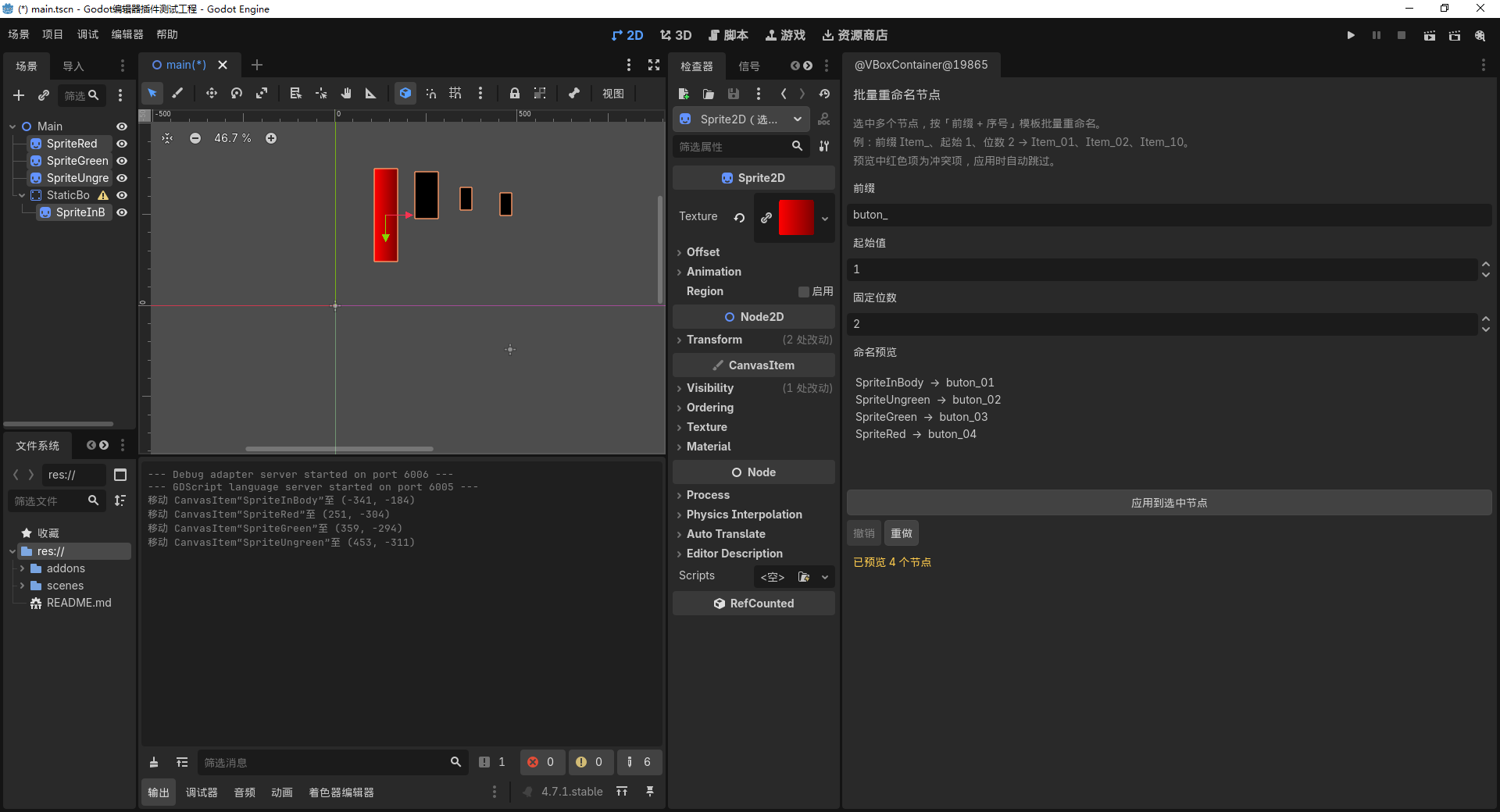
- Select any number of nodes in the Scene tree, the panel lists them automatically
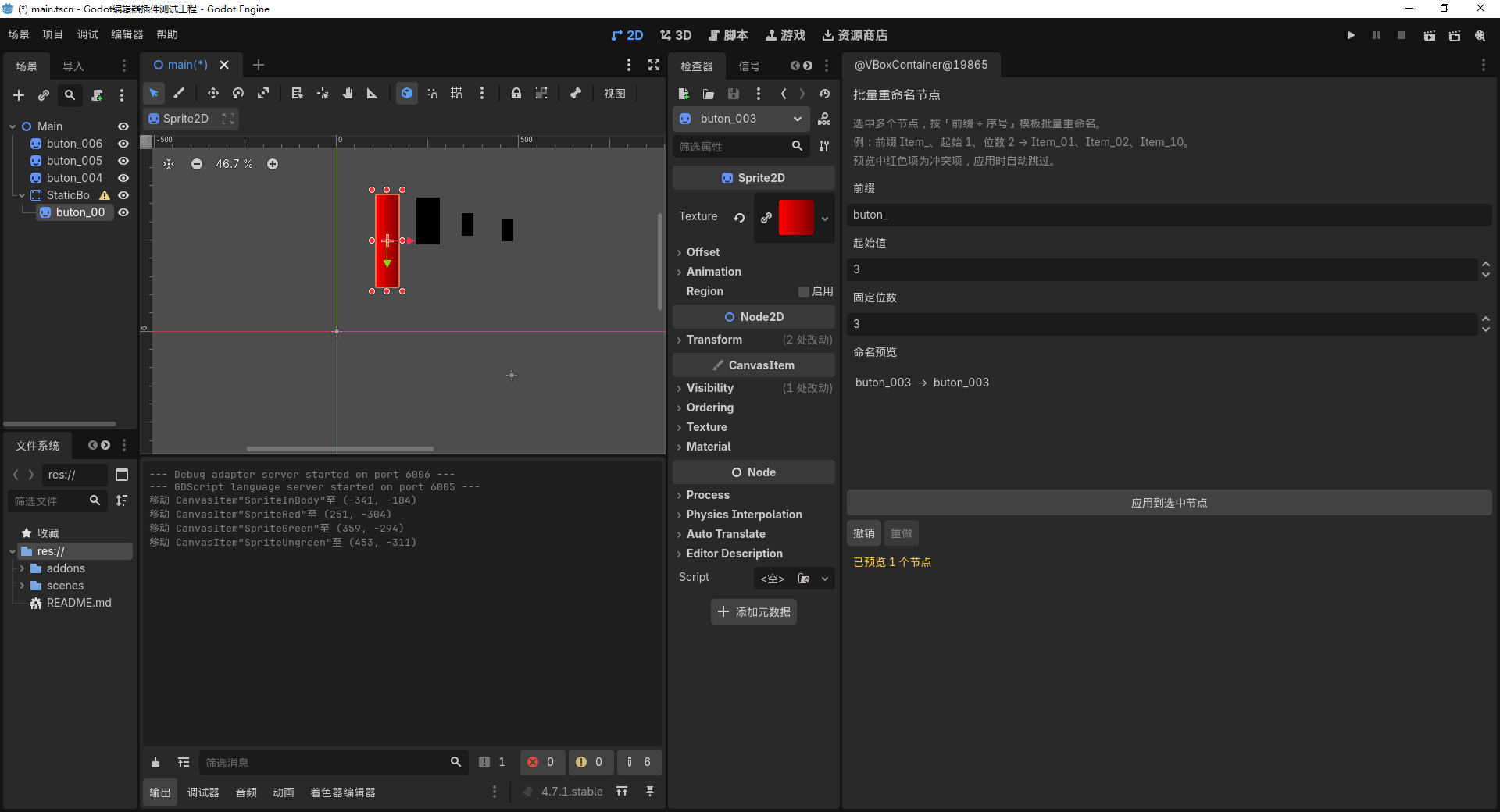
- Naming template: prefix + sequence number, with configurable start value and fixed digit count (e.g.
Item_01,Item_02, ...Item_10) - Real-time preview of every final name before applying
- Conflict detection: duplicate new names (including names that clash with unselected siblings) are highlighted in red and skipped automatically
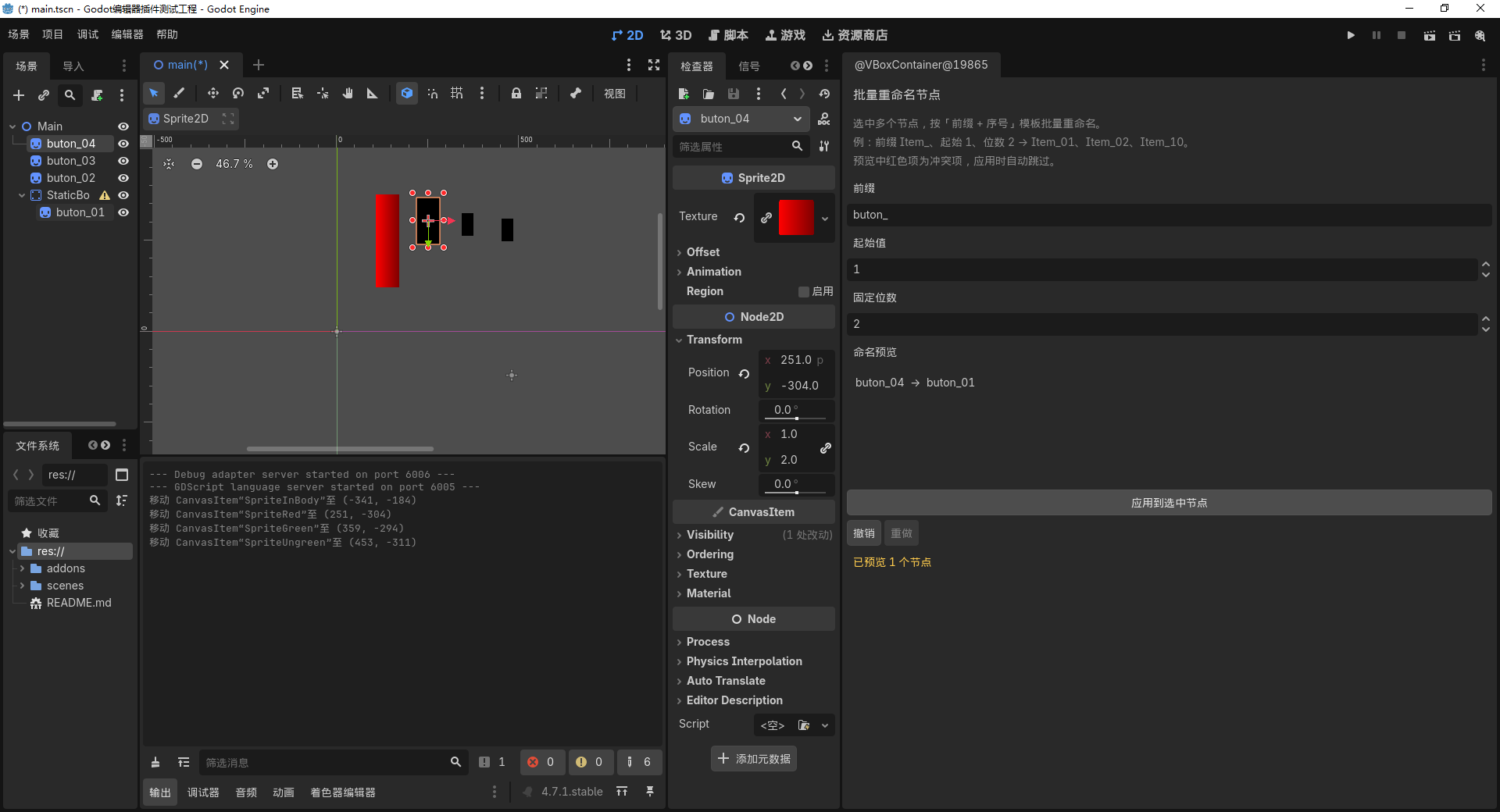
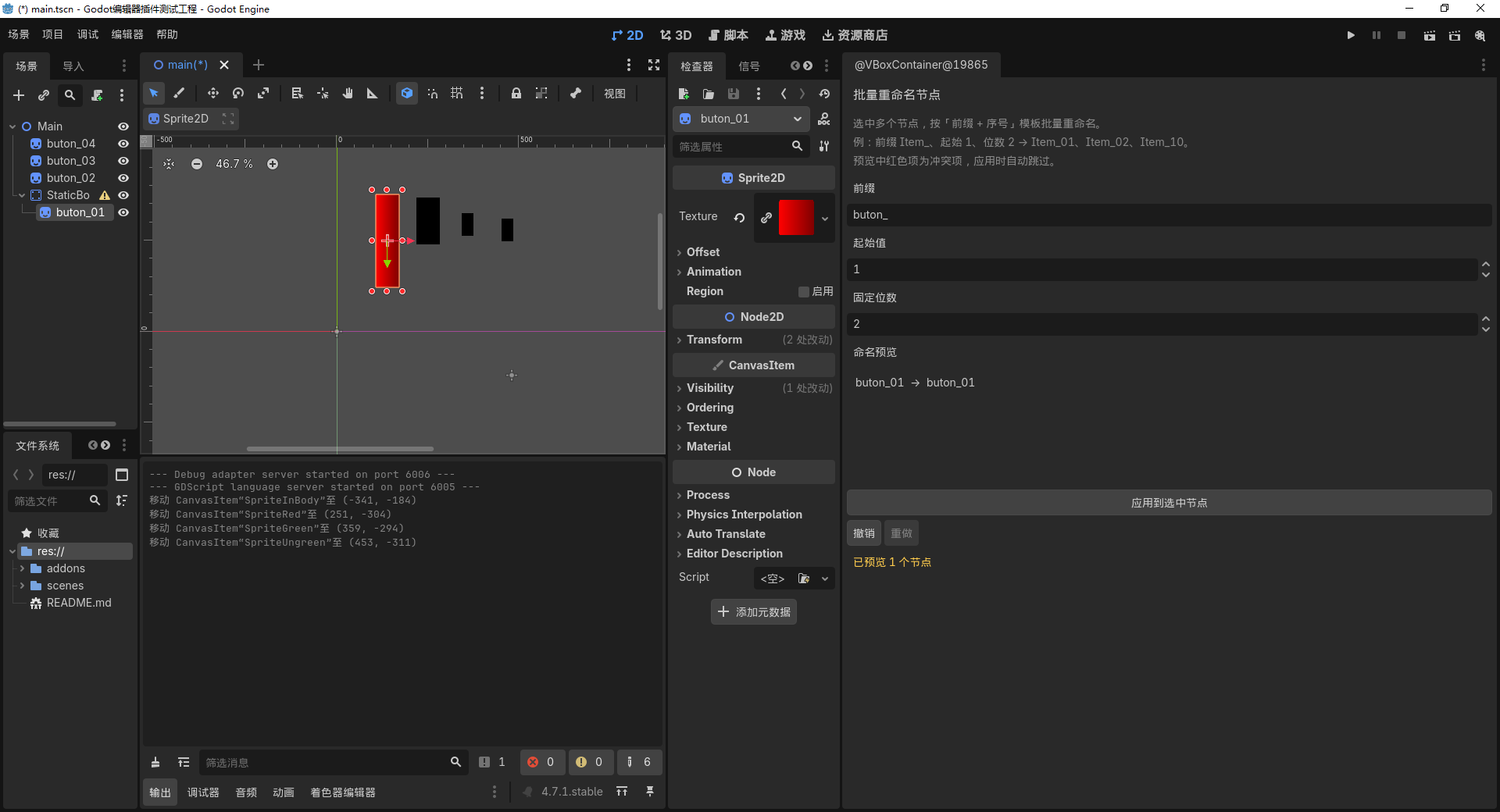
- One-click apply with full Undo/Redo
- Bilingual UI (English & Chinese)
How to use
- Install the addon and enable it in Project Settings > Plugins
- Select the nodes you want to rename in the Scene tree
- Open the Batch Rename dock panel
- Type a prefix and adjust the start value / digit count — the preview updates live
- Click Apply to rename, or Undo to revert
License
MIT — free to use in personal and commercial projects.
Changelog for version 1.0.1
2026-10-15 02:48:32
No changelog provided for this version.