×
Description
Changelog
Reviews (3)
Godot Mobile Terrain Editor by Stefan Lacio
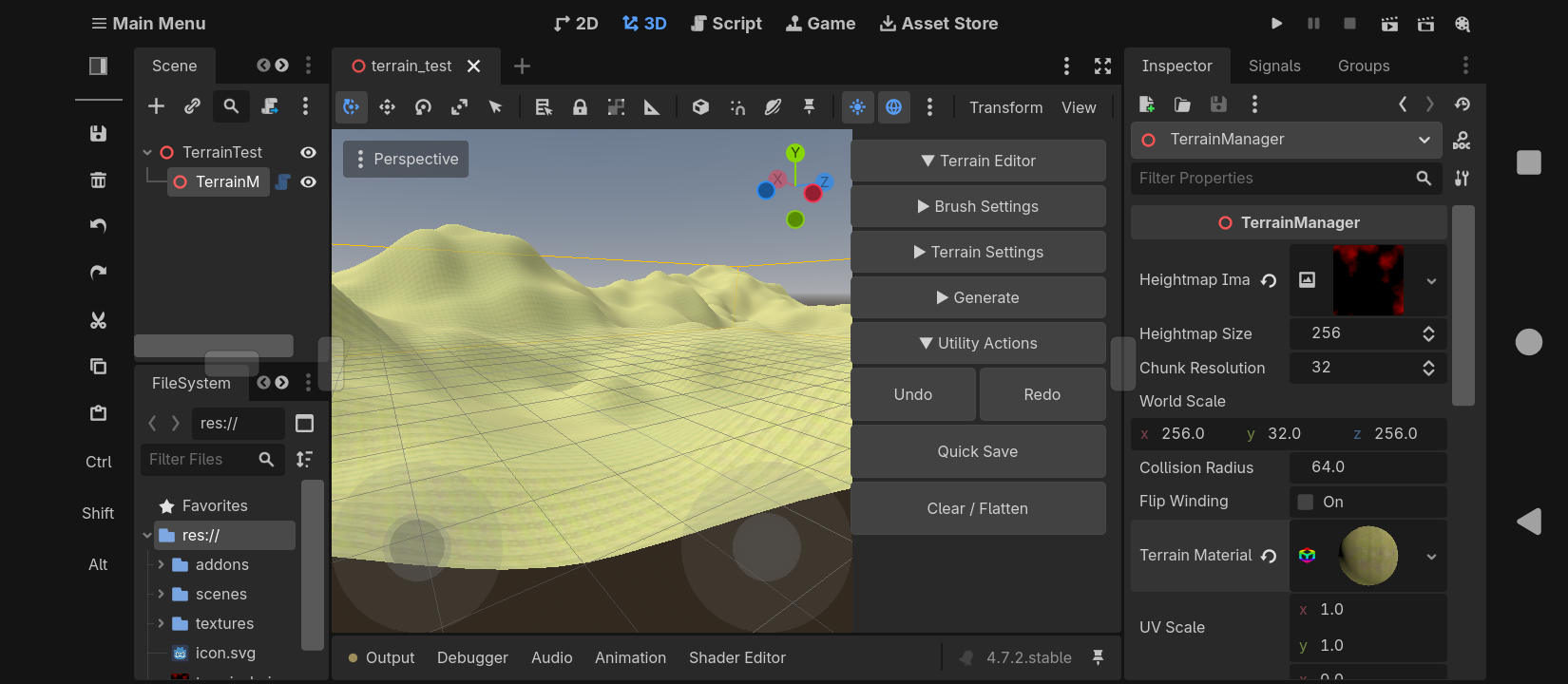
Lightweight terrain sculpting plugin for Godot 4.x, designed for the Godot Mobile Editor and low-spec / 32-bit Android devices. No GDExtension, C#, or native binaries — GDScript tools plus one Godot shader for splat blending.
Features
- No GDExtension, C#, or native .so libraries
- Half-float heightmaps (FORMAT_RH) for low RAM use
- Clockwise mesh winding + broad custom AABB (top-down friendly)
- Adaptive collision (only near the camera)
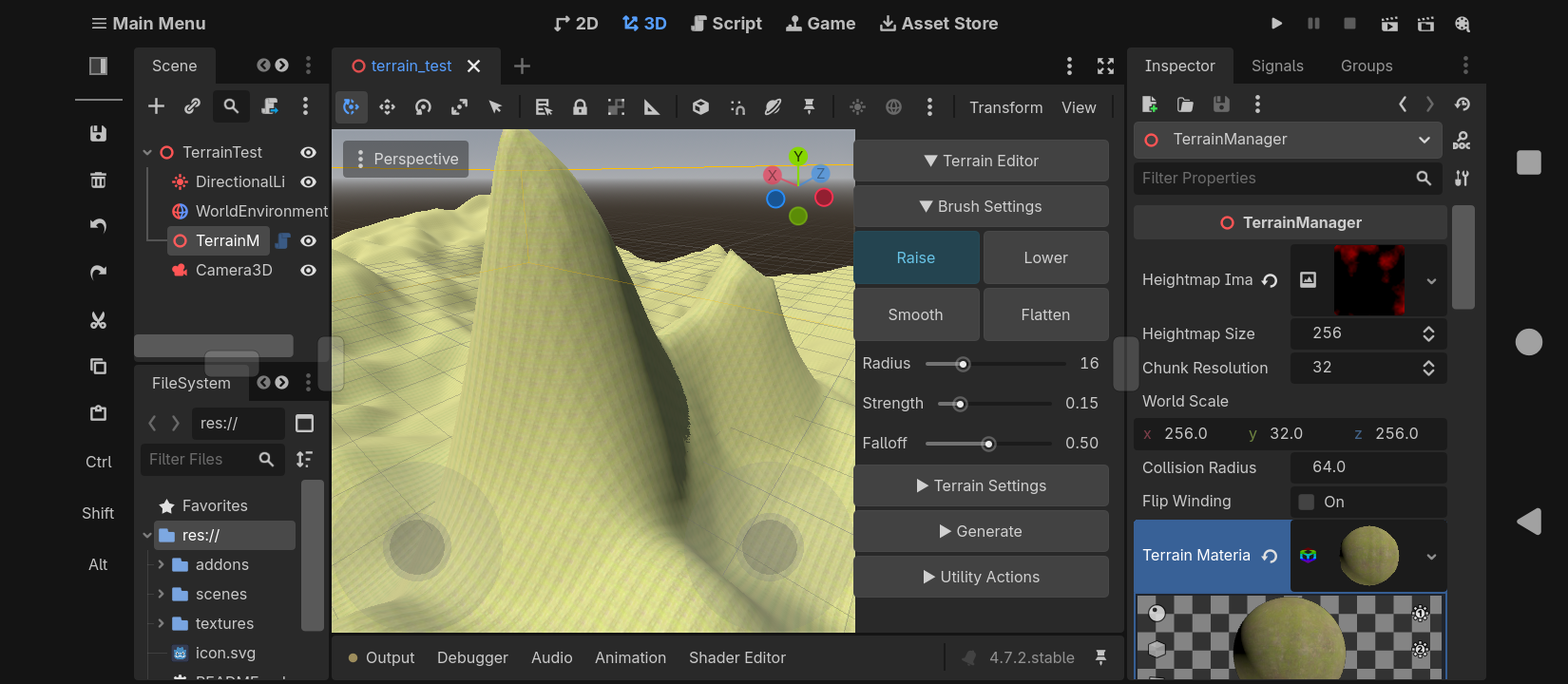
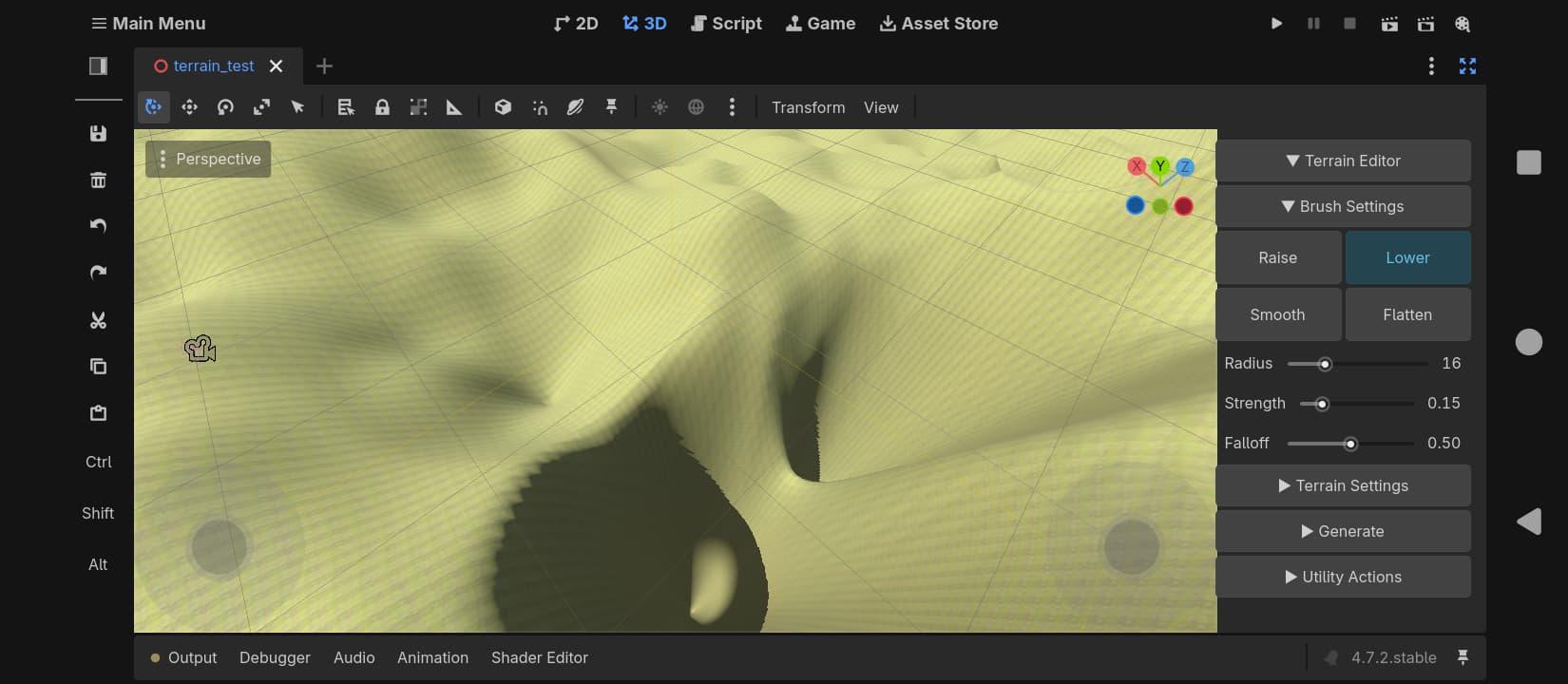
- Localized brush sculpting with frame-throttled mesh rebuilds
- Undo / Redo (16 steps)
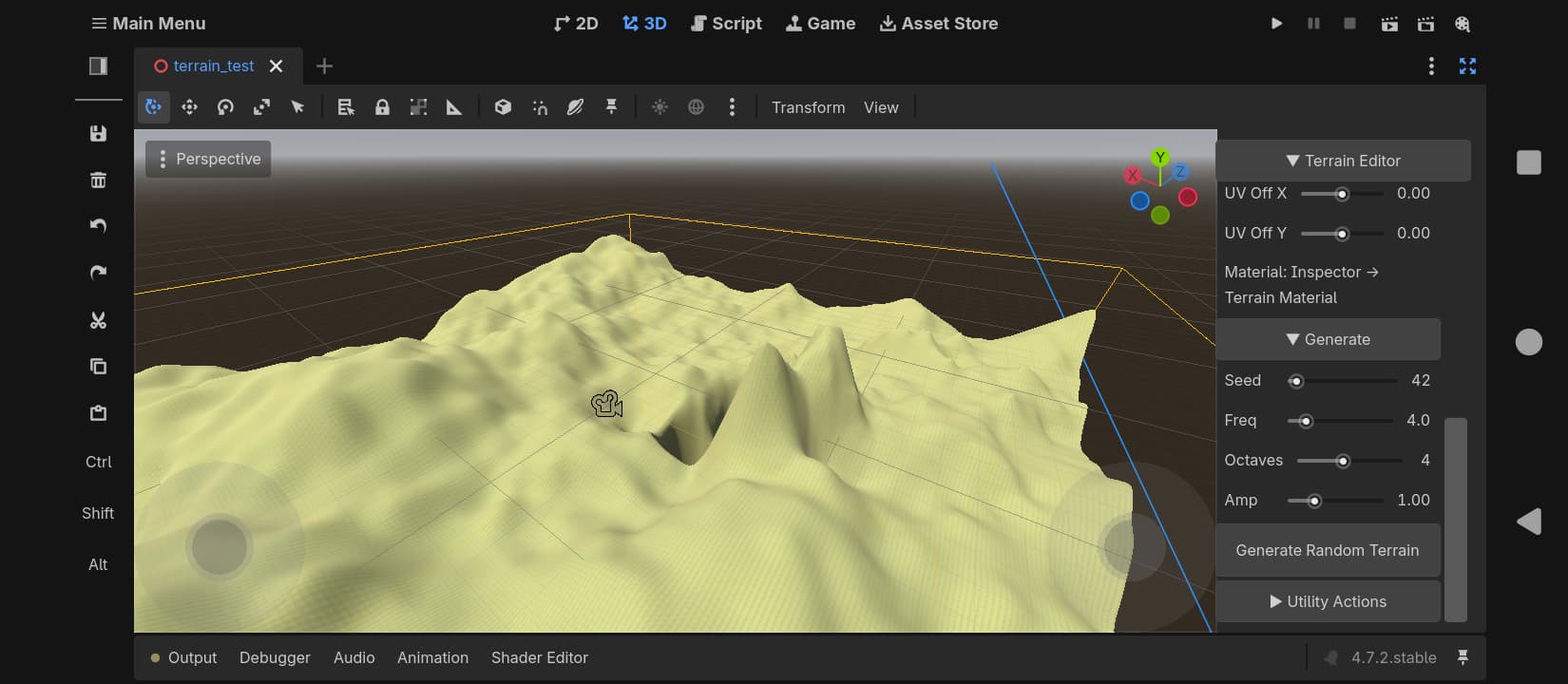
- Procedural FBM random terrain generation
- Full material override (StandardMaterial3D, ShaderMaterial, ORM, …)
- UV scale and offset tiling
- Splatmap texture painting (up to 4 layers)
- Paint brush mode for layer blending
- Mobile-first sidebar UI (large touch targets, scrollable)
- Works on 32-bit and 64-bit Android
Install
- Download and extract so you have res://addons/terrain_editor/
- Project → Project Settings → Plugins → enable Terrain Editor
- Add a TerrainManager node to a 3D scene
Usage
- Select TerrainManager — the sidebar appears on the right
- Touch-drag or mouse-drag to sculpt (Raise / Lower / Smooth / Flatten / Paint)
- Optional: assign a material under Terrain Material in the Inspector
- For texture paint: enable Splatmap, assign Splat Texture 0–3, use Paint mode
- Save the scene after sculpting so Play mode keeps the heightmap
- Optional: Utility → Quick Save → res://terrain_heightmap.exr
License
MIT — Stefan Lacio, 2026
Changelog for version v0.3
2026-09-12 07:07:34
No changelog provided for this version.
