×
×
Description
Changelog
Reviews (0)
What it is
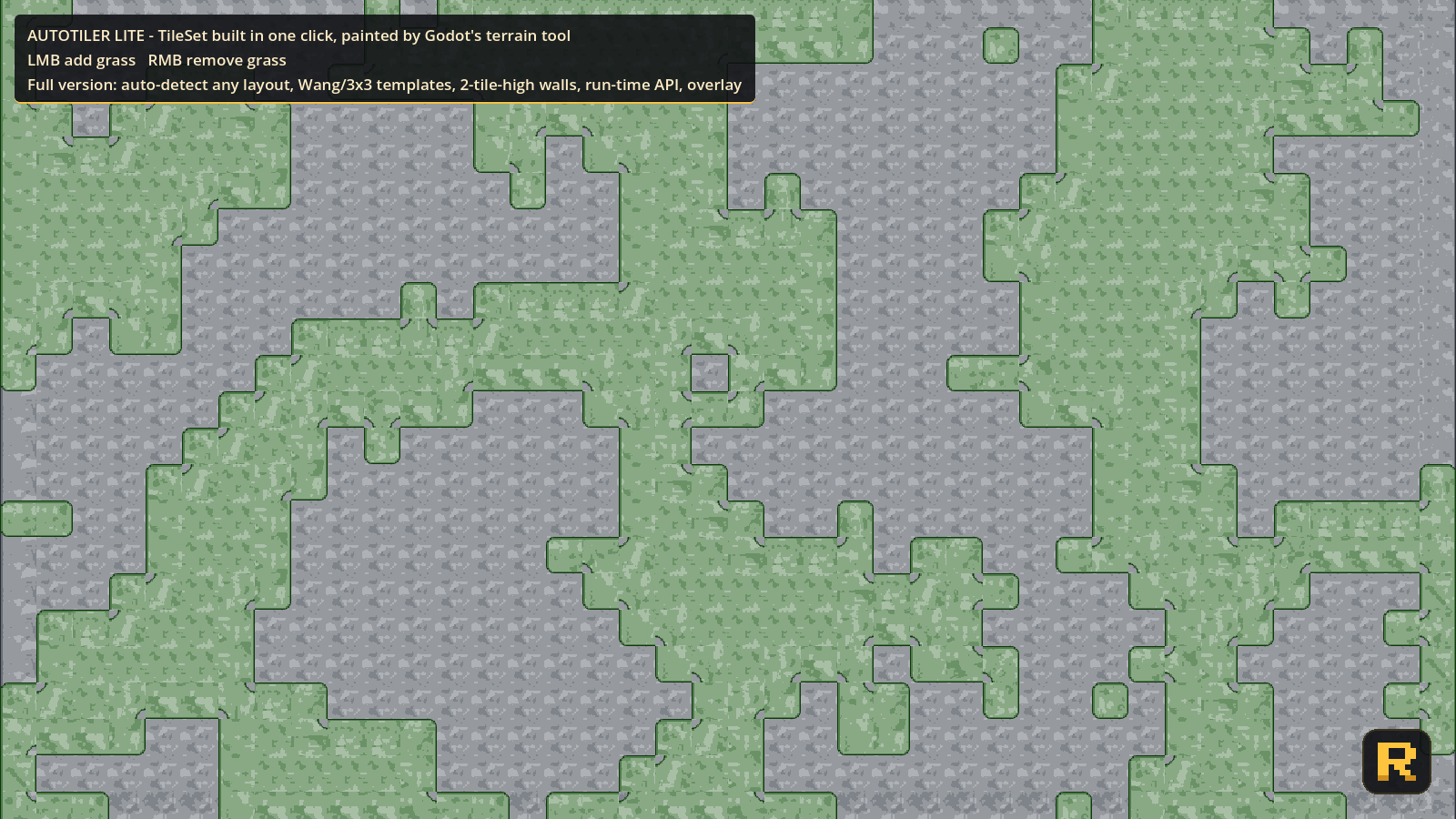
Godot auto-tiles terrains only after you paint every tile's peering bits by hand. Rasterloom Autotiler Lite paints them for you.
What you get
- A dock: pick a blob-47 (8 x 6) or sides-16 (4 x 4) sheet, press Build TileSet, then paint with Godot's Terrains tab
- A demo map, a grass and a stone sheet (32 px)
- A self-test and a PDF guide
- Godot 4.3+, tested on 4.3 to 4.7
Start in 60 seconds
- Enable the plugin, open addons/rasterloom_autotiler_lite/demo/lite_demo.tscn and press F6 to see the demo.
- Select your PNG in the FileSystem dock, then Autotiler Lite > Use selected > Build TileSet.
- Assign the .tres to a TileMapLayer and paint.
A full version with more layouts and tools is available on the publisher page.
Licence
MIT (see LICENSE in the add-on folder).
Changelog for version 1.0.1
2026-11-07 07:49:00
No changelog provided for this version.