×
×
Description
Changelog
Reviews (1)
Lowland Forge Map Baker
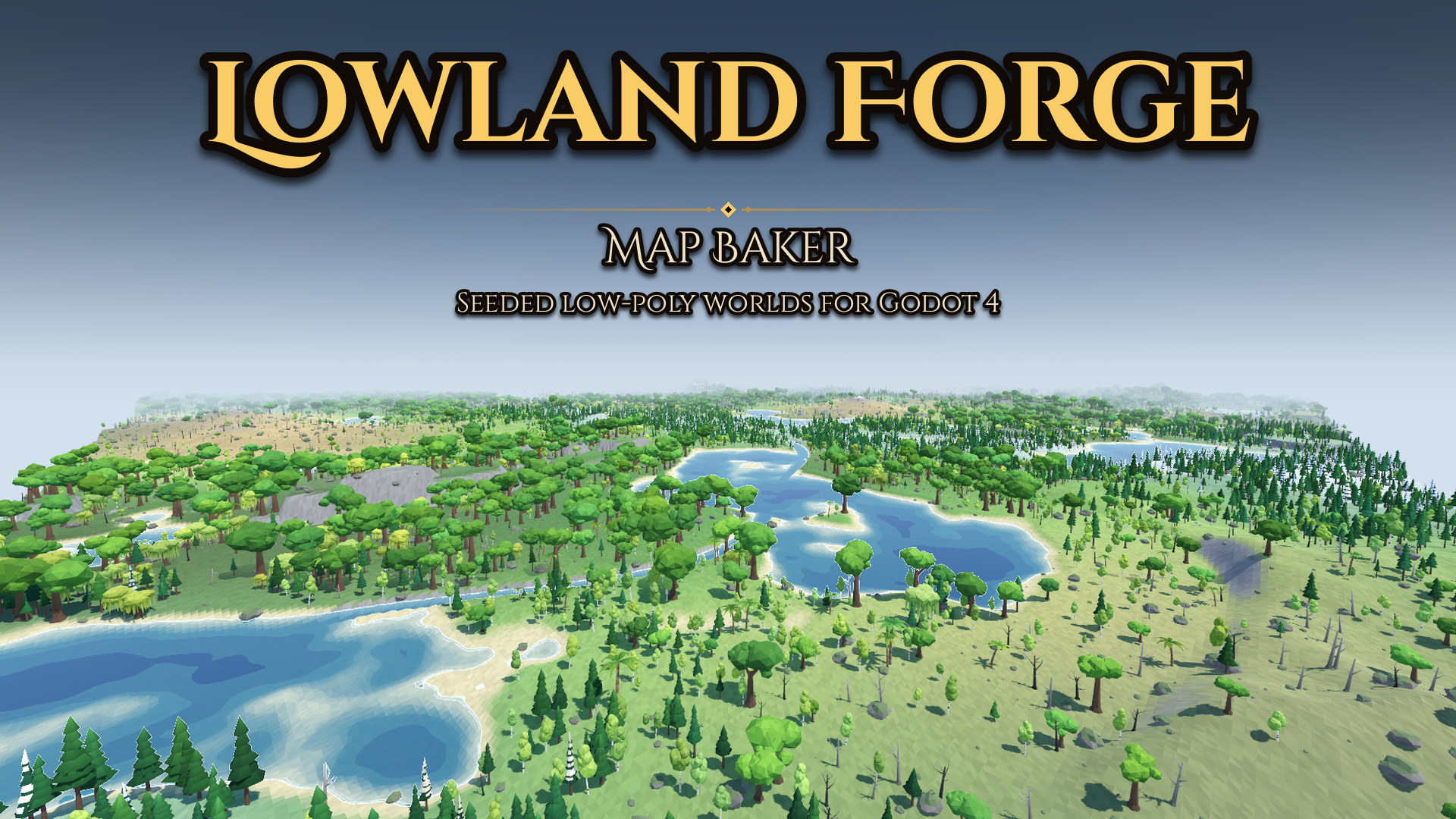
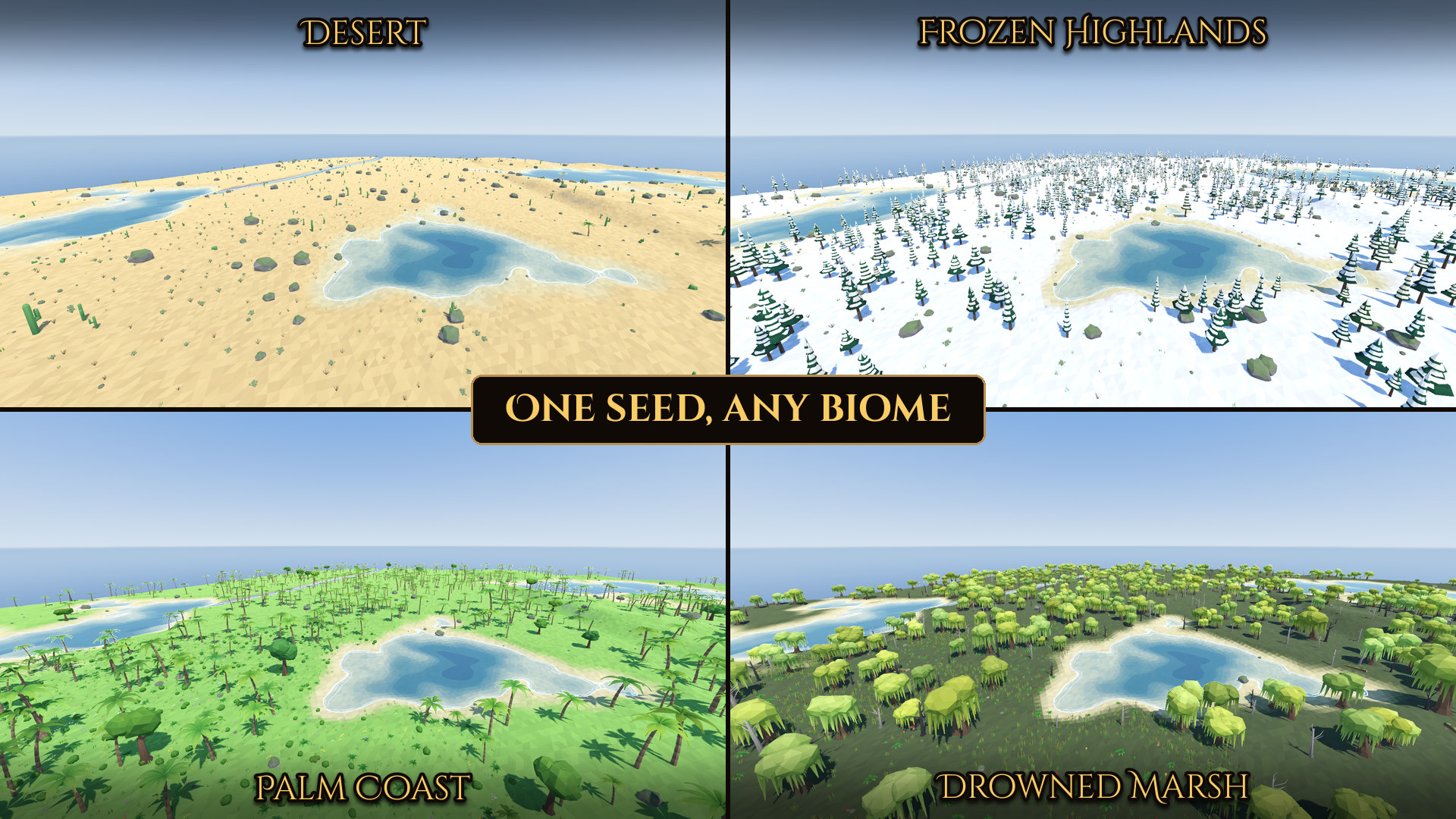
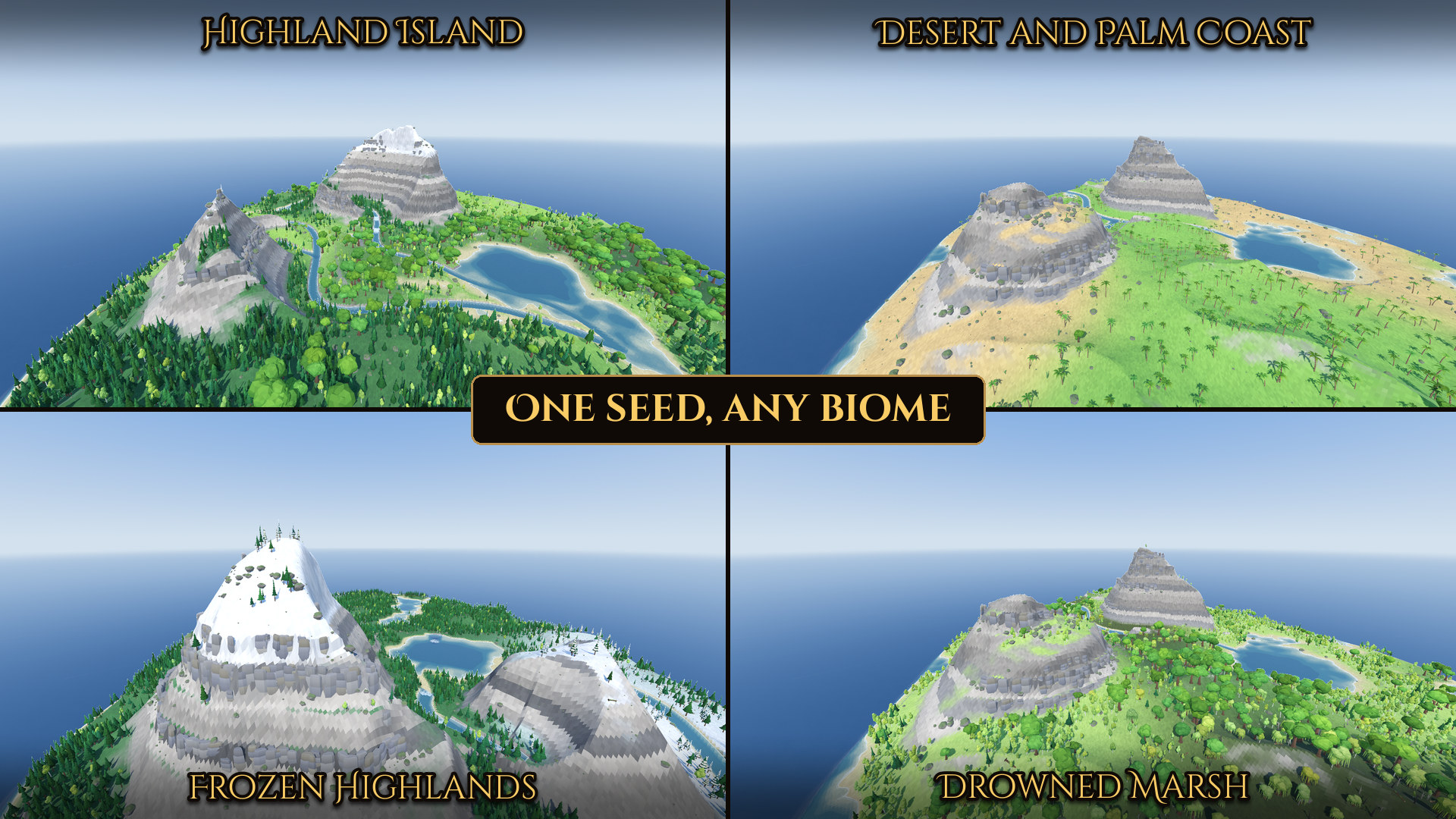
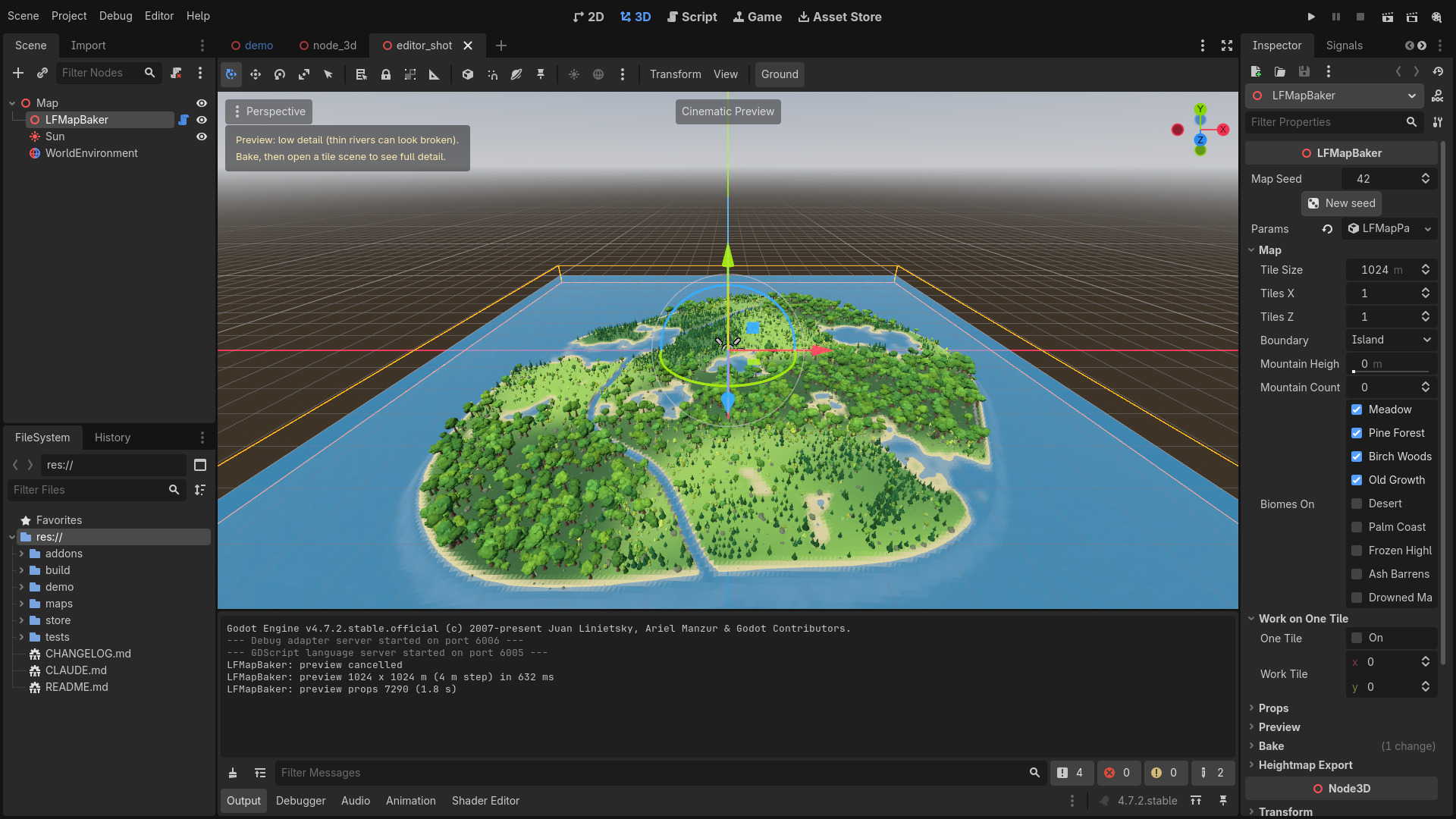
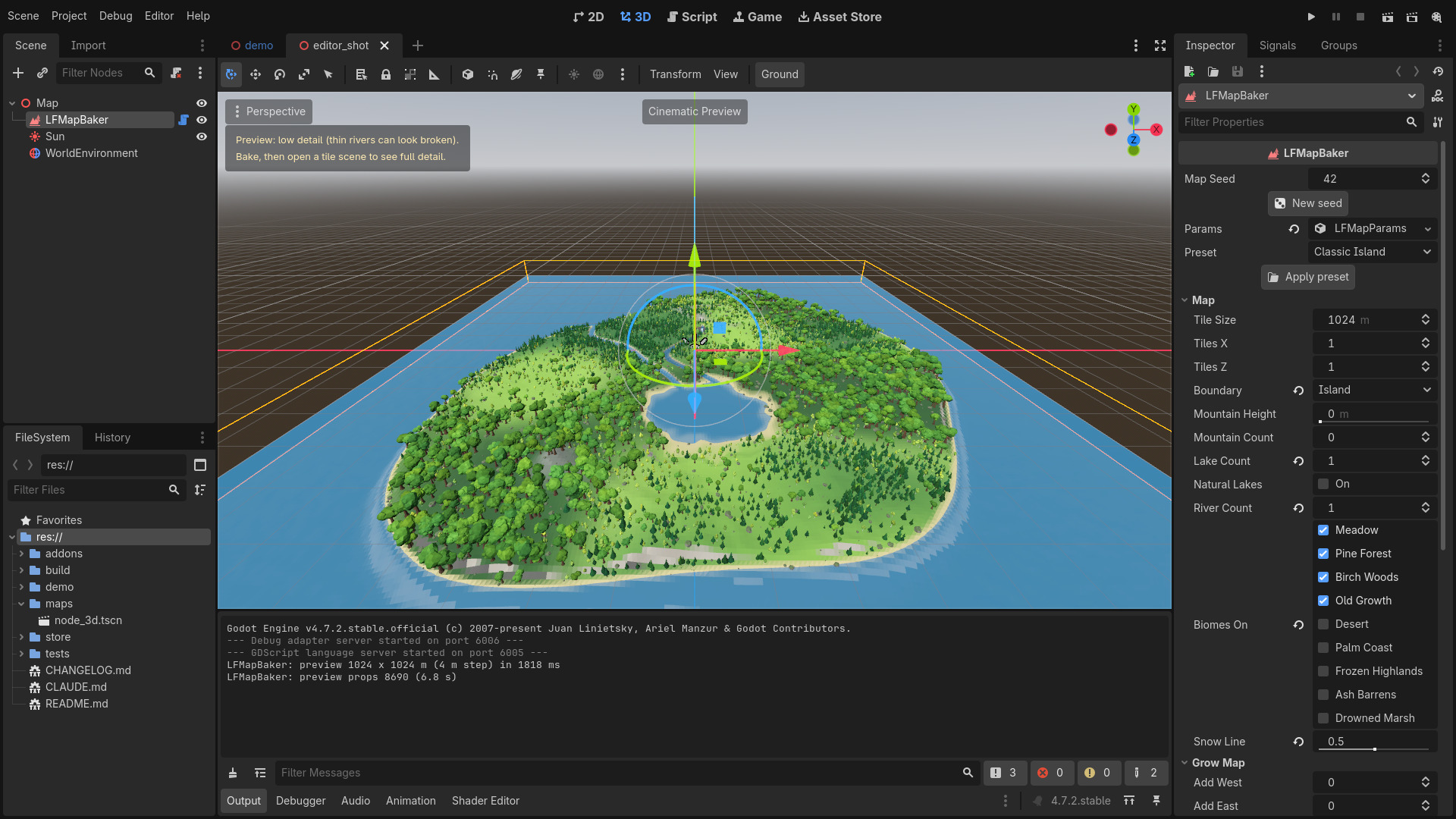
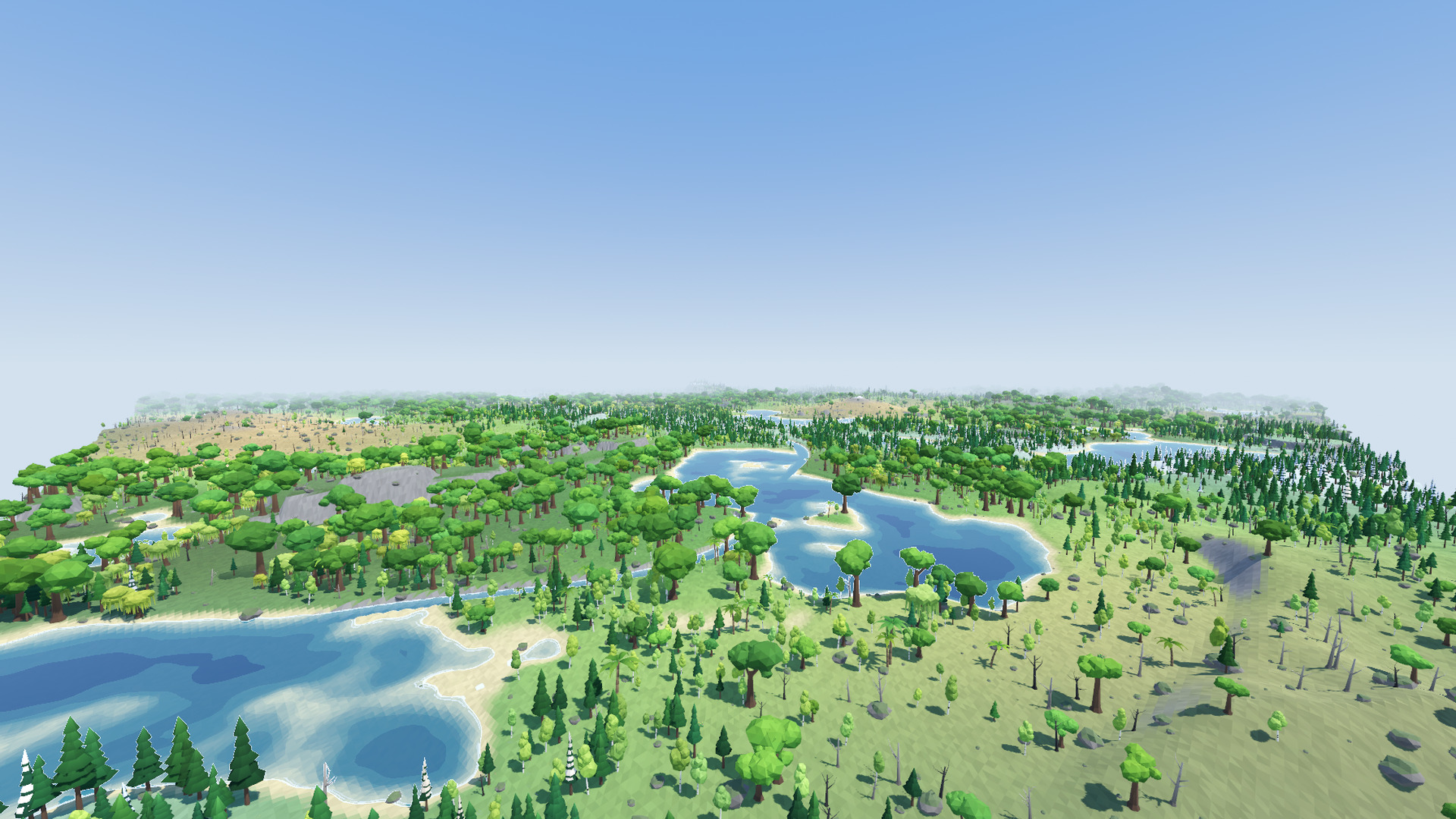
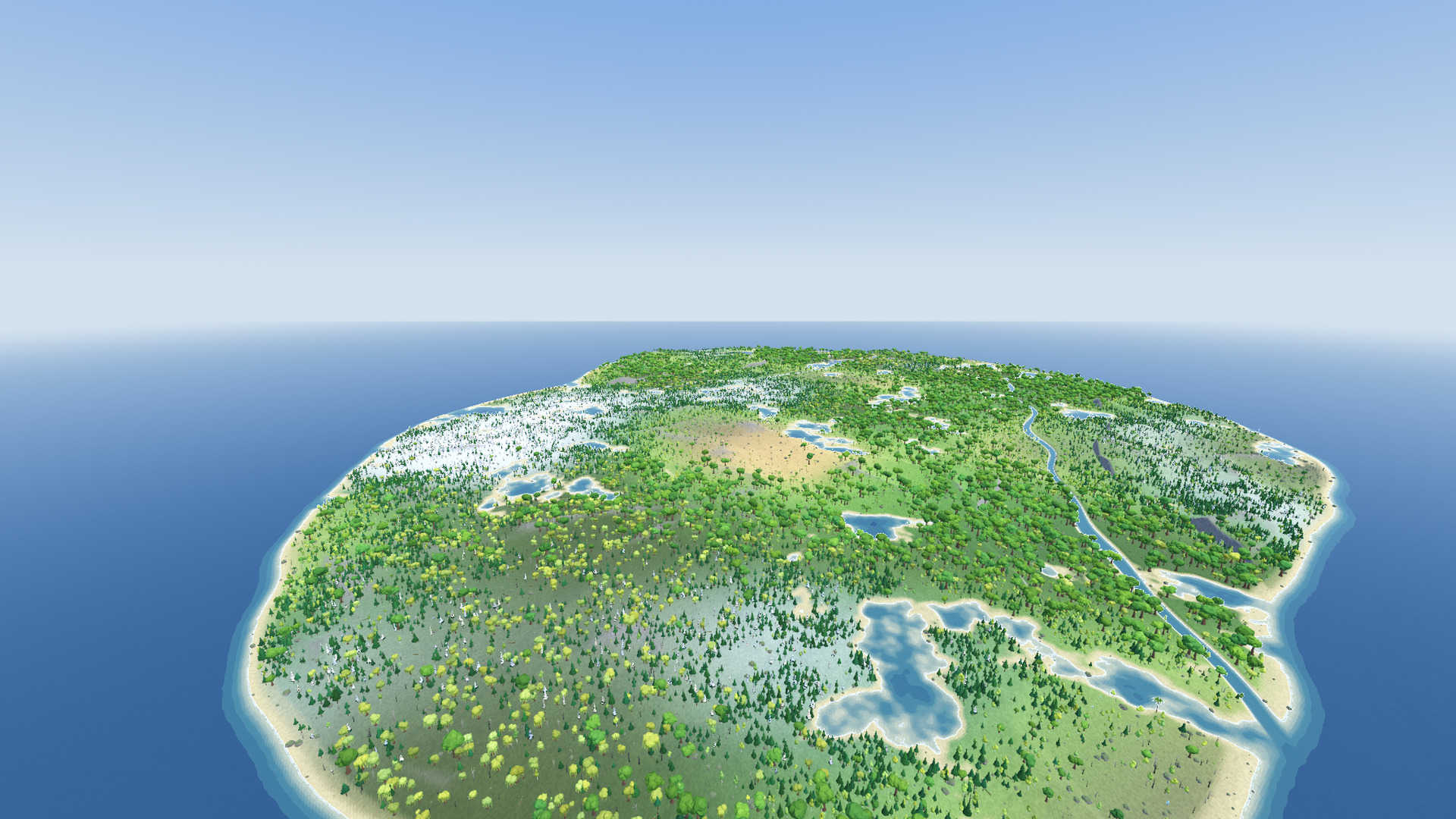
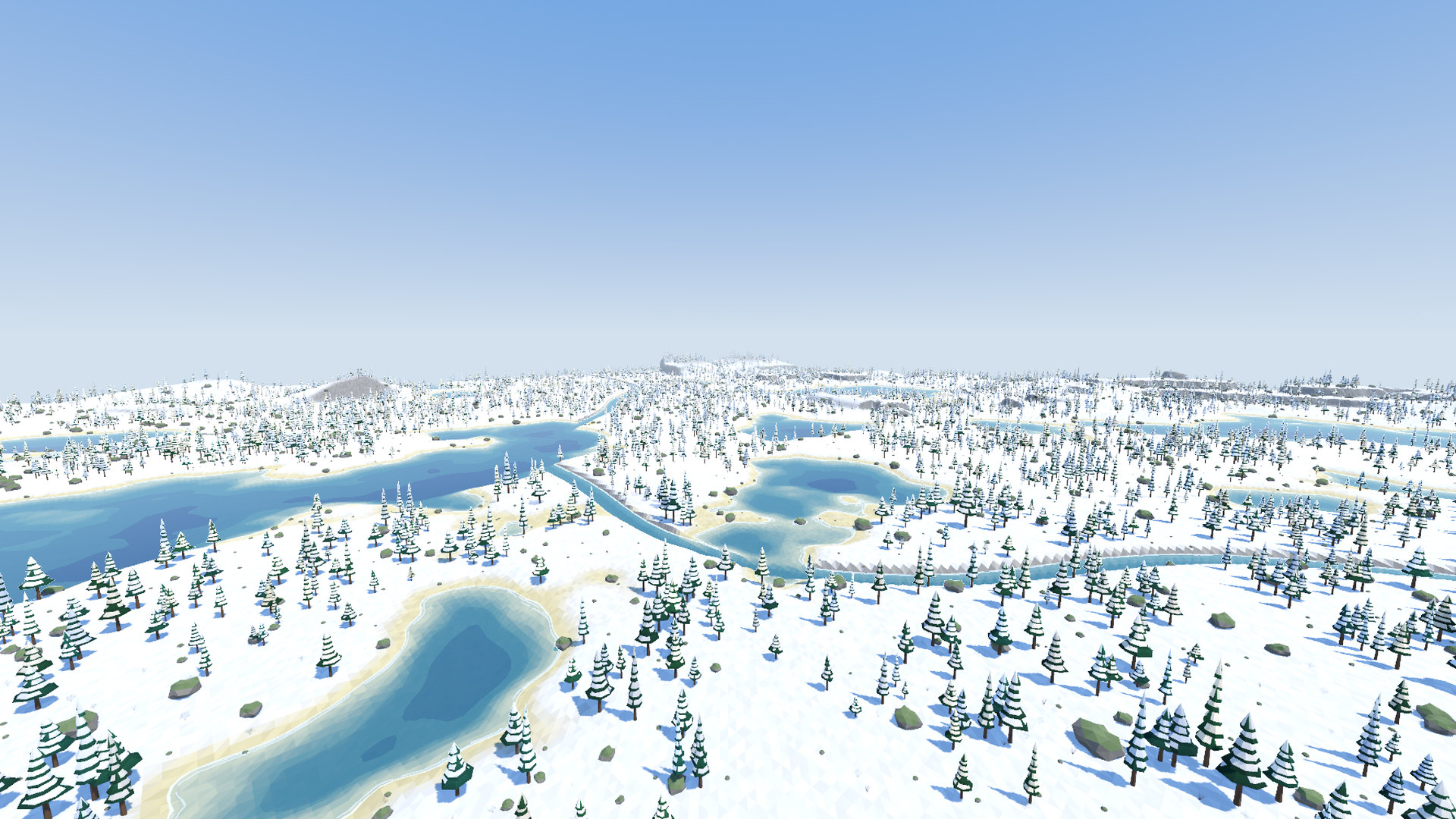
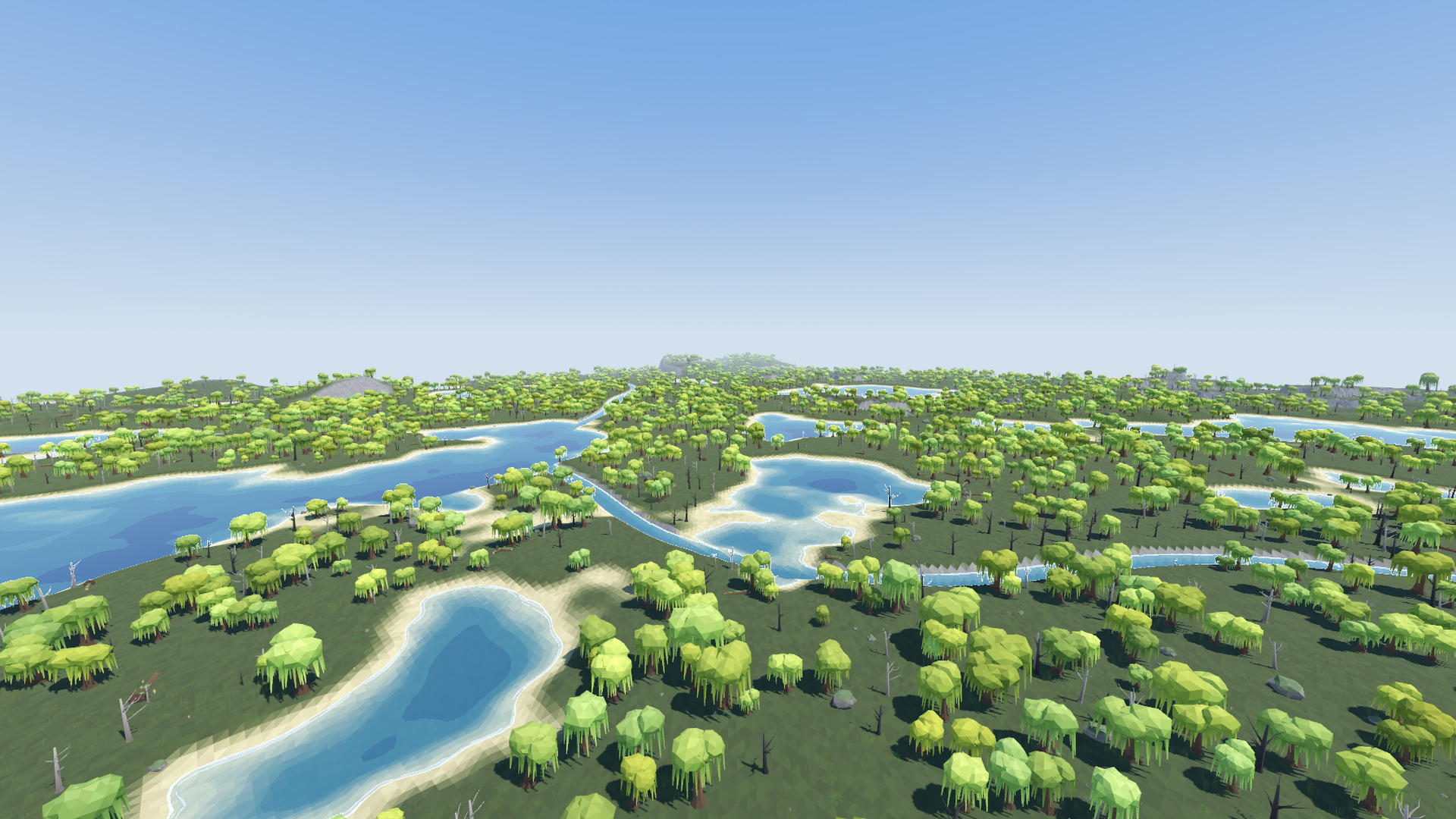
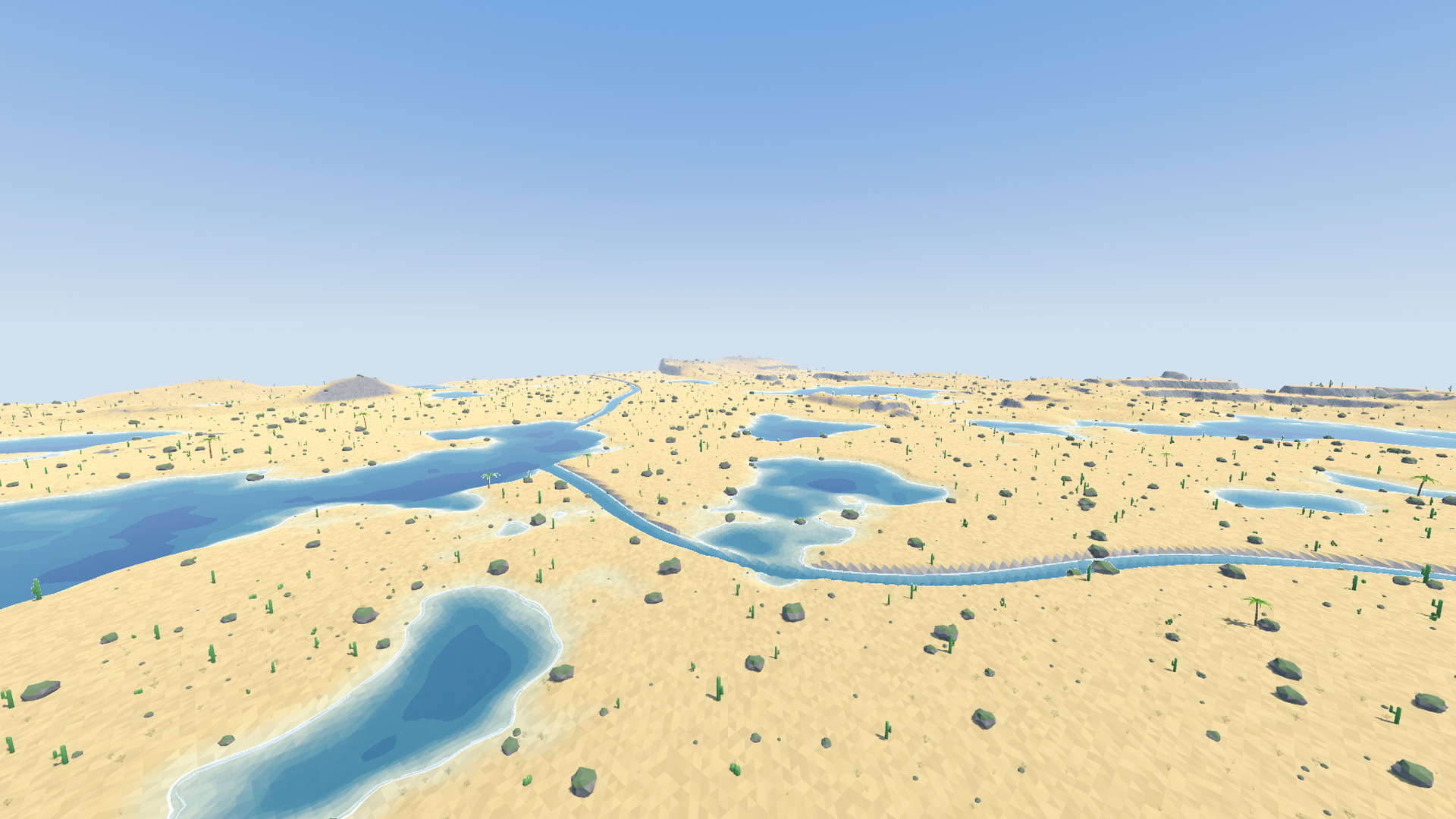
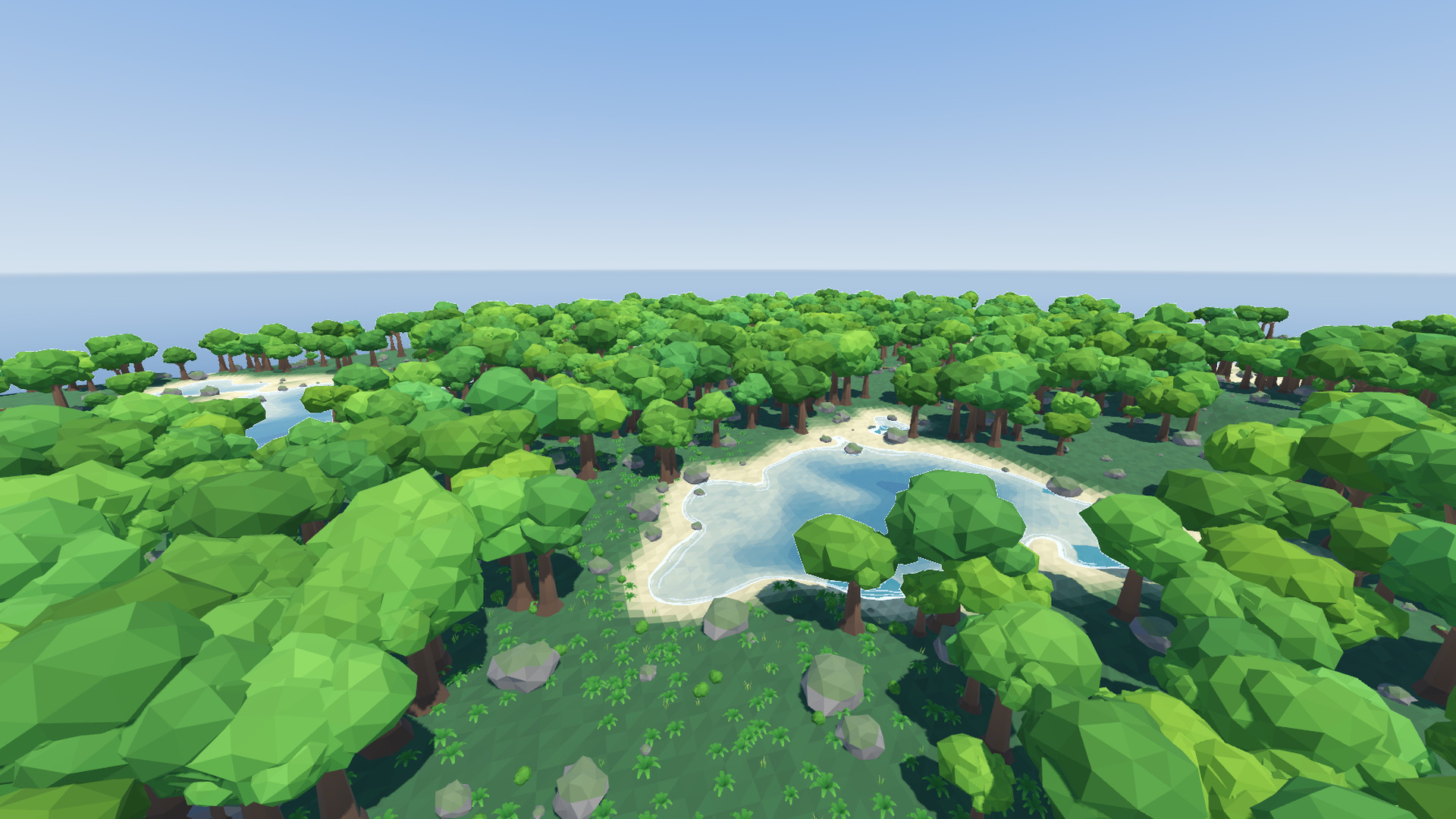
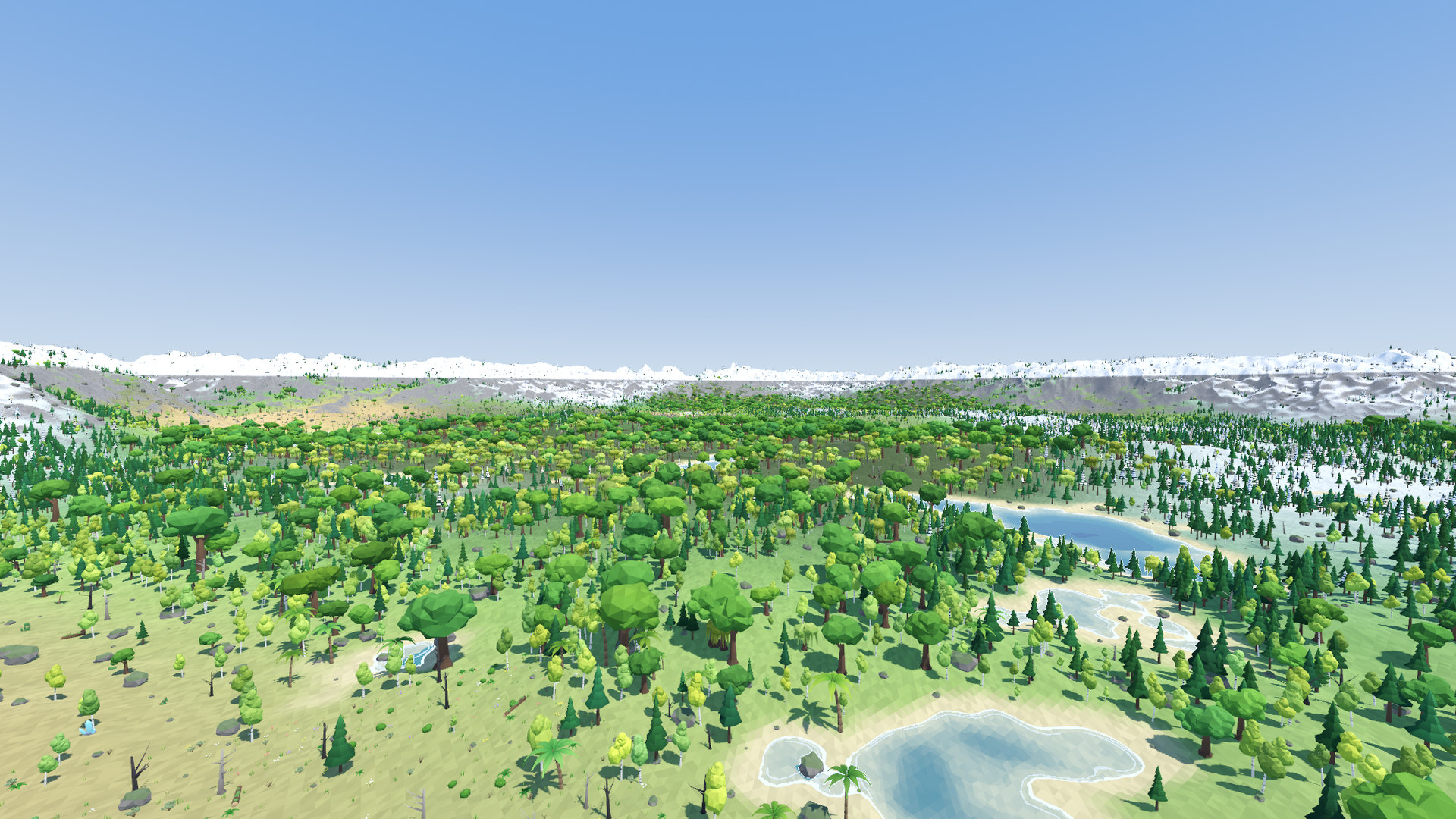
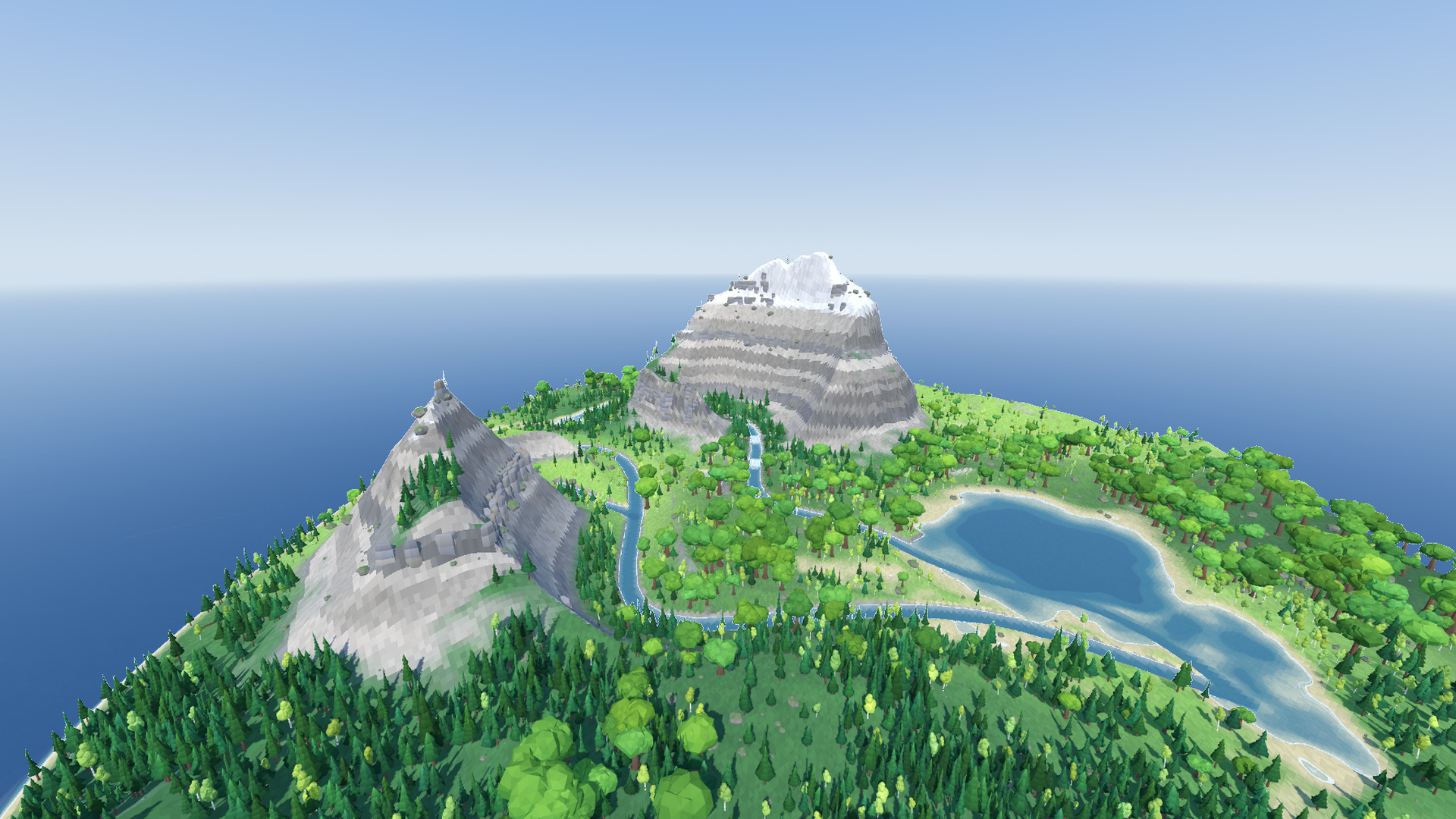
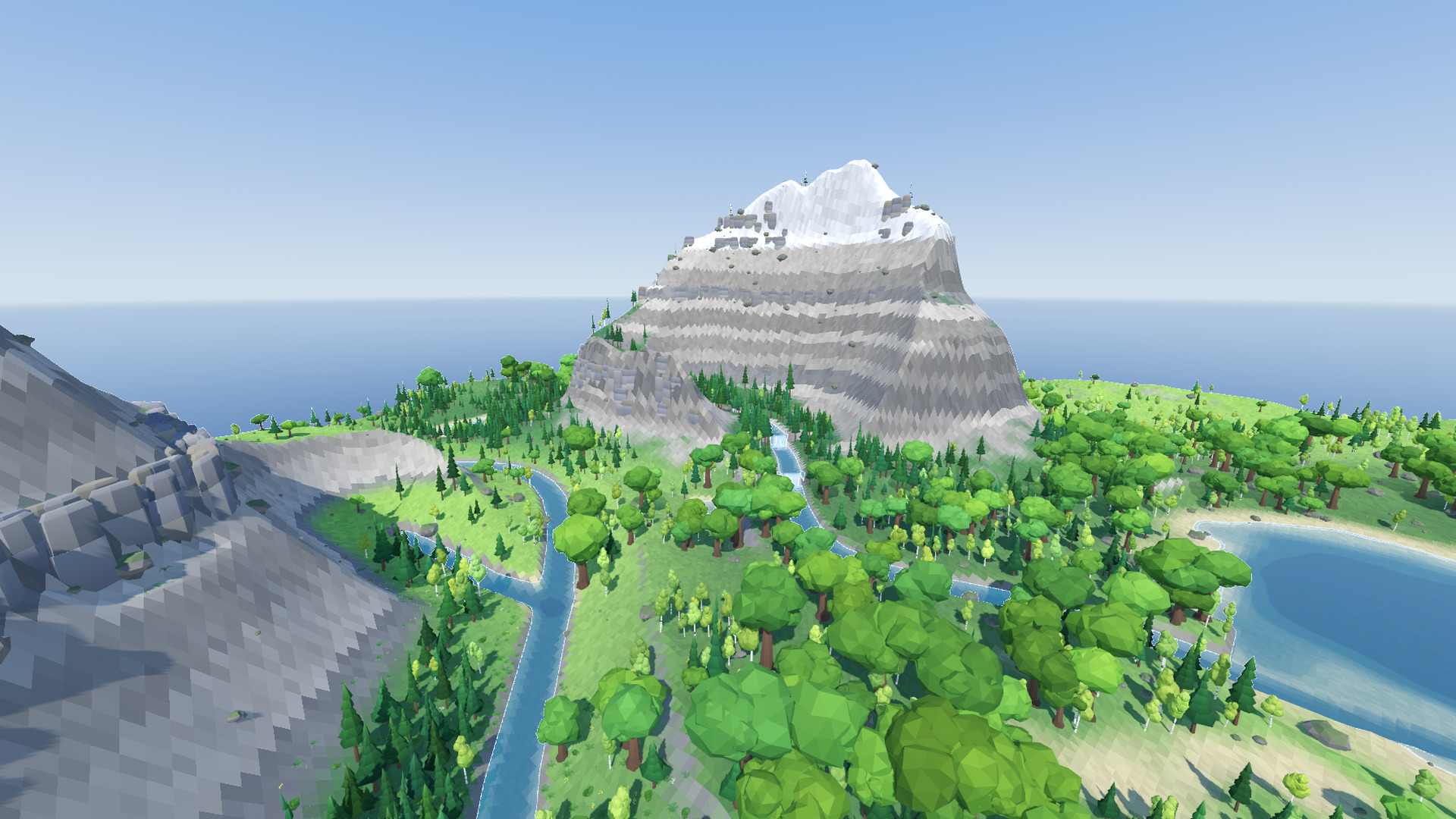
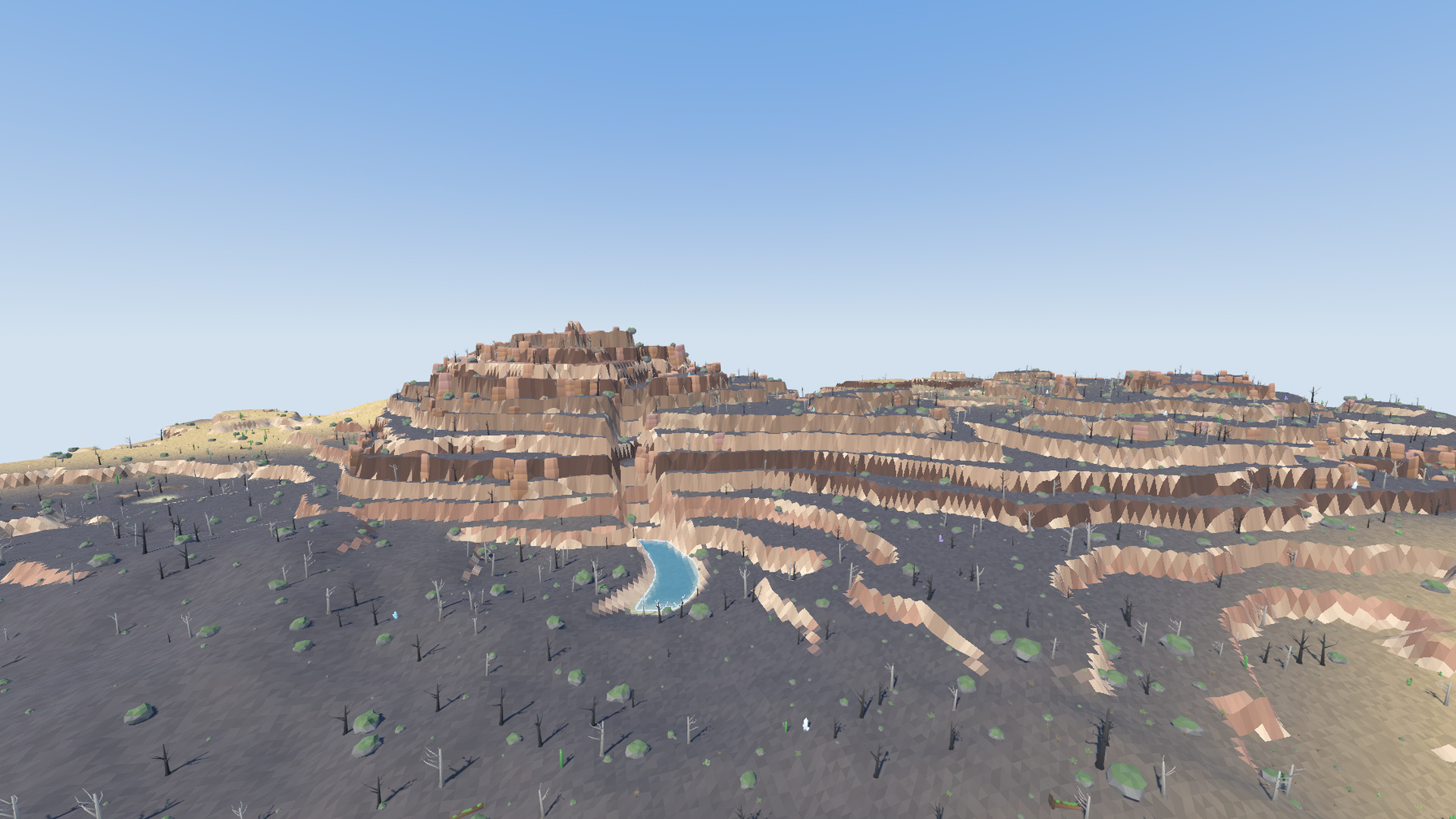
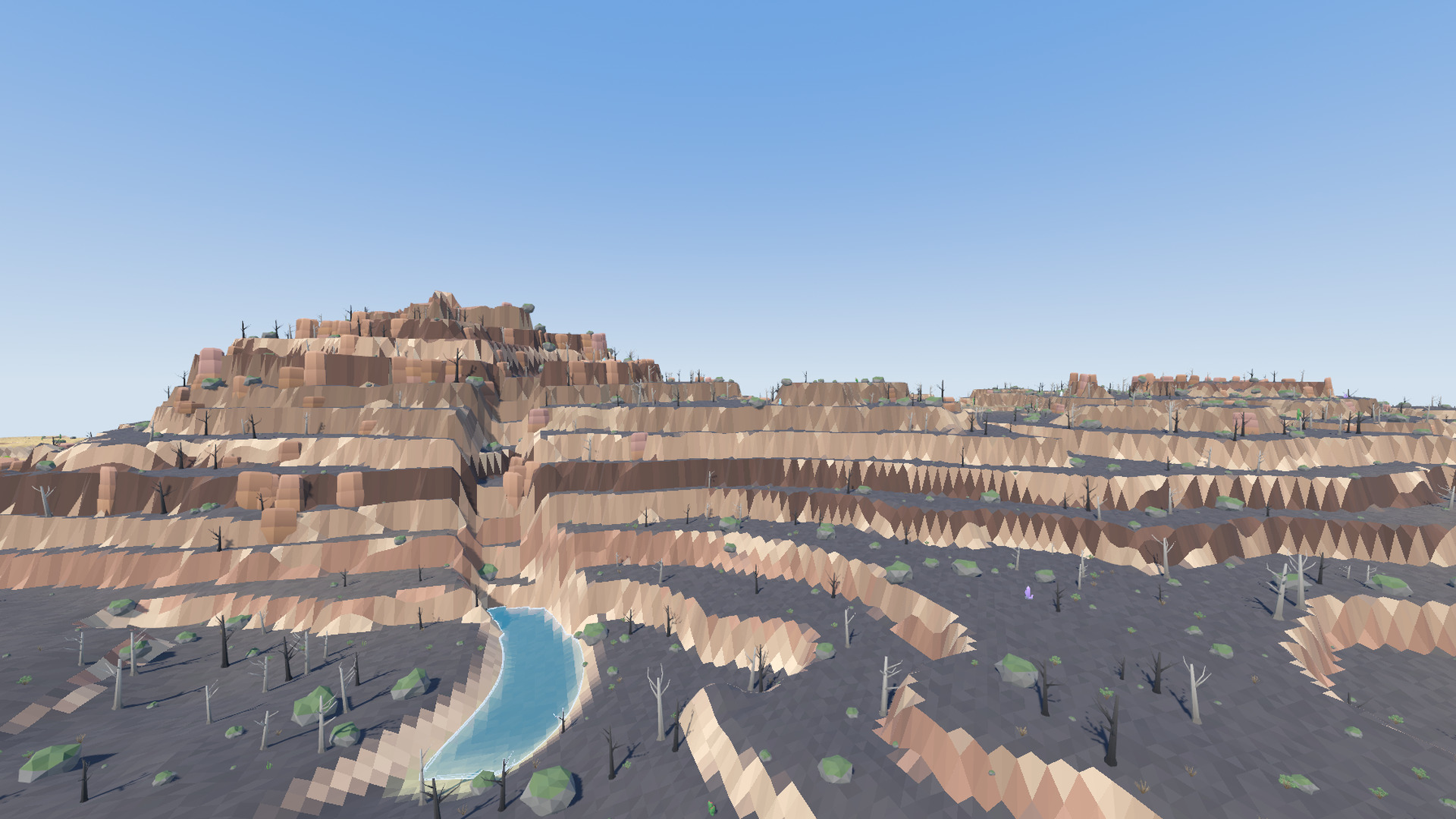
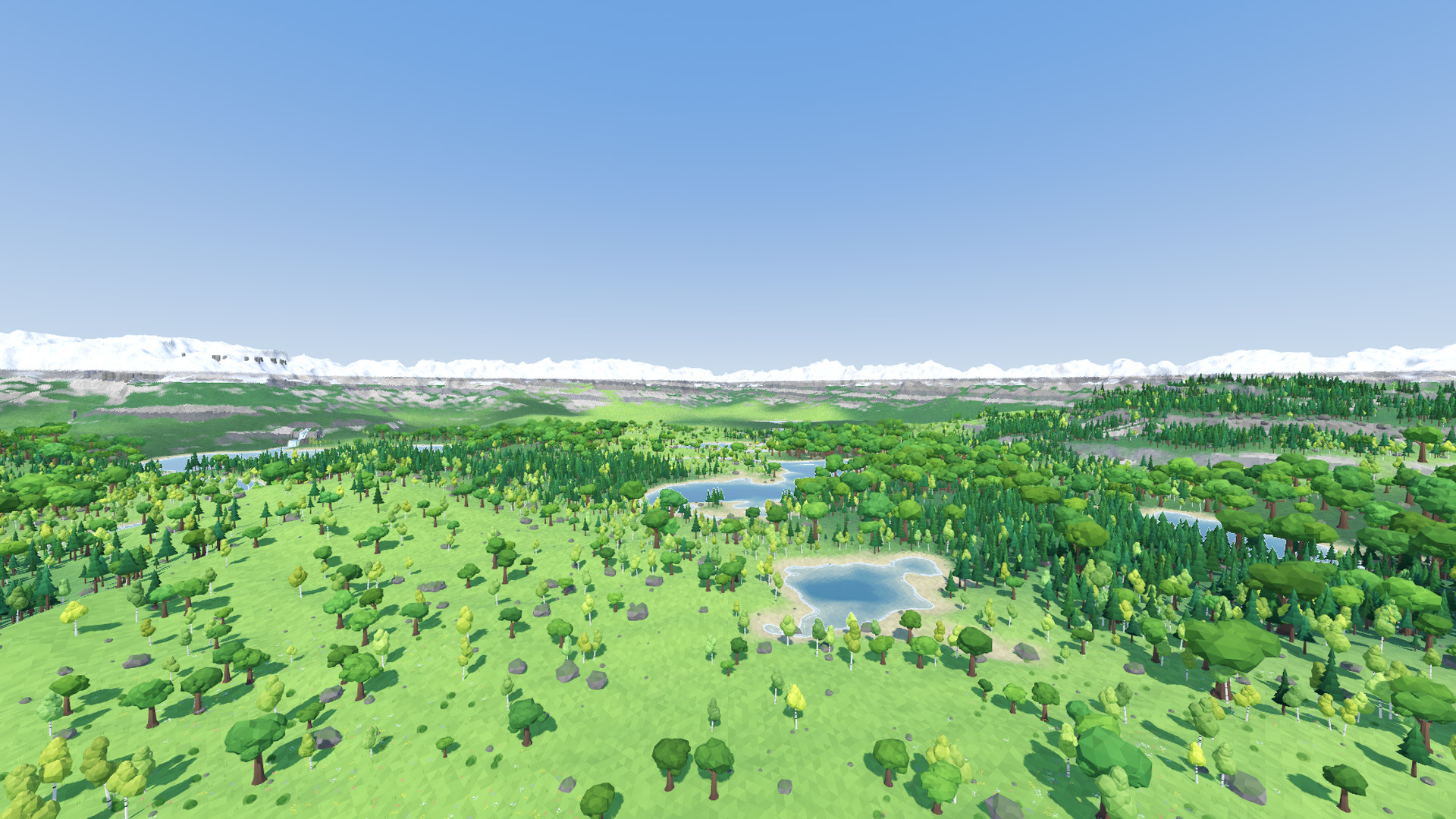
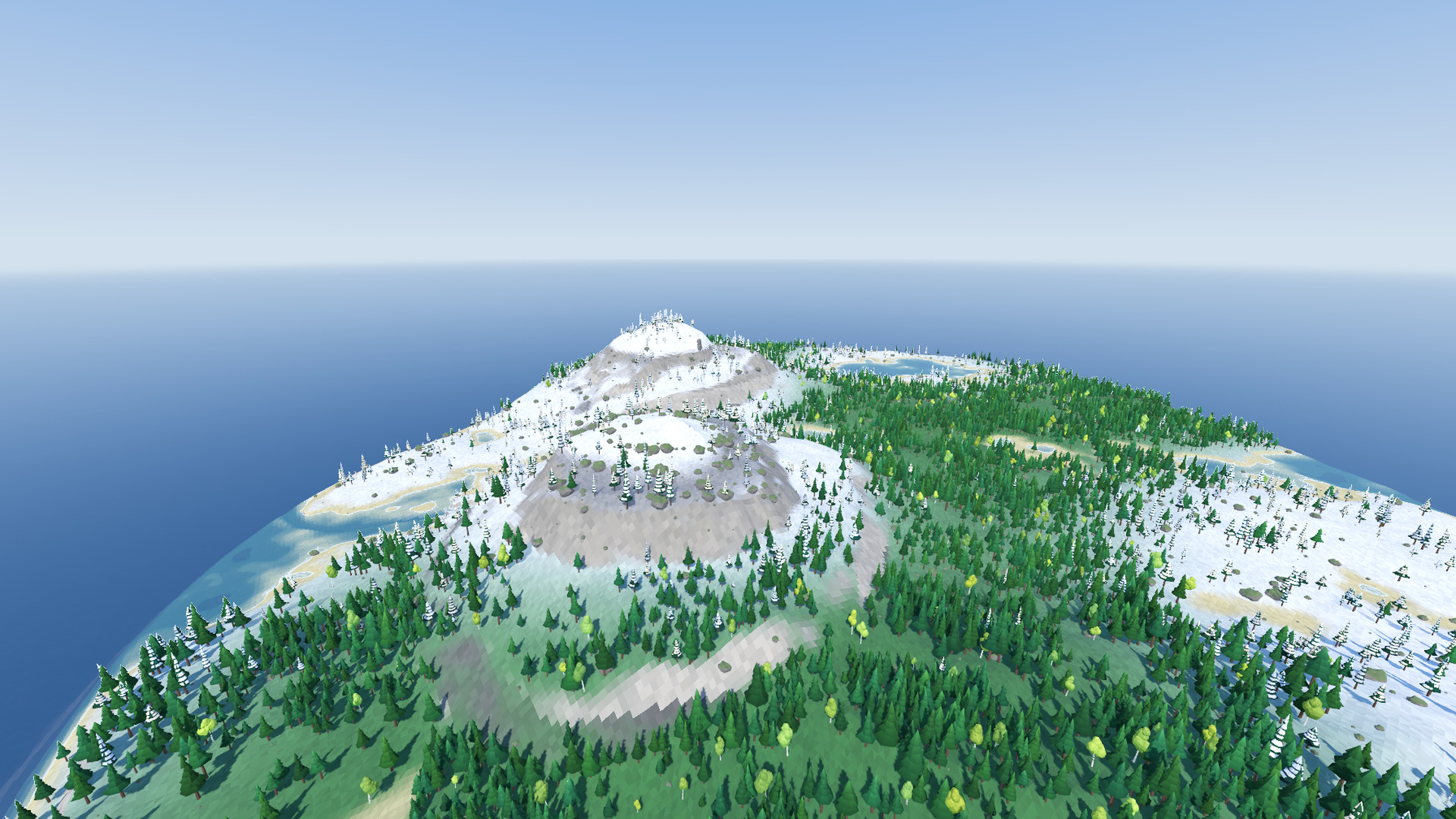
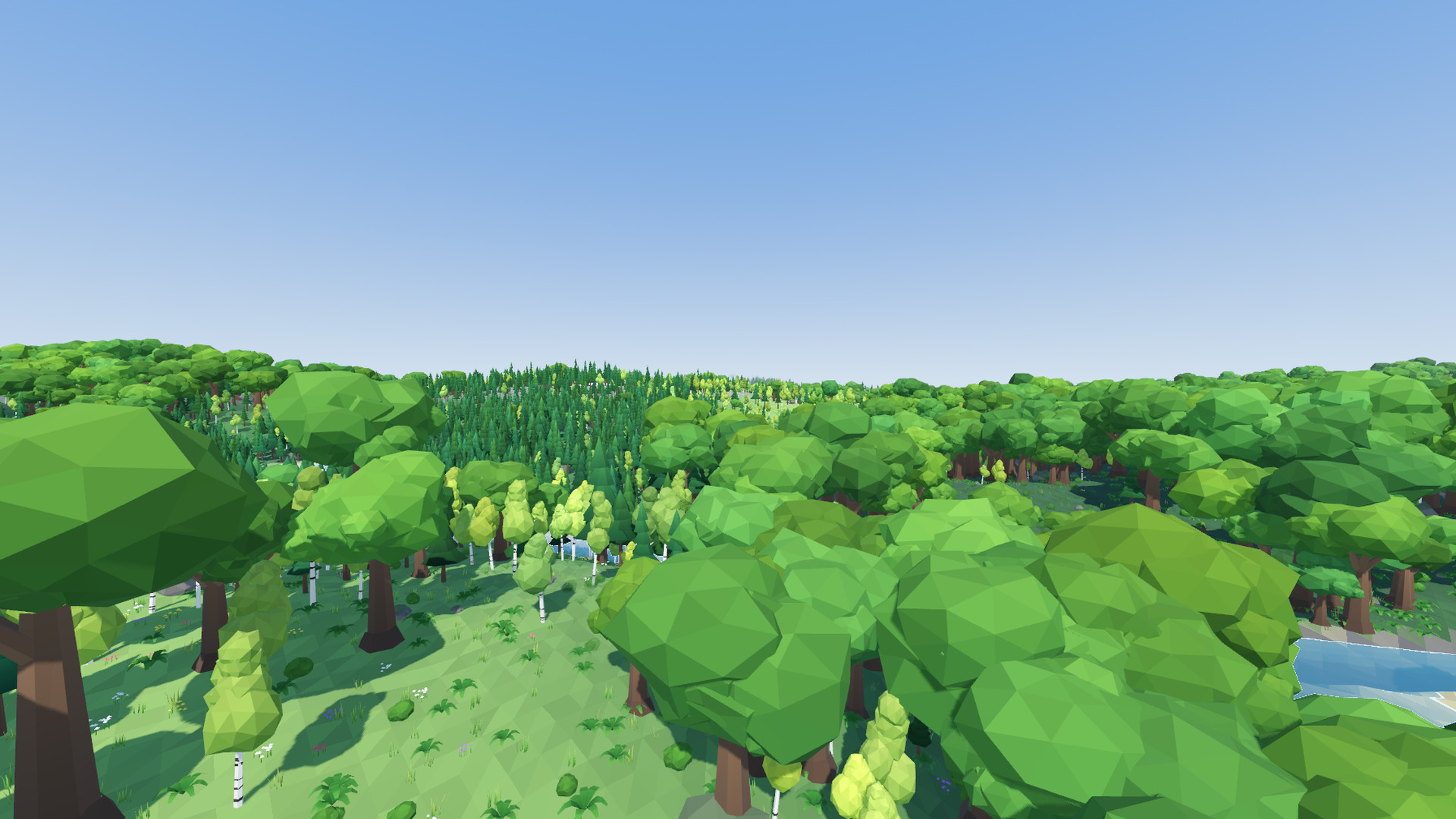
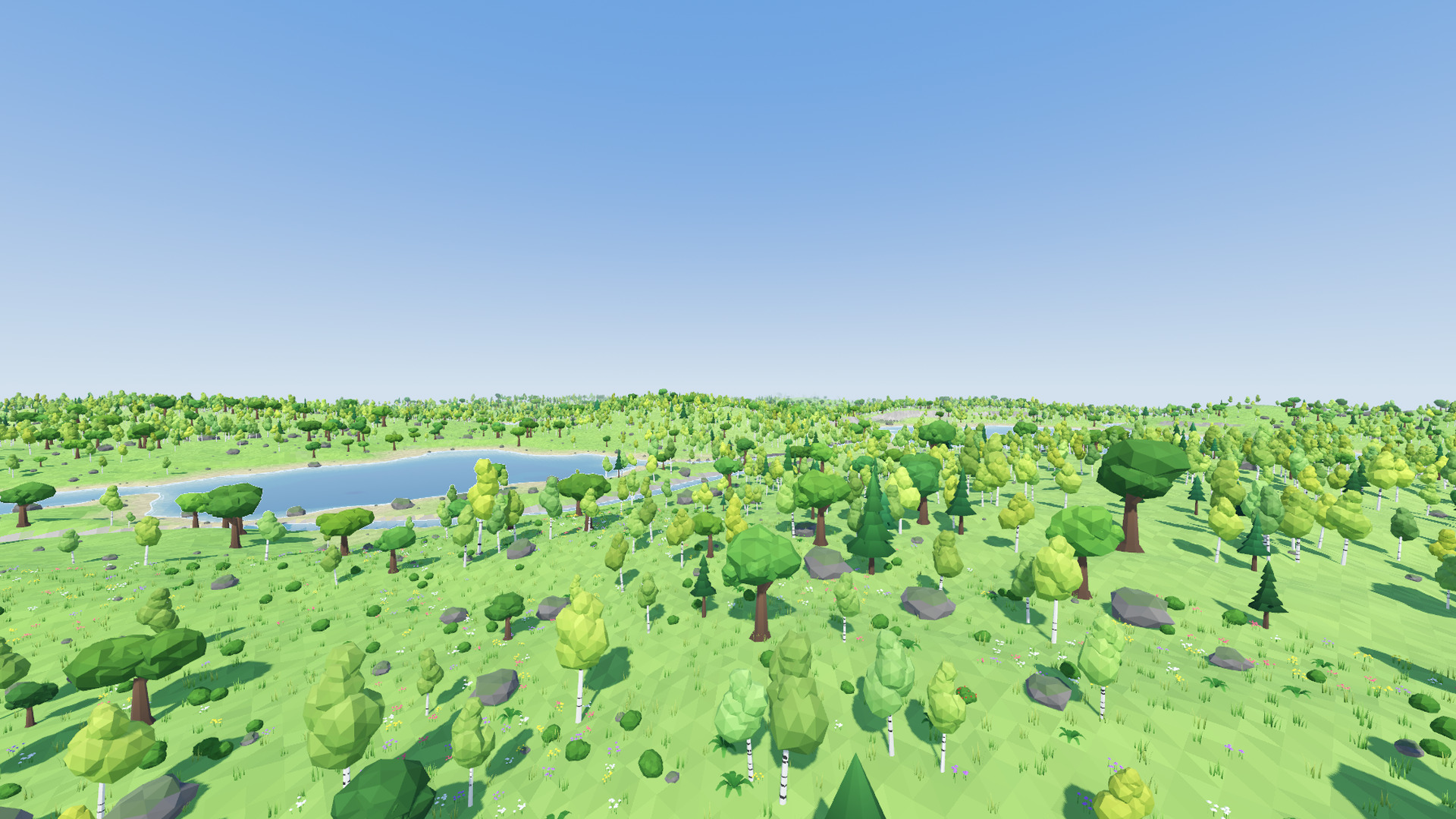
Bakes seeded, low-poly land into plain Godot scenes: terrain, rivers, lakes, biomes, trees, rocks and ground cover, with collision. An island, a valley ringed by mountains, or open land. Set it up in the Inspector, watch the live preview and press Bake. The scenes it writes have no scripts: edit them like any other.
By Moonfell Works. Version 2.1.0. Tested with Godot 4.7 (Forward+).
Install
- Copy
addons/lowland_forge/into your project (or install it from the Asset Library). - Project > Project Settings > Plugins: enable Lowland Forge Map Baker.
Quick start
- Project > Tools > New Lowland Forge map (or add an LFMapBaker node to a 3D scene and select it).
- Pick a Preset and press Apply preset, or change any setting (hover it for a tip). The preview redraws as you go.
- Press Bake. The map goes to
res://maps/map/. - Open
map.tscnor instance it in your level. The player starts at theSpawnmarker:var spawn := get_tree().get_first_node_in_group("spawn") as Node3D player.global_position = spawn.global_position + Vector3.UP
Docs (in this folder)
docs/GUIDE.md: every setting, working on one tile, growing a map, what a bake writes, using the map in your game (spawn, collision groups, water, streaming big maps), placing things on the land, the map image and heightmap export.docs/API.md: all of it from code.examples/bake_from_code.gdbakes and walks a map with no set-up.CHANGELOG.md: what changed in each version.LICENSE.md: the licence.
Changelog for version v2.1.0
2026-11-08 11:02:00
No changelog provided for this version.