Description
Changelog
Reviews (0)
Godot 4 - 3D Pivot Changer Plugin
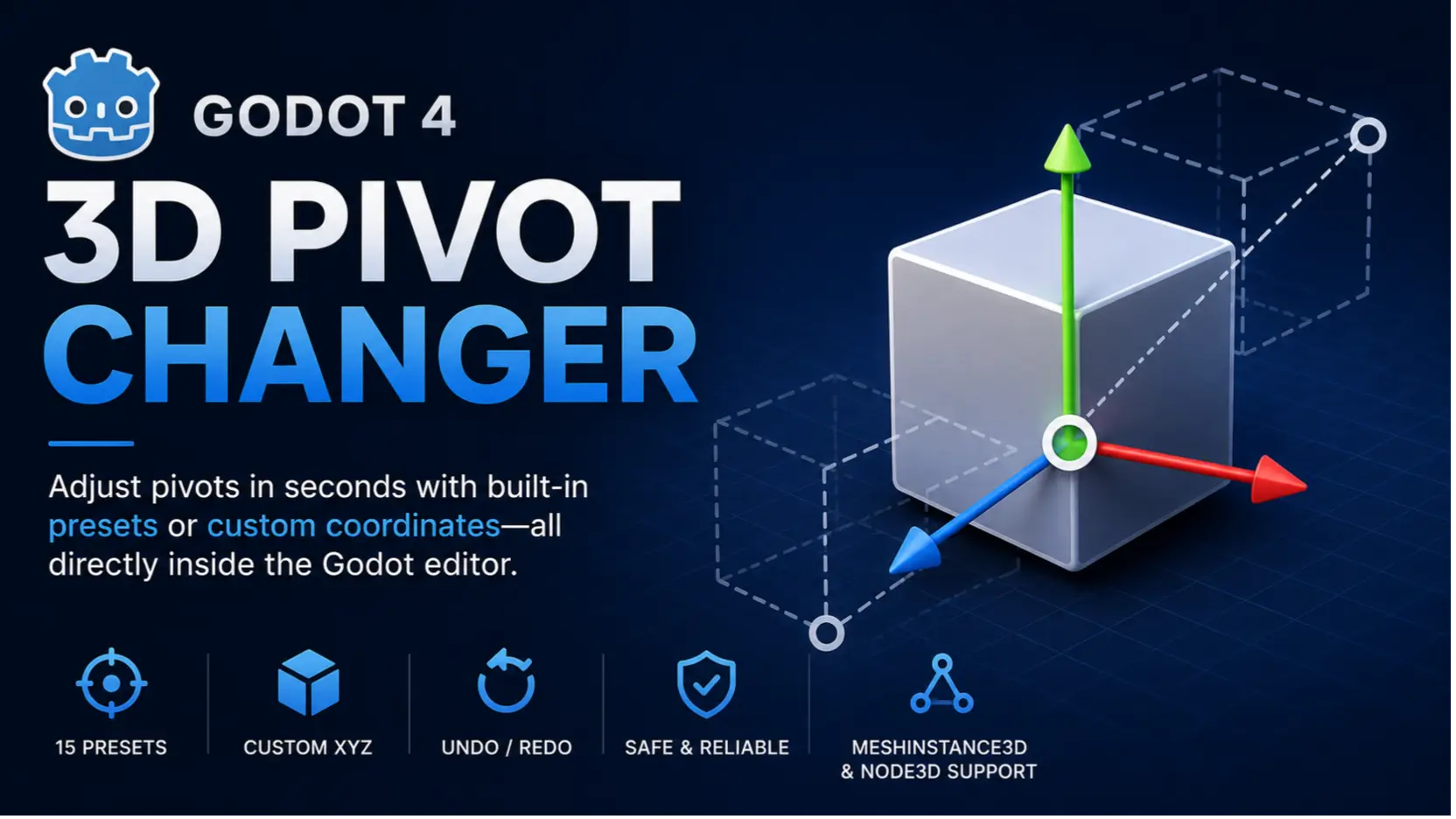
A lightweight and powerful editor tool for Godot 4.x that allows you to easily reposition the Pivot Point of any MeshInstance3D or Node3D without breaking your scene hierarchy.
🌟 Features
- 15 Presets: Centers, 4 Bottom Corners, and 4 Top Corners.
- Custom Scene Coordinate (XYZ): Set pivot accurately to any global scene position.
- Full Undo/Redo (
Ctrl + Z/Ctrl + Y) support. - Safe Mesh Processing: Uncompresses surface data safely to avoid mesh corruption.
- Node3D Support: Repositions parent pivot without shifting child node global positions.
🚀 Installation
Via Godot Asset Library (Recommended)
- In Godot Editor, click on the AssetLib tab at the top.
- Search for "3D Pivot Changer".
- Click on the plugin, then click Download -> Install.
- Go to Project -> Project Settings -> Plugins and enable 3D Pivot Changer.
Manual Installation
- Download the ZIP file and extract it.
- Copy the
addons/pivot_fixerfolder into your project'sres://addons/directory. - Go to Project -> Project Settings -> Plugins and enable 3D Pivot Changer.
Changelog for version v26.1
2026-07-27 15:22:00
No changelog provided for this version.