Description
Changelog
Reviews (0)
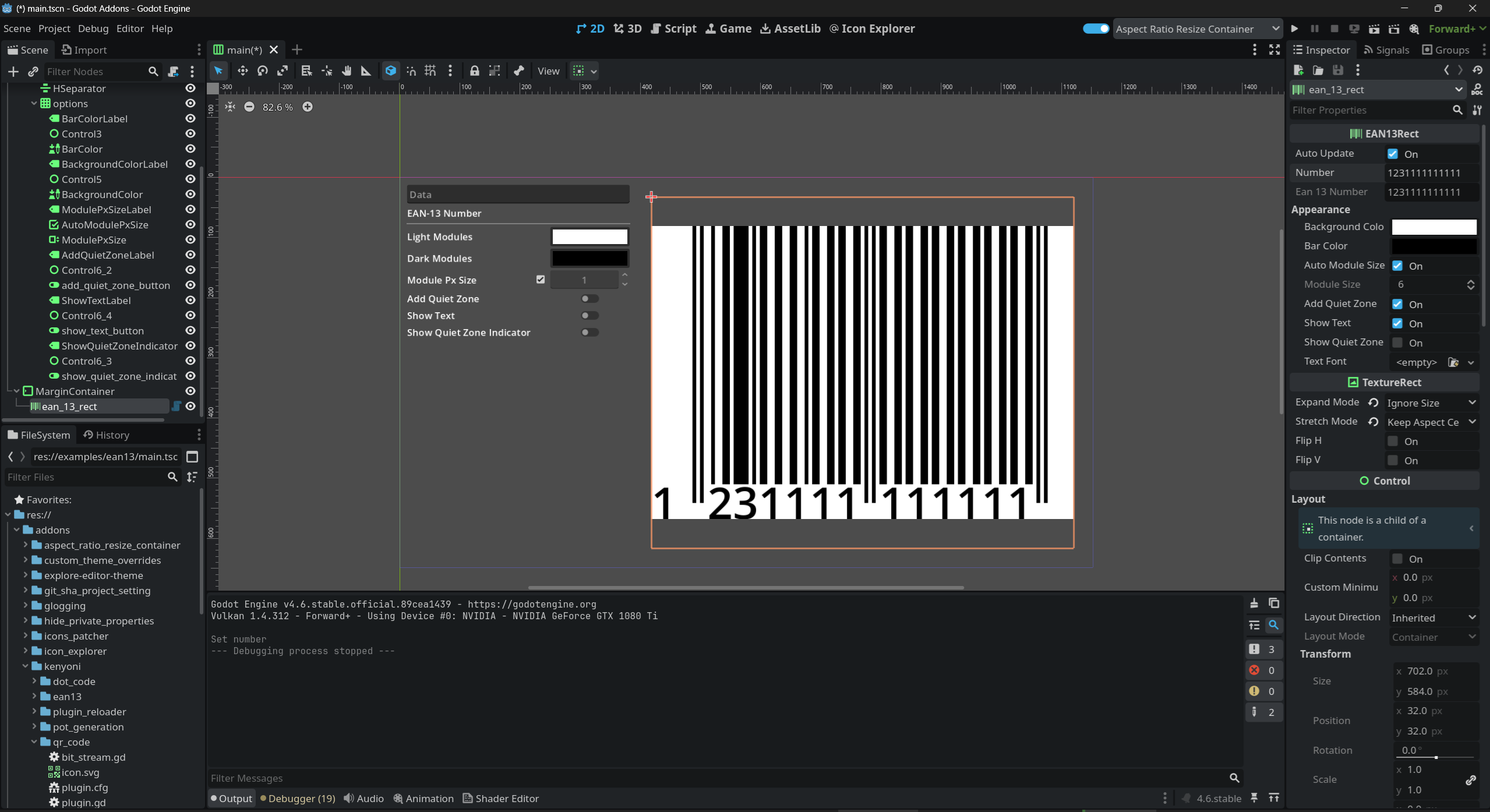
EAN-13 Barcode
Generate and display EAN-13 barcodes. Includes a ready-to-use UI node and low-level utility classes for encoding, validation, and rendering.
Features
EAN13Rectdrop-in UI node that renders EAN-13 barcodes automatically- Accepts 12- or 13-digit numbers with automatic checksum calculation
EAN13utility class for checksum, encoding, and validation- Customizable bar color, background color, and module size
- Optional quiet zones with visual indicators
- Optional human-readable text rendering below the barcode
- Optimized for editor and runtime use
Usage
Using EAN13Rect (UI Node)
- Add an
EAN13Rectnode to your scene. - Set the
numberproperty to your EAN-13 value.
$EAN13Rect.number = "590123412345"
If 12 digits are provided, the checksum digit is calculated automatically.
The barcode texture updates automatically when properties change.
Using EAN13 (Code-based)
For validation or manual encoding:
var ean: String = EAN13.ean13("590123412345")
var is_valid: bool = EAN13.validate(ean)
To access the raw encoded data (95 modules):
var encoded = EAN13.encode(ean)
Rendering to an Image
For custom rendering pipelines, use Ean13Renderer:
var renderer = Ean13Renderer.new()
var image: Image = renderer.generate_image_no_text(ean, encoded)
Documentation & Examples
Full API documentation and usage examples are available here:
https://kenyoni-software.github.io/godot-addons/addons/ean13/
Changelog for version 1.0.0
2026-02-09 18:15:24
No changelog provided for this version.