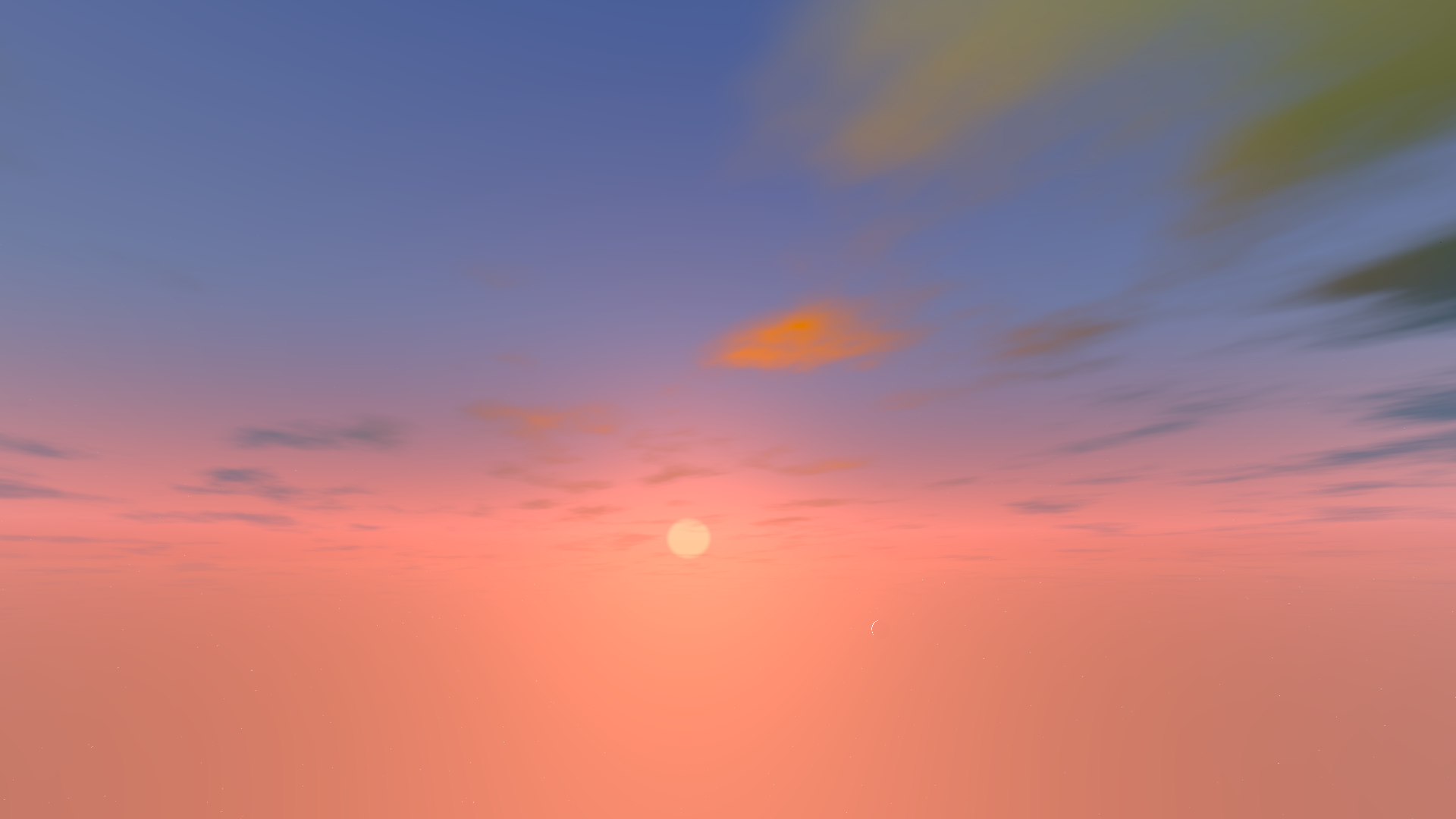
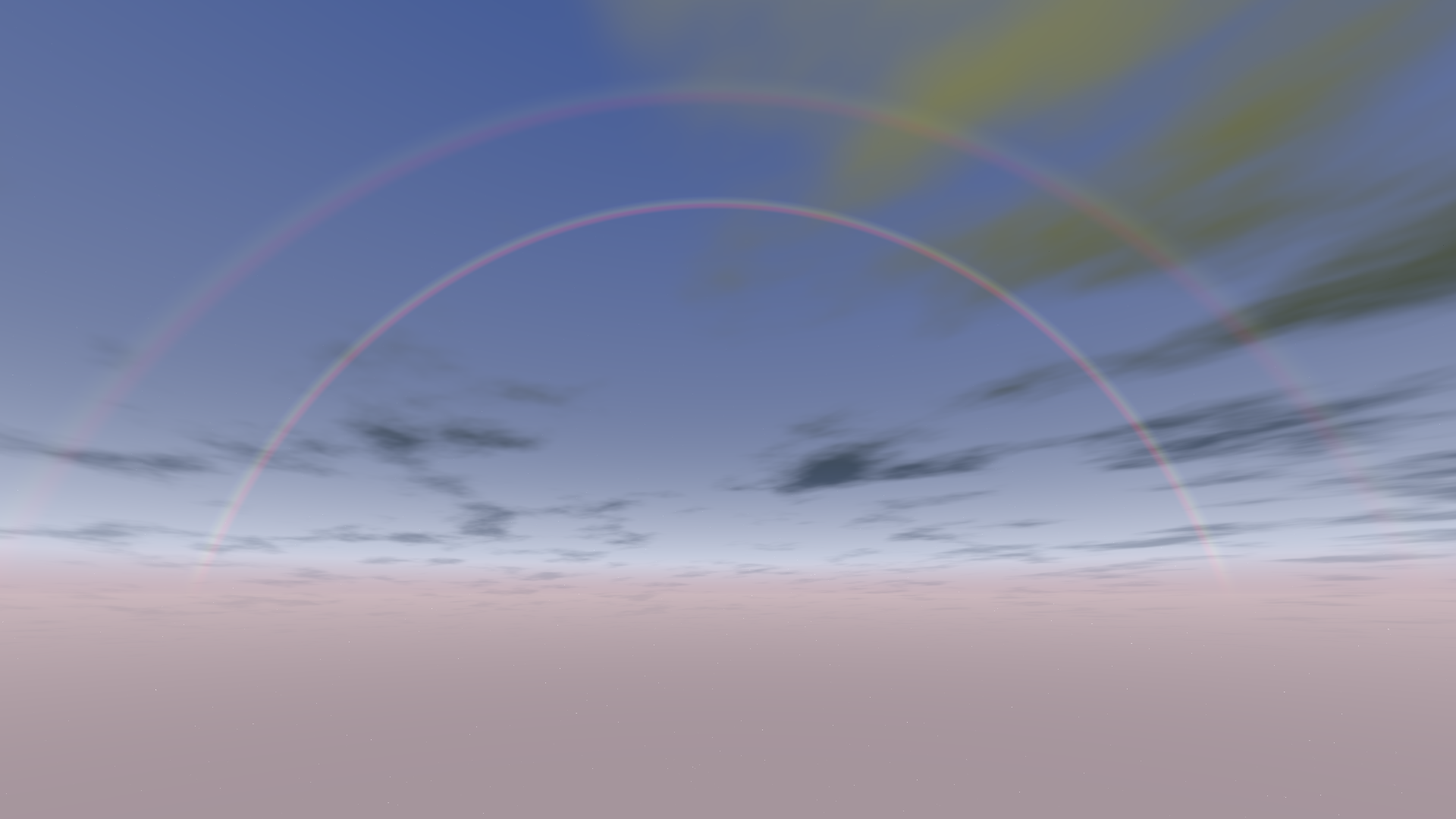
Godot Skydome draws a procedural sky and keeps the scene's light, ambient and fog in step with it, from a sunrise through the day and the sunset to a starry night.
Features
- Time of day, day of year and latitude, with smooth transitions
- Sun and moon discs, stars
- Clouds, with their cover greying the sky, the light and the fog as it thickens
- Rainbow
- Atmospheric scattering with tunable day, sunset and night colours
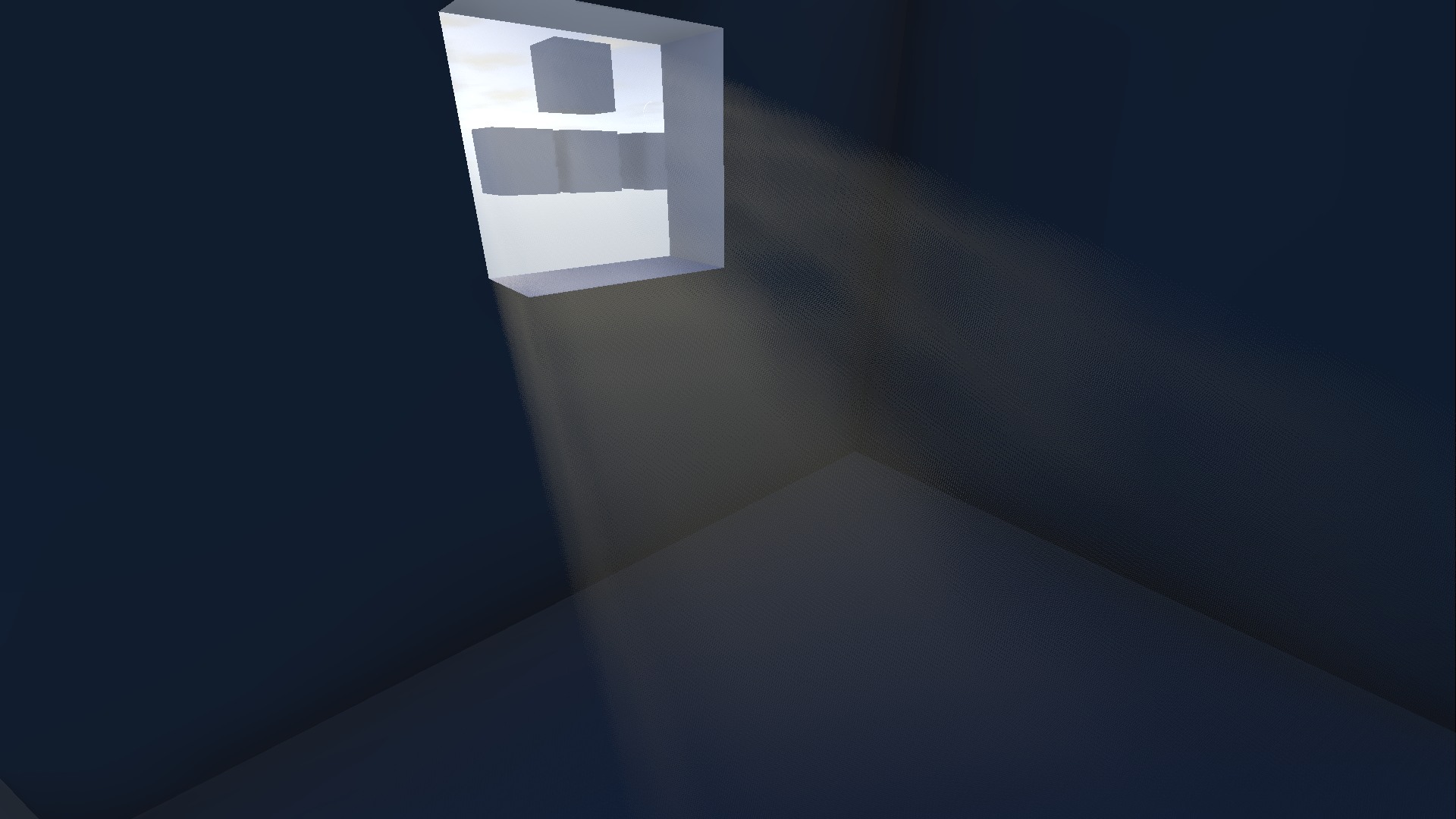
- Screen-space light shafts for the sun and the moon (a compositor effect)
- Environment control: the DirectionalLight3D, the ambient light, the fog and the volumetric fog
Artistic appearance over physical correctness, and as low a GPU cost as possible.
Usage
- Enable the plugin - it adds the
SkydomeServerautoload - Add a
Skydomenode to your 3D scene, beside aDirectionalLight3Dand aWorldEnvironmentwith anEnvironment - Set the Skydome's paths to the light and the WorldEnvironment
- Tune the sky in the inspector: time and date, day, sunset and night colours, clouds, fog
For games and weather systems
SkydomeServer draws each sky by its RID, as RenderingServer does for lights. A game or its weather sets parameters past the node (SkydomeServer.skydome_set_param() or Skydome.set_sky_param()), so they are drawn, in the editor too, and never saved with the scene.
Clouds of your own can replace the built-in ones: a SkydomeClouds resource set as Skydome.clouds_renderer brings its own sky shader, uniforms and compositor effects.
Sources and licensing
- Sources: https://github.com/GamesNotDeveloped/godot-skydome
- License: MPL-2.0
Requirements
Godot 4.6 or newer, Forward+ renderer.
Changelog for version 0.5.0
2026-10-31 14:51:25
No changelog provided for this version.